
Cuenta Contacto
Tu carrito
Envío con DPD y FedEx
¿Dudas? Pregunte a la IA

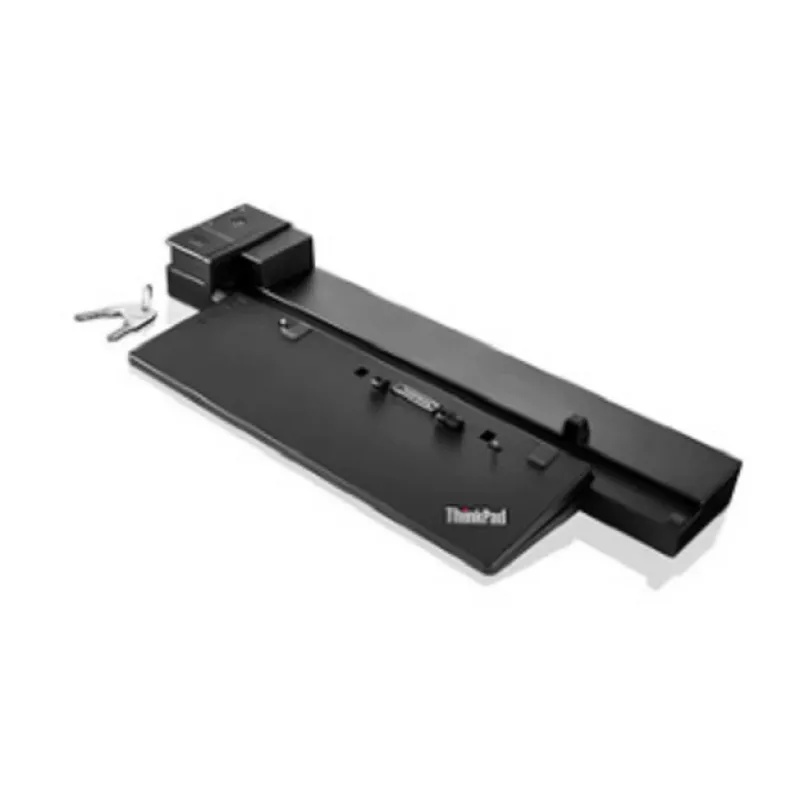
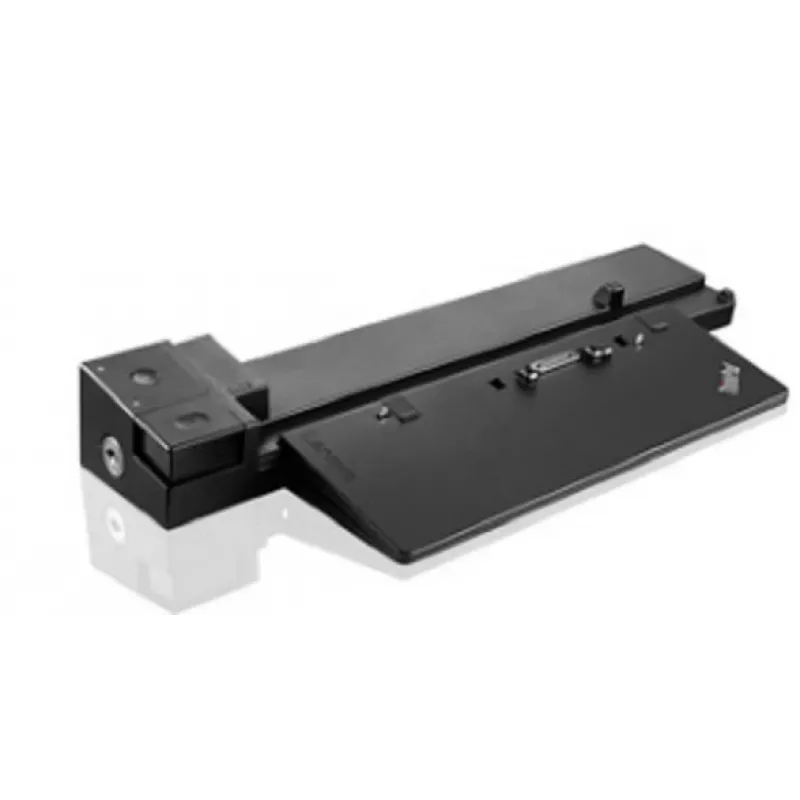
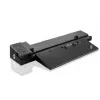
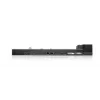
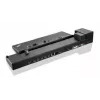
Base de acoplamiento Lenovo 40A50230UK Negra Ethernet LAN 1000 Mbit/s

Base de acoplamiento Lenovo 40A50230UK Negra Ethernet LAN 1000 Mbit/s
300,12 €
The completely redesigned and supercharged ThinkPad Workstation Dock with included ThinkPad 230W AC adapter enhances your work capability with multiple connectivity options. As the ultimate multi-port docking solution, the ThinkPad Workstation Dock includes a range of video outputs, including HDMI 1... Leer más
Stock AgotadoSin stock Código 2528428 Marca LENOVO Modelo 40A50230SA Garantía 2 años

Envíos y devoluciones

The completely redesigned and supercharged ThinkPad Workstation Dock with included ThinkPad 230W AC adapter enhances your work capability with multiple connectivity options. As the ultimate multi-port docking solution, the ThinkPad Workstation Dock includes a range of video outputs, including HDMI 1.4, and DP 1.2 to support multiple external monitors delivering outstanding driver free video quality.


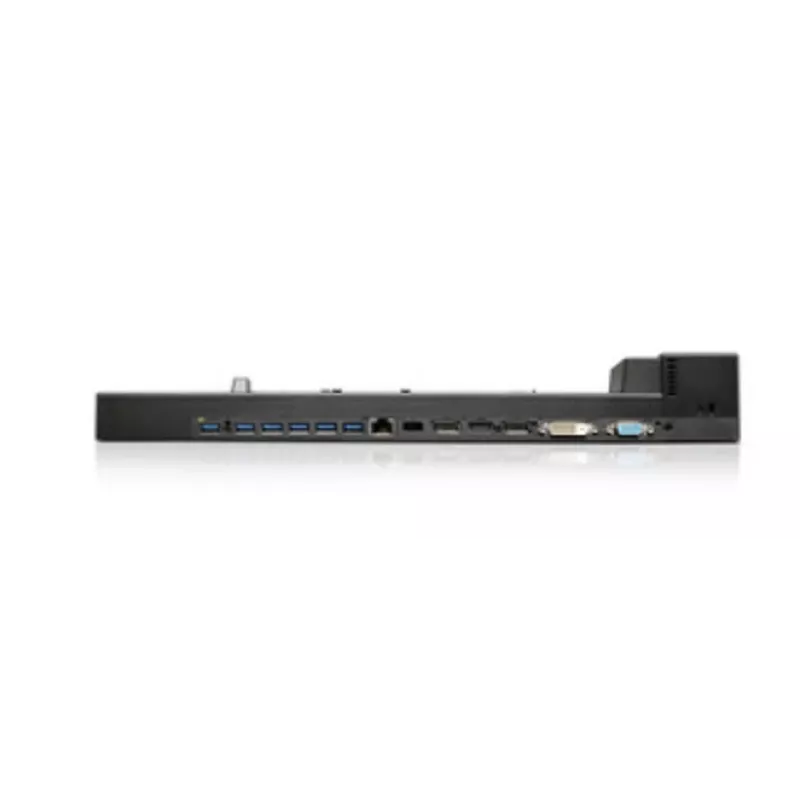
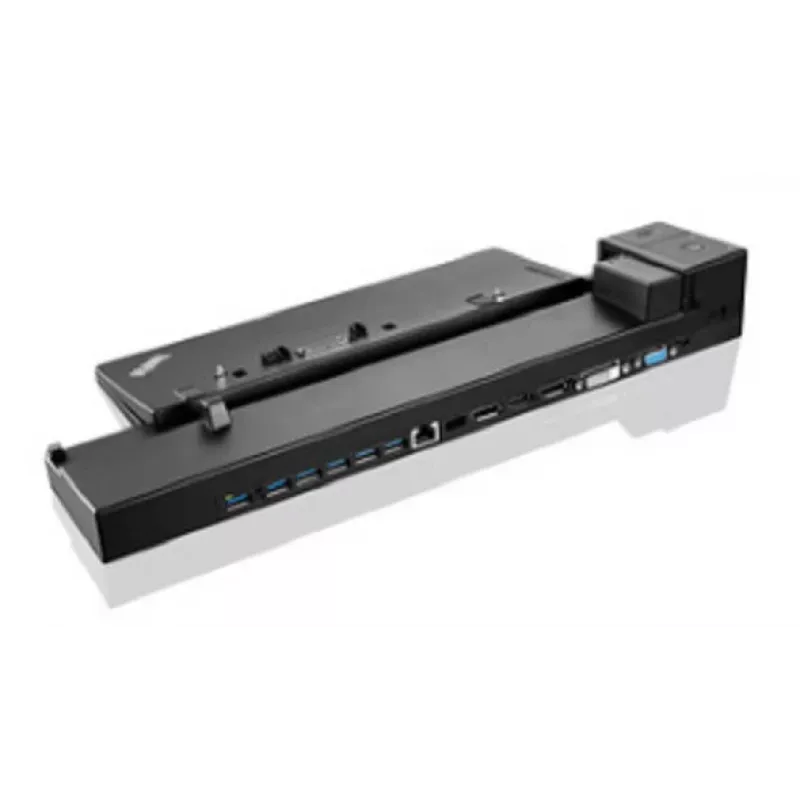
With an enlarged support base, the Workstation Dock can accommodate both P50 and P70 mobile workstation notebooks. It comes with 6x USB 3.0 ports, one of which supports always-on USB charging to charge your tablet or mobile device without even needing to connect your ThinkPad notebook. The other USB 3.0 ports are ideal for connecting memory sticks, external storage devices and other productivity accessories as needed. Additional ports on the ThinkPad Workstation dock include a 10/1000 Gigabit Ethernet connection, 2x display 1.2 ports, 1x DVI-D port, 1x HDMI 1.4 port, 1x stereo/mic combo audio port and 1x VGA port. The dock comes with a 230W AC adapter to power and charge your mobile workstation notebook.

Features and Benefits:

• 6 x USB 3.0, one supports always-on USB charging

• 10/1000 Gigabit Ethernet, supports enterprise manageability

• 2 x DisplayPort 1.2*

• 1 x DVI-D*

• 1 x HDMI 1.4*

• 1 x VGA*

• 1 x Stereo/Mic Combo Audio Port

• Driver-free, perfect video quality

• Security Lock conveniently secures both your notebook and your dock to your desk with a single key

• Physical rear alignment for a perfect dock every time

• Smaller desktop footprint vs Series 3 docking stations

• Comes with ThinkPad AC adapter (230W)


Note:

*Workstation dock is capable of supporting up to 4k2k(3840x2160)@60Hz via either 1 of 2 DP ports, or supporting dual 4k2k@30Hz via 2 DP ports. The actual video output on the dock is based on system video performance, as the video signal is passing through from the system to the Workstation dock.
Some of the video ports have exclusive use and are also dependent on the docked ThinkPad configuration.

For detailed information, please visit Display and Video Output Configurations

How to use

Place the dock on a stable surface and align your compatible ThinkPad mobile workstation with the rear alignment guides, then connect the notebook to the dock until it seats securely. Attach the included 230W AC adapter to the dock and plug it into mains power to provide power and charging to the notebook. Connect displays to the available DisplayPort, HDMI, DVI-D or VGA ports and connect peripherals to the USB 3.0 ports. Use the Ethernet port for wired network access and the audio combo port for headsets or speakers.

Recommendations

Display configurations depend on the host system’s video capabilities. The dock can support up to 3840x2160@60Hz via a single DisplayPort 1.2, or dual 4K@30Hz using two DisplayPort ports. Some ports may be mutually exclusive depending on the docked ThinkPad model; verify your system’s display output configuration for optimal multi-monitor setups.

Aspectos destacados
  • ThinkPad P50 and P70 mobile workstations
  • Users who need multiple external monitors and robust video output options
  • Office environments requiring Gigabit Ethernet and peripheral expansion
  • Users who want a compact, secure docking solution with always-on USB charging
  • Model: 40A50230UK (MPN 40A50230SA, EAN 5715063024546)
  • Included power: ThinkPad 230W AC adapter
  • USB: 6 x USB 3.0 (1 x always-on charging)
  • Network: 10/100/1000 Mbit/s Gigabit Ethernet
  • Video outputs: 2 x DisplayPort 1.2, 1 x HDMI 1.4, 1 x DVI-D, 1 x VGA
  • Audio: 1 x stereo/mic combo port
  • Dimensions (W x D x H): 402.2 x 165.4 x 55.6 mm (manufacturer data)
Especificaciones
Adaptador de corriente incluido
Yes
Altura
55.6 mm
Ancho
402.2 mm
Certificación
AS / NZS S-DOC, VCCI, BSMI, KCC, NOM, GOST, CB, CE, UkrSEPRO, EC-DoC, UL, FCC
Color del producto
Black
Compatibilidad
ThinkPad
Entrada de micrófono
No
Ethernet LAN
Yes
Humedad relativa de funcionamiento (H-H)
0 - 95%
Lector de tarjetas integrado
No
Número de puertos DVI-D
1
Número de puertos HDMI
1
Número de puertos USB 2.0
0
Número de puertos USB 3.2 Gen 1 (3.1 Gen 1) tipo A
6
Número de puertos VGA (D-Sub)
1
Peso
980 g
Profundidad
165.4 mm
Puerto combinado de auriculares/micrófono
Yes
Puertos Ethernet LAN (RJ-45)
1
Ranura para cable de seguridad
Yes
Salidas de auriculares
0
Tecnología de conectividad
Docking
Temperatura de funcionamiento (T-T)
0 - 43 °C
Velocidades de datos de Ethernet LAN
10,100,1000 Mbit/s
Versión de HDMI
1.4

Folleto

Abrir documento
El historial de precios aún no está disponible
Todavía estamos recopilando suficientes datos de precios diarios de este producto.

Productos populares en esta categoría

Vendedor: UAB KUR LT · Laisvės pr. 125A, LT-06118 Vilna, Lituania · Código de empresa 303192950 · NIF-IVA UE LT100008198612 · Envío desde la UE (Lituania)
Hola, soy el asistente de IA de DistriNode. Puedo ayudarte a encontrar productos, comparar opciones, crear presupuestos en PDF o abrir solicitudes de soporte.