
Cuenta Contacto
Tu carrito
Envío con DPD y FedEx
¿Dudas? Pregunte a la IA

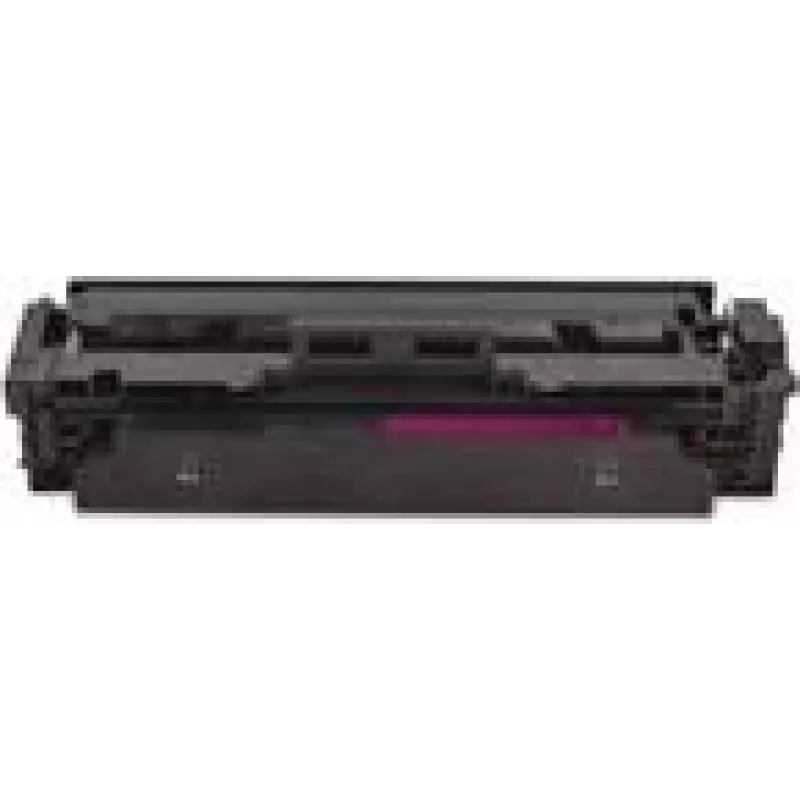
Cartucho de tóner MediaRange para HP W2032A/415A, Magenta, aprox. 2.100 páginas

Cartucho de tóner MediaRange para HP W2032A/415A, Magenta, aprox. 2.100 páginas
84,92 €
MediaRange magenta toner cartridge compatible with HP W2032A/415A is designed to replace original consumables for colour laser printers that accept the W2032A/415A series. The cartridge delivers an estimated yield of approximately 2,100 pages and produces consistent magenta tones for text, charts an... Leer más
Stock AgotadoSin stock Código 2177117 Marca MEDIARANGE Modelo MRHPT2033M Garantía 2 años

Envíos y devoluciones

MediaRange magenta toner cartridge compatible with HP W2032A/415A is designed to replace original consumables for colour laser printers that accept the W2032A/415A series. The cartridge delivers an estimated yield of approximately 2,100 pages and produces consistent magenta tones for text, charts and colour graphics. It is intended as a cost-effective replacement for everyday office and home printing where predictable page yield and straightforward installation are required.

Advantages

The cartridge provides an approximate page yield of 2,100 pages and is manufactured to fit printers that use the W2032A/415A consumable. It offers consistent magenta colour reproduction across multiple print jobs and is easy to install, enabling quick replacement with minimal downtime. The cartridge is suitable for printing colour documents, reports and marketing materials where stable colour output and reliable performance are desirable.

Suitable for

  • Small offices printing colour documents and reports
  • Home users needing regular colour printing
  • Printing charts, diagrams and marketing materials with magenta elements
  • Environments that require straightforward cartridge replacement

Key specifications

  • Colour: Magenta
  • Estimated page yield: approx. 2,100 pages (at standard coverage)
  • Compatibility: printers using W2032A/415A series consumables
  • Type: Compatible (third-party) toner cartridge

How to use

Turn off the printer and open the toner access panel according to your printer manual. Remove the empty cartridge by following the printer manufacturer’s removal instructions, then unbox the MediaRange magenta cartridge and remove any protective seals or packaging. Insert the cartridge into the matching slot until it clicks into place, close the access panel and power the printer on. Allow the printer to initialise and run a test print to verify correct installation and colour output.

Recommendations

Store the cartridge in a cool, dry place away from direct sunlight and strong magnetic fields. For consistent print quality, use the cartridge within the recommended period after opening and perform printer colour alignment or calibration if colours appear shifted. Replace the cartridge when print density decreases or print defects appear.

Aspectos destacados
  • Small offices printing colour documents and reports
  • Home users needing regular colour printing
  • Printing charts, diagrams and marketing materials with magenta elements
  • Environments that require straightforward cartridge replacement
  • Colour: Magenta
  • Estimated page yield: approx. 2,100 pages (at standard coverage)
  • Compatibility: printers using W2032A/415A series consumables
  • Type: Compatible (third-party) toner cartridge
Especificaciones
Colores de impresión
Magenta
Historial de precios de los últimos 6 meses
Cartucho de tóner MediaRange para HP W2032A/415A, Magenta, aprox. 2.100 páginas
Actual
84,92 €
Mínimo
83,82 €
Máximo
88,32 €
Variación 24 h
+0,82 €   +1%
Semana
+0,34 €   +0%
Mes
—   

Productos populares en esta categoría

Vendedor: UAB KUR LT · Laisvės pr. 125A, LT-06118 Vilna, Lituania · Código de empresa 303192950 · NIF-IVA UE LT100008198612 · Envío desde la UE (Lituania)
Hola, soy el asistente de IA de DistriNode. Puedo ayudarte a encontrar productos, comparar opciones, crear presupuestos en PDF o abrir solicitudes de soporte.