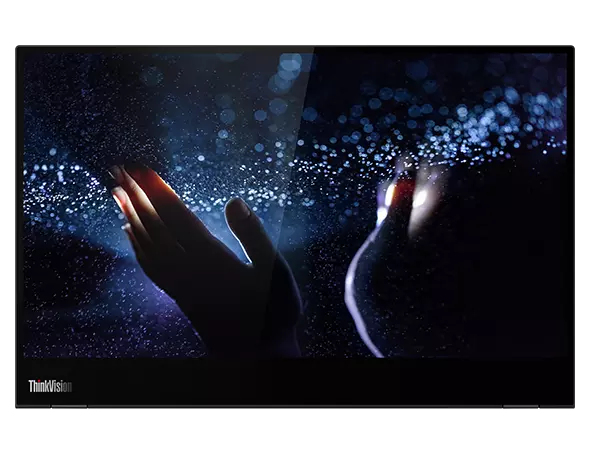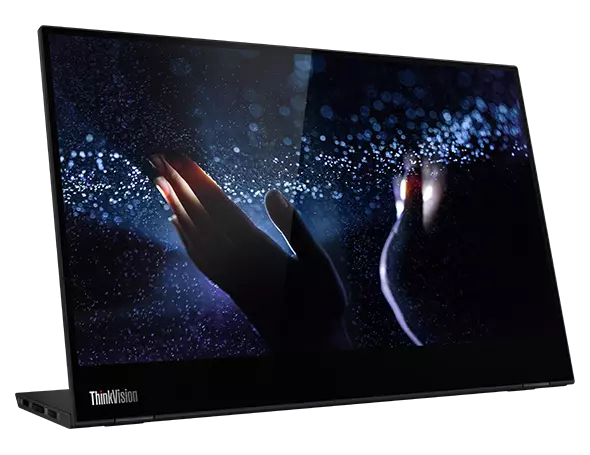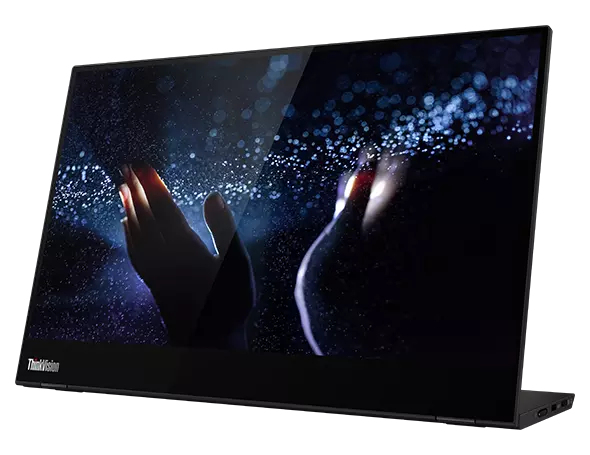
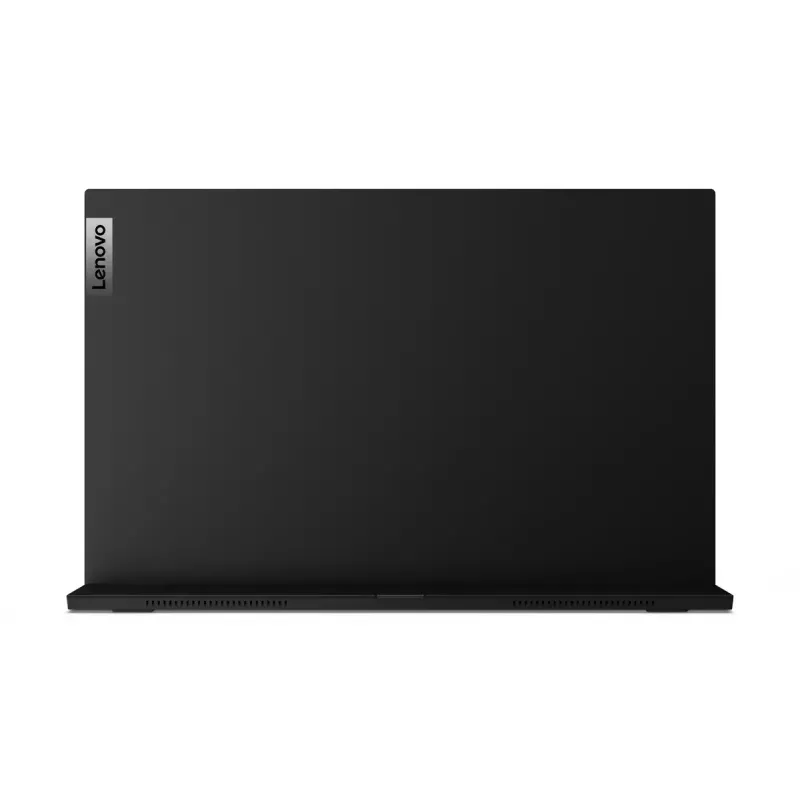
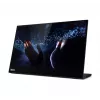
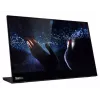
Monitor Lenovo ThinkVision M14t 35,6 cm (14") 1920 x 1080 píxeles Full HD LED táctil negro
Avísame cuando este artículo vuelva a estar disponible
Este producto no está disponible actualmente. Puedes suscribirte para recibir un aviso cuando vuelva a estar en stock.
420,95 €
Lenovo ThinkVision M14t, 35.6 cm (14"), 1920 x 1080 pixels, Full HD, LED, 8 ms, Black
SEE MORE EVERYWHERE YOU GO
Built for mobile professionals, the M14t’s 14" Full-HD IPS panel display with super-narrow bezels ensures crisp and accurate visuals with impressive viewing angle... Leer más
Lenovo ThinkVision M14t, 35.6 cm (14"), 1920 x 1080 pixels, Full HD, LED, 8 ms, Black
SEE MORE EVERYWHERE YOU GO
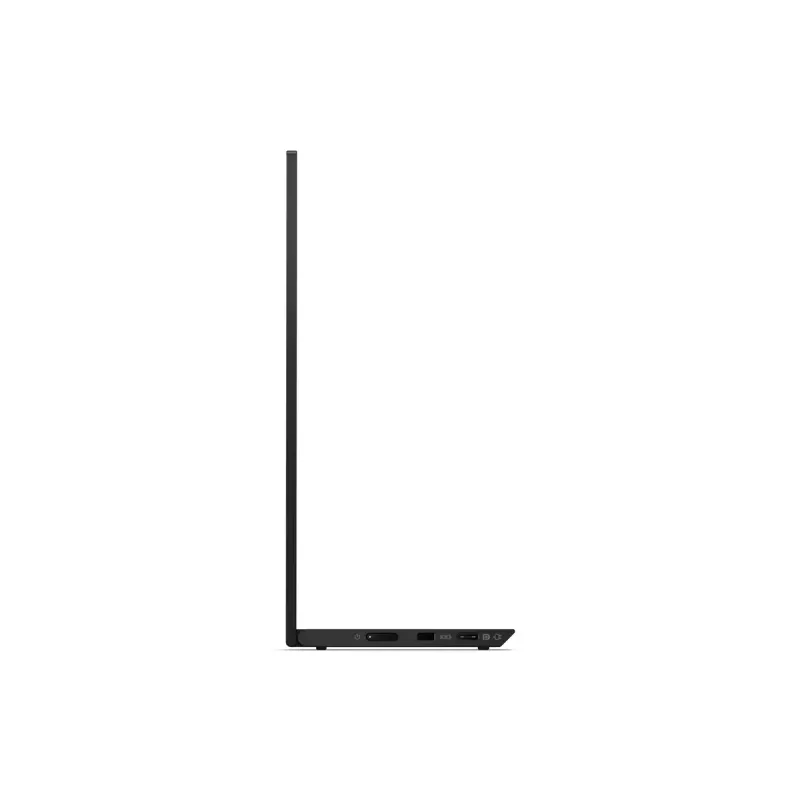
Built for mobile professionals, the M14t’s 14" Full-HD IPS panel display with super-narrow bezels ensures crisp and accurate visuals with impressive viewing angles, making it ideal for presentations. This sleek ultra-portable monitor with tilt function (-5° / 90°) and a height-adjustable stand (up to 11 mm) allows users to work in a flexible and comfortable viewing position in any work environment. Get a clear view of the display, whether you are outdoors or in an office, with 300 nits brightness capability. Moreover, the TÜV Rheinland Low Blue Light technology lets you work with minimal eyestrain.
DELIVER AS ONLY YOU CAN
Drag, draw, annotate, and collaborate, no matter where you are. The ThinkVision M14t is 10-point touch-enabled for an intuitive interactive experience even on the go, allowing you to create with a personal touch. It comes along with an active digital pen that supports 4096 levels of pressure, so you can draw and sketch with unmatched precision. Switch your view in no time with auto-rotation sensors that don’t require software or driver installation. Additionally, an intuitive on-screen-display (OSD) menu enables easy access to brightness, contrast, and rotation settings.
CONNECT BETTER, WORK EASIER
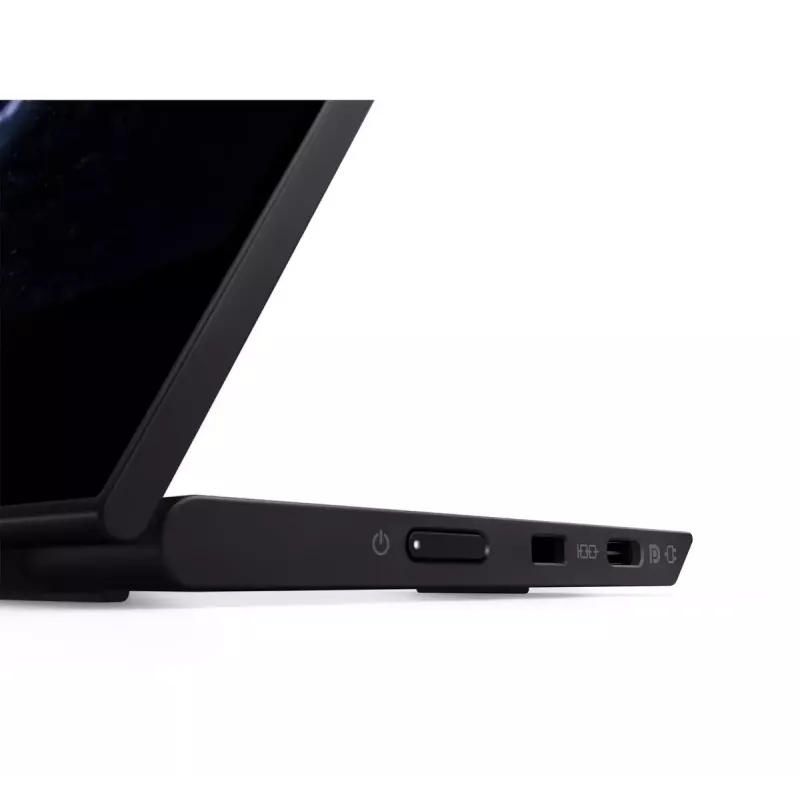
Built with an innovative dual USB-C design, the M14t can duplicate or extend your screen—be it your smartphone or laptop—so you’re always productive. With data, power, and media capabilities of USB-C, you can create a presentation, transfer data to a hard drive, and enjoy the unique power pass-through function. With dual USB-C port, the power pass-through function supplies power to the M14t and the compatible USB-C device connected to the monitor simultaneously via one AC/DC adapter. Enjoy the option of a vertical display setup and better cable management for a clean, easy desktop setup with the L-shaped dongle.
How to use
Place and secure the Lenovo M14t on a desk or attach it to a compatible VESA mount. Connect the monitor to a host device using the provided USB-C or compatible cable(s) to enable display and USB hub functions. If using touch input, ensure the host operating system supports touch drivers and configure touch settings within system control panels or display drivers. Adjust the height to a comfortable viewing position and position the screen to minimize glare and reflections.
Recommendations
For optimal performance, use the monitor with a device that supports USB-C display connectivity and power delivery where possible. Calibrate color settings in graphics applications if accurate color reproduction is required. Keep the screen clean with a soft, lint-free cloth and avoid abrasive cleaners. When mounting, follow VESA mounting instructions and ensure the mount supports the monitor's dimensions and weight.
Aspectos destacados
Mobile professionals who need a secondary portable touchscreen display
Graphic note-taking, digital sketching and pen-enabled interactions (when supported by system)
Office productivity tasks requiring an additional screen for documents and spreadsheets
Hybrid workstations where space-saving, adjustable monitors are preferred
Vendedor: UAB KUR LT · Laisvės pr. 125A, LT-06118 Vilna, Lituania · Código de empresa 303192950 · NIF-IVA UE LT100008198612 · Envío desde la UE (Lituania)
Preferencias de privacidad
Usamos cookies para mejorar tu experiencia de compra.
Hola, soy el asistente de IA de DistriNode. Puedo ayudarte a encontrar productos, comparar opciones, crear presupuestos en PDF o abrir solicitudes de soporte.
Chat de DistriNodeProductos, precios, presupuestos y soporte
El historial del chat se conserva durante 72 horas.
Hola, soy el asistente de DistriNode. ¿En qué puedo ayudarte?