
Cuenta Contacto
Tu carrito
Envío con DPD y FedEx
¿Dudas? Pregunte a la IA

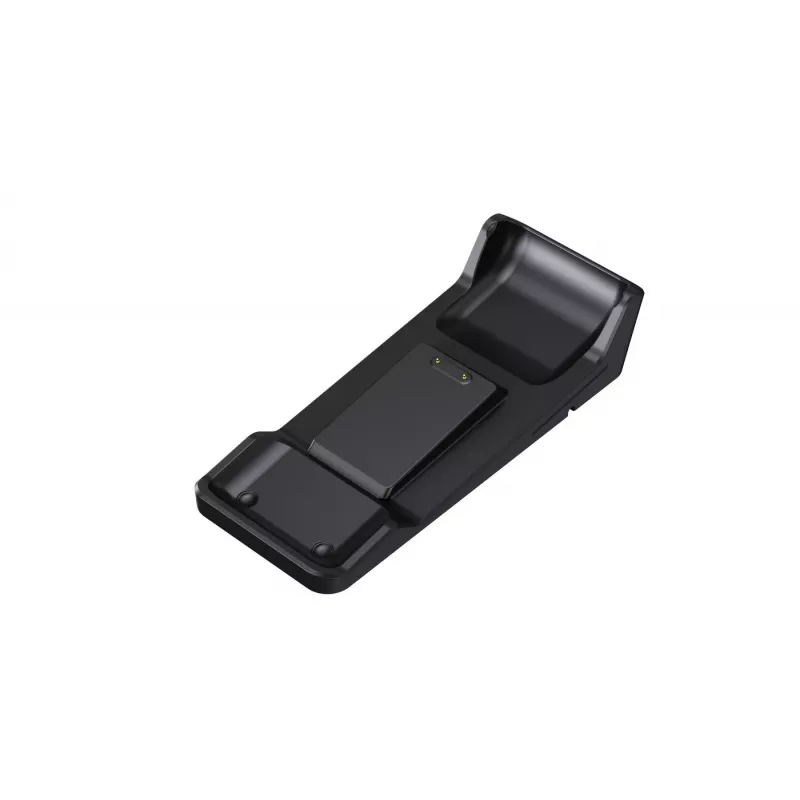
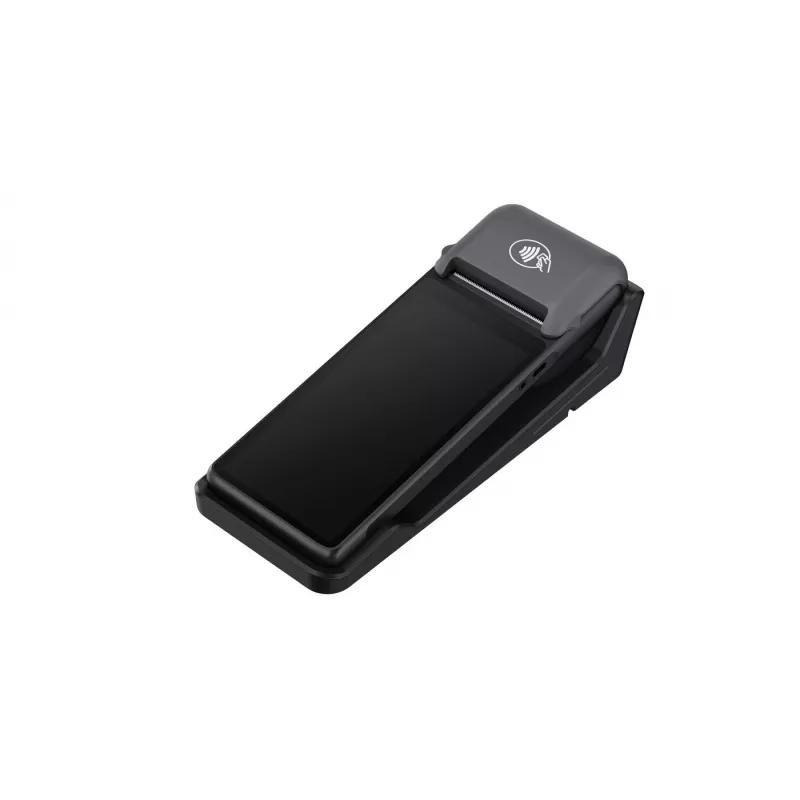
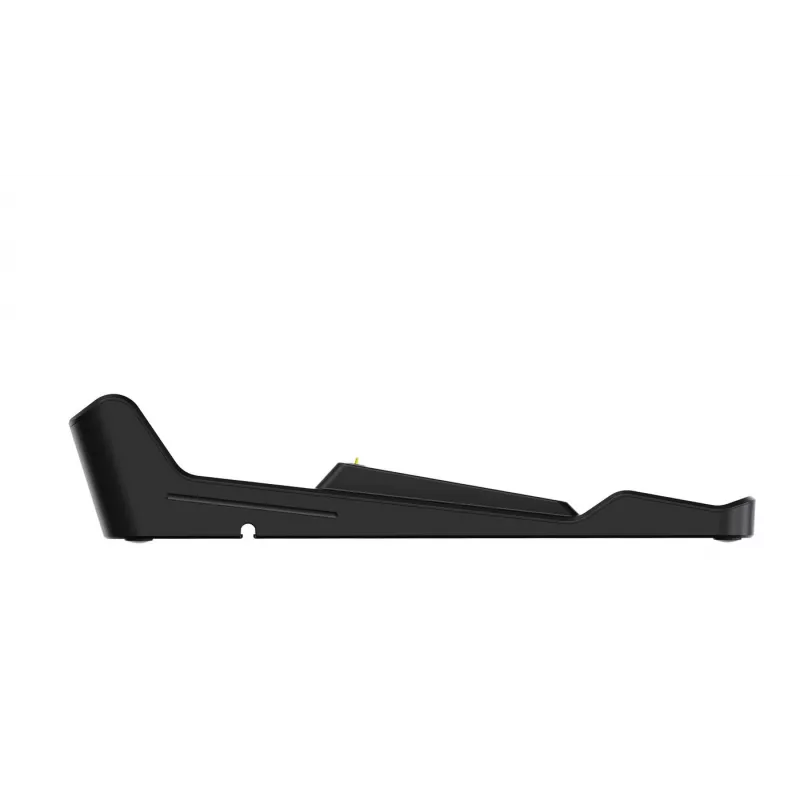
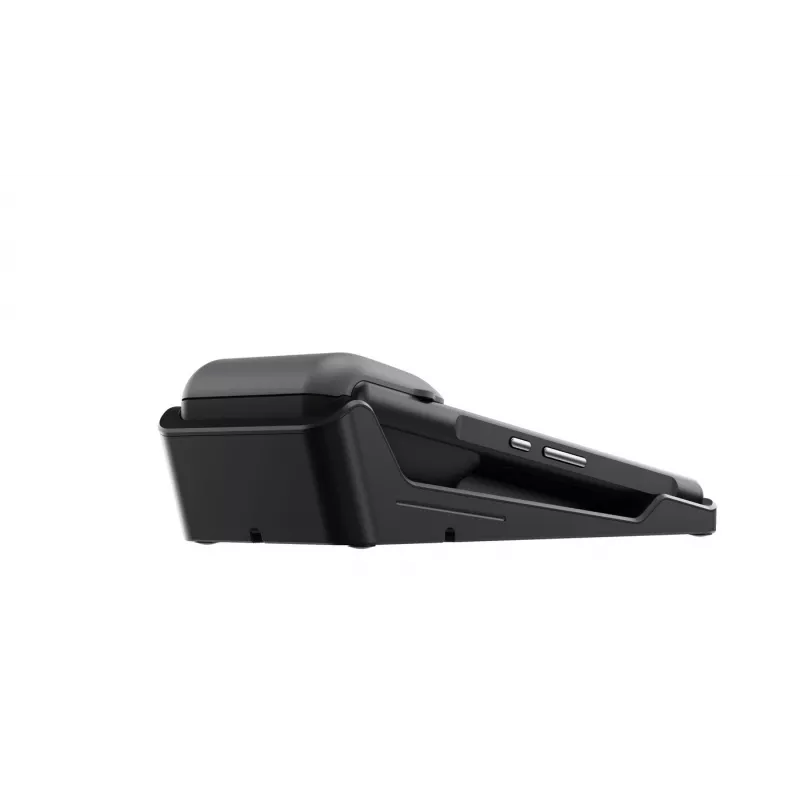
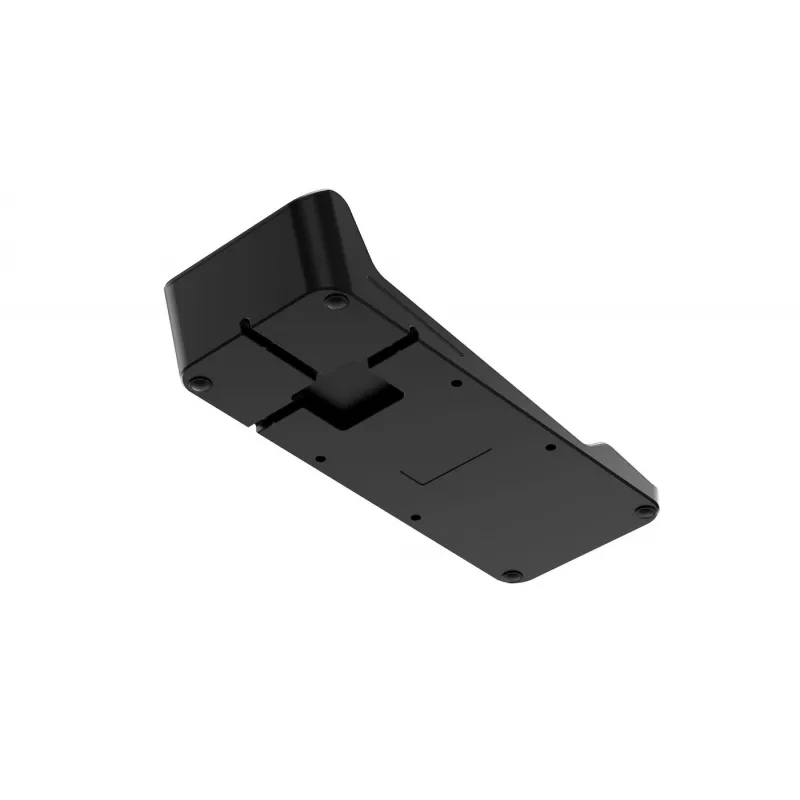
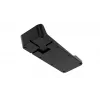
Base de acoplamiento Capture CA-MPOS-DOCK para Scorpion con conexión USB y Ethernet

Base de acoplamiento Capture CA-MPOS-DOCK para Scorpion con conexión USB y Ethernet
23,95 €
Docking Station Capture CA-MPOS-DOCK for Scorpion with USB and Ethernet connectivity is a desktop accessory designed to provide a stable physical docking point for Scorpion devices. It combines USB and Ethernet interfaces to enable charging, wired data transfer and reliable network connection in ret... Leer más
Stock 102 Código 1209129 Marca CAPTURE Modelo CA-MPOS-DOCK Garantía 2 años

Envíos y devoluciones

Entrega estimada Miércoles, Octubre 21
Te mantendremos informado a través de nuestro sistema de seguimiento detallado
Opciones de pago
Tarjeta bancariaVisaMastercardPayPalApple PayGoogle PayTransferencia bancaria

Docking Station Capture CA-MPOS-DOCK for Scorpion with USB and Ethernet connectivity is a desktop accessory designed to provide a stable physical docking point for Scorpion devices. It combines USB and Ethernet interfaces to enable charging, wired data transfer and reliable network connection in retail and point-of-sale environments, simplifying device placement and handling while reducing cable clutter compared with direct device connections.

Advantages

The docking station delivers a consistent power connection for charging while supporting wired data communication over USB and Ethernet. It minimizes handling time by providing a fixed location for the Scorpion device, reduces the risk of intermittent wireless dropouts by enabling a wired network link, and improves desk organization by consolidating cables. Its form factor supports frequent docking and undocking cycles common in retail and service counters.

Suitable for

  • Retail point-of-sale terminals where Scorpion devices require charging and network access
  • Customer service desks needing a reliable wired connection for fast data transfer
  • Environments where stationary desktop placement simplifies device handling and reduces wear
  • Back-office stations that benefit from stable Ethernet connectivity for system integration

Key specifications

  • Interfaces: USB and Ethernet for power and data
  • Functionality: device charging, wired data transfer and network connection
  • Physical design: desktop docking cradle sized for Scorpion device placement
  • Connectivity: supports stable wired LAN connection to reduce wireless dependency
  • Use model: intended for frequent docking/undocking in commercial environments

How to use

Place the Docking Station on a stable surface near the point-of-sale terminal and connect the provided USB cable to a host or power source and the Ethernet cable to the local network. Align the Scorpion device with the cradle and seat it until it makes contact for charging and data connection. Ensure cables are routed to avoid tension on connectors and verify network link indicators if present. To remove the device, lift it straight up from the dock to avoid stressing connectors.

Recommendations

Use the docking station in a clean, dry indoor environment and connect it to a properly configured network switch or router. Regularly check cable integrity and maintain connectors free of debris. For environments with high docking frequency, inspect the dock contacts periodically for wear and ensure firmware or driver updates for the host system are applied as required.

Aspectos destacados
  • Retail point-of-sale terminals where Scorpion devices require charging and network access
  • Customer service desks needing a reliable wired connection for fast data transfer
  • Environments where stationary desktop placement simplifies device handling and reduces wear
  • Back-office stations that benefit from stable Ethernet connectivity for system integration
  • Interfaces: USB and Ethernet for power and data
  • Functionality: device charging, wired data transfer and network connection
  • Physical design: desktop docking cradle sized for Scorpion device placement
  • Connectivity: supports stable wired LAN connection to reduce wireless dependency
  • Use model: intended for frequent docking/undocking in commercial environments

Folleto

Abrir documento
Historial de precios de los últimos 6 meses
Base de acoplamiento Capture CA-MPOS-DOCK para Scorpion con conexión USB y Ethernet
Actual
23,95 €
Mínimo
22,82 €
Máximo
49,48 €
Variación 24 h
+0,60 €   +3%
Semana
+0,69 €   +3%
Mes
-2,17 €   -8%

Productos populares en esta categoría

Hola, soy el asistente de IA de DistriNode. Puedo ayudarte a encontrar productos, comparar opciones, crear presupuestos en PDF o abrir solicitudes de soporte.