
Cuenta Contacto
Tu carrito
Envío con DPD y FedEx
¿Dudas? Pregunte a la IA

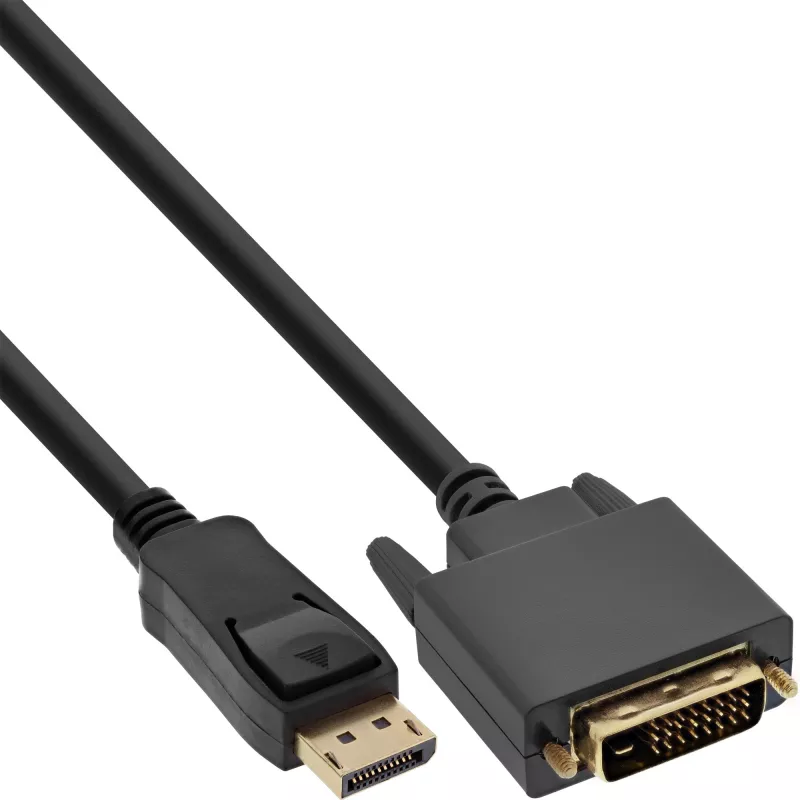
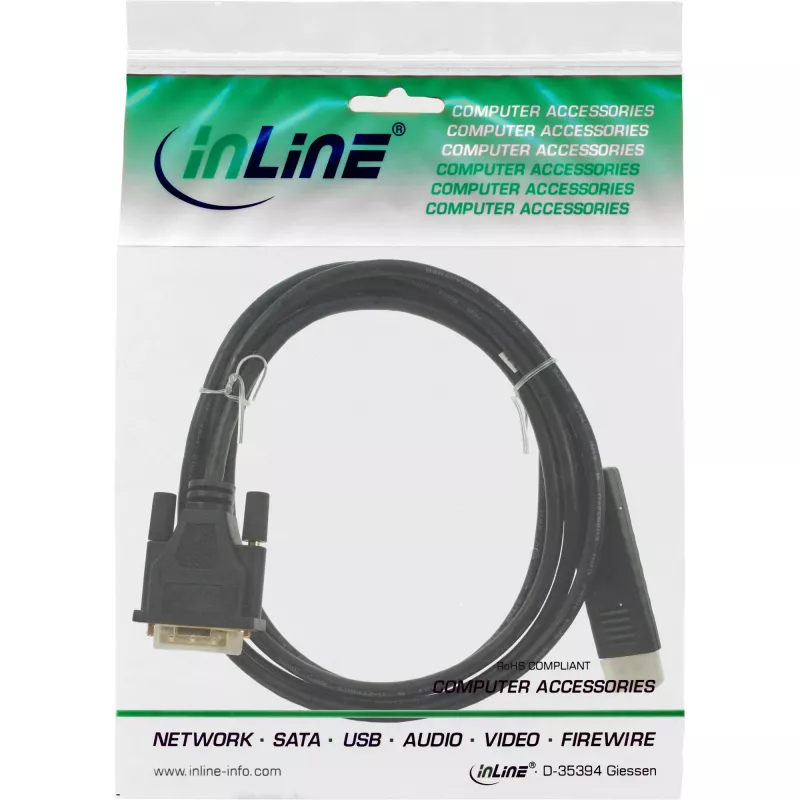
Cable adaptador DisplayPort a DVI InLine 17117 0,3 m negro

Cable adaptador DisplayPort a DVI InLine 17117 0,3 m negro
21,45 €
The InLine DisplayPort to DVI converter cable (0.3 m) connects a DisplayPort-equipped workstation or laptop to a DVI-D monitor or display. The 0.3 m black cable provides a simple passive conversion from DisplayPort to single-link DVI-D, enabling high-quality video output when used with compatible de... Leer más
Stock 172 Código 1428231 Marca INLINE Modelo 17117 Garantía 2 años

Envíos y devoluciones

Entrega estimada Lunes, Octubre 19
Te mantendremos informado a través de nuestro sistema de seguimiento detallado
Opciones de pago
Tarjeta bancariaVisaMastercardPayPalApple PayGoogle PayTransferencia bancaria

The InLine DisplayPort to DVI converter cable (0.3 m) connects a DisplayPort-equipped workstation or laptop to a DVI-D monitor or display. The 0.3 m black cable provides a simple passive conversion from DisplayPort to single-link DVI-D, enabling high-quality video output when used with compatible devices.

Advantages

The compact 0.3 m length reduces cable clutter and is convenient for short-distance connections. The cable’s DVI-D connector ensures a digital-only signal path for video, while the DisplayPort end supports standard DisplayPort output without requiring external power. The black, durable design is suitable for desktop and AV setups.

Suitable for

  • Connecting a DisplayPort-enabled PC or laptop to a DVI-D monitor
  • Short-distance workstation or multimedia setups
  • Replacing or extending a display connection where only DVI input is available

Key specifications

  • Brand: InLine
  • Model / MPN: 17117
  • EAN: 4043718275274
  • Cable length: 0.3 m
  • Connector 1: DisplayPort
  • Connector 2: DVI-D (single-link)
  • Color: Black

How to use

Connect the DisplayPort end to the DisplayPort output on your PC or laptop and plug the DVI-D connector into the DVI input on your monitor or TV. Select the correct input source on the display if necessary. Ensure both devices are powered on; video should be transmitted automatically if the graphics output supports DVI signaling over DisplayPort.

Recommendations

Use this cable for short, direct connections between a DisplayPort source and a DVI-D display. For resolutions or refresh rates beyond single-link DVI capabilities, consider using a native DisplayPort monitor or an active converter that supports higher bandwidths.
Aspectos destacados
  • Connects screens with DVI-D digital input with graphics cards with DisplayPort output
  • DisplayPort male plug to DVI-D 24+1 Male plug
  • Colour: black
  • Max resolution. 1920x1200, 1080p (FullHD) @60Hz support
  • IC chipset: NXP PTN3361
  • PASSIVE
  • 0.3 m
  • DisplayPort Straight Male
  • DVI-D Straight Male
  • 1920 x 1200 pixels
  • Black
Especificaciones
Altura
16 mm
Altura del embalaje
35 mm
Ancho
40 mm
Ancho del embalaje
85 mm
Calibre AWG del cable
28
Color del producto
Black
Conector 1
DisplayPort
Conector 2
DVI-D
Dimensiones (An x Al x P)
40 x 350 x 16 mm
Formato del conector 1
Straight
Formato del conector 2
Straight
Género del conector 1
Male
Género del conector 2
Male
Longitud del cable
0.3 m
Peso
52 g
Peso del embalaje
55 g
Profundidad
350 mm
Profundidad del embalaje
90 mm
Resolución máxima
1920 x 1200 pixels
Resoluciones gráficas compatibles
1920 x 1200 (WUXGA)
Tipo de convertidor
Passive video converter
Volumen del embalaje
600 cm³

Folleto

Abrir documento

Documento

Abrir documento
Historial de precios de los últimos 6 meses
Cable adaptador DisplayPort a DVI InLine 17117 0,3 m negro
Actual
21,45 €
Mínimo
20,01 €
Máximo
22,82 €
Variación 24 h
+0,39 €   +2%
Semana
+0,54 €   +3%
Mes
+0,64 €   +3%

Productos populares en esta categoría

Hola, soy el asistente de IA de DistriNode. Puedo ayudarte a encontrar productos, comparar opciones, crear presupuestos en PDF o abrir solicitudes de soporte.