
Cuenta Contacto
Tu carrito
Envío con DPD y FedEx
¿Dudas? Pregunte a la IA

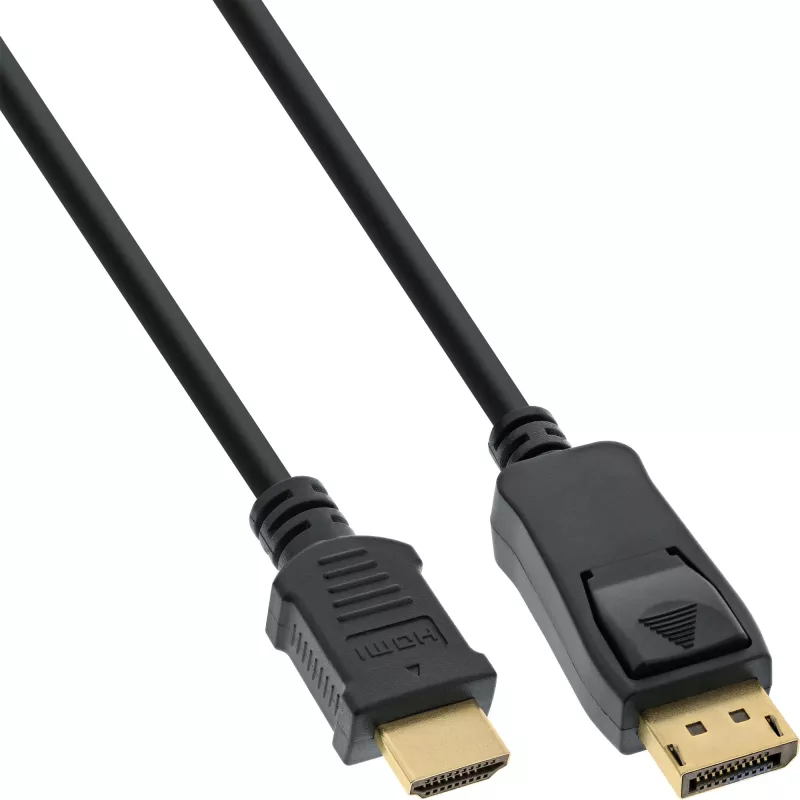
Cable convertidor DisplayPort a HDMI InLine 17182 2 m negro

Cable convertidor DisplayPort a HDMI InLine 17182 2 m negro
20,45 €
The InLine DisplayPort to HDMI converter cable (2 m) provides a direct connection from a computer or notebook DisplayPort output to an HDMI input on a monitor or TV. The cable carries video and audio signals and is designed for straightforward compatibility between DisplayPort-equipped graphics card... Leer más
Stock 10 Código 1449380 Marca INLINE Modelo 17182 Garantía 2 años

Envíos y devoluciones

Entrega estimada Miércoles, Octubre 14
Te mantendremos informado a través de nuestro sistema de seguimiento detallado
Opciones de pago
Tarjeta bancariaVisaMastercardPayPalApple PayGoogle PayTransferencia bancaria

The InLine DisplayPort to HDMI converter cable (2 m) provides a direct connection from a computer or notebook DisplayPort output to an HDMI input on a monitor or TV. The cable carries video and audio signals and is designed for straightforward compatibility between DisplayPort-equipped graphics cards and HDMI displays. Its 2 metre length and black jacket make it suitable for typical desktop and home setups.

Advantages

This DisplayPort to HDMI converter cable supports a single-cable connection without the need for additional adapters or external power. With a DisplayPort connector on one end and an HDMI connector on the other, the cable offers reliable signal transfer for both video and audio while maintaining a simple plug-and-play experience. The 2 m length provides flexible placement of devices.

Suitable for

  • Connecting a PC or laptop DisplayPort output to an HDMI monitor
  • Connecting a computer to an HDTV with HDMI input
  • Extending or duplicating desktop displays for work or presentations

Key specifications

  • Brand: InLine
  • Model / MPN: 17182
  • EAN: 4043718154036
  • Cable length: 2 m
  • Connector 1: DisplayPort
  • Connector 2: HDMI
  • Colour: Black

How to use

Connect the DisplayPort end of the cable to the DisplayPort output on your graphics card or laptop, then connect the HDMI end to the HDMI input on your monitor or TV. Select the appropriate input source on the display and, if necessary, configure the display settings in your operating system to extend or duplicate the screen. No external power is typically required—ensure the source device supports video output over DisplayPort.

Recommendations

For best results, verify that your graphics card supports DisplayPort to HDMI output and that your display’s HDMI input is functional. Use high-quality HDMI ports on the display and avoid running the cable near strong electromagnetic sources to reduce interference.
Aspectos destacados
  • DisplayPort male plug to HDMI male plug
  • With audio support
  • Compatible to the DisplayPort 1.1 specifications
  • Compatible with HDMI supports PC resolutions VGA, SVGA, XGA, SXGA and UXGA and HDTV resolutions 480i, 576i, 480p, 576p, 1080i, 1080p, 4K@30Hz(UHD)
  • Black cable with gold plated contacts
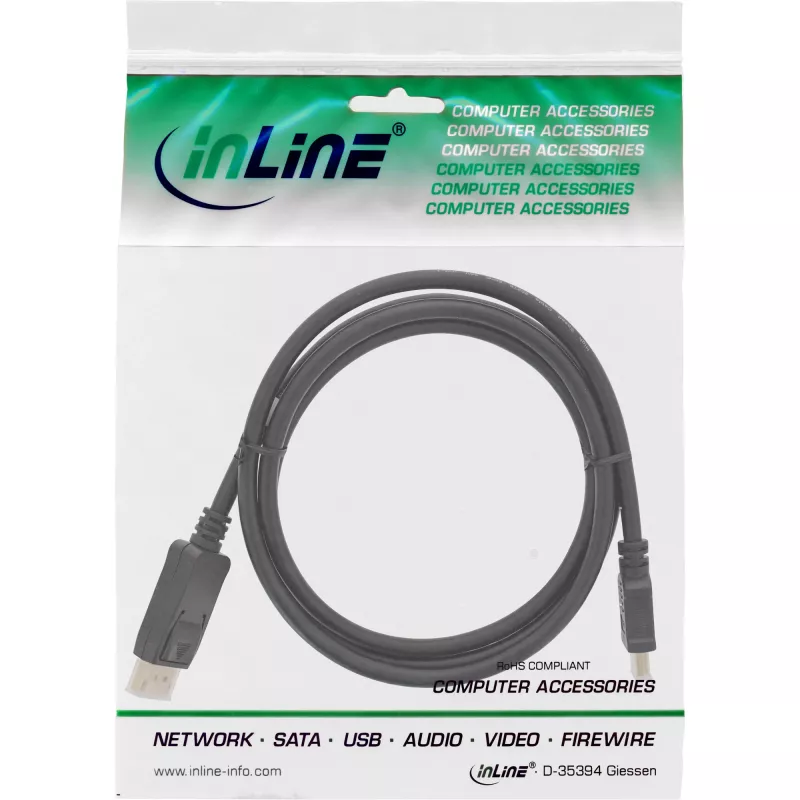
  • In resealable PE bag with barcode
  • 2 m
  • DisplayPort
  • HDMI
  • Black
Especificaciones
Altura del embalaje
23 mm
Ancho del embalaje
175 mm
Calibre AWG del cable
28
Color del producto
Black
Conector 1
DisplayPort
Conector 2
HDMI
Género del conector
Male/Male
Longitud del cable
2 m
Peso
95 g
Peso del embalaje
130 g
Profundidad del embalaje
225 mm
Recubrimiento de los contactos del conector
Gold
Volumen del embalaje
900 cm³

Folleto

Abrir documento
Historial de precios de los últimos 6 meses
Cable convertidor DisplayPort a HDMI InLine 17182 2 m negro
Actual
20,45 €
Mínimo
19,78 €
Máximo
22,76 €
Variación 24 h
+0,38 €   +2%
Semana
+0,59 €   +3%
Mes
+0,62 €   +3%

Productos populares en esta categoría

Hola, soy el asistente de IA de DistriNode. Puedo ayudarte a encontrar productos, comparar opciones, crear presupuestos en PDF o abrir solicitudes de soporte.