

Cuenta Contacto
Tu carrito
Envío con DPD y FedEx
¿Dudas? Pregunte a la IA

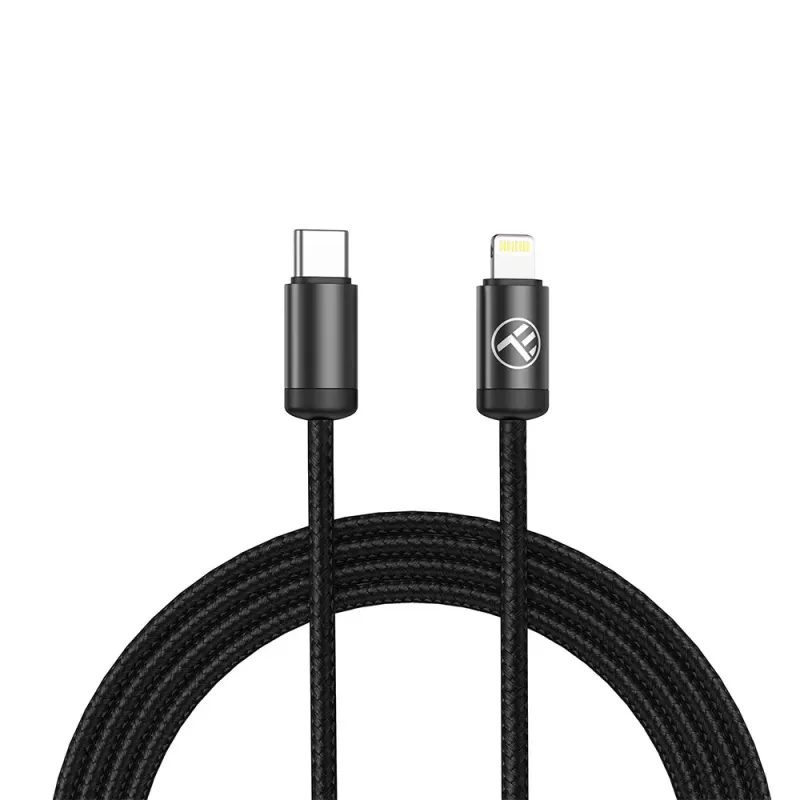
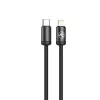
Cable USB-C a Lightning Tellur TLL155781 – 1 m, 3 A

Cable USB-C a Lightning Tellur TLL155781 – 1 m, 3 A
7,28 €
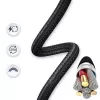
USB-C to Lightning cable Tellur TLL155781 — 1 m, 3A is a 1-metre charging and data cable that connects USB-C chargers or devices to Lightning-equipped iPhone and iPad models. The cable supports up to 3A current for faster charging and allows synchronisation of data between compatible devices. Its 1 ... Leer más
Stock 1 Código 1196604 Marca TELLUR Modelo TLL155781 Garantía 2 años

Envíos y devoluciones

Entrega estimada Martes, Octubre 20
Te mantendremos informado a través de nuestro sistema de seguimiento detallado
Opciones de pago
Tarjeta bancariaVisaMastercardPayPalApple PayGoogle PayTransferencia bancaria

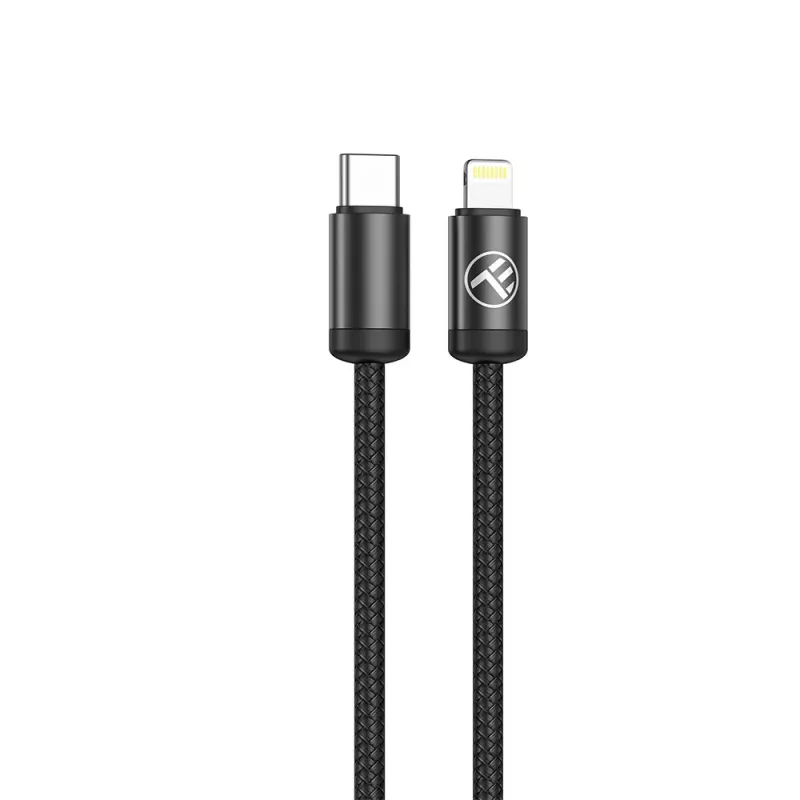
USB-C to Lightning cable Tellur TLL155781 — 1 m, 3A is a 1-metre charging and data cable that connects USB-C chargers or devices to Lightning-equipped iPhone and iPad models. The cable supports up to 3A current for faster charging and allows synchronisation of data between compatible devices. Its 1 m length balances convenience and portability for everyday use at home, in the office or while travelling.

Advantages

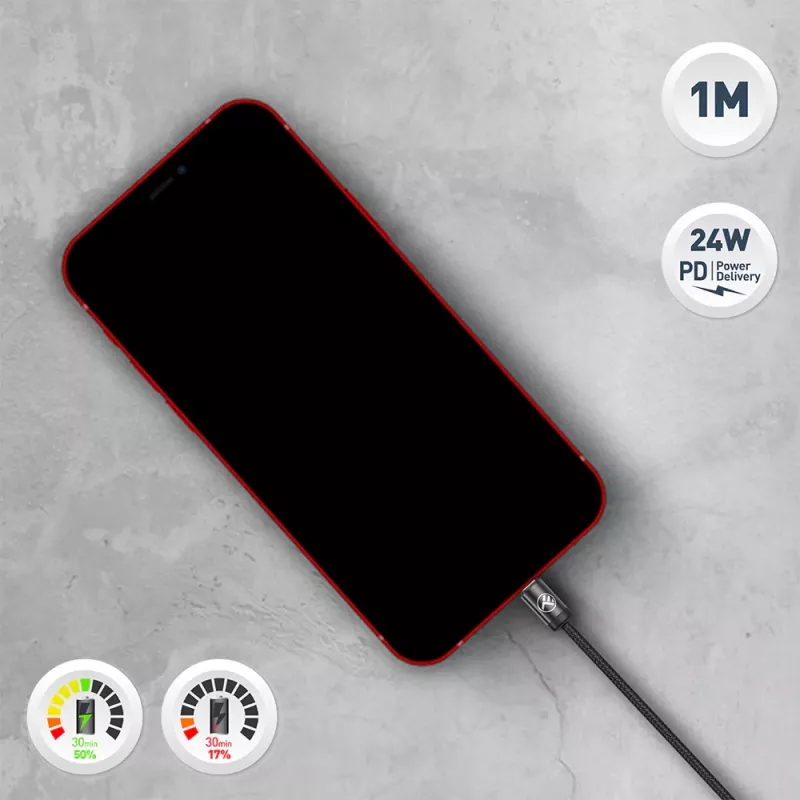
The cable supports up to 3A current for efficient charging of Lightning devices when used with a suitable USB‑C power source. It combines power delivery and data transfer in a single, compact cable suitable for daily use. The 1 m length provides flexibility without excess slack, and the Lightning connector ensures compatibility with a wide range of Apple mobile devices that use the Lightning port.

Suitable for

  • Charging iPhone and iPad models with a Lightning port using a USB-C power adapter
  • Transferring photos, videos and files between a Lightning device and a computer or USB-C device
  • Everyday use at home, office, or in travel situations

Key specifications

  • Cable length: 1 metre
  • Maximum current: up to 3 A
  • Connector A: USB-C
  • Connector B: Lightning
  • Functions: charging and data transfer

How to use

Connect the USB-C end of the cable to a compatible power adapter, power bank or device with a USB-C port, then insert the Lightning end into the Lightning port of your iPhone or iPad. Ensure the power source supports the required output for fast charging. For data transfer, connect the USB-C end to a computer or device that recognises Lightning devices and use standard file transfer or synchronization software. Handle connectors gently and avoid bending the cable excessively near the ends.

Recommendations

To maintain performance and prolong lifespan, use the cable with chargers and devices that provide stable voltage and current, avoid exposing the cable to liquids and extreme temperatures, and store it loosely coiled rather than sharply folded.

Aspectos destacados
  • Charging iPhone and iPad models with a Lightning port using a USB-C power adapter
  • Transferring photos, videos and files between a Lightning device and a computer or USB-C device
  • Everyday use at home, office, or in travel situations
  • Cable length: 1 metre
  • Maximum current: up to 3 A
  • Connector A: USB-C
  • Connector B: Lightning
  • Functions: charging and data transfer
Historial de precios de los últimos 6 meses
Cable USB-C a Lightning Tellur TLL155781 – 1 m, 3 A
Actual
7,28 €
Mínimo
6,45 €
Máximo
7,28 €
Variación 24 h
+0,52 €   +8%
Semana
+0,80 €   +12%
Mes
+0,60 €   +9%

Productos populares en esta categoría

Vendedor: UAB KUR LT · Laisvės pr. 125A, LT-06118 Vilna, Lituania · Código de empresa 303192950 · NIF-IVA UE LT100008198612 · Envío desde la UE (Lituania)
Hola, soy el asistente de IA de DistriNode. Puedo ayudarte a encontrar productos, comparar opciones, crear presupuestos en PDF o abrir solicitudes de soporte.