




Cuenta Contacto
Tu carrito
Envío con DPD y FedEx
¿Dudas? Pregunte a la IA

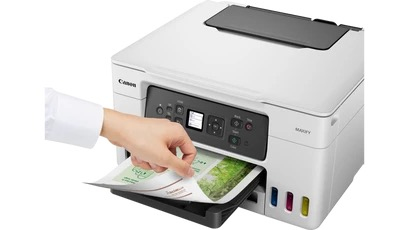
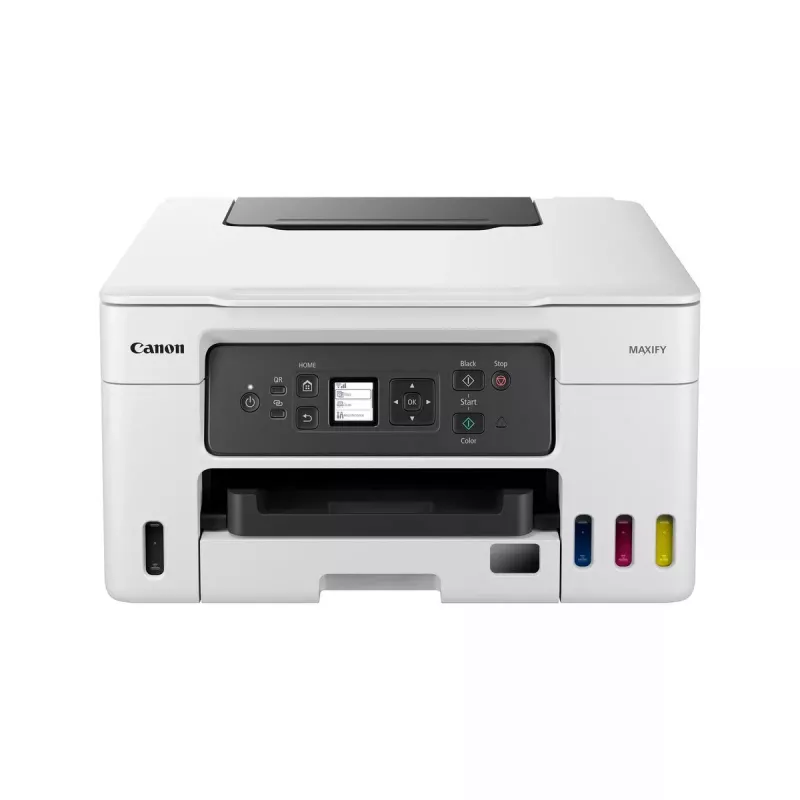
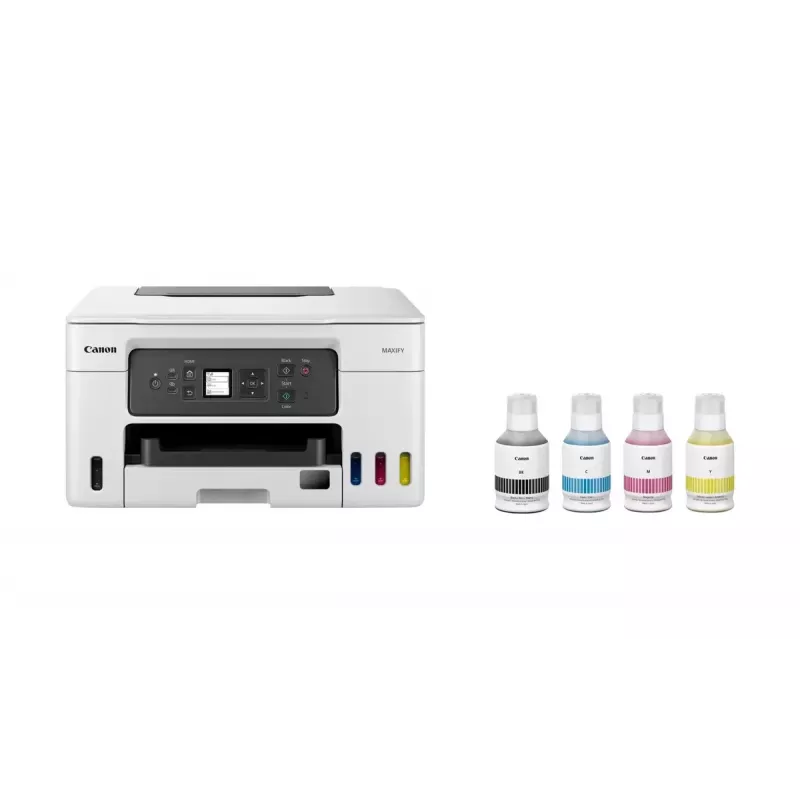
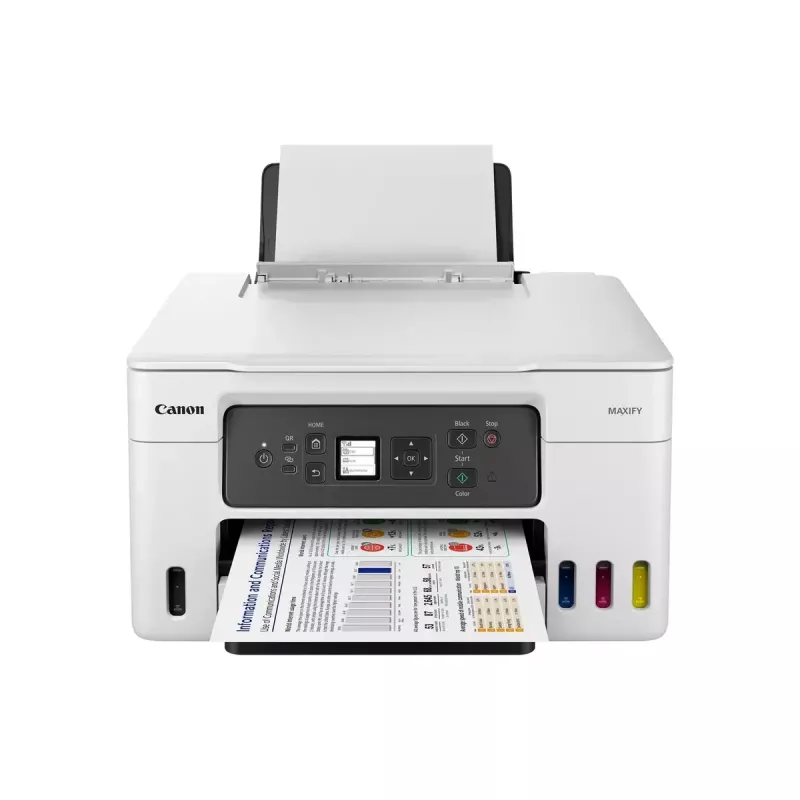
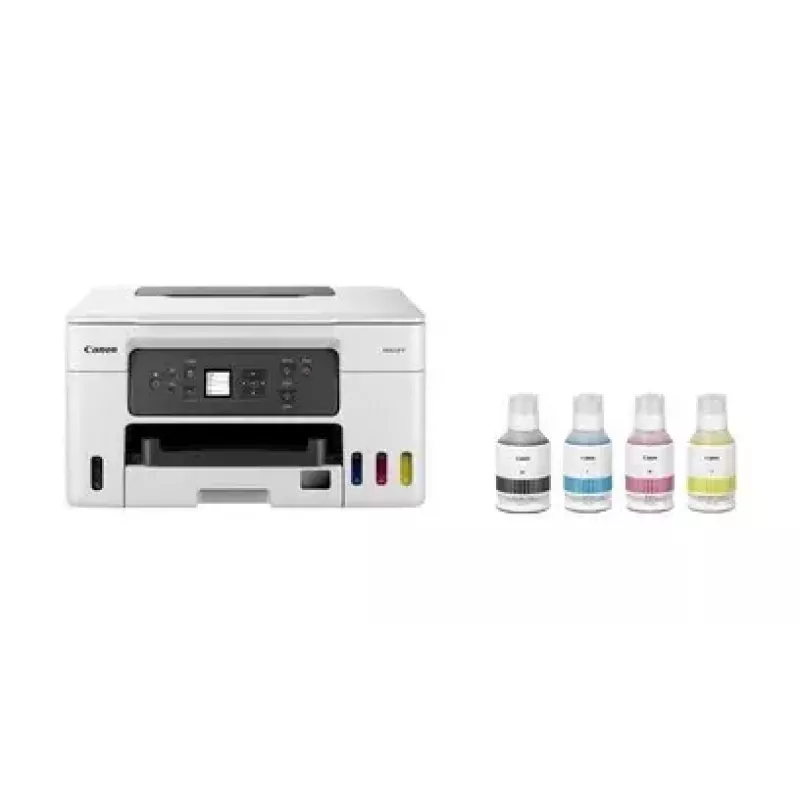
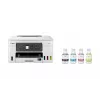
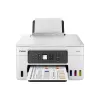
Canon MAXIFY GX3050 Inyección de tinta A4 600 x 1200 DPI Wi-Fi

Canon MAXIFY GX3050 Inyección de tinta A4 600 x 1200 DPI Wi-Fi
345,84 €
Print large volumes of high-quality business documents while making huge savings on CPP and TCO with this refillable and easy to use 3-in-1 MegaTank-equipped MAXIFY GX printer.Brilliant productivity, best-in-class CPP and TCOCost per page (CPP) is the amount of money that it takes to print a single ... Leer más
Stock 6 Código 118873 Marca Canon Modelo 5777C006 Garantía 2 años

Envíos y devoluciones

Entrega estimada Martes, Octubre 27
Te mantendremos informado a través de nuestro sistema de seguimiento detallado
Opciones de pago
Tarjeta bancariaVisaMastercardPayPalApple PayGoogle PayTransferencia bancaria
Print large volumes of high-quality business documents while making huge savings on CPP and TCO with this refillable and easy to use 3-in-1 MegaTank-equipped MAXIFY GX printer.

Brilliant productivity, best-in-class CPP and TCO
Cost per page (CPP) is the amount of money that it takes to print a single page. This is determined by dividing the cost of the ink by the page yield.

The total cost of ownership (TCO) is a calculation of what a printer would cost you based on the initial purchase cost of hardware plus the costs of ink over a fixed period.

Low running costs, brilliant productivity
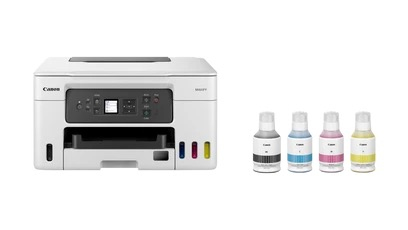
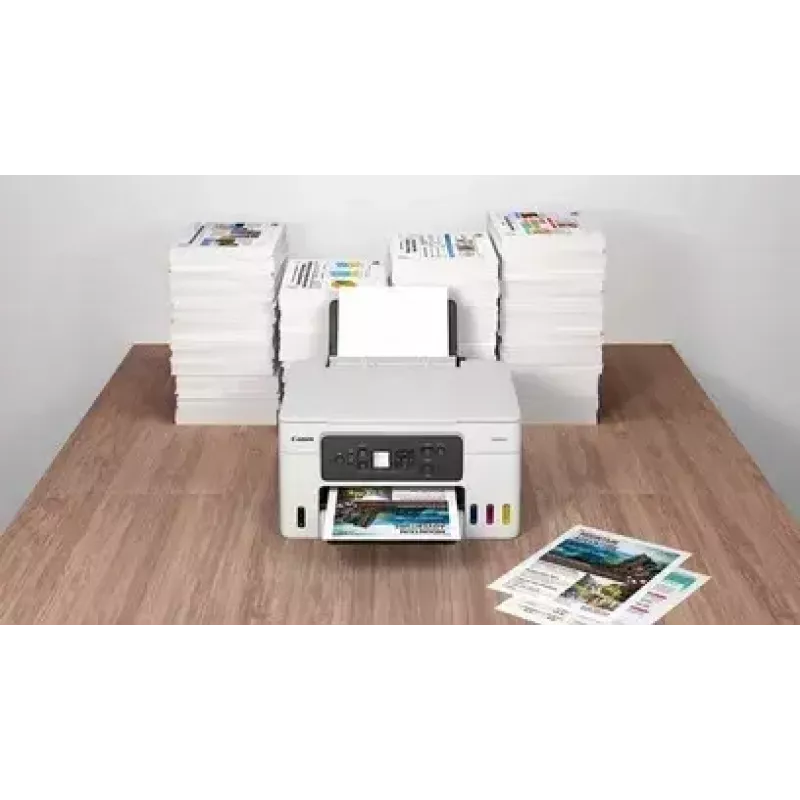
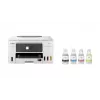
With a full set of ink bottles producing up to 14,000 prints, this high-performance, high-volume MegaTank printer delivers huge savings on the total cost of ownership and cost per page. That’s a smart investment for any home office.

Compatible Apps and Software
Print documents, photos and more direct from your smart device with the free Canon PRINT app, or quickly design and print visually striking posters and flyers with PosterArtist. Use PIXMA Cloud Link to send scans to or print from popular cloud services including Dropbox, Google Drive and OneDrive.

Canon Easy-PhotoPrint Editor turns your favourite photos (from your device or cloud storage) into stylish, personalised gifts such as cards and calendars.

The simple to use Easy-Layout Editor allows you to freely arrange the layout of various documents before printing them. Ideal for printing images, posters, web pages and more.
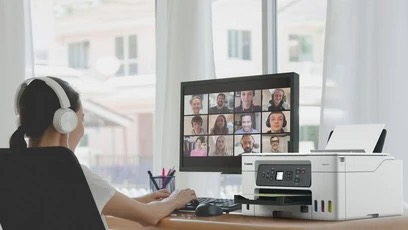
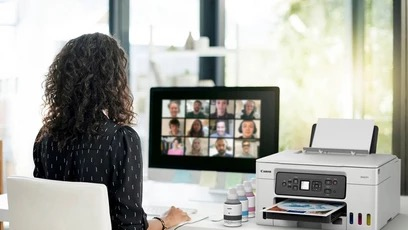
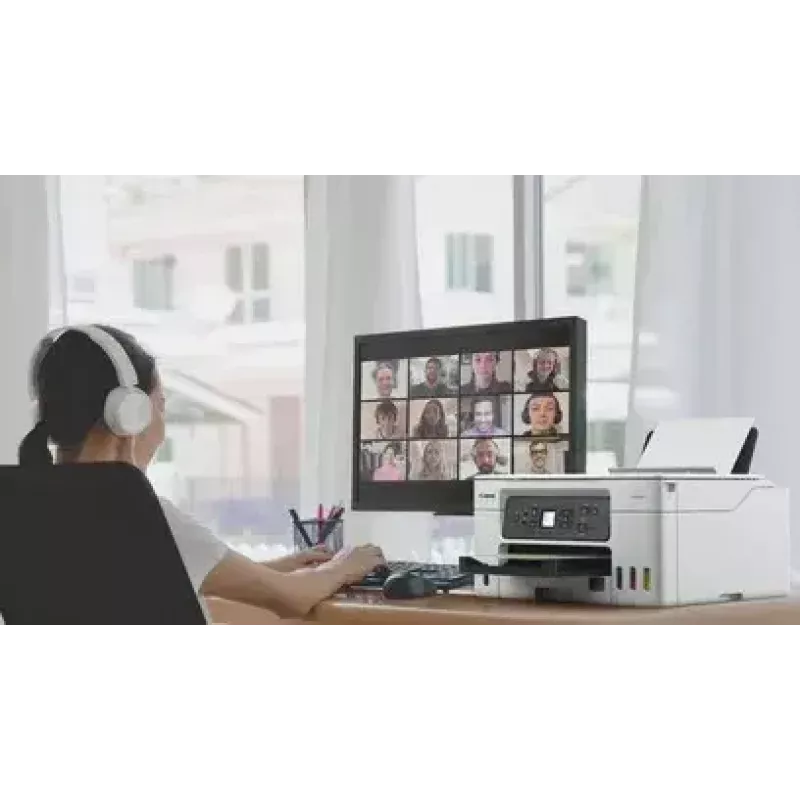
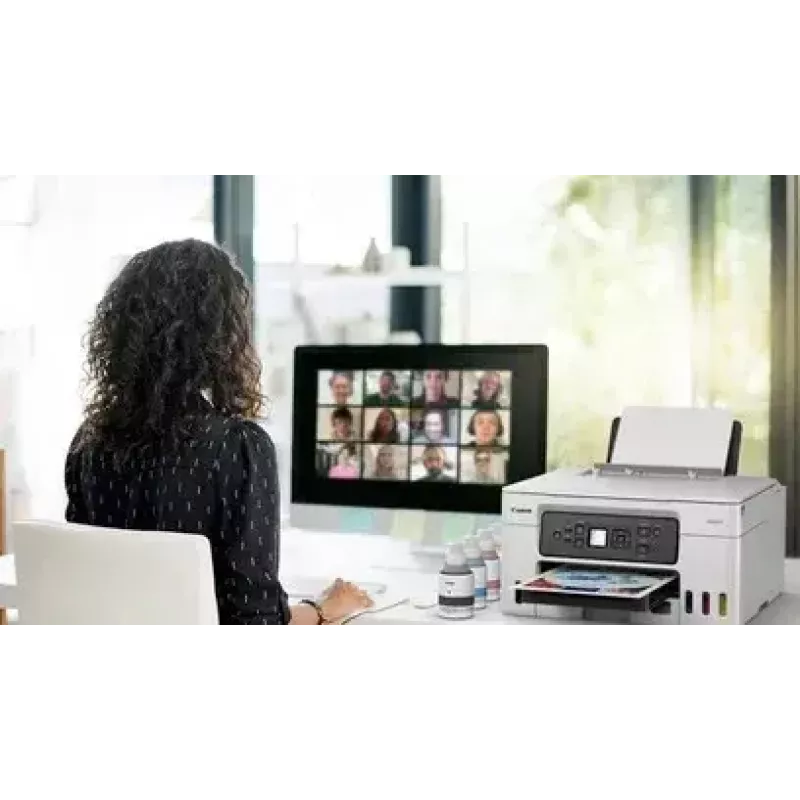
Home office

Home office

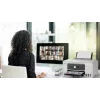
With a compact footprint, simple connectivity and easy to access user-replaceable maintenance cartridge, the MAXIFY GX range is the ideal high-volume, high-efficiency printer for demanding home and hybrid workers.

Retail

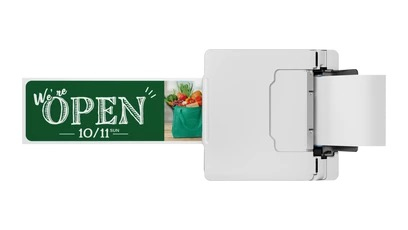
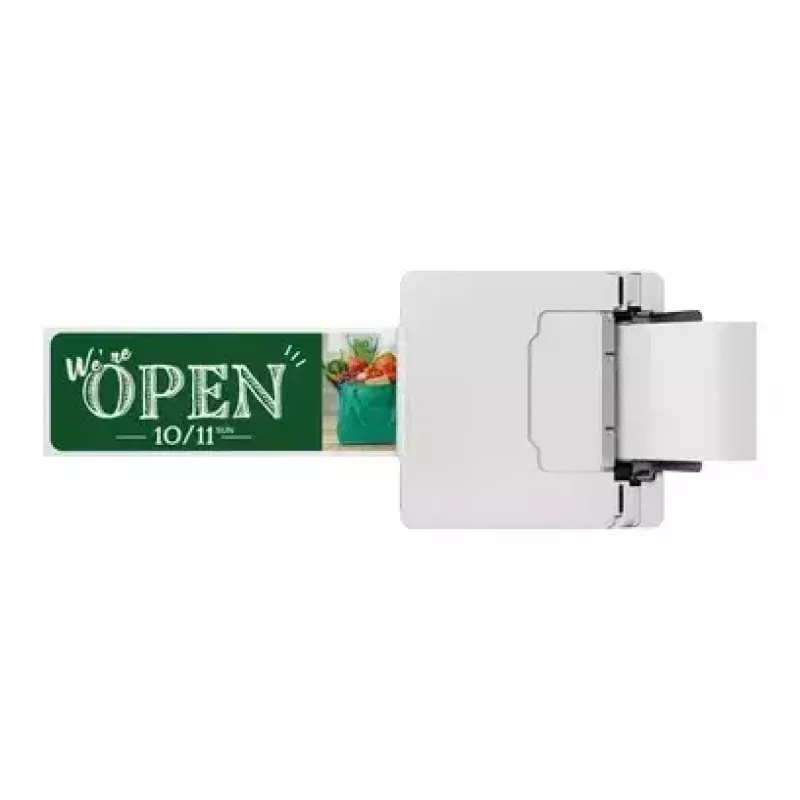
Reduce costs by printing more media in-house. Create high-quality, durable point of sale materials, signage, promotional banners and tags using the rear flat tray, which supports thick paperboard.
Retail
Estate Agents

Estate Agents

Quickly print colour flyers and brochures in large volumes while retaining superb quality. All-pigment ink means prints are bright, highly readable, smudge-resistant and blur-free.

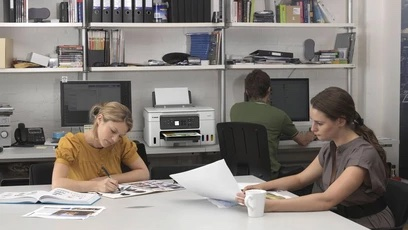
Educational Institutions

Print high volumes of course materials, resilient full-colour handouts and administrative documents while saving money on ink costs. Supervise children in one room while printing in another using wireless connectivity.
Educational Institutions
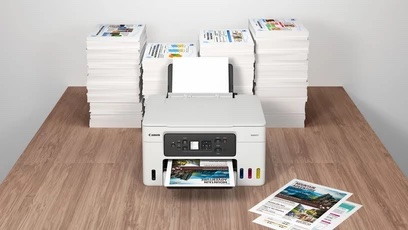
Ultra-low running costs

Ultra-low running costs

Save over the printer’s lifetime thanks to cost effective refillable ink tanks that vastly reduce the total cost of ownership and cost per page. Boost page yield with Economy mode and print up to 1.5x more pages with the same amount of ink.

Brilliant business-quality prints

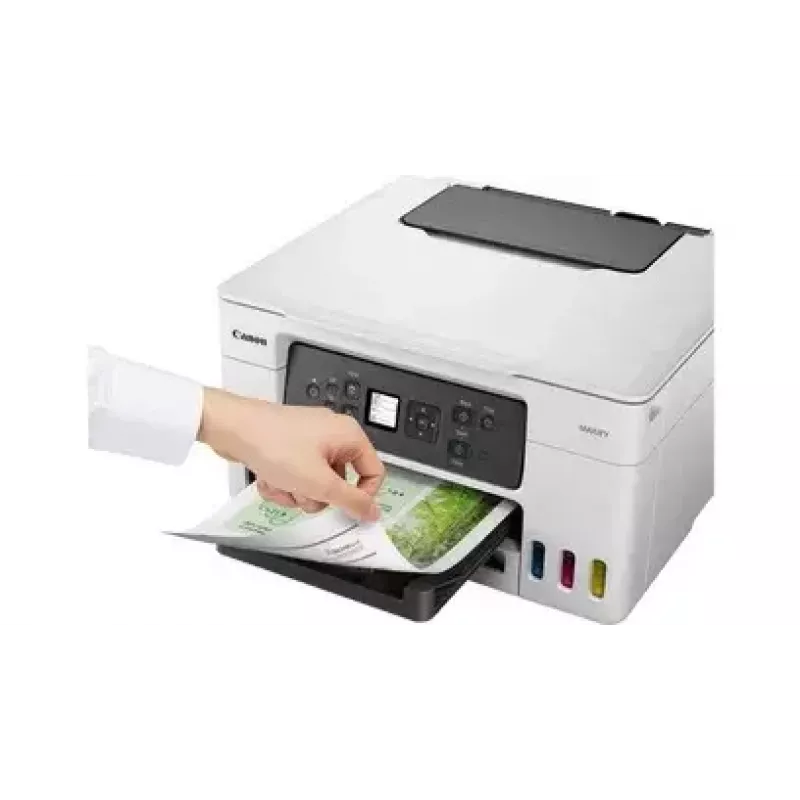
Enjoy water-, friction- and marker-resistant, business-friendly prints with excellent readability, delivered quickly and in large volumes
Brilliant business-quality prints
Print more media in-house

Print more media in-house

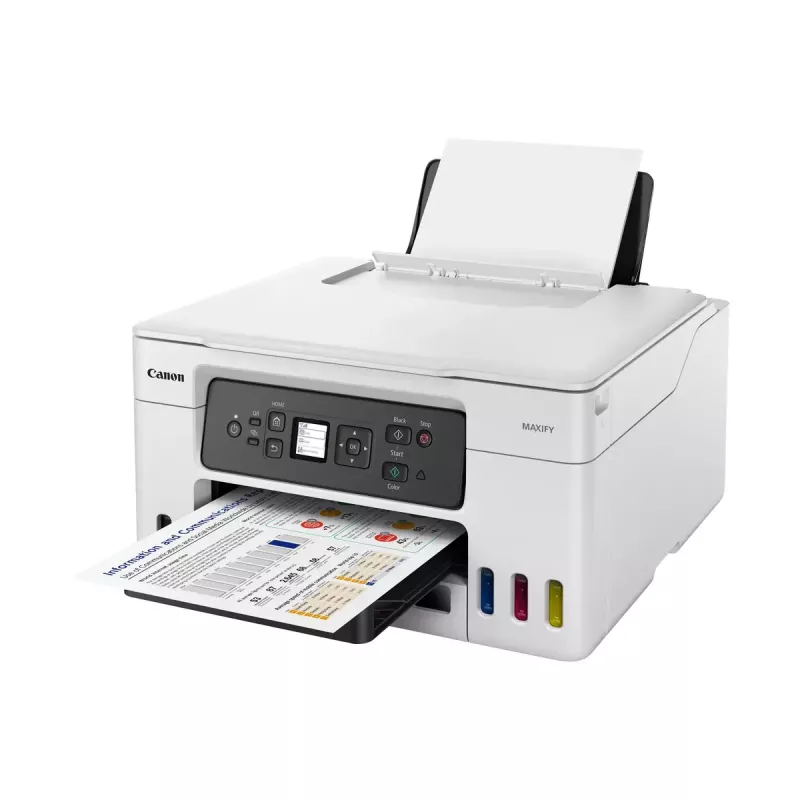
Print flyers, banners and posters in-house thanks to compatibility with a wide variety of materials including magnetic and photo media, plus a new rear flat tray that supports thicker media and card

Print without pause

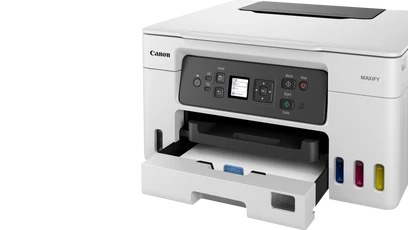
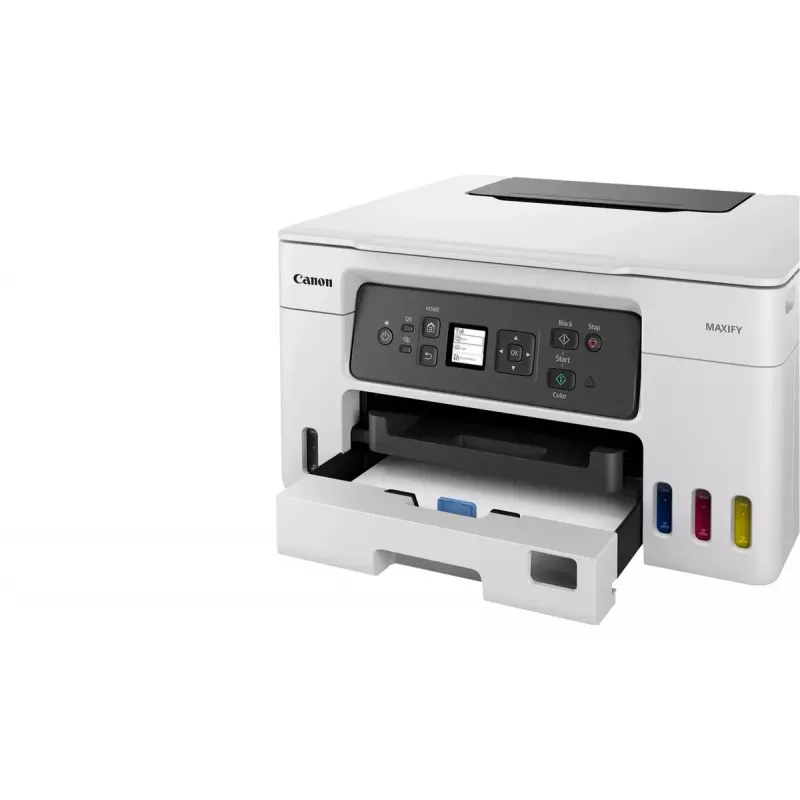
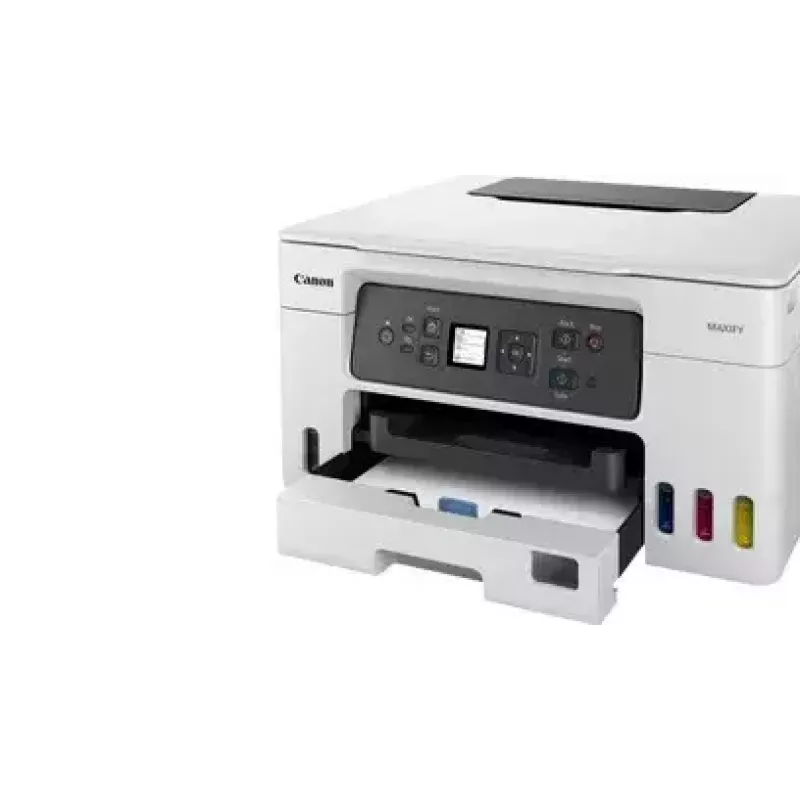
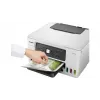
Print high volumes of documents without irritating paper reloads, thanks to a 100-sheet rear feed and a 250-sheet front cassette, windowed to make checking paper levels quick and easy
Print without pause
Small but mighty

Small but mighty

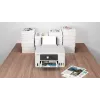
Save vital space at home or in the office thanks to the printer’s compact footprint, whilst reducing the amount of plastic packaging means more of it can be easily recycled

Easy to use and maintain

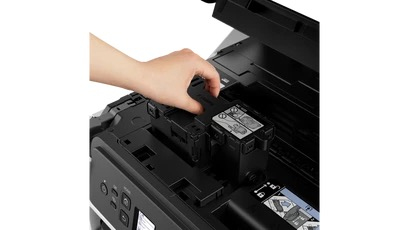
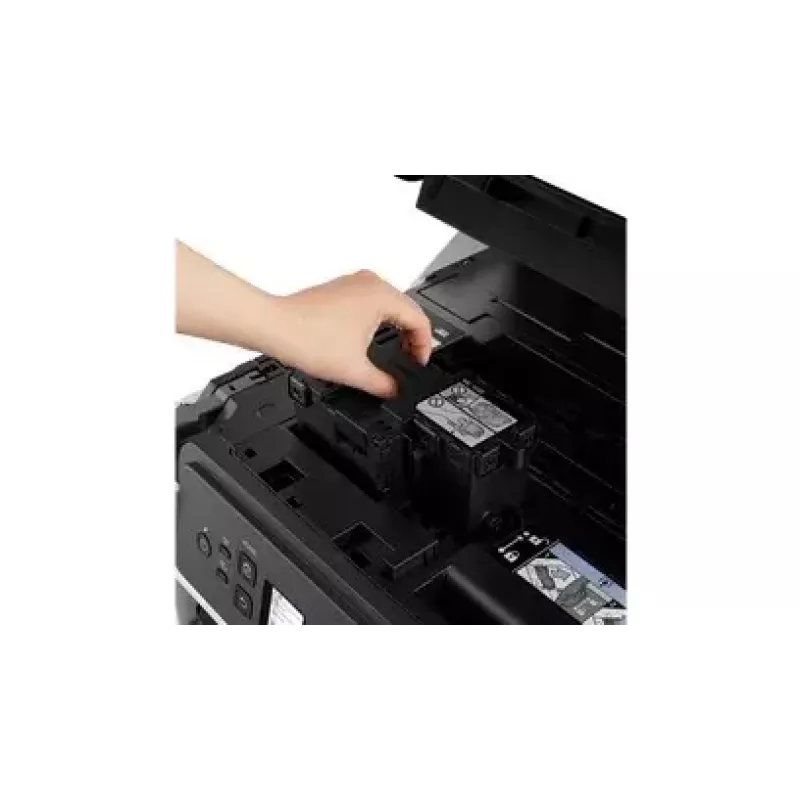
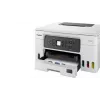
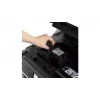
Reduce downtime with the user-replaceable maintenance cartridge, easily accessible from the front of the printer. Colour-coded, spring-loaded ink caps mean refills are simple and mess-free
Easy to use and maintain

How to use

Fill the MegaTank ink reservoirs according to the user manual, install the ink bottles and perform any recommended initialisation steps. Connect the printer to your network or directly to your smart device using the Canon PRINT app for mobile printing. Use PosterArtist for designing posters and flyers, PIXMA Cloud Link to print from or save scans to cloud storage, and Easy-PhotoPrint Editor or Easy-Layout Editor to prepare photos and document layouts before printing.

Recommendations

To achieve the stated yield and lowest CPP, use genuine Canon ink bottles and follow the maintenance and setup instructions in the manual. For frequent high-volume printing, keep spare bottles on hand and enable cloud or mobile printing for greater workflow efficiency.

Aspectos destacados
  • Business Inkjet Colour printing
  • 600 x 1200 DPI
  • Printing colours: Black, Cyan, Magenta, Yellow
  • A4
  • Colour copying Colour scanning
  • Apple AirPrint, Mopria Print Service, PIXMA Cloud Link
  • Direct printing
  • USB port Wi-Fi
  • 8.3 kg
Especificaciones
Algoritmos de seguridad
WPA-AES, WPA-EAP, WPA-PSK, WPA-TKIP, WPA2-AES, WPA2-EAP, WPA2-PSK, WPA2-TKIP, WPA3-EAP, WPA3-SAE
Alimentador automático de documentos (ADF)
No
Altura
303 mm
Altura bruta del palé
94.6 cm
Altura del embalaje
313.7 mm
Ancho
399 mm
Ancho bruto del palé
98.6 cm
Ancho de soporte personalizado
89 - 216 mm
Ancho del embalaje
488.9 mm
Área máxima de escaneado
216 x 297 mm
Cables incluidos
AC
Capacidad de entrada de la bandeja 1
100 sheets
Capacidad de entrada de la bandeja 2
250 sheets
Capacidad de entrada total
350 sheets
Capacidad del cartucho incluido (CMY)
14000 pages
Capacidad del cartucho incluido (modo económico, CMY)
21000 pages
Capacidad del cartucho incluido (modo económico, negro)
9000 pages
Capacidad del cartucho incluido (negro)
6000 pages
Cartuchos de repuesto
GI-56 Bk, GI-56 Y, GI-56 C, GI-56 M
Cartuchos incluidos
Yes
Ciclo de trabajo máximo
33000 pages per month
Ciclo de trabajo recomendado
200 - 1000 pages per month
Color del producto
Black, White
Colores de impresión
Black, Cyan, Magenta, Yellow
Consumo de energía (apagado)
0.1 W
Consumo de energía (copia)
18 W
Consumo de energía (en espera)
1.4 W
Consumo eléctrico típico (TEC) Energy Star
0.19 kWh/week
Copiado
Colour copying
Copiado a doble cara
Yes
Diagonal de pantalla
3.43 cm (1.35")
Escaneado
Colour scanning
Escaneado a doble cara
No
Estándares wifi
802.11b, 802.11g, Wi-Fi 4 (802.11n), Wi-Fi 5 (802.11ac)
Ethernet LAN
No
Fax
No
Frecuencia de entrada de CA
50 - 60 Hz
Función de ajuste automático
Yes
Función de copia de tarjetas de identificación
Yes
Función de copia N en 1
Yes
Función de copia N en 1 (N=)
2, 4
Funciones de doble cara
Copy, Print
Gramaje admitido en la bandeja de papel
64 - 105 g/m²
Humedad relativa de almacenamiento (H-H)
10 - 90%
Humedad relativa de funcionamiento (H-H)
10 - 90%
Impresión
Colour printing
Impresión a doble cara
Yes
Impresión de DVD/CD
No
Impresión directa
Yes
Impresión económica
Yes
Impresión sin márgenes
No
Longitud bruta del palé
118.4 cm
Longitud de soporte personalizada
127 - 1200 mm
Mes de lanzamiento
December
Modo de copia a doble cara
Manual
Modo de impresión a doble cara
Auto
Número máximo de copias
99 copies
Número total de bandejas de entrada
3
Otros sistemas operativos compatibles
ChromeOS
Pantalla
LCD
Pantalla en color
No
Pantalla integrada
Yes
Periodo de garantía
2 year(s)
Peso
8.3 kg
Peso bruto del palé
160.1 kg
Peso del embalaje
13.2 kg
Posicionamiento en el mercado
Business
Productos por capa de palé
12 pc(s)
Productos por palé
12 pc(s)
Profundidad
719 mm
Profundidad de color de entrada
16 bit
Profundidad de color de salida
8 bit
Profundidad de escala de grises de entrada
16 bit
Profundidad de escala de grises de salida
8 bit
Profundidad del embalaje
588 mm
Puerto USB
Yes
Puerto USB
USB Type-B
Reducción/ampliación de copia
25 - 400%
Resolución máxima
600 x 1200 DPI
Resolución óptica de escaneado
1200 x 2400 DPI
Sistema de depósito de tinta
Yes
Sistemas operativos de servidor compatibles
Windows Server 2008 R2, Windows Server 2012 R2, Windows Server 2016, Windows Server 2019, Windows Server 2022
Sistemas operativos Mac compatibles
Mac OS X 10.14 Mojave, Mac OS X 10.15 Catalina, Mac OS X 11.0 Big Sur, Mac OS X 12.0 Monterey
Sistemas operativos móviles compatibles
Android, iOS, iPadOS
Sistemas operativos Windows compatibles
Windows 10, Windows 11, Windows 8.1
Soporte de software
Canon PRINT Inkjet/SELPHY, Easy-PhotoPrint Editor, Creative Park, Easy-PhotoPrint Editor
Tamaño máximo de copia
A4
Tamaño máximo de papel serie A ISO
A4
Tamaños de papel fotográfico
10x15,13x18,18x25,20x25
Tamaños de sobre
Com-10, DL
Tamaños de soporte no ISO
Legal, Letter
Tamaños ISO serie A (A0...A9)
A4, A5, A6
Tamaños serie B ISO (B0...B9)
B5
Tecnología de escaneado
CIS
Tecnología de impresión
Inkjet
Tecnologías de impresión móvil
Apple AirPrint, Mopria Print Service, PIXMA Cloud Link
Temperatura de funcionamiento (T-T)
5 - 35 °C
Tensión de entrada de CA
100 - 240 V
Tiempo hasta la primera página (color, normal)
9 s
Tiempo hasta la primera página (negro, normal)
8 s
Tipo de control
Buttons
Tipo de escáner
Flatbed scanner
Tipos de soporte de las bandejas de papel
Envelopes, High resolution paper, Photo paper, Plain paper
Vel. dúplex (color, normal, A4/carta)
8 ppm
Vel. dúplex (negro, normal, A4/carta)
10 ppm
Velocidad de impresión (ISO/IEC 24734) color
13 ppm
Velocidad de impresión (ISO/IEC 24734) negro
18 ppm
Wifi
Yes
Historial de precios de los últimos 6 meses
Canon MAXIFY GX3050 Inyección de tinta A4 600 x 1200 DPI Wi-Fi
Actual
345,84 €
Mínimo
307,94 €
Máximo
345,84 €
Variación 24 h
+22,59 €   +7%
Semana
+18,04 €   +6%
Mes
+36,79 €   +12%

Análisis independientes de medios tecnológicos

gadgetspeak.compaul_smart
8/10

“I would say that that installation time from removing the various bits of tape to having downloaded the software inserted the contents of four bottles of ink and printed a test sheet at around 35 minutes.”

Lee el análisis completo en gadgetspeak.com →

Productos populares en esta categoría

Hola, soy el asistente de IA de DistriNode. Puedo ayudarte a encontrar productos, comparar opciones, crear presupuestos en PDF o abrir solicitudes de soporte.