
Cuenta Contacto
Tu carrito
Envío con DPD y FedEx
¿Dudas? Pregunte a la IA

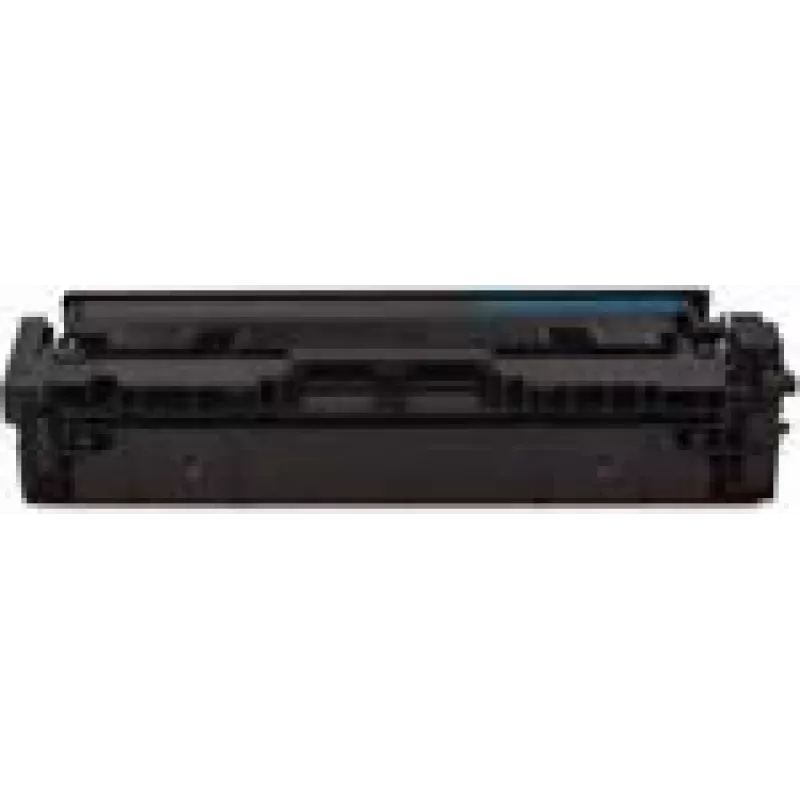
Cartucho de tóner MediaRange para HP W2211A/207A, cian, ~1.250 páginas (MRHPT2211C)

Cartucho de tóner MediaRange para HP W2211A/207A, cian, ~1.250 páginas (MRHPT2211C)
60,55 €
MediaRange cyan toner cartridge compatible with HP W2211A/207A series provides cyan toner designed for colour laser printers. The cartridge is specified to yield approximately 1,250 pages and is intended as a replacement for original supplies when consistent cyan reproduction is required for documen... Leer más
Stock 2 Código 2177002 Marca MEDIARANGE Modelo MRHPT2211C Garantía 2 años

Envíos y devoluciones

Entrega estimada Lunes, Noviembre 2
Te mantendremos informado a través de nuestro sistema de seguimiento detallado
Opciones de pago
Tarjeta bancariaVisaMastercardPayPalApple PayGoogle PayTransferencia bancaria

MediaRange cyan toner cartridge compatible with HP W2211A/207A series provides cyan toner designed for colour laser printers. The cartridge is specified to yield approximately 1,250 pages and is intended as a replacement for original supplies when consistent cyan reproduction is required for documents, reports and graphics in small office or home office environments.

Advantages

This cyan toner cartridge delivers predictable page yield and consistent colour output for routine printing tasks. It offers straightforward installation and integration with compatible HP W2211A/207A series machines. The cartridge is designed to maintain clear cyan tones across text and graphics, helping achieve uniform results across print runs without frequent replacement.

Suitable for

  • Everyday colour documents and office reports
  • Printed charts, graphs and presentations
  • Home office or small business colour printing
  • Replacing depleted cyan cartridges in compatible HP series printers

Key specifications

  • Colour: Cyan
  • Estimated yield: 1,250 pages (ISO/IEC comparable)
  • Compatibility: Designed for printers using the HP W2211A/207A series cartridges
  • Product type: Toner cartridge for colour laser printing

How to use

Before installation, turn the printer off and follow the printer manufacturer’s instructions for replacing toner cartridges. Remove the new cartridge from its packaging, gently shake if recommended by the supplier to redistribute toner, remove any protective seals, and insert the cartridge into the designated cyan slot until it clicks into place. After installation, run a test print or colour alignment if prompted by the printer to verify correct seating and colour output.

Recommendations

Store cartridges in a cool, dry place away from direct sunlight and extreme temperatures. Use within the manufacturer’s suggested timeframe for best results and handle the cartridge carefully to avoid spilling toner. For consistent colour and page yield, follow printer maintenance guidelines such as regular cleaning and alignment checks.

Aspectos destacados
  • Everyday colour documents and office reports
  • Printed charts, graphs and presentations
  • Home office or small business colour printing
  • Replacing depleted cyan cartridges in compatible HP series printers
  • Colour: Cyan
  • Estimated yield: 1,250 pages (ISO/IEC comparable)
  • Compatibility: Designed for printers using the HP W2211A/207A series cartridges
  • Product type: Toner cartridge for colour laser printing
Especificaciones
Tipo
Toner Cartridge
Historial de precios de los últimos 6 meses
Cartucho de tóner MediaRange para HP W2211A/207A, cian, ~1.250 páginas (MRHPT2211C)
Actual
60,55 €
Mínimo
59,00 €
Máximo
62,45 €
Variación 24 h
+1,05 €   +2%
Semana
+0,41 €   +1%
Mes
+0,83 €   +1%

Productos populares en esta categoría

Vendedor: UAB KUR LT · Laisvės pr. 125A, LT-06118 Vilna, Lituania · Código de empresa 303192950 · NIF-IVA UE LT100008198612 · Envío desde la UE (Lituania)
Messenger
Hola, soy el asistente de IA de DistriNode. Puedo ayudarte a encontrar productos, comparar opciones, crear presupuestos en PDF o abrir solicitudes de soporte.