
Cuenta Contacto
Tu carrito
Envío con DPD y FedEx
¿Dudas? Pregunte a la IA

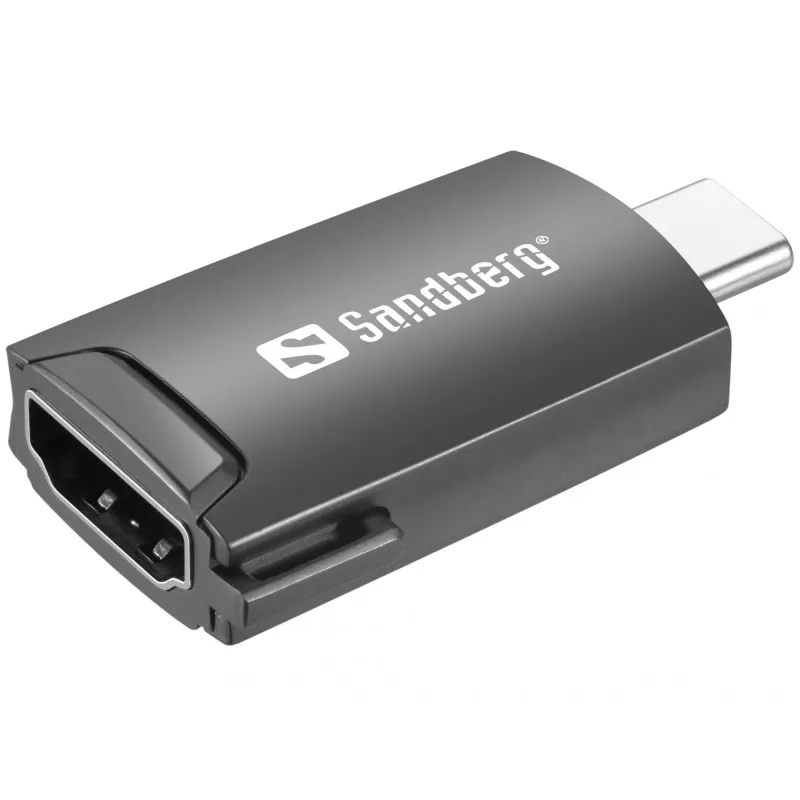
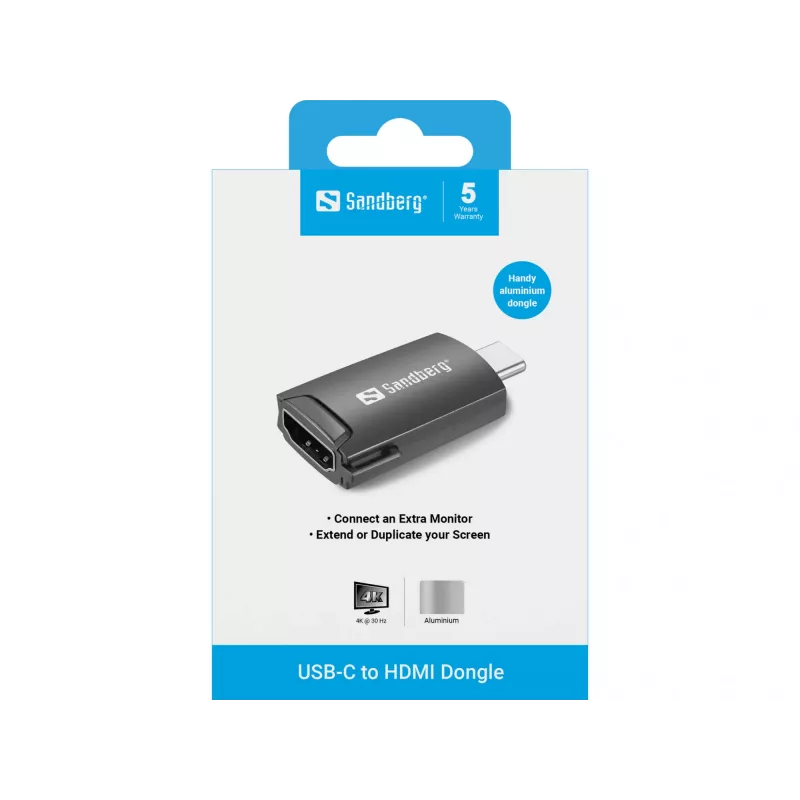
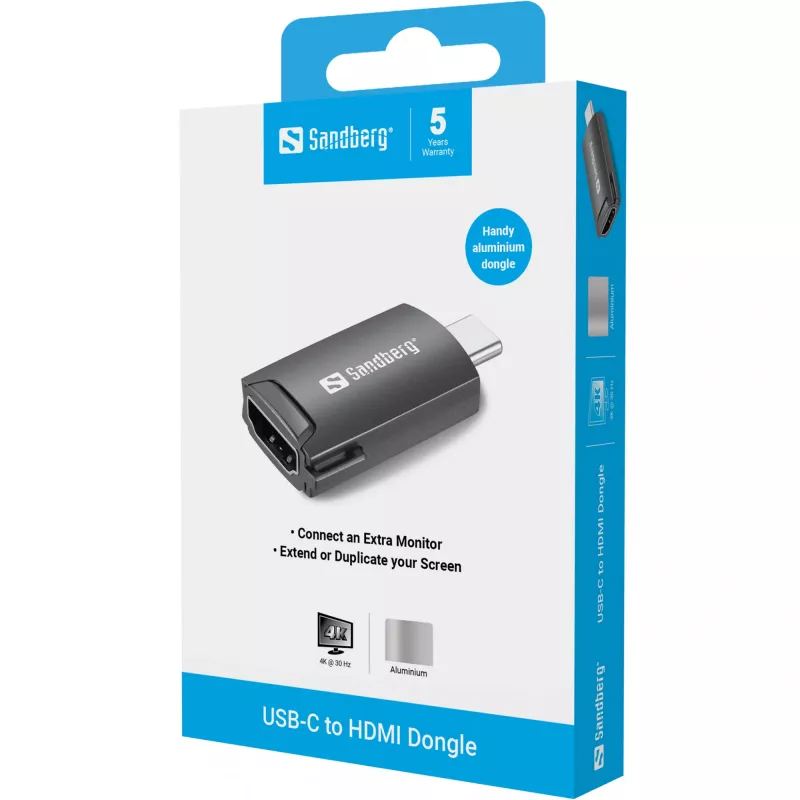
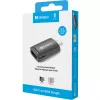
Dongle USB-C a HDMI Sandberg 136-34

Dongle USB-C a HDMI Sandberg 136-34
18,25 €
The Sandberg USB-C to HDMI Dongle 136-34 lets you connect a USB-C laptop, tablet or smartphone to an HDMI display with up to 3840 x 2160 pixel resolution. Housed in a black aluminum shell, the adapter combines a compact form factor with a durable finish, making it convenient for travel, presentation... Leer más
Stock 1 Código 1169017 Marca SANDBERG Modelo 136-34 Garantía 2 años

Envíos y devoluciones

Entrega estimada Martes, Octubre 13
Te mantendremos informado a través de nuestro sistema de seguimiento detallado
Opciones de pago
Tarjeta bancariaVisaMastercardPayPalApple PayGoogle PayTransferencia bancaria

The Sandberg USB-C to HDMI Dongle 136-34 lets you connect a USB-C laptop, tablet or smartphone to an HDMI display with up to 3840 x 2160 pixel resolution. Housed in a black aluminum shell, the adapter combines a compact form factor with a durable finish, making it convenient for travel, presentations and media playback.

Advantages

The dongle supports 4K output (3840 x 2160) and provides a reliable digital video connection without requiring additional drivers. Its aluminum housing offers improved durability and heat dispersion compared with plastic adapters, while the small size ensures easy portability and simple plug-and-play operation with USB-C devices that support video output.

Suitable for

  • Connecting a laptop to an external monitor for work or multitasking
  • Connecting a tablet to a TV for streaming video
  • Using a smartphone with USB-C video output to mirror or extend the screen to a projector
  • Business presentations and classroom projector connections

Key specifications

  • Model: Sandberg 136-34
  • Interface: USB-C (input) to HDMI (output)
  • Maximum resolution: 3840 x 2160 pixels
  • Housing: black aluminum
  • Colour: Black
  • Brand: SANDBERG
  • MPN: 136-34
  • EAN: 5705730136344

How to use

Plug the dongle into a USB-C port on a compatible device that supports video output, then connect an HDMI cable from the dongle to the HDMI input of the display, TV or projector. Select the appropriate HDMI input on the display and, if necessary, adjust display settings on your device to duplicate or extend the desktop. No driver installation is normally required for standard USB-C video-capable devices.

Recommendations

Use a high-quality HDMI cable for best signal integrity at 4K resolutions. Ensure the source device supports USB-C Alternate Mode (DisplayPort over USB-C) for video output. Avoid excessive bending of the dongle and disconnect when not in use to reduce wear.
Aspectos destacados
  • Connecting a laptop to an external monitor for work or multitasking
  • Connecting a tablet to a TV for streaming video
  • Using a smartphone with USB-C video output to mirror or extend the screen to a projector
  • Business presentations and classroom projector connections
  • Model: Sandberg 136-34
  • Interface: USB-C (input) to HDMI (output)
  • Maximum resolution: 3840 x 2160 pixels
  • Housing: black aluminum
  • Colour: Black
  • Brand: SANDBERG
  • MPN: 136-34
  • EAN: 5705730136344
Especificaciones
Altura del embalaje
120 mm
Ancho del embalaje
80 mm
Cantidad por paquete
1 pc(s)
Código del Sistema Armonizado (HS)
84733020
Color del producto
Black
Indicadores LED
Yes
Material de la carcasa
Aluminium
Peso del embalaje
30 g
Profundidad del embalaje
16 mm
Resolución máxima (HDMI)
3840 x 2160 pixels

Folleto

Abrir documento
Historial de precios de los últimos 6 meses
Dongle USB-C a HDMI Sandberg 136-34
Actual
18,25 €
Mínimo
17,60 €
Máximo
18,40 €
Variación 24 h
+0,39 €   +2%
Semana
+0,52 €   +3%
Mes
+0,61 €   +3%

Productos populares en esta categoría

Hola, soy el asistente de IA de DistriNode. Puedo ayudarte a encontrar productos, comparar opciones, crear presupuestos en PDF o abrir solicitudes de soporte.