
Cuenta Contacto
Tu carrito
Envío con DPD y FedEx
¿Dudas? Pregunte a la IA

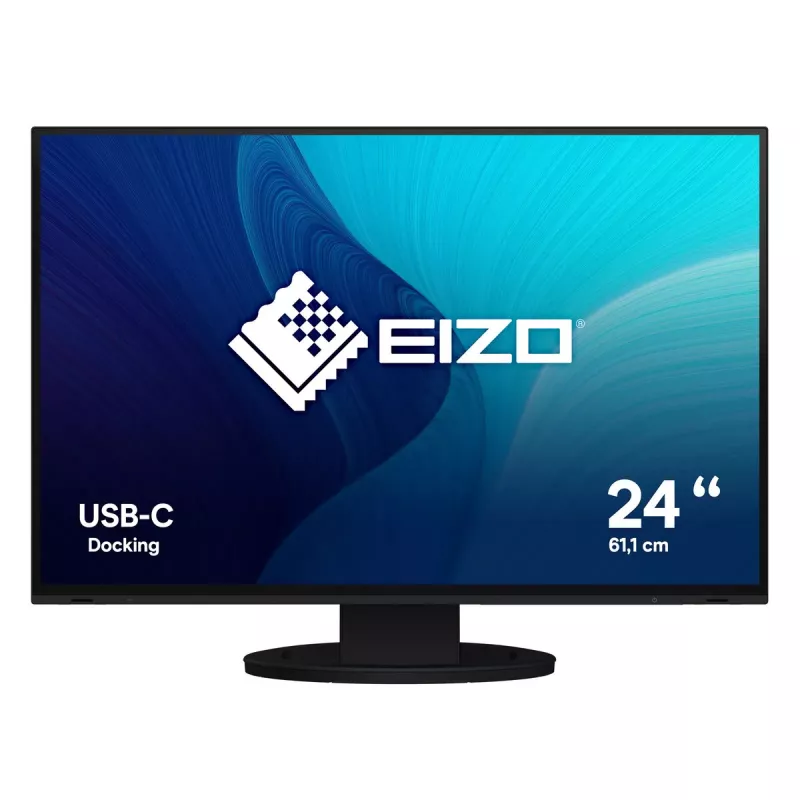
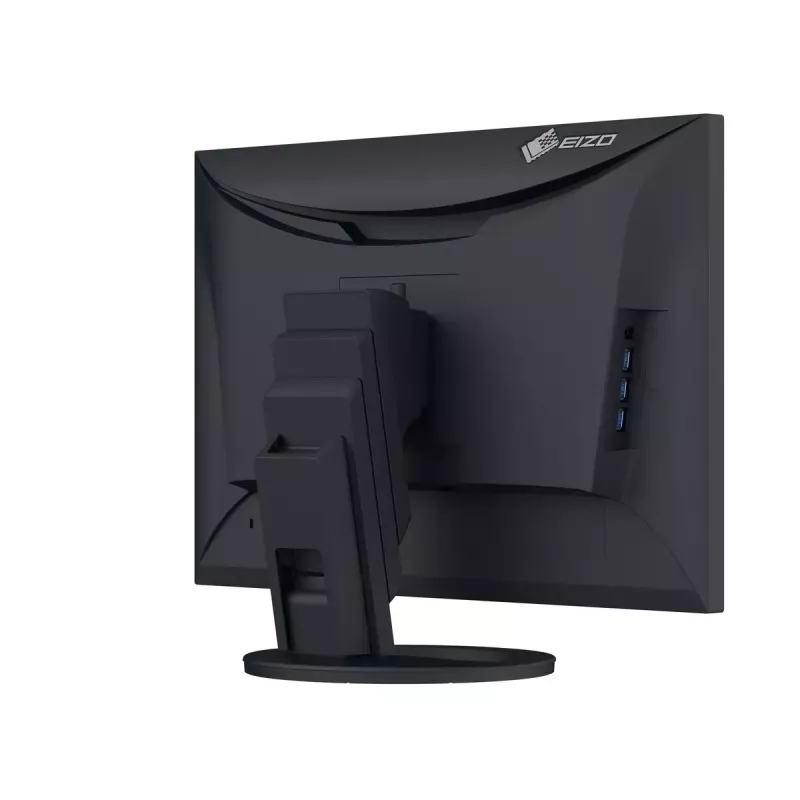
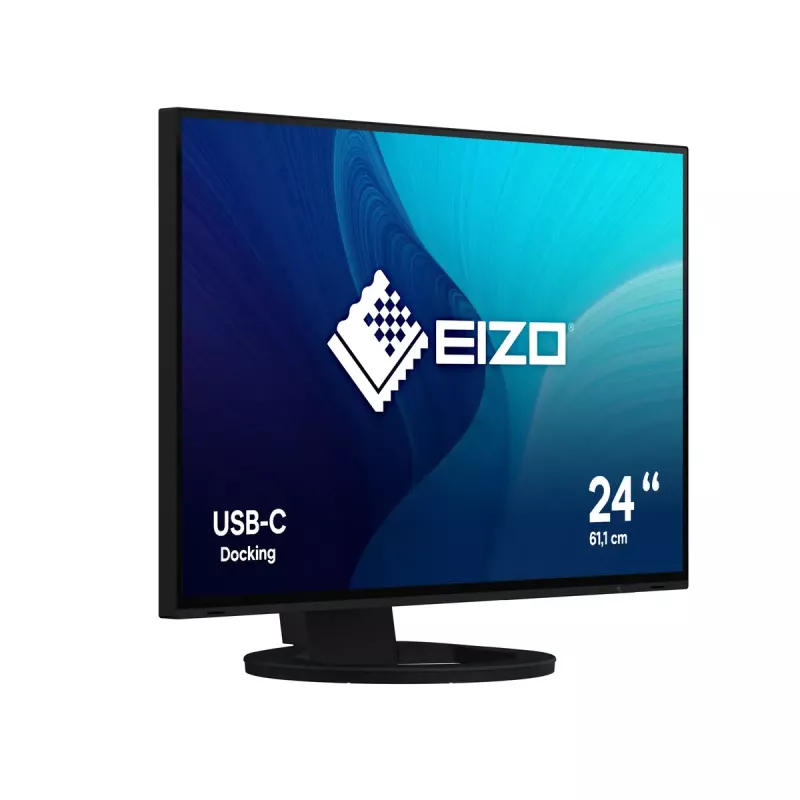
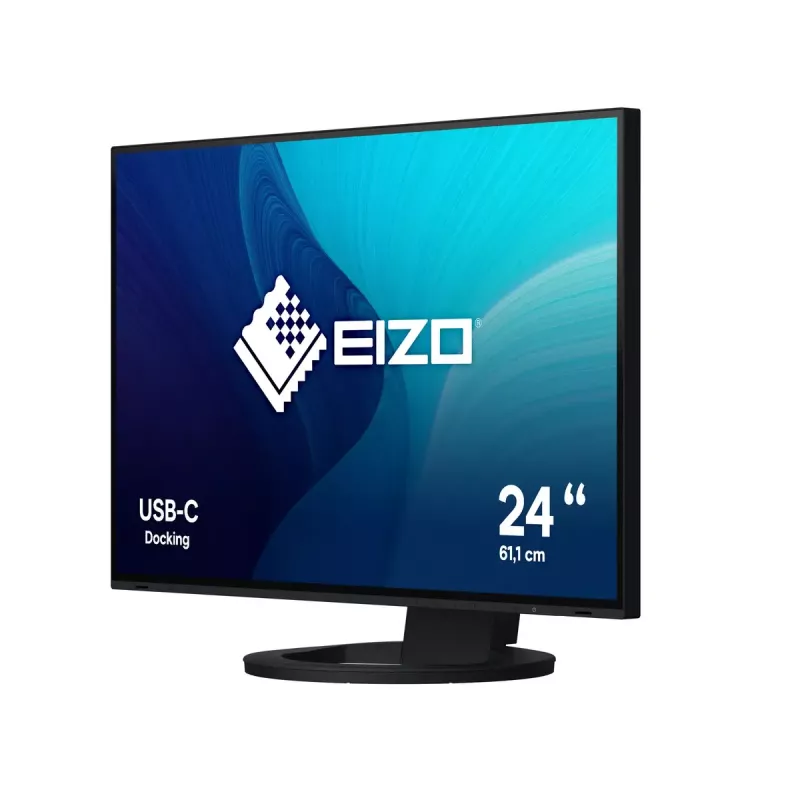
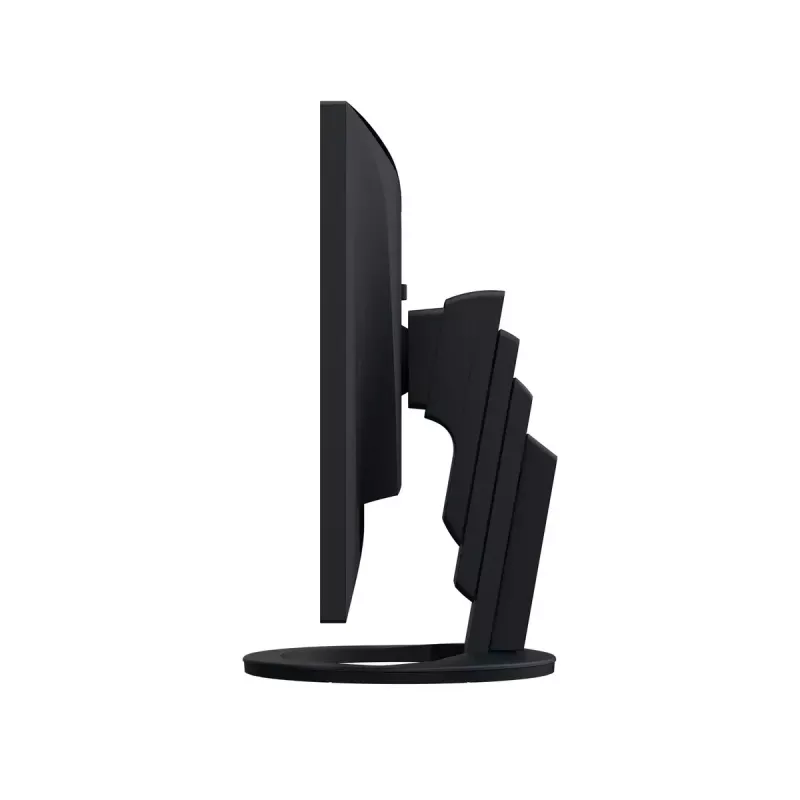
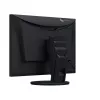
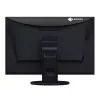
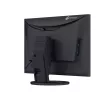
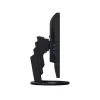
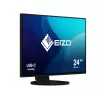
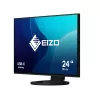
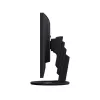
EIZO FlexScan EV2485-BK Monitor de ordenador 61,2 cm (24,1") 1920 x 1200 píxeles WUXGA LCD Negro

EIZO FlexScan EV2485-BK Monitor de ordenador 61,2 cm (24,1
EIZO FlexScan EV2485-BK Monitor de ordenador 61,2 cm (24,1") 1920 x 1200 píxeles WUXGA LCD Negro
419,61 €
Streamlined Connection with USB Type-CThe monitor is equipped with a USB Type-C® connection that allows users to display video, playback audio, transmit USB signals, and supply power to connected devices. This convenient multi-purpose connectivity makes it faster and easier to connect a laptop when ... Leer más
Stock 4 Código 111675 Marca EIZO Modelo EV2485-BK Garantía 3 años

Envíos y devoluciones

Entrega estimada martes, 27 de octubre
Te mantendremos informado a través de nuestro sistema de seguimiento detallado
Opciones de pago
Tarjeta bancariaVisaMastercardPayPalApple PayGoogle PayTransferencia bancaria
Streamlined Connection with USB Type-C
The monitor is equipped with a USB Type-C® connection that allows users to display video, playback audio, transmit USB signals, and supply power to connected devices. This convenient multi-purpose connectivity makes it faster and easier to connect a laptop when moving between workstations or when working away from the office.

70 Watt Power Delivery
The 70 watt power delivery via USB Type-C reliably charges small desktop PCs and laptops. This eliminates the need for a laptop's bulky power supply unit, freeing up space in your bag and on the desk.

Connecting Peripherals Directly
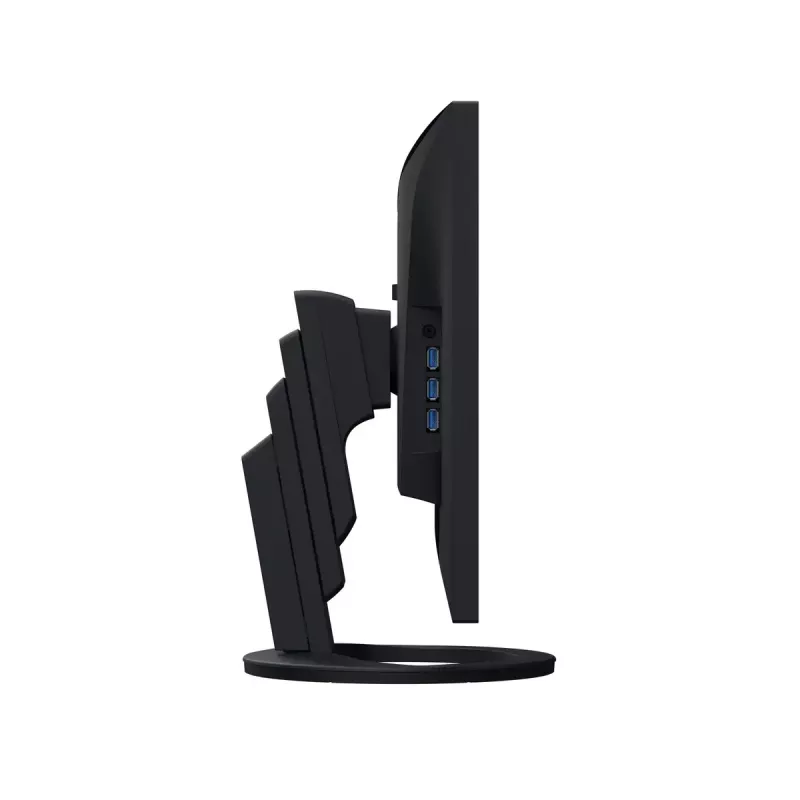
While modern laptops are becoming thinner and more portable, they often have limited connectivity options for peripherals. Connecting to the monitor via USB Type-C gives access to a hub with four USB Type-A ports for easily connecting an external keyboard, mouse, or web camera.

A Better Working Experience
The monitor offers features and functions that enhance efficiency, productivity, and comfort at the office or at home.

Improve Work Efficiency
When used with a 14-inch laptop, for example, the 24.1-inch monitor effectively triples the screen space available to you. This improves efficiency by reducing the need to scroll or switch windows frequently.


Increasing Work Efficiency
In addition, the WUXGA (1920 x 1200 pixels) resolution is vertically longer than Full HD (1920 x 1080 pixels). This allows you to display 15% more data in spreadsheets, or more comfortably view documents in full

Comfortably Fits in Modest Workspaces
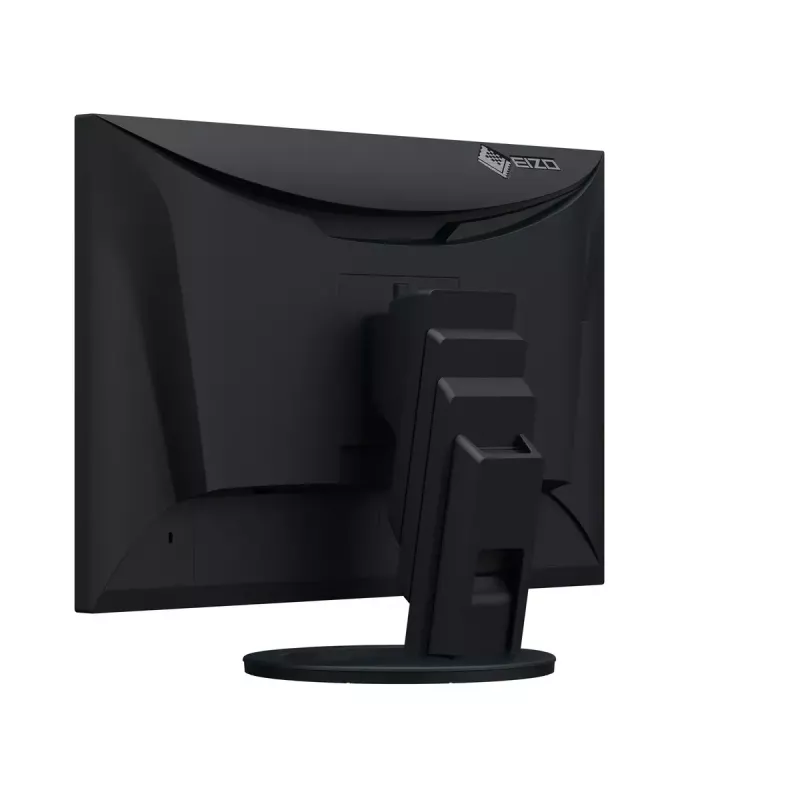
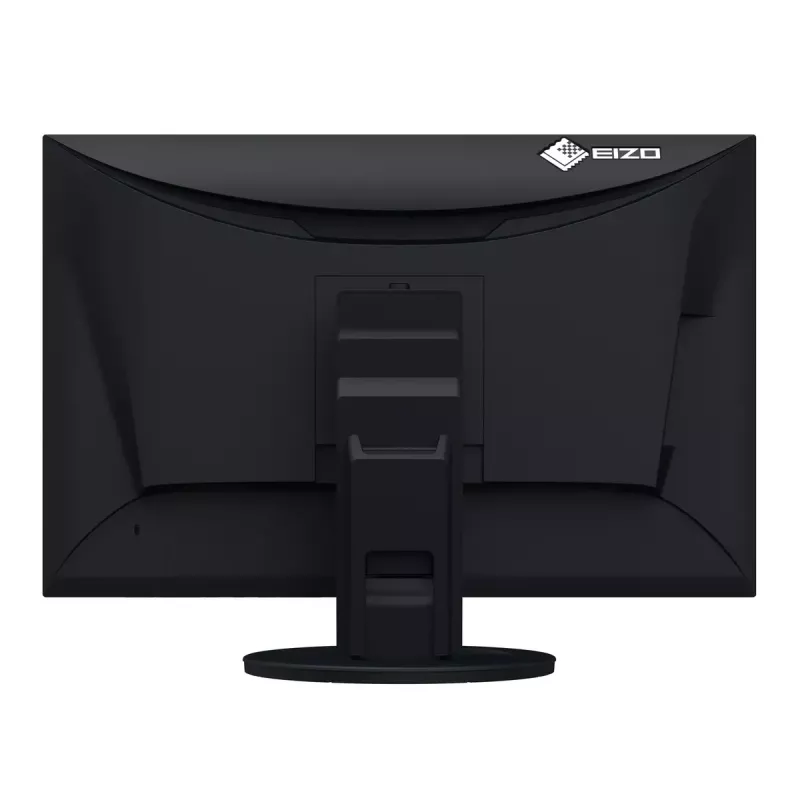
The monitor features a space-saving design with a width of 531 mm and a depth of 230 mm. With its small footprint, it fits neatly into even the most modest workspaces or home offices to save more desk space. In addition, the stand has a wide adjustable range of 182.2 mm, allowing you to comfortably place a laptop under the monitor for a quick and compact multi-screen configuration.

Versatile Stand for Optimal Positioning
The stand has a wide adjustment range, featuring height adjustment, tilt and swivel. This allows you to set the monitor to the perfect position, whether sitting or standing at your desk.

Portrait Mode for Vertical Viewing
The versatile stand allows you to rotate the monitor to portrait mode for reading long text documents or vertically optimized webpages and applications.

Connectivity and Flexibility
The monitor is equipped with USB Type-C, DisplayPort, and HDMI® video inputs for flexible connection in different work environments.

Organize Your Desktop to Increase Work Efficiency
EIZO's free Screen InStyle software's Screen Layout function allows you to divide the desktop and arrange each program's window neatly across the screen to help you work smart and efficiently.

Screen InStyle has a multitude of features to make your monitor more comfortable to use, such as a function that automatically switches the display mode according to the application in use, or a function that allows you to carry your preferred monitor settings with you.

Aesthetically Pleasing Design
A monitor's aesthetic can go a long way in creating a more comfortable atmosphere. The monitor's minimalistic design and its ergonomic functions allow it to fit naturally in your work environment, whether you are at home or in the office.

Bezels that are Barely There
The monitor implements a virtually frameless design for a minimalistic aesthetic. There is very little distance between the display area and the bezels, making the monitor easy to blend in with the environment.

Color Coordination
In addition to sleek black, the cabinet is available in white for a color option that keeps your workspace feeling bright. Furthermore, EIZO provides white cables to match the cabinet for full color coordination.

Say Goodbye to Tired Eyes
The monitor is equipped with functions to help users concentrate on work by keeping their eyes comfortable throughout the day.

Auto Brightness Control
To prevent eye fatigue, a brightness sensor called Auto EcoView detects the changes in the ambient brightness that occurs throughout the day and automatically adjusts the screen to the ideal brightness level.

Clear View from All Angles
The monitor uses an LED-backlit IPS (in-plane switching) LCD panel with 178° viewing angle that minimizes color shift and contrast changes when viewing the screen at an angle. This means that two people sitting at the one computer can easily see the screen with high image quality.

Reduce Blue Light by 80%
Printing work-related documents is becoming less common due to the increase in home offices, telecommuting, and stricter security measures. Paper Mode reduces the amount of blue light emitted by the monitor, helping to prevent eye fatigue when reading digital documents. When used in conjunction with the Auto EcoView dimming function, blue light is reduced by as much as 80%.

Flicker-Free Viewing
Due to the way brightness is controlled on LED backlights, a small number of people perceive flicker on their screen which causes eye fatigue. The monitor utilizes a hybrid solution to regulate brightness and make flicker unperceivable without any drawbacks like compromising color stability – even on low brightness settings.

Minimum Brightness of 1 cd/m2
In a dimly-lit work environment, a monitor with low brightness settings is more comfortable to use. With its LED backlight, the monitor is adjustable to approximately 1 cd/m² which is less than 1% of the maximum.

Glare Reduction
The panel is treated with an anti-glare coating to reduce screen reflections caused by ambient lightning. This makes the screen easier to see and helps reduce eye fatigue

How to use

Connect a laptop or PC via the USB Type-C port to transmit video, audio and USB data while charging the device with up to 70 W. Alternatively use DisplayPort or HDMI inputs for video. Plug peripherals such as keyboard, mouse or webcam into the monitor’s Type-A USB ports to access them through the single connection to your computer. Adjust height, tilt, swivel or rotate the display to portrait orientation to suit your workflow. Install the Screen InStyle software on your computer to use the Screen Layout and automatic display mode switching features.

Recommendations

For reduced eye fatigue, enable Auto EcoView and Paper Mode together to lower blue light and adapt brightness to ambient lighting. Place the monitor so reflections are minimized and use the anti-glare panel in dim environments; the monitor’s minimum brightness setting and flicker-free backlight improve comfort when working in low light.

Aspectos destacados
  • Office productivity and multitasking with external laptop docking
  • Home office and remote work setups
  • Spreadsheet and document editing where extra vertical space is useful
  • Environments requiring reliable connectivity and peripheral expansion
  • Display diagonal: 24.1"
  • Resolution: 1920 x 1200 (WUXGA)
  • Panel type: IPS, LED backlight
  • Viewing angle: 178°
  • Contrast ratio (typ.): 1000:1
  • Brightness (typ.): 350 cd/m²
  • Response time: 5 ms
  • Connectivity: USB Type-C (70 W PD), DisplayPort, HDMI
  • Built-in USB hub: Yes (four Type-A ports)
  • VESA mounting: Yes
  • Built-in speakers: Yes
  • Color: Black (also available in white)
Especificaciones
Ajuste de altura
Yes
Ajuste de inclinación
Yes
Altavoces integrados
Yes
Altura (con soporte)
356 mm
Altura (sin soporte)
344 mm
Altura ajustable (máx.)
18.2 cm
AMD FreeSync
No
Ancho (con soporte)
531 mm
Ancho (sin soporte)
531 mm
Ángulo de pivote
-90 - 90°
Ángulo de visión horizontal
178°
Ángulo de visión vertical
178°
Brillo de la pantalla (típico)
350 cd/m²
Cables incluidos
AC, USB Type-C to USB Type-C
Cámara integrada
No
Certificación
CE, CB, TÜV/GS, TÜV/Ergonomics (including ISO 9241-307), TCO Certified Generation 10, EPEAT 2018 (US), TÜV/Blue Low Light Content, TÜV/Flicker Free, RCM, cTÜVus, FCC-B, CAN ICES-3 (B), TÜV/S, PSE, VCCI-B, EPA ENERGY STAR, RoHS, WEEE, China RoHS, CCC, EAC
Certificados de conformidad
CB, CCC, CE, China RoHS, EAC, Federal Communications Commission (FCC), ICES, PSE, RCM, RoHS, cTUVus, VCCI, WEEE
Certificados de sostenibilidad
ENERGY STAR, EPEAT Climate +, EPEAT Gold, TCO
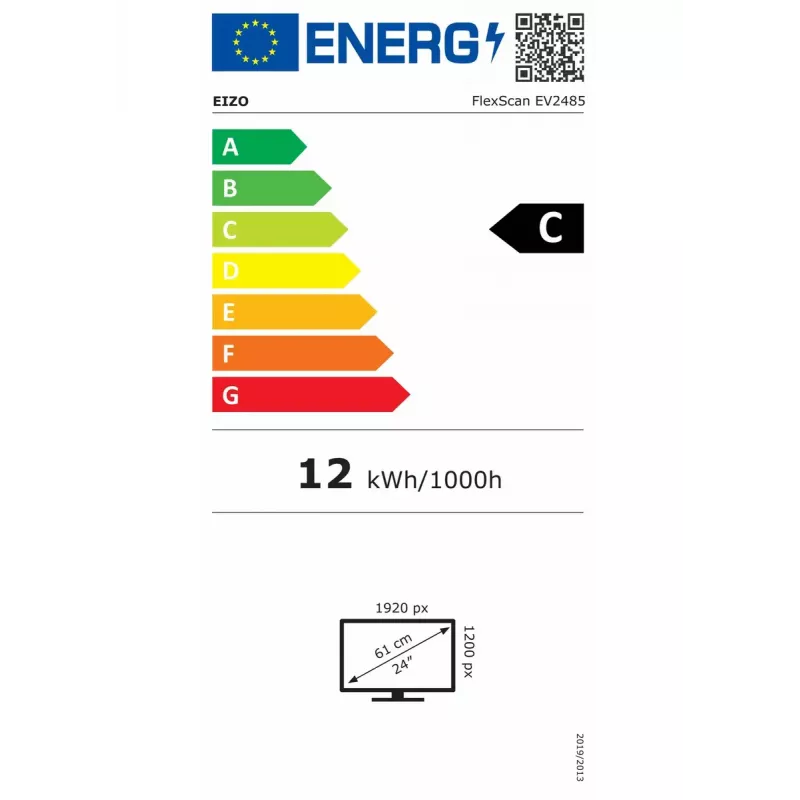
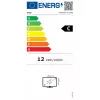
Clase de eficiencia energética (SDR)
C
Código del Sistema Armonizado (HS)
85285210
Color de las patas
Black
Color del producto
Black
Concentrador USB integrado
Yes
Conectividad de auriculares
3.5 mm
Conformidad de sostenibilidad
Yes
Consumo de energía (en espera)
0.5 W
Consumo de energía (máx.)
146 W
Consumo de energía (SDR) por 1000 horas
12 kWh
Consumo de energía (típico)
11 W
Control automático de brillo
Yes
Densidad de píxeles
94 ppi
Diagonal de pantalla
61.2 cm (24.1")
Diagonal de pantalla (métrica)
61.1 cm
Diagonal visible
61.1 cm
Distancia entre píxeles
0.27 x 0.27 mm
Escala de eficiencia energética
A to G
Estándar de gama de color
sRGB
Forma de la pantalla
Flat
Frecuencia de entrada de CA
50/60 Hz
Frecuencia de refresco máxima
60 Hz
Frecuencia horizontal digital
31 - 76 kHz
Frecuencia vertical digital
59 - 61 Hz
Guía de inicio rápido
Yes
HDCP
Yes
HDMI
Yes
Humedad relativa de almacenamiento (H-H)
10 - 90%
Humedad relativa de funcionamiento (H-H)
20 - 80%
Idiomas del menú en pantalla (OSD)
German, English, Spanish, French, Italian, Swedish
Interfaz de montaje en panel
100 x 100 mm
Menú en pantalla (OSD)
Yes
Modo alternativo DisplayPort por USB tipo C
Yes
Montaje VESA
Yes
Número de altavoces
2
Número de colores de la pantalla
16.7 million colours
Número de puertos ascendentes
1
Número de puertos DisplayPort
1
Número de puertos HDMI
1
Número de puertos USB tipo A descendentes
4
Número de puertos USB tipo C ascendentes
1
NVIDIA G-SYNC
No
Pantalla antirreflejo
Yes
Pantalla táctil
No
Periodo de garantía
5 year(s)
Peso (con soporte)
7.6 kg
Peso (sin soporte)
4.9 kg
Pivotante
Yes
Pivotante
Yes
Posicionamiento en el mercado
Office
Potencia nominal RMS
2 W
Profundidad (con soporte)
230 mm
Profundidad (sin soporte)
54 mm
Profundidad de bits de la tabla de consulta (LUT)
10
Rango de ángulo de giro
0 - 344°
Rango de ángulo de inclinación
-5 - 35°
Ranura para cable de seguridad
Yes
Relación de aspecto nativa
16:10
Relación de contraste (típica)
1000:1
Resolución de pantalla
1920 x 1200 pixels
Resoluciones gráficas compatibles
640 x 480 (VGA), 720 x 400, 800 x 600 (SVGA), 1024 x 768 (XGA), 1280 x 1024 (SXGA), 1600 x 1200 (UXGA), 1680 x 1050 (WSXGA+), 1920 x 1200 (WUXGA)
Retroiluminación LED
Yes
Salida de auriculares
Yes
Salidas de auriculares
1
Soporte incluido
Yes
Tamaño visible, horizontal
51.8 cm
Tamaño visible, vertical
32.4 cm
Tecnología de pantalla
LCD
Tecnología Low Blue Light
Yes
Tecnología sin parpadeo
Yes
Temperatura de almacenamiento (T-T)
-20 - 60 °C
Temperatura de funcionamiento (T-T)
5 - 35 °C
Tensión de entrada de CA
100 - 240 V
Tiempo de respuesta
5 ms
Tipo de HD
WUXGA
Tipo de panel
IPS
Tipo de puerto USB ascendente
USB Type-C
Tipo de ranura para cable de seguridad
Kensington
Tipo de retroiluminación
W-LED
USB Power Delivery (USB PD)
Yes
USB Power Delivery hasta
70 W
Versión del concentrador USB
3.2 Gen 1 (3.1 Gen 1)
Historial de precios de los últimos 6 meses
EIZO FlexScan EV2485-BK Monitor de ordenador 61,2 cm (24,1") 1920 x 1200 píxeles WUXGA LCD Negro
Actual
419,61 €
Mínimo
417,33 €
Máximo
638,72 €
Variación 24 h
+0,00 €   +0%
Semana
-63,10 €   -13%
Mes
-4,75 €   -1%

Escribir una opinión

Valoración *
Tu nombre se mostrará públicamente: puedes usar un apodo. Invitamos a los compradores a escribir opiniones; las revisamos antes de publicarlas y publicamos también las críticas.

Productos populares en esta categoría

Vendedor: UAB KUR LT · Laisvės pr. 125A, LT-06118 Vilna, Lituania · Código de empresa 303192950 · NIF-IVA UE LT100008198612 · Envío desde la UE (Lituania)
Hola, soy el asistente de IA de DistriNode. Puedo ayudarte a encontrar productos, comparar opciones, crear presupuestos en PDF o abrir solicitudes de soporte.
Todas las categorías