

Cuenta Contacto
Tu carrito
Envío con DPD y FedEx
¿Dudas? Pregunte a la IA

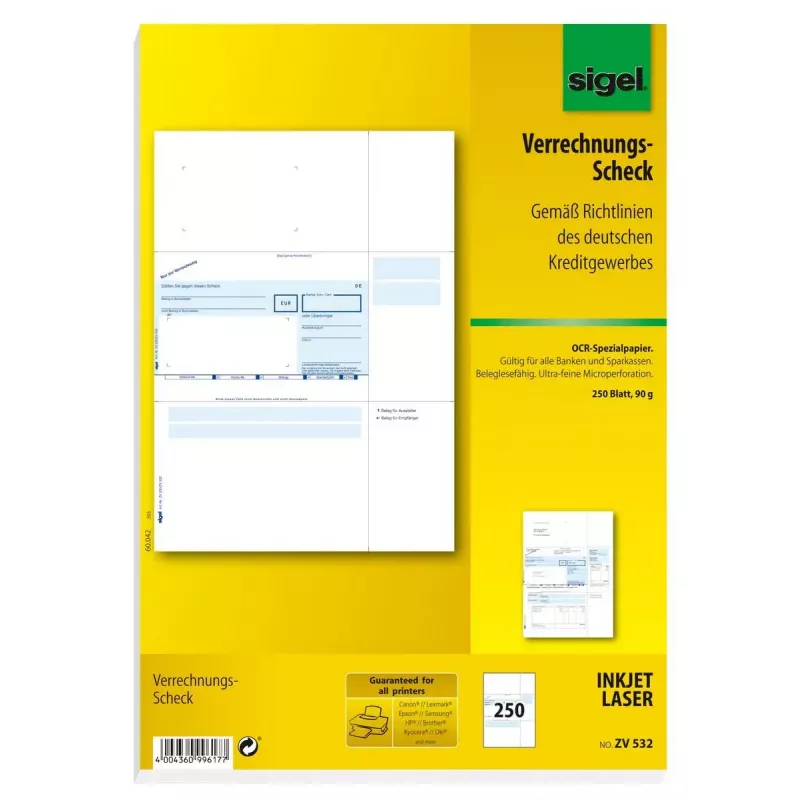
Formulario comercial Sigel ZV532

Formulario comercial Sigel ZV532
69,22 €
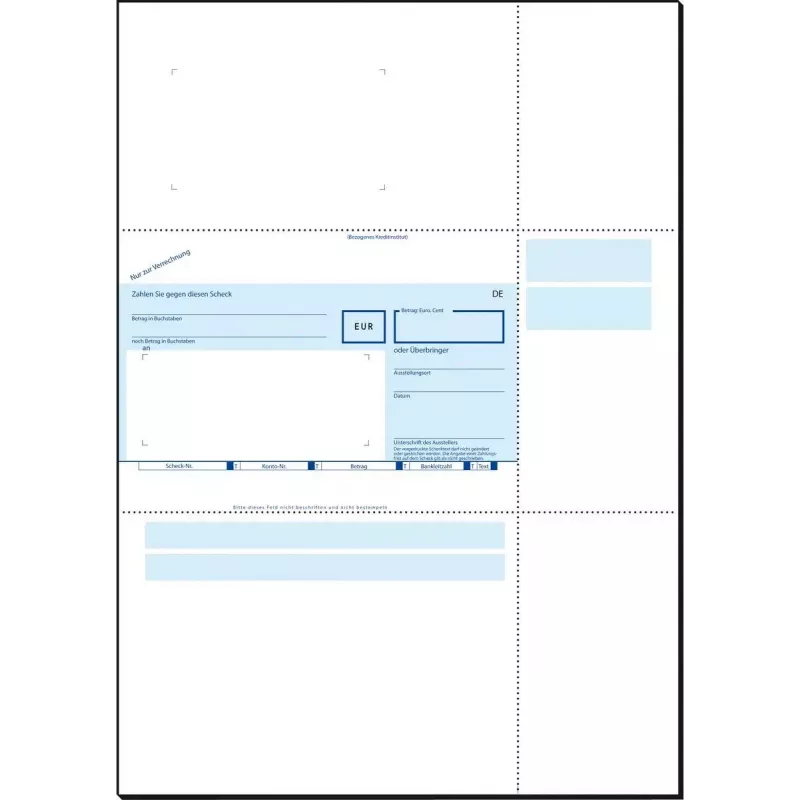
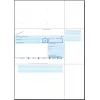
The Sigel ZV532 business form is a high-quality A4 sheet designed for professional document printing. Supplied in a pack of 250 crisp white sheets, this paper is suitable for producing invoices, reports, letters and other office documents that require clear, reliable print output. The neutral white ... Leer más
Disponibilidad 10 Código 1516872 Marca SIGEL Modelo ZV532 Garantía 2 años

Envíos y devoluciones

Entrega estimada Jueves, Octubre 15
Te mantendremos informado a través de nuestro sistema de seguimiento detallado
Opciones de pago
Tarjeta bancariaVisaMastercardPayPalApple PayGoogle PayTransferencia bancaria

The Sigel ZV532 business form is a high-quality A4 sheet designed for professional document printing. Supplied in a pack of 250 crisp white sheets, this paper is suitable for producing invoices, reports, letters and other office documents that require clear, reliable print output. The neutral white tone and standard A4 dimensions make these sheets compatible with most laser and inkjet printers as well as multifunction devices used in offices and administrative environments.

Advantages

This business form offers consistent whiteness and a smooth surface for sharp text and clear graphics. The standardized A4 size ensures straightforward handling in printers and filing systems. With 250 sheets per pack, it provides a practical supply for routine office printing, reducing the need for frequent restocking. The paper is engineered to work well with common office printers, producing reliable single- and double-sided results depending on the device settings.

Suitable for

  • Printing invoices and delivery notes
  • Generating client reports and statements
  • Internal memos and office correspondence
  • Multipage document printing for administrative needs

Key specifications

  • Format: A4 (210 × 297 mm)
  • Color: white
  • Quantity: 250 sheets per pack
  • Paper surface: smooth, suitable for text and graphics
  • Compatibility: designed for use with standard laser and inkjet printers and multifunction devices

How to use

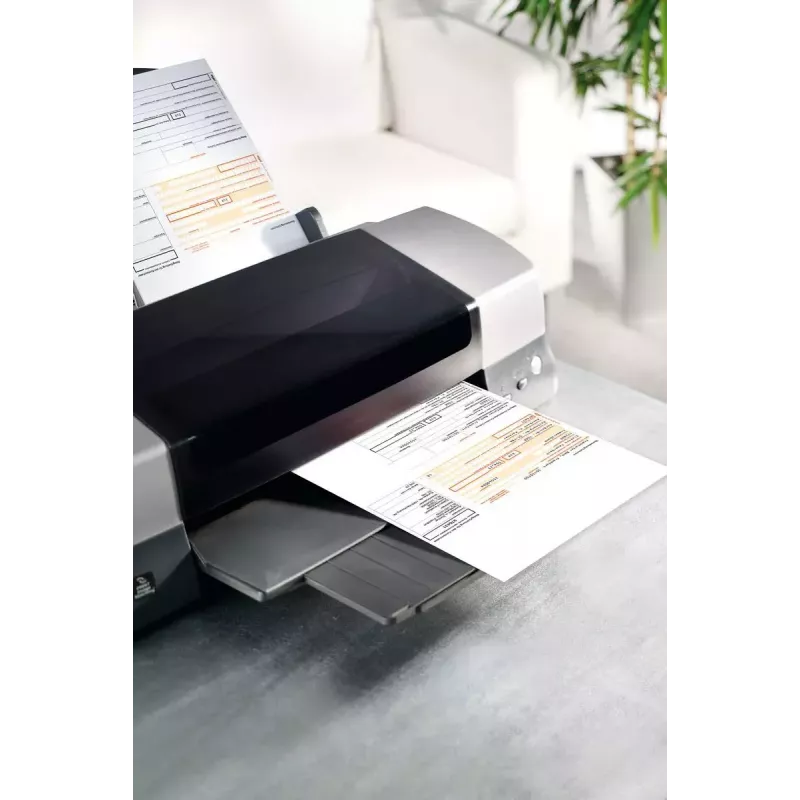
Load the required number of Sigel ZV532 sheets into the printer tray according to the device manufacturer’s instructions, aligning edges to avoid skewing. Select appropriate print settings for paper type and quality in the printer driver. For two-sided documents, enable duplex printing if supported by the printer or print manually following the device guidance. After printing, allow a short drying time for inkjet prints before stacking or filing to prevent smudging.

Recommendations

Store unopened packs in a cool, dry place away from direct sunlight and high humidity to maintain paper quality. Use printer settings matched to plain or office paper for best results and check feed paths if multiple sheets feed together. For archival documents, combine with appropriate filing and storage practices.

Aspectos destacados
  • Printing invoices and delivery notes
  • Generating client reports and statements
  • Internal memos and office correspondence
  • Multipage document printing for administrative needs
  • Format: A4 (210 × 297 mm)
  • Color: white
  • Quantity: 250 sheets per pack
  • Paper surface: smooth, suitable for text and graphics
  • Compatibility: designed for use with standard laser and inkjet printers and multifunction devices
Especificaciones
Color del producto
White
Formato
A4
Hojas por paquete
250 sheets
Peso
2.5 kg
Historial de precios de los últimos 6 meses
Formulario comercial Sigel ZV532
Actual
69,22 €
Mínimo
66,14 €
Máximo
69,90 €
Variación 24 h
+0,24 €   +0%
Semana
+0,66 €   +1%
Mes
+0,46 €   +1%
Hola, soy el asistente de IA de DistriNode. Puedo ayudarte a encontrar productos, comparar opciones, crear presupuestos en PDF o abrir solicitudes de soporte.