
Cuenta Contacto
Tu carrito
Envío con DPD y FedEx
¿Dudas? Pregunte a la IA

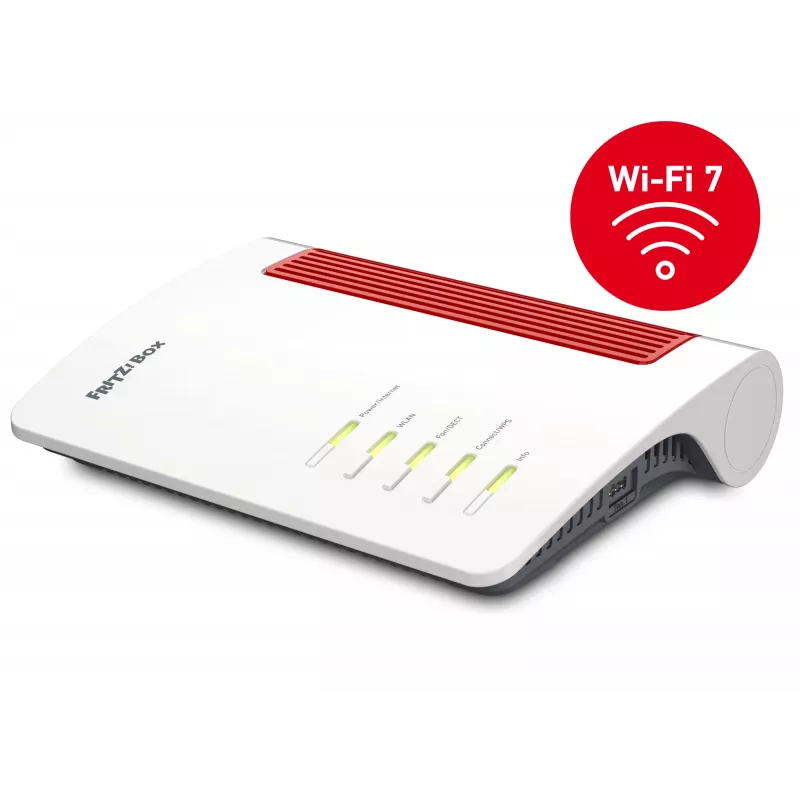
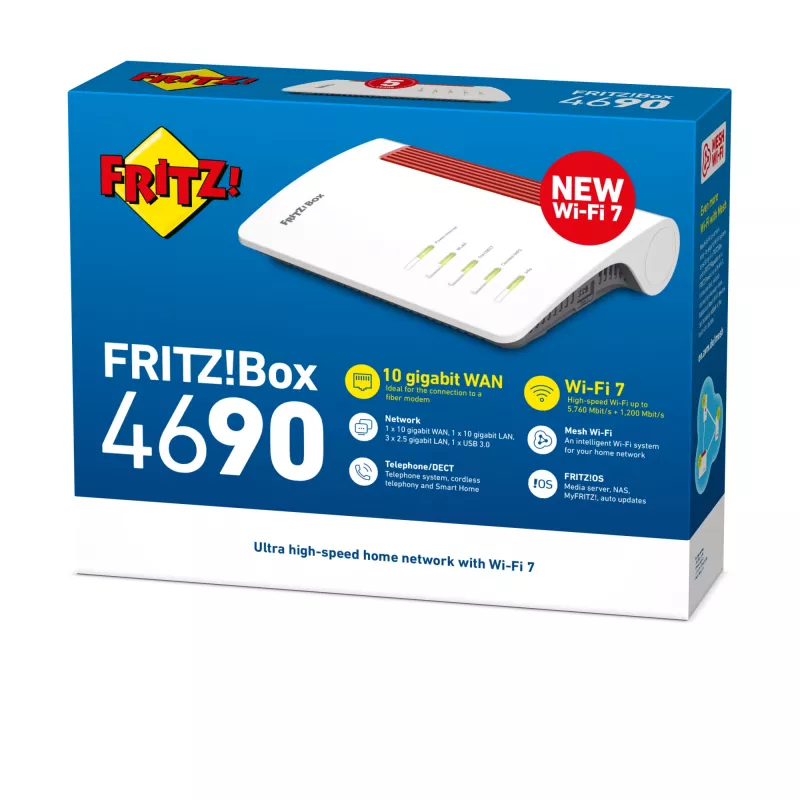
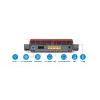
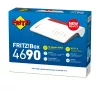
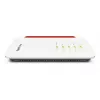
Router WLAN FRITZ Box 4690 Edition International – FRITZ 4690 (modelo 20003098)

Router WLAN FRITZ Box 4690 Edition International – FRITZ 4690 (modelo 20003098)
420,21 €
The FRITZ Box 4690 Edition International is a compact wireless router designed for home and small-office networking. It delivers standard Wi‑Fi connectivity and essential routing functions to connect multiple devices to the internet and to each other. The device supports network management basics an... Leer más
Stock AgotadoSin stock Código 2399378 Marca FRITZ! Modelo 20003098 Garantía 2 años

Envíos y devoluciones

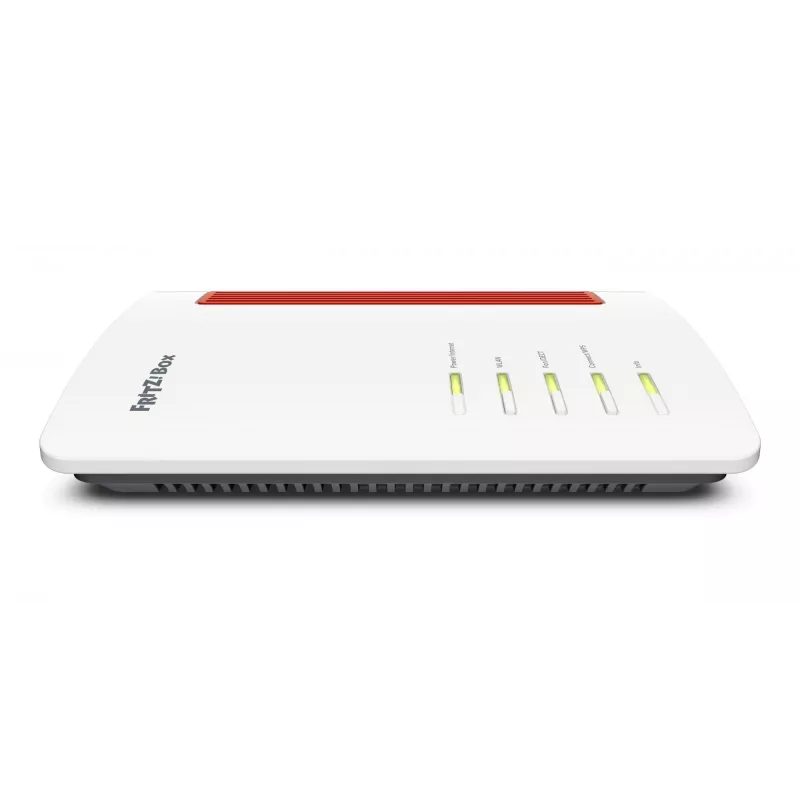
The FRITZ Box 4690 Edition International is a compact wireless router designed for home and small-office networking. It delivers standard Wi‑Fi connectivity and essential routing functions to connect multiple devices to the internet and to each other. The device supports network management basics and is suitable for installations where a reliable, space-saving router with straightforward configuration is required.

Advantages

The FRITZ Box 4690 offers stable wireless coverage and integrated routing features in a compact enclosure. It combines essential network services such as DHCP and NAT with a user-friendly interface for basic setup and monitoring. The router’s form factor and standard feature set make it convenient for apartments, small offices or anywhere a simple, dependable wireless gateway is needed.

Suitable for

Key specifications

How to use

Place the router in a central location to maximise wireless coverage. Connect the internet uplink (DSL, cable modem or provided WAN connection) to the router’s WAN port and power it on. Use the web-based setup interface to enter your internet provider details, configure Wi‑Fi network names and passwords, and enable basic security settings. Attach wired devices to the LAN ports for stable connections and add wireless devices by selecting the configured SSID and entering the Wi‑Fi password.

Recommendations

For reliable performance, keep firmware updated via the router’s management interface, position the unit away from large metal objects and sources of interference, and use strong Wi‑Fi passwords. For higher traffic or advanced features, consider using this router together with network switches or access points as needed.

Aspectos destacados
  • Home internet access and Wi‑Fi for phones, tablets and laptops
  • Small-office networks with light to moderate traffic
  • Connecting smart home devices and networked peripherals
  • Replacing older routers to provide updated wireless connectivity
  • Wireless connectivity: dual-band Wi‑Fi (2.4 GHz and 5 GHz) compliant with common Wi‑Fi standards
  • Routing functions: NAT, DHCP server and basic firewall capabilities
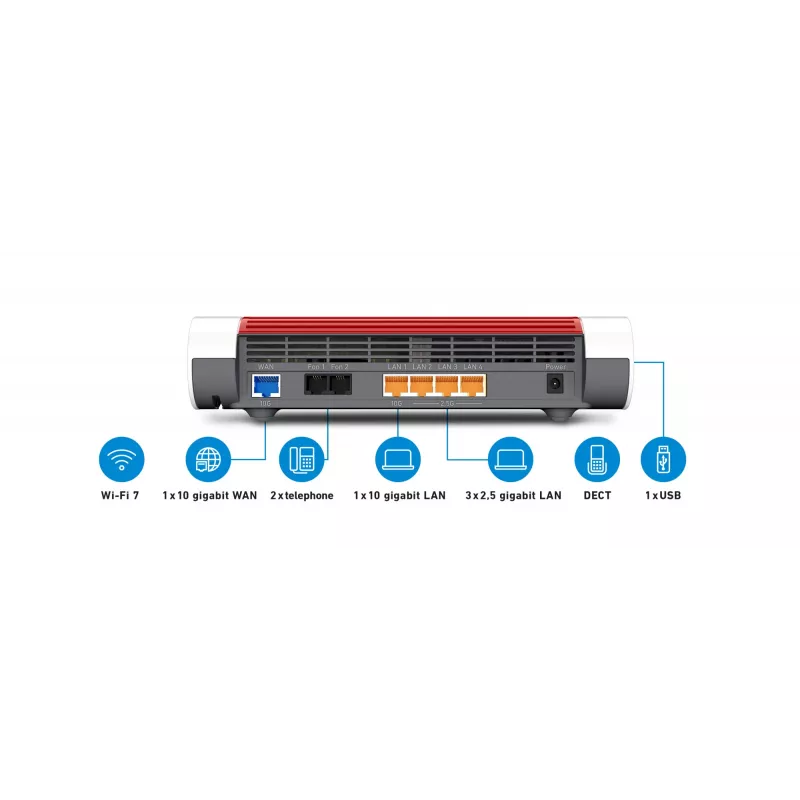
  • LAN connectivity: multiple Ethernet ports for wired devices
  • Management: web-based interface for configuration and basic network monitoring
  • Form factor: compact tabletop design suitable for visible placement
Historial de precios de los últimos 6 meses
Router WLAN FRITZ Box 4690 Edition International – FRITZ 4690 (modelo 20003098)
Actual
420,21 €
Mínimo
420,21 €
Máximo
442,96 €
Variación 24 h
-5,15 €   -1%
Semana
—   
Mes
—   

Productos populares en esta categoría

Vendedor: UAB KUR LT · Laisvės pr. 125A, LT-06118 Vilna, Lituania · Código de empresa 303192950 · NIF-IVA UE LT100008198612 · Envío desde la UE (Lituania)
Hola, soy el asistente de IA de DistriNode. Puedo ayudarte a encontrar productos, comparar opciones, crear presupuestos en PDF o abrir solicitudes de soporte.