
Cuenta Contacto
Tu carrito
Envío con DPD y FedEx
¿Dudas? Pregunte a la IA

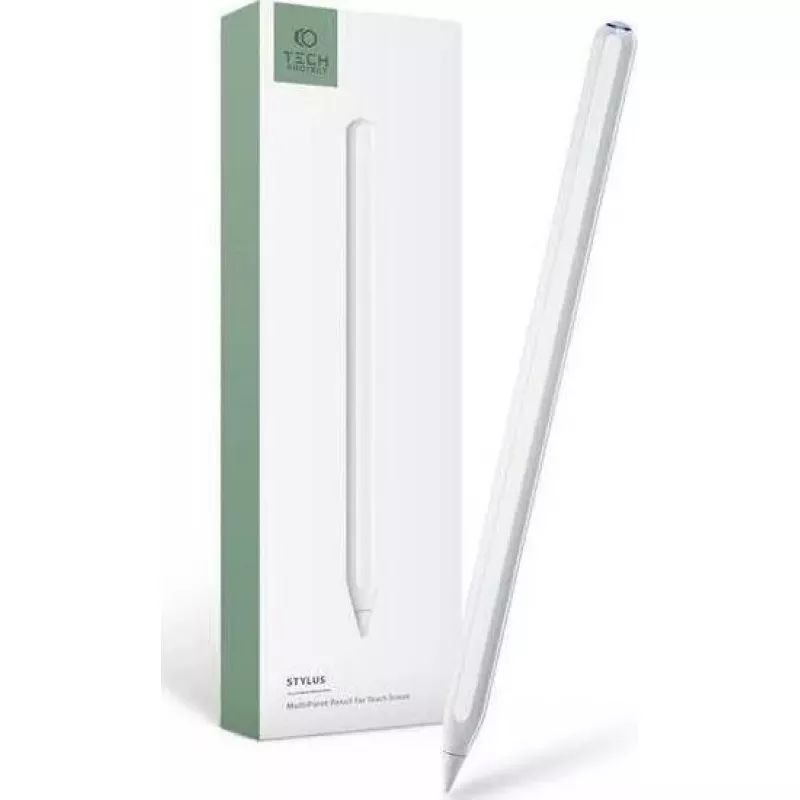
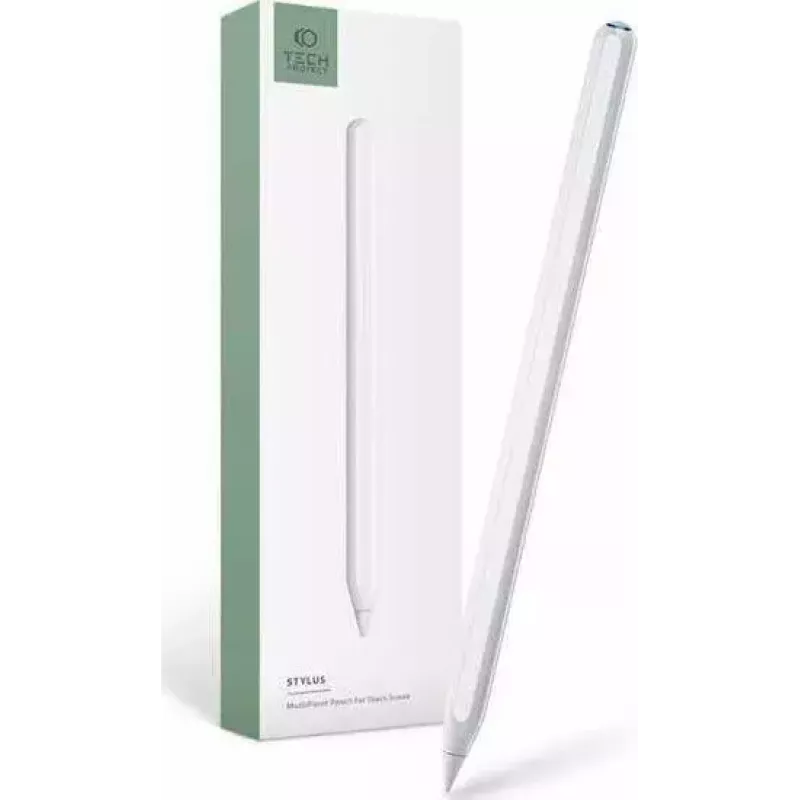
Lápiz táctil Tech-Protect Digital Stylus Pen 2 para iPad — blanco

Lápiz táctil Tech-Protect Digital Stylus Pen 2 para iPad — blanco
34,15 €
The Tech-Protect Digital Stylus Pen 2 for iPad in white is a precision input tool designed for compatible iPad models. It offers a responsive tip for accurate drawing, handwriting and touch navigation, combined with a slim, lightweight body that supports extended creative sessions, study tasks and e... Leer más
Stock 1565 Código 2578151 Marca TECH-PROTECT Modelo 9589046922541 Garantía 2 años

Envíos y devoluciones

Entrega estimada Lunes, Octubre 26
Te mantendremos informado a través de nuestro sistema de seguimiento detallado
Opciones de pago
Tarjeta bancariaVisaMastercardPayPalApple PayGoogle PayTransferencia bancaria

The Tech-Protect Digital Stylus Pen 2 for iPad in white is a precision input tool designed for compatible iPad models. It offers a responsive tip for accurate drawing, handwriting and touch navigation, combined with a slim, lightweight body that supports extended creative sessions, study tasks and everyday interactions. The stylus improves control over strokes and taps while maintaining compatibility with standard touchscreen gestures.

Advantages

The Digital Stylus Pen 2 provides low-latency touch response and a finely tuned tip suitable for detailed sketching and neat handwriting. Its lightweight construction reduces hand fatigue during prolonged use, and the balanced shape supports natural grip positions. The pen's surface is finished to resist slipping and to offer a consistent glide across the screen, improving precision for both drawing and navigation.

Suitable for

  • Digital drawing and illustration
  • Handwritten notes and annotations
  • Document markup and editing
  • Navigation and general touchscreen control
  • Study, office and remote learning tasks

Key specifications

  • Compatibility: designed for use with compatible iPad touchscreen displays
  • Color: white finish
  • Tip: responsive fine-tip design for precision input
  • Body: slim, lightweight construction for comfortable handling
  • Surface: low-friction coating to ensure smooth glide on glass screens

How to use

Hold the stylus as you would a conventional pen and touch the tip to the iPad screen to draw, write or tap. The Digital Stylus Pen 2 works with compatible touch input settings; no complex setup is required beyond pairing or enabling in cases where the iPad model requires it. Apply light to moderate pressure for strokes of varying thickness if your app supports pressure sensitivity, and keep the tip clean to maintain consistent responsiveness.

Recommendations

For best results, use the stylus on a clean screen and store it in a protective case when not in use. Replace the tip if signs of wear appear to maintain accuracy. Check the iPad model's compatibility and input settings to enable full functionality with drawing and note-taking applications.

Aspectos destacados
  • Digital drawing and illustration
  • Handwritten notes and annotations
  • Document markup and editing
  • Navigation and general touchscreen control
  • Study, office and remote learning tasks
  • Compatibility: designed for use with compatible iPad touchscreen displays
  • Color: white finish
  • Tip: responsive fine-tip design for precision input
  • Body: slim, lightweight construction for comfortable handling
  • Surface: low-friction coating to ensure smooth glide on glass screens
Historial de precios de los últimos 6 meses
Lápiz táctil Tech-Protect Digital Stylus Pen 2 para iPad — blanco
Actual
34,15 €
Mínimo
33,43 €
Máximo
35,15 €
Variación 24 h
+0,67 €   +2%
Semana
+0,62 €   +2%
Mes
+0,67 €   +2%

Productos populares en esta categoría

Hola, soy el asistente de IA de DistriNode. Puedo ayudarte a encontrar productos, comparar opciones, crear presupuestos en PDF o abrir solicitudes de soporte.