
Cuenta Contacto
Tu carrito
Envío con DPD y FedEx
¿Dudas? Pregunte a la IA

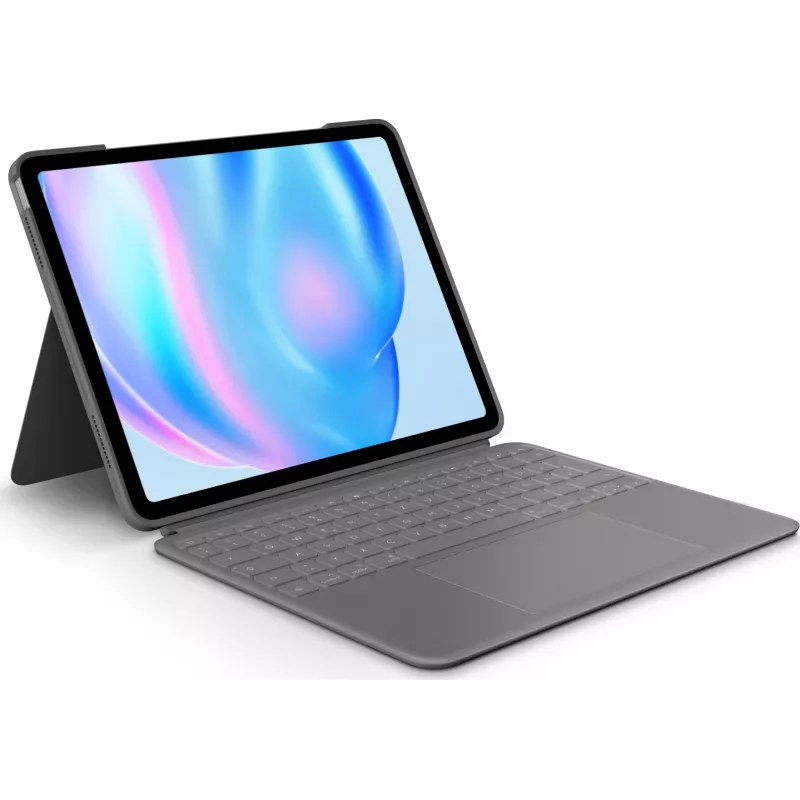
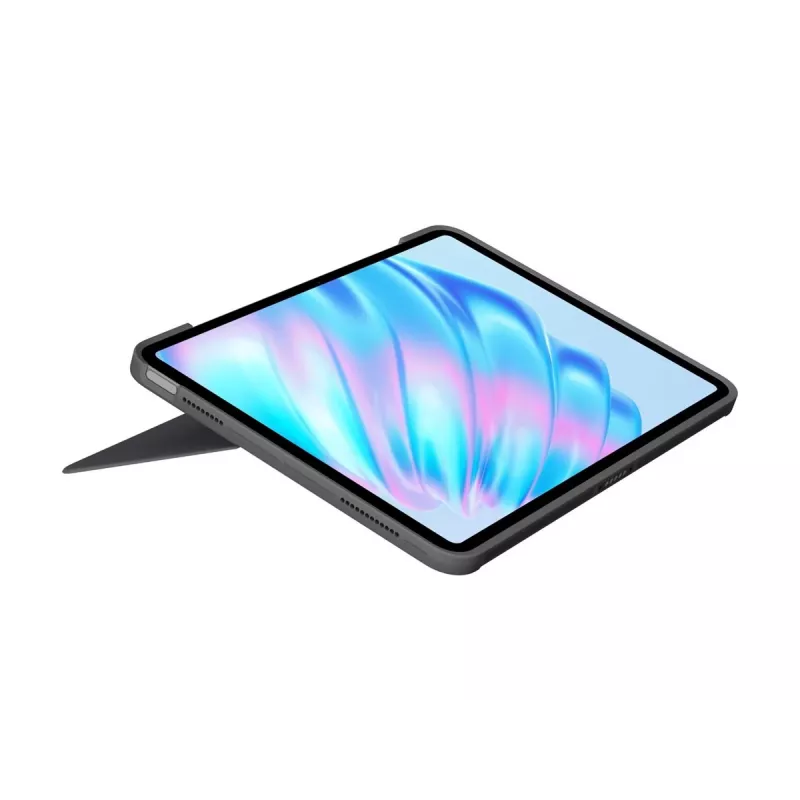
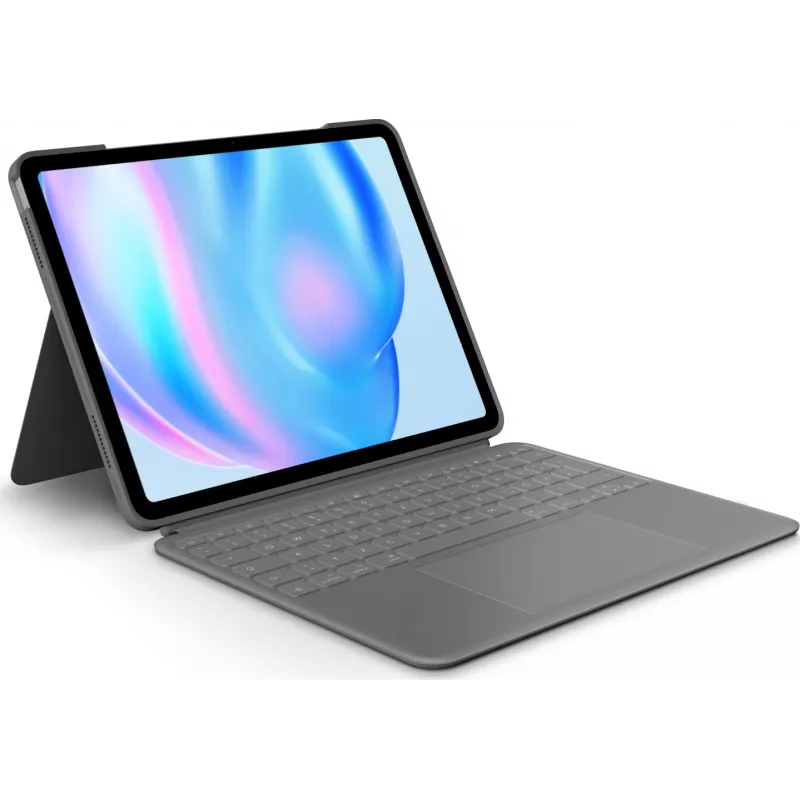
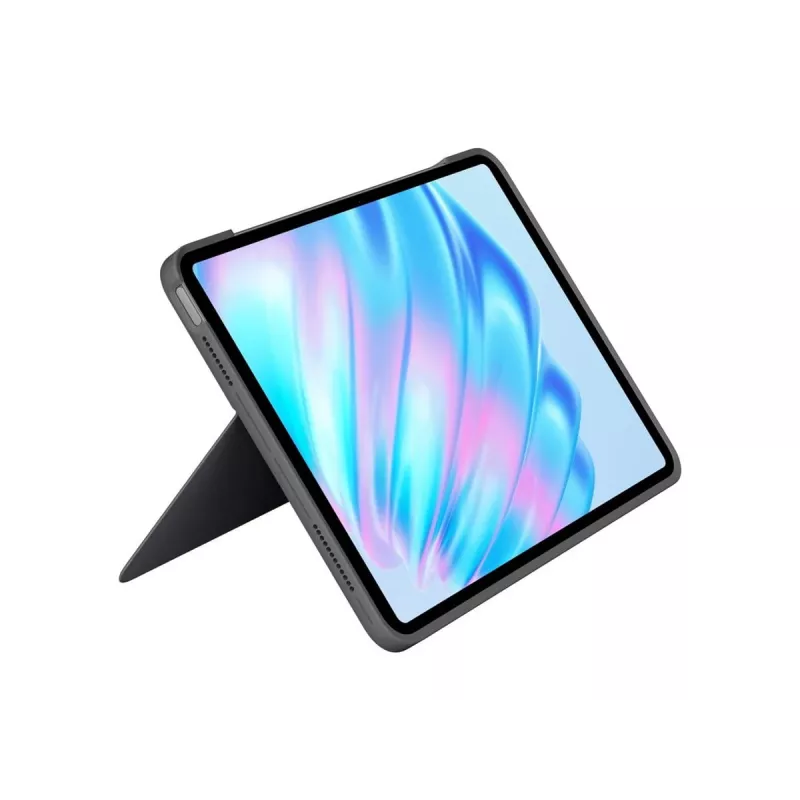
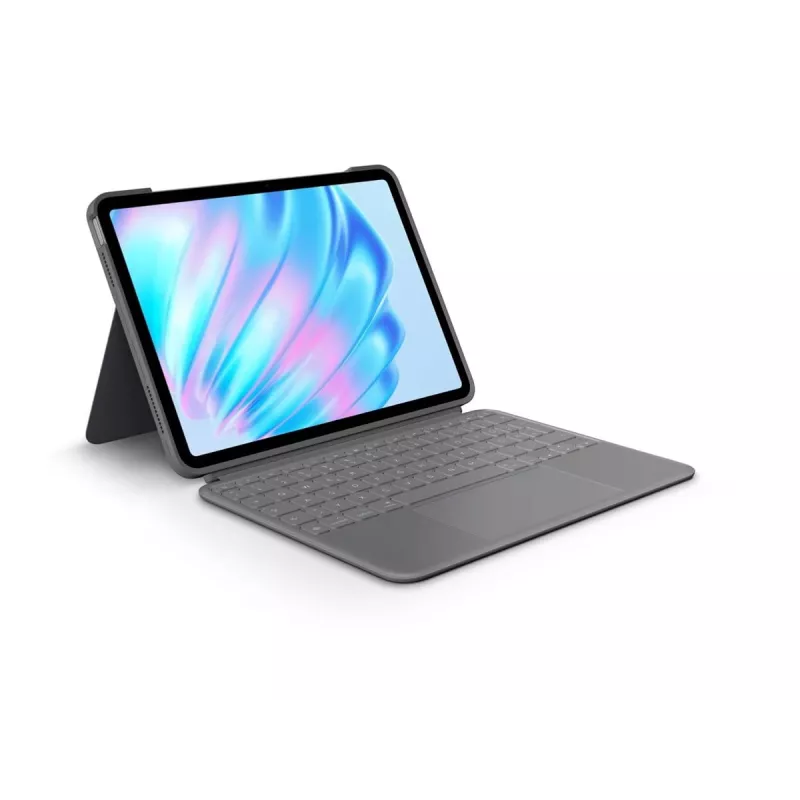
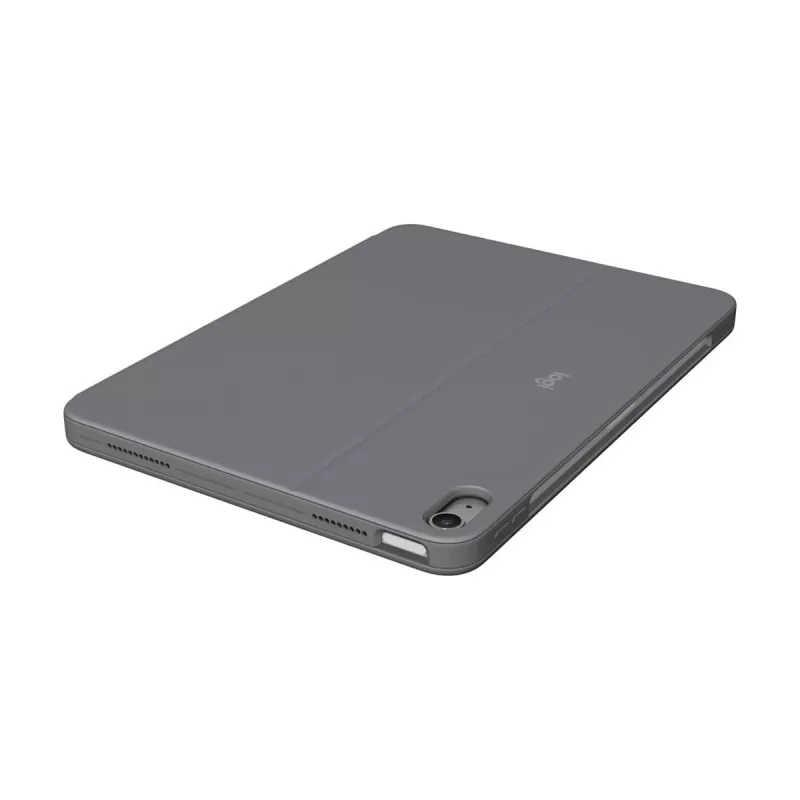
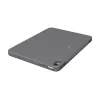
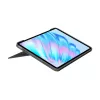
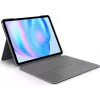
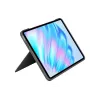
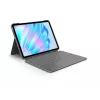
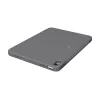
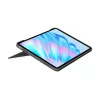
Logitech Combo Touch funda con teclado QWERTZ alemán Smart Connector gris

Logitech Combo Touch funda con teclado QWERTZ alemán Smart Connector gris
174,91 €
Take iPad further with the Combo Touch keyboard case for iPad Air. This protective, detachable keyboard case adds typing, trackpad control, a flexible kickstand and Apple Pencil support while preserving access to iPad ports and Smart Connector power. The 2024 model is thinner and lighter with an exp... Leer más
Stock 57 Código 357574 Marca LOGITECH Modelo 920-012611 Garantía 2 años

Envíos y devoluciones

Entrega estimada Viernes, Octubre 16
Te mantendremos informado a través de nuestro sistema de seguimiento detallado
Opciones de pago
Tarjeta bancariaVisaMastercardPayPalApple PayGoogle PayTransferencia bancaria

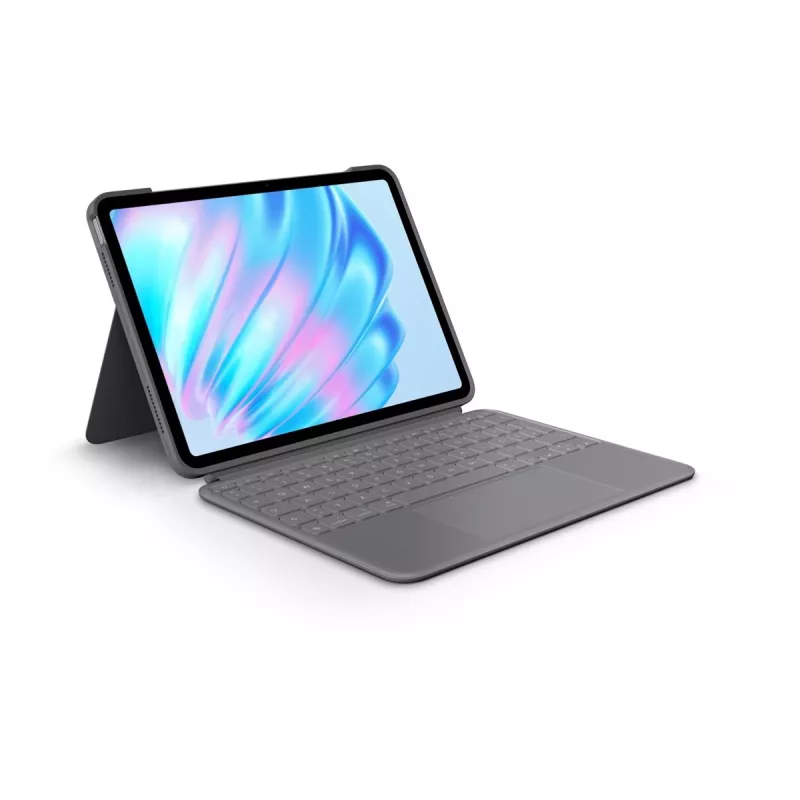
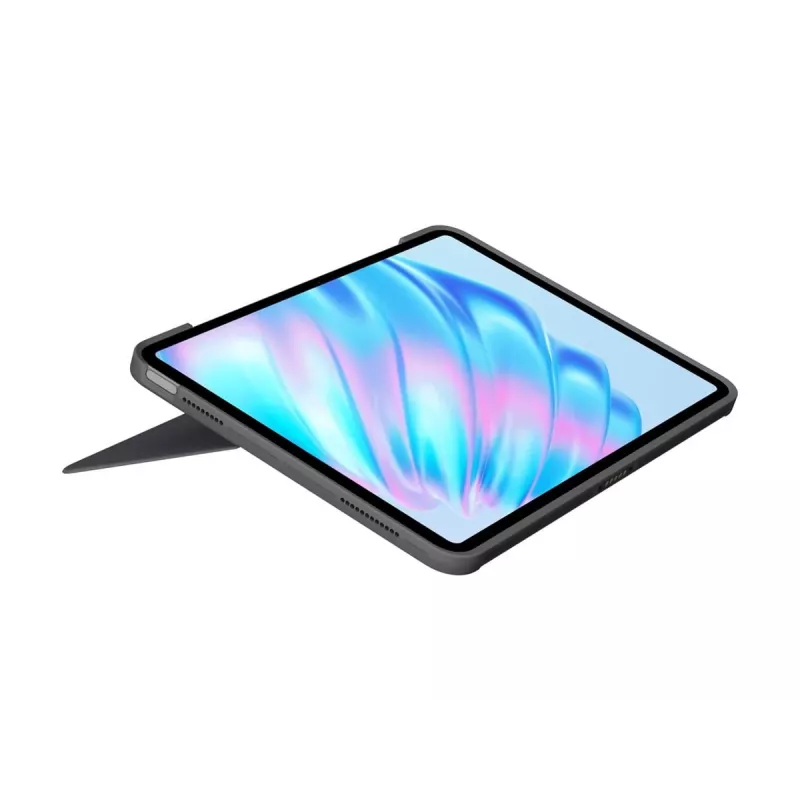
Take iPad further with the Combo Touch keyboard case for iPad Air. This protective, detachable keyboard case adds typing, trackpad control, a flexible kickstand and Apple Pencil support while preserving access to iPad ports and Smart Connector power. The 2024 model is thinner and lighter with an expanded trackpad and premium textiles that combine protection and portability for everyday use.

Advantages

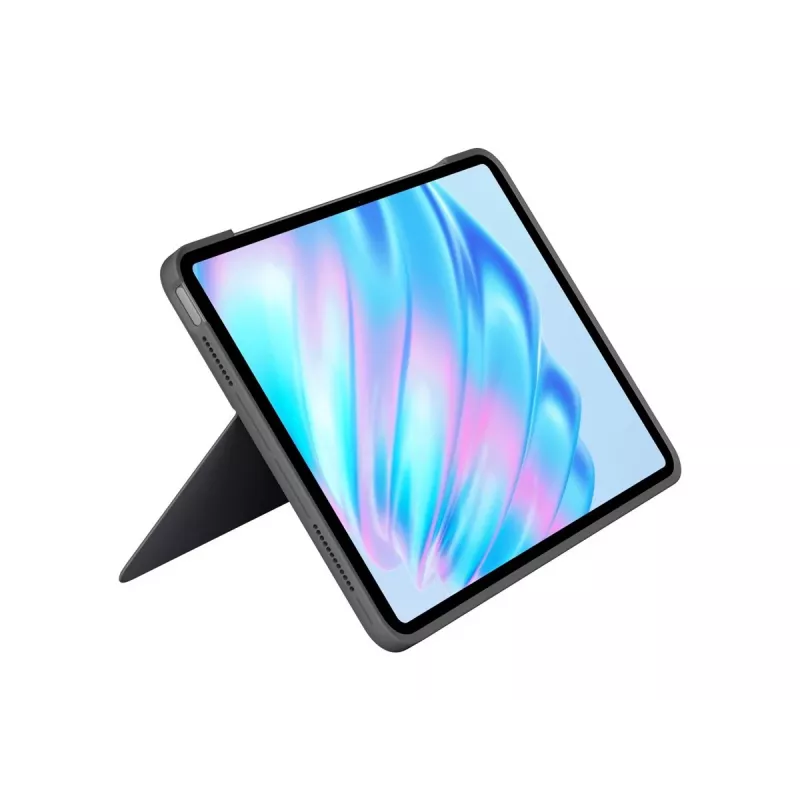
The Combo Touch offers multiple use modes that let you type, sketch, watch, read or join video calls with a single accessory. A detachable full‑sized keyboard with scissor keys delivers comfortable typing and a satisfying key feel, while the large Multi‑Touch trackpad supports familiar gestures such as swipe, pinch and double‑tap. The ultra‑flexible kickstand provides a wide range of viewing angles and the form‑fitting case protects the iPad from scuffs and scratches. Backlit keys allow typing in low light, and Smart Connector power means no separate charging for the keyboard. The case also supports attaching Apple Pencil without removal.

Key specifications

  • Compatibility: iPad Air (Combo Touch for iPad Air)
  • Design: Detachable full‑sized keyboard with scissor keys
  • Trackpad: Largest Combo Touch trackpad to date, supports Multi‑Touch gestures
  • Kickstand: Ultra‑flexible kickstand with multiple viewing angles
  • Materials: Premium, sustainably formulated textiles
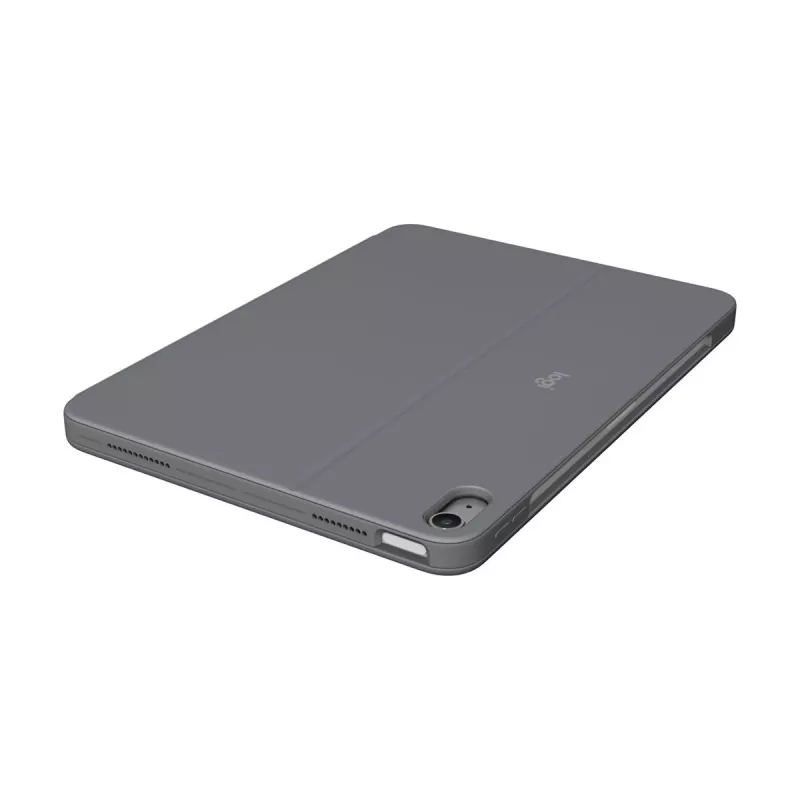
  • Protection: Form‑fit case protects against scuffs and scratches
  • Backlight: Adjustable backlit keys
  • Connectivity and power: Smart Connector — powered by iPad, no keyboard charging required
  • Apple Pencil: Supported and attachable while case is on
  • Shortcut keys: Full row of iPadOS shortcut keys (home screen, screen brightness, backlight brightness, dictation/Siri, screen capture, media controls, volume, Do Not Disturb)

How to use

Attach your iPad Air to the form‑fit case and use the Smart Connector to power and pair the keyboard automatically; no separate charging is required. Detach the keyboard when you want to sketch or read, or reattach it for typing. Adjust the kickstand to find a comfortable angle for typing, viewing or video calls. Use the large Multi‑Touch trackpad and standard iPadOS gestures to navigate, and use the top row of shortcut keys for quick access to common functions. Attach Apple Pencil directly to the iPad while the case remains on to draw or take notes.

Recommendations

For best results, ensure your iPad Air model matches the Combo Touch compatibility information, keep the Smart Connector contacts clean for reliable power and pairing, and store the case in a dry place to preserve its textile finish.
Aspectos destacados
  • Compatibility: iPad Air (Combo Touch for iPad Air)
  • Design: Detachable full‑sized keyboard with scissor keys
  • Trackpad: Largest Combo Touch trackpad to date, supports Multi‑Touch gestures
  • Kickstand: Ultra‑flexible kickstand with multiple viewing angles
  • Materials: Premium, sustainably formulated textiles
  • Protection: Form‑fit case protects against scuffs and scratches
  • Backlight: Adjustable backlit keys
  • Connectivity and power: Smart Connector — powered by iPad, no keyboard charging required
  • Apple Pencil: Supported and attachable while case is on
  • Shortcut keys: Full row of iPadOS shortcut keys (home screen, screen brightness, backlight brightness, dictation/Siri, screen capture, media controls, volume, Do Not Disturb)
Especificaciones
Color del producto
Grey
Historial de precios de los últimos 6 meses
Logitech Combo Touch funda con teclado QWERTZ alemán Smart Connector gris
Actual
174,91 €
Mínimo
173,56 €
Máximo
197,55 €
Variación 24 h
+0,64 €   +0%
Semana
+0,99 €   +1%
Mes
-3,99 €   -2%

Productos populares en esta categoría

Hola, soy el asistente de IA de DistriNode. Puedo ayudarte a encontrar productos, comparar opciones, crear presupuestos en PDF o abrir solicitudes de soporte.