
Cuenta Contacto
Tu carrito
Envío con DPD y FedEx
¿Dudas? Pregunte a la IA

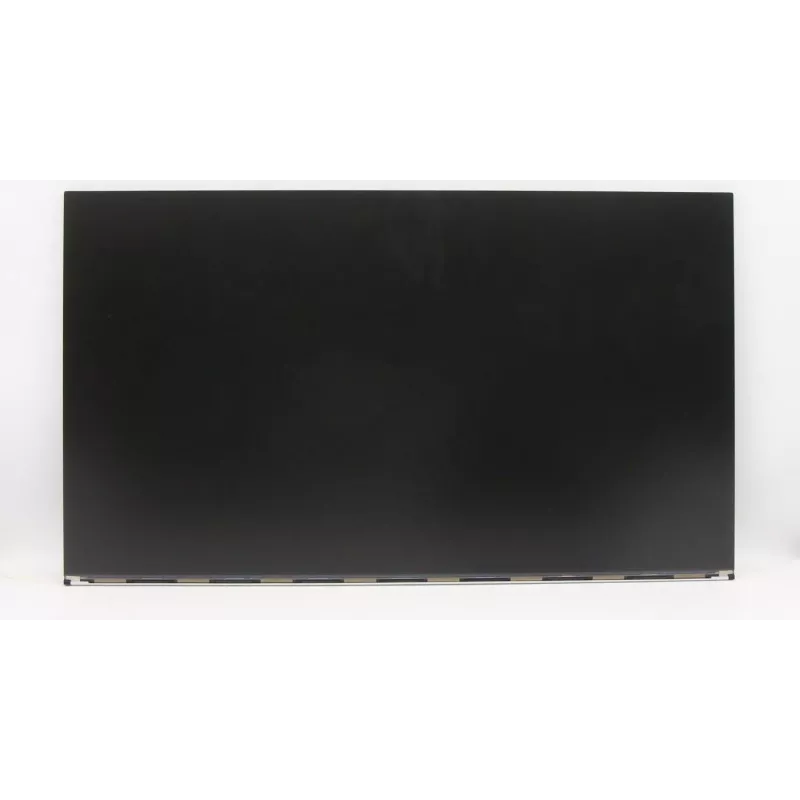
Monitor Lenovo BOE MV270FHM-N30 de 27 pulgadas Full HD non-touch

Monitor Lenovo BOE MV270FHM-N30 de 27 pulgadas Full HD non-touch
225,74 €
The Lenovo BOE MV270FHM-N30 27 inch Full HD non-touch monitor provides a 27" 1920x1080 display intended for everyday computing, office tasks and multimedia playback. The panel delivers clear text rendering and sufficiently sharp images for spreadsheets, documents, web browsing and video viewing. The... Leer más
Stock 1 Código 1467310 Marca LENOVO Modelo 5D10W33951 Garantía 2 años

Envíos y devoluciones

Entrega estimada Martes, Octubre 27
Te mantendremos informado a través de nuestro sistema de seguimiento detallado
Opciones de pago
Tarjeta bancariaVisaMastercardPayPalApple PayGoogle PayTransferencia bancaria

The Lenovo BOE MV270FHM-N30 27 inch Full HD non-touch monitor provides a 27" 1920x1080 display intended for everyday computing, office tasks and multimedia playback. The panel delivers clear text rendering and sufficiently sharp images for spreadsheets, documents, web browsing and video viewing. The non-touch design focuses on reliable visual performance and straightforward connectivity for typical desktop and laptop setups.

Advantages

This 27-inch Full HD monitor balances screen size and pixel density to present readable content and comfortable working space without excessive desktop footprint. The non-touch panel reduces reflections and power consumption compared with interactive displays, while the native resolution ensures consistent image scaling for standard 1080p content. Built to suit general-purpose use, it offers predictable colour reproduction and viewing angles adequate for office and home environments.

Suitable for

  • Office workstations: word processing, spreadsheets, email
  • Home computing: browsing, video streaming and casual multitasking
  • Remote and hybrid work setups requiring a larger secondary display
  • Students and study spaces for document reading and research

Key specifications

  • Screen size: 27 inches
  • Resolution: 1920 × 1080 pixels (Full HD)
  • Panel type: non-touch LCD
  • Aspect ratio: 16:9
  • Typical use case: general computing and multimedia

How to use

Connect the monitor to a PC or laptop using the supported video input on your system and adjust the display settings in the host operating system to the native 1920x1080 resolution for best clarity. Place the monitor at eye level and set viewing distance to reduce eye strain, typically about an arm's length for a 27" screen. Use on-screen menus to fine-tune brightness, contrast and colour temperature to match ambient lighting and personal preference.

Recommendations

For prolonged work sessions, enable a comfortable ergonomic setup with an adjustable chair and monitor position, take regular short breaks to reduce eye fatigue, and set the display to its native resolution. When using the monitor for colour-sensitive tasks, calibrate using software or hardware tools to achieve more accurate colour representation.

Aspectos destacados
  • Office workstations: word processing, spreadsheets, email
  • Home computing: browsing, video streaming and casual multitasking
  • Remote and hybrid work setups requiring a larger secondary display
  • Students and study spaces for document reading and research
  • Screen size: 27 inches
  • Resolution: 1920 × 1080 pixels (Full HD)
  • Panel type: non-touch LCD
  • Aspect ratio: 16:9
  • Typical use case: general computing and multimedia
Historial de precios de los últimos 6 meses
Monitor Lenovo BOE MV270FHM-N30 de 27 pulgadas Full HD non-touch
Actual
225,74 €
Mínimo
225,74 €
Máximo
225,74 €
Variación 24 h
—   
Semana
—   
Mes
—   
Vendedor: UAB KUR LT · Laisvės pr. 125A, LT-06118 Vilna, Lituania · Código de empresa 303192950 · NIF-IVA UE LT100008198612 · Envío desde la UE (Lituania)
Hola, soy el asistente de IA de DistriNode. Puedo ayudarte a encontrar productos, comparar opciones, crear presupuestos en PDF o abrir solicitudes de soporte.