

Haz una pregunta sobre este producto


Envíos y devoluciones
Haz una pregunta: el asistente IA responde al instante.


Descripción
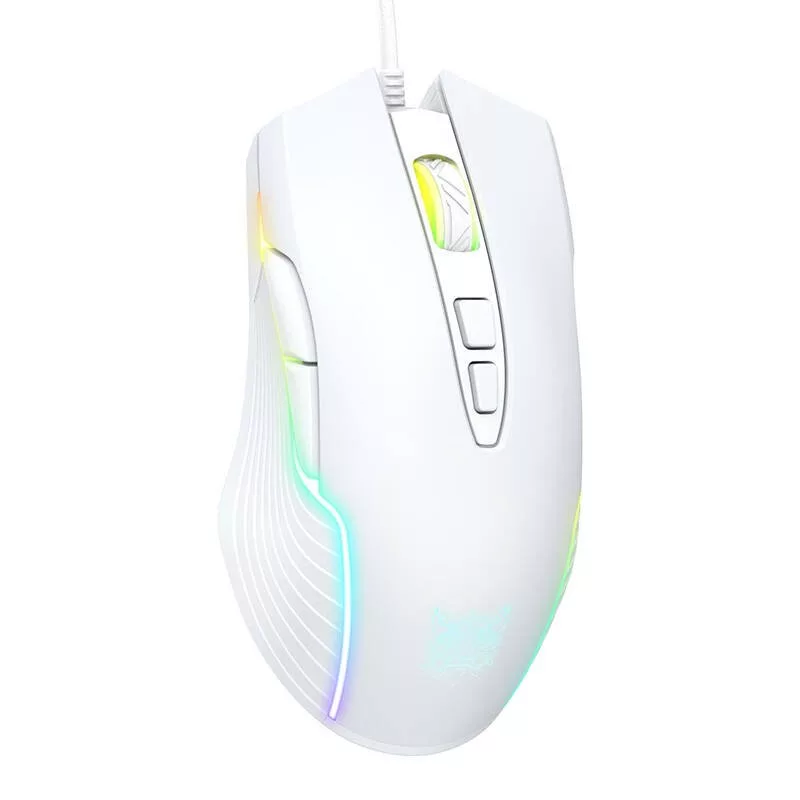
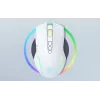
Onikuma CW905 white wired gaming mouse
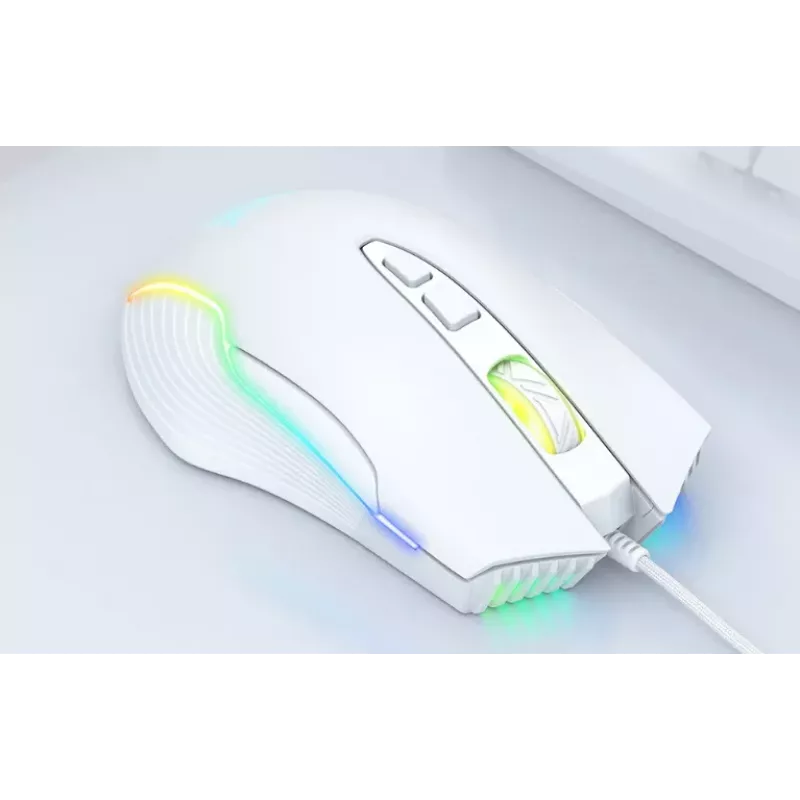
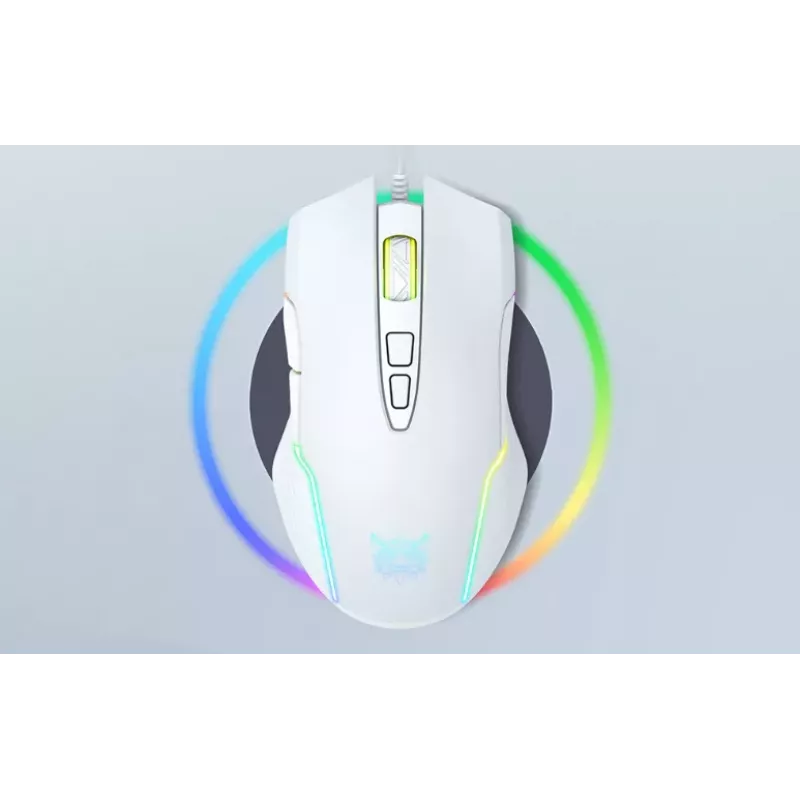
The ONIKUMA CW905 is a gaming mouse that allows you to choose from 6 DPI levels - each level makes the mouse read your hand movements more precisely, and the cursor moves more smoothly. In addition, the mouse has 7 buttons: left, right, mouse wheel/middle button, forward, backward, DPI+, DPI-, so you can always have the most important functions at hand. What's more, the ONIKUMA CW905 lights up in 6 different colors to precisely match your preferences. Top it off with an ergonomic design created with easy-to-clean materials.

Precise control
The ONIKUMA CW905 is an advanced gaming mouse that perfectly combines functionality and precision. One of the key strengths of this device is the ability to choose from 6 different DPI levels, allowing you to fine-tune the mouse to your individual preferences. Each of these levels allows more accurate reading of hand movements, which translates into smoother cursor movement.

Key features at your fingertips
The ONIKUMA CW905 is equipped with 7 buttons, including left and right mouse buttons, mouse wheel/center button, forward button, back button, and DPI+ and DPI- buttons. This smart configuration ensures that key functions are available at your fingertips, enabling lightning-fast responses and efficient operation of games and tasks.

Varied backlighting
In addition, the ONIKUMA CW905 features dynamic LED backlighting that includes 6 different colors: green, pink, blue, red, cyan and yellow. This is not only a visual element, but also a feature that allows you to personalize the mouse and create a unique style.

Comfortable to use
The ONIKUMA CW905 mouse also impresses with its ergonomic design, created with easy-to-clean materials. The surface is resistant to fingerprints, sweat, etc. This ensures comfort even during long gaming or work sessions. All these features add up to the comprehensive quality of the ONIKUMA CW905, which meets the needs of even the most demanding gamers.

Included
- Mouse
- Instruction
| Manufacturer | Onikuma |
|---|---|
| Model | CW905 |
| Color | White |
| Default resolution | 800 green/1600 pink/2400 blue/3200 red/4800 cyan/6400 yellow |
| Light color | RGB |
| Operating voltage | 5V |
| Interface | USB |
| Operating current | |
| Cable length | approx. 1,5m |
| Weight | approx. 132g |
| Product dimensions | 127mm x 71mm x 40mm |
How to use
Connect the ONIKUMA CW905 to a computer via the USB cable. Switch DPI using the DPI+ and DPI- buttons to select the preferred sensitivity level; observe the lighting color which corresponds to the current DPI setting. Use the forward and back side buttons for browser navigation or assign them in supported games and applications. No additional drivers are required for basic operation; adjust settings in-game or in the host system where applicable.
Recommendations
For stable performance, plug the mouse directly into a USB port on the computer rather than through an unpowered hub. Clean the surface with a soft, slightly damp cloth and avoid abrasive cleaners. Select lower DPI values for precise aiming and higher DPI for faster cursor travel.
How to use
Recommendations
For stable performance, plug the mouse directly into a USB port on the computer rather than through an unpowered hub. Clean the surface with a soft, slightly damp cloth and avoid abrasive cleaners. Select lower DPI values for precise aiming and higher DPI for faster cursor travel.
Productos populares en esta categoría
8
- Logitech G502 X Lightspeed ratón gaming inalámbrico óptico – negro
- Logitech G PRO X SUPERLIGHT 2 LIGHTSPEED Ratón gaming inalámbrico, negro
- RAZER Deathadder V3 Pro ratón gaming ergonómico inalámbrico/cableado negro
- Ratón gaming SteelSeries Aerox 5 Wireless, óptico, negro
- Ratón gaming Razer Cobra con cable
- Ratón gaming Endgame Gear OP1 8k v2 – 8000 Hz, USB, negro (EGG-OP1-8K-V2-BLK)
- LOGITECH G102 Ratón gaming USB Negro
- Razer Viper 8K Hz ratón gaming óptico – 20000 DPI, USB Type-A, negro (RZ01-03580100-R3M1)