
Cuenta Contacto
Tu carrito
Envío con DPD y FedEx
¿Dudas? Pregunte a la IA

Switch KVM ACT 2 puertos USB-C/HDMI 4K@60Hz AC7922 con teclado/ratón USB, vídeo HDMI, 100W PD

Switch KVM ACT 2 puertos USB-C/HDMI 4K@60Hz AC7922 con teclado/ratón USB, vídeo HDMI, 100W PD
150,95 €
The AC7922 2-port USB-C/HDMI KVM switch controls two computers while using a single monitor, single USB keyboard and mouse. The HDMI output supports a monitor with a resolution up to 4K@60Hz. The AC7922 lets you switch between computers using the buttons on the switch itself, the IR remote control, ... Leer más
Stock 123 Código 2446173 Marca ACT Modelo AC7922 Garantía 2 años

Envíos y devoluciones

Entrega estimada Miércoles, Octubre 28
Te mantendremos informado a través de nuestro sistema de seguimiento detallado
Opciones de pago
Tarjeta bancariaVisaMastercardPayPalApple PayGoogle PayTransferencia bancaria
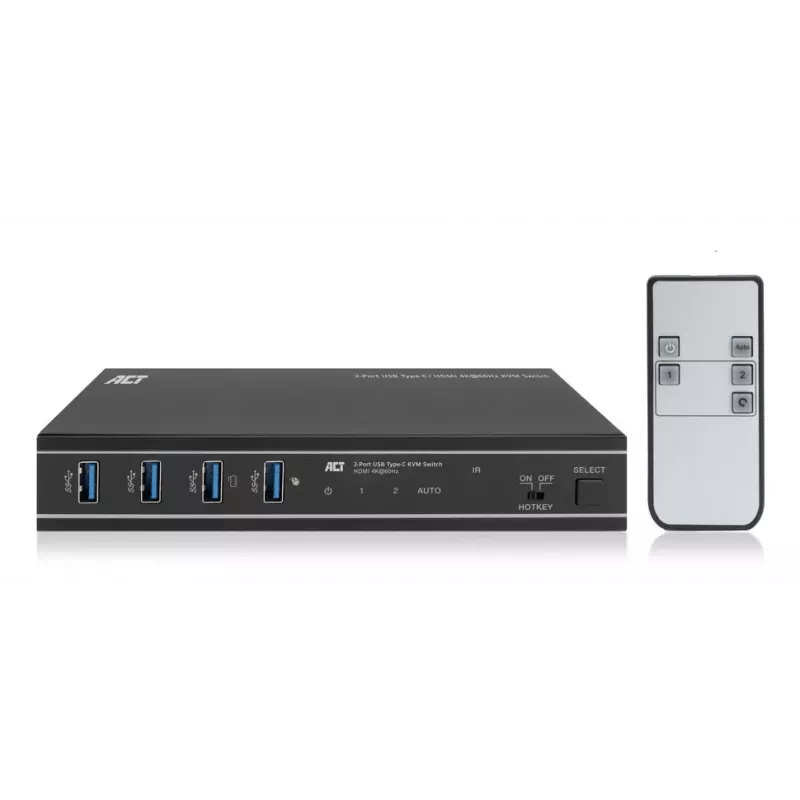
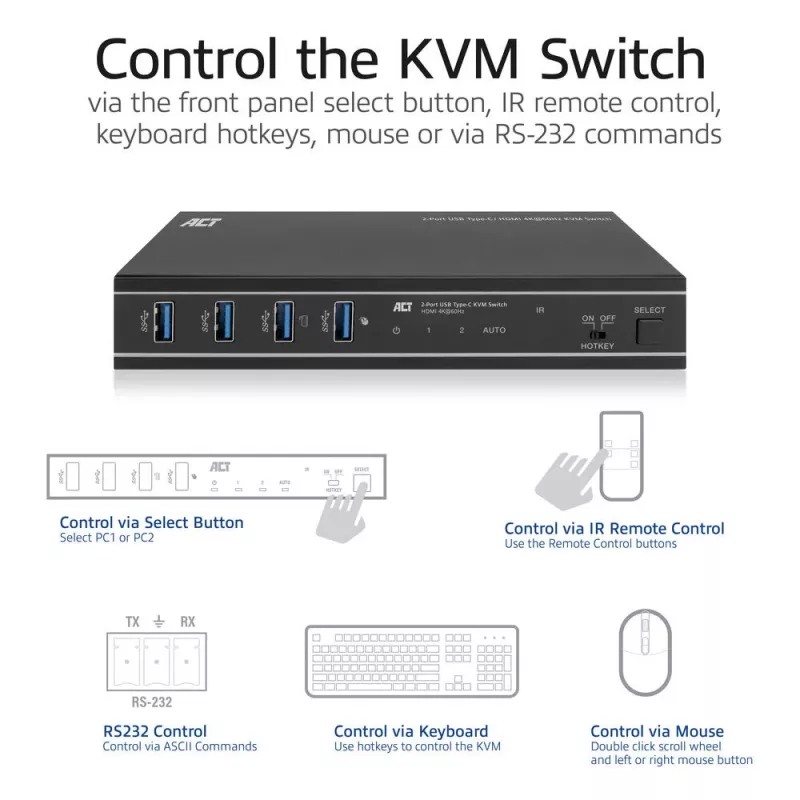
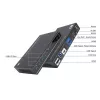
The AC7922 2-port USB-C/HDMI KVM switch controls two computers while using a single monitor, single USB keyboard and mouse. The HDMI output supports a monitor with a resolution up to 4K@60Hz. The AC7922 lets you switch between computers using the buttons on the switch itself, the IR remote control, keyboard hotkeys, a mouse, or RS-232 commands. The AC7922 has a solid metal housing and comes with all needed cabling.

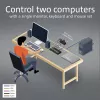
Control two devices with a single HDMI monitor, keyboard and mouse
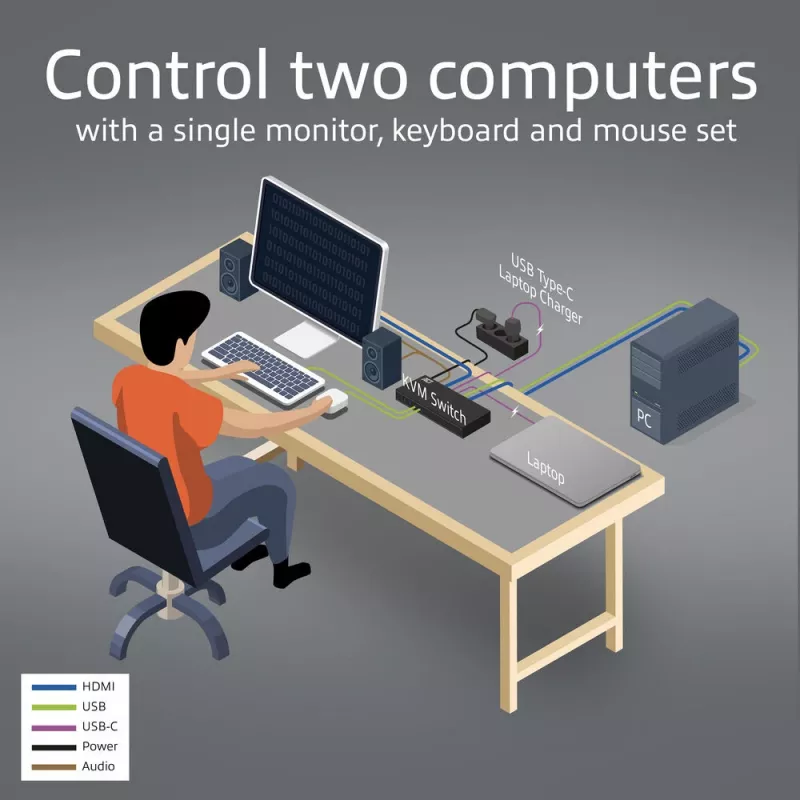
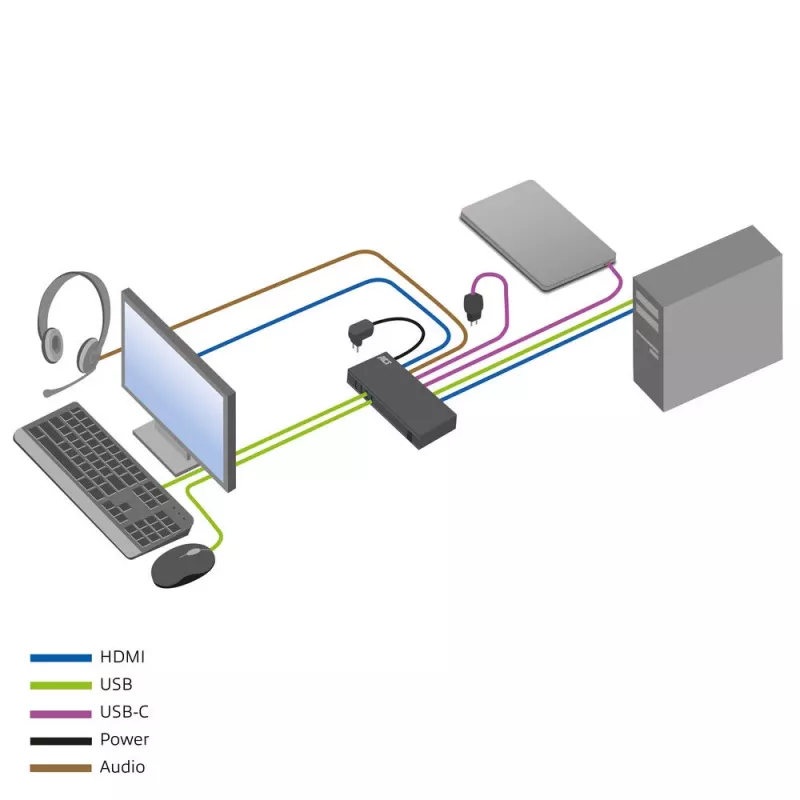
Simplify your workspace by connecting one computer to the AC7922 via HDMI and the other computer/laptop via USB-C. Connect a single HDMI monitor and a keyboard and mouse set to the switch and control both host devices with minimal setup.

Supports up to 4K@60Hz
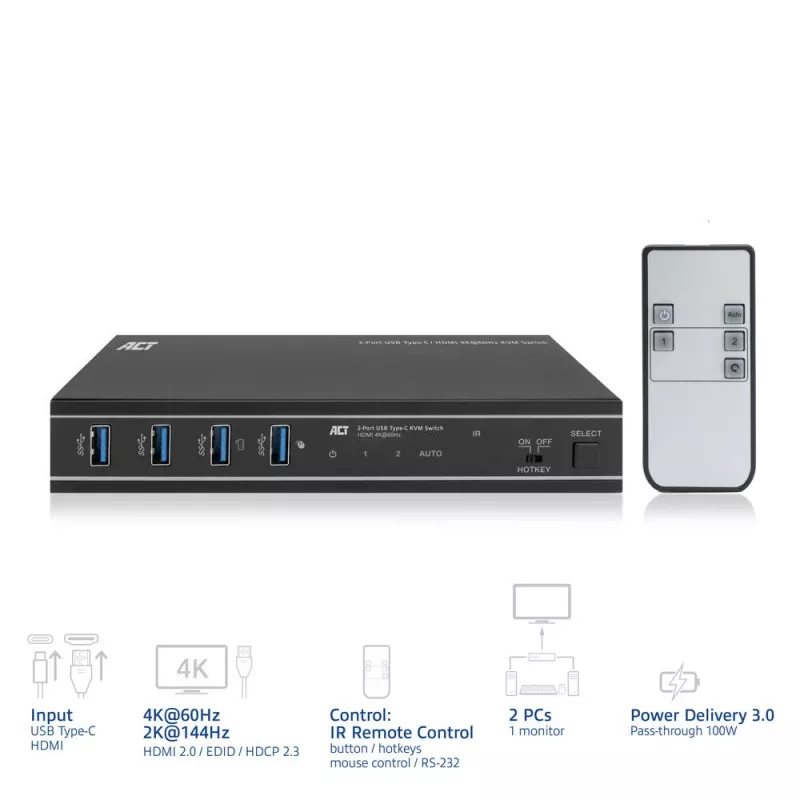
The AC7922 USB-C/HDMI KVM switch supports 4K@60Hz, 4:4:4 12-bit, HDMI 2.0 and is HDCP 2.3 compliant. The EDID emulator in the KVM switch provides the correct display information from the monitor to the connected device.

Easy switching between computers
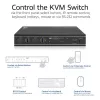
Switching between two connected computers is easy with the dedicated button on the AC7922 KVM switch. Prefer to use IR control, a mouse, keyboard shortcuts or RS-232 commands? This is also supported.

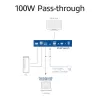
100W Power Delivery pass-through
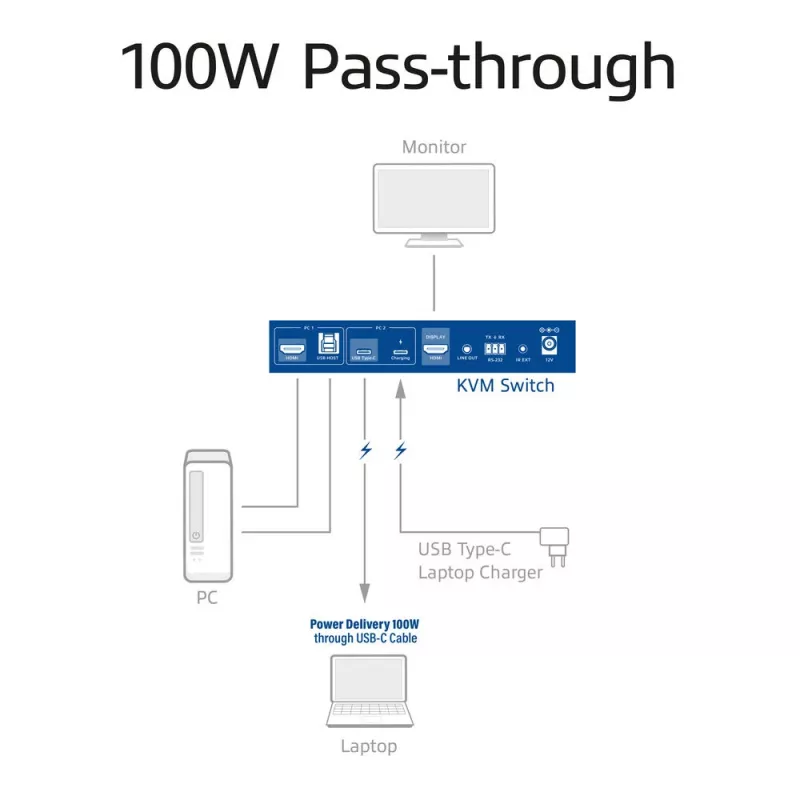
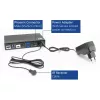
Connect a separate USB-C charger to the charging port of the KVM switch. The connected device receives power via the connected USB-C connection cable.

Automatic input switching
Have two computers connected to the KVM and only one is active? The AC7922 will automatically detect the active device.

EDID copy function
The AC7922 supports EDID (Extended Display Identification) copy function on both input ports to ensure that the resolution is communicated correctly between the source devices and the output monitor.

Additional features
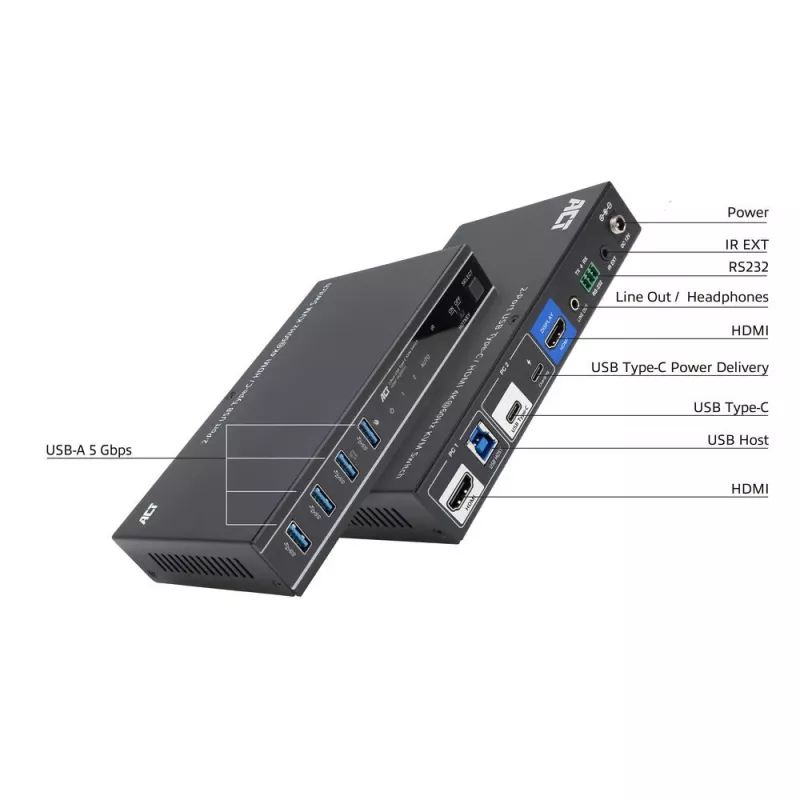
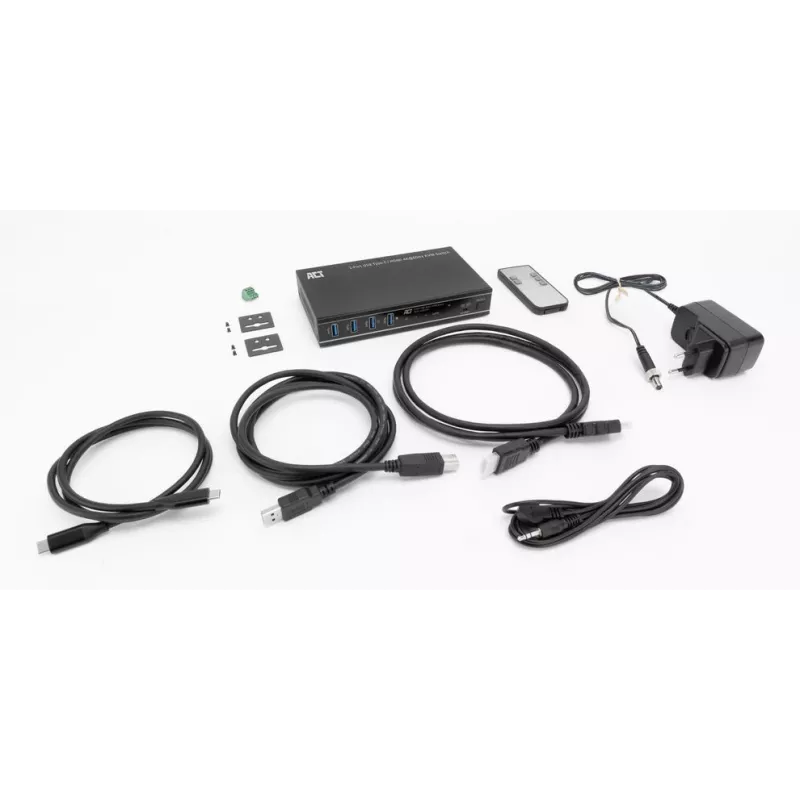
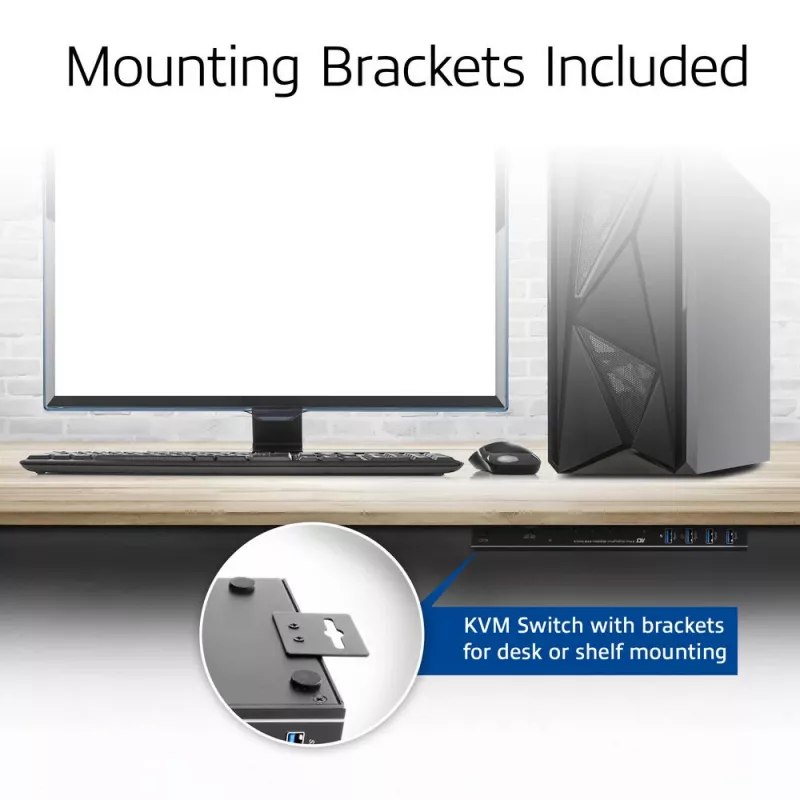
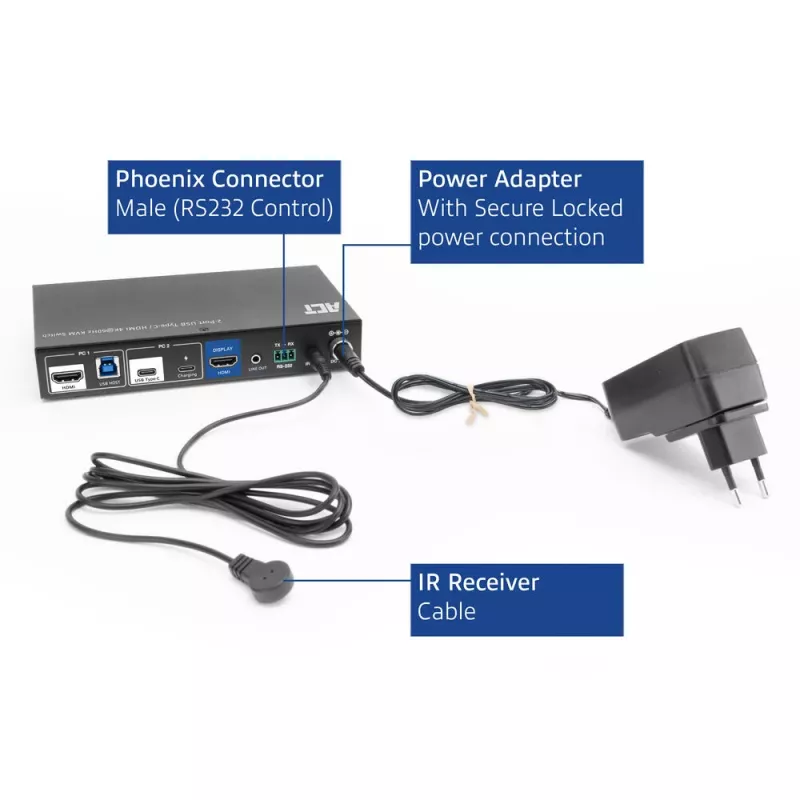
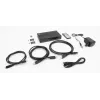
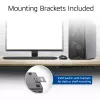
The AC7922 includes four USB 3.2 Gen1 (USB 3.0) 5Gbps ports for sharing peripherals, such as a keyboard, mouse, printer and more. The switch also has a 3.5mm audio jack for connecting headphones or speakers. An HDMI cable, two USB cables, remote control, RS-232 connector and mounting brackets with screws are included.

Prevent accidental power cord disconnection
The power connection on the AC7922 USB-C KVM switch is secured with a screw lock to prevent accidental disconnection.

User scenarios
Business use:
Government offices: Control sensitive systems that are isolated from the network.
Datacenters and server rooms: Troubleshoot, update and maintain servers.

Home use:
Home office: switch easily between your personal computer and work laptop and use only one monitor, mouse, keyboard setup. The switch has a USB-C Power Delivery port for connecting the laptop’s USB-C charger and powering the connected USB-C laptop.
Gaming: switch between a gaming console/desktop and a personal laptop.

ACT 2-Port USB-C/HDMI 4K@60Hz KVM switch. Keyboard port type: USB, Mouse port type: USB, Video port type: HDMI/USB. HD type: 3K, Maximum resolution: 3840 x 2160 pixels, Maximum refresh rate: 144 Hz. Product colour: Black. Power source: DC, USB Power Delivery up to: 100 W. Package type: Box

How to use

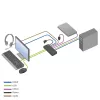
Connect one host to the USB‑C host input and the other host to the HDMI input. Attach a single HDMI monitor to the HDMI output and connect a USB keyboard and mouse to the USB‑A downstream ports. If required, attach a USB‑C charger to the KVM’s PD pass‑through port to power a connected USB‑C laptop. Switch between connected hosts using the front‑panel select button, the supplied IR remote, keyboard hotkeys, a connected mouse or via RS‑232 commands. The EDID emulator maintains correct display handshake between the monitor and source devices.

Recommendations

For reliable 4K@60Hz operation, use high‑quality HDMI 2.0 cables and a USB‑C cable that supports DisplayPort Alternate Mode and PD. When using the PD pass‑through feature, connect a USB‑C charger rated up to 100 W to the switch’s PD input. To avoid display handshake issues, enable the EDID copy function for the input that requires the monitor’s native timings.

Aspectos destacados
  • Office workstations that need to switch between a desktop and a laptop
  • IT maintenance in server rooms and datacentres for troubleshooting multiple systems
  • Home offices where one monitor/keyboard/mouse is used for personal and work computers
  • Multimedia setups or light gaming where a console or PC and a laptop are alternated
  • Ports: 2 host inputs (USB‑C and HDMI), HDMI output
  • Maximum resolution: 3840×2160 (4K) @ 60Hz; supports 2K @ 144Hz
  • Video standards: HDMI 2.0, HDCP 2.3, USB‑C DisplayPort Alternate Mode support
  • USB: four USB‑A 3.2 Gen1 (5 Gbps) downstream ports for peripherals
  • Audio: 3.5 mm audio output jack
  • Power delivery: USB‑C PD pass‑through up to 100 W (requires separate USB‑C charger)
  • EDID: EDID emulator/copy function per input port
  • Control methods: front panel button, IR remote, keyboard hotkeys, mouse, RS‑232 commands
  • Accessories included: HDMI cable, USB cables, IR remote, RS‑232 connector, mounting brackets and screws, power supply
  • Chassis: metal; colour: black
  • Ensure each host supports the intended video path: HDMI input or USB‑C with DisplayPort Alternate Mode for video over USB‑C
  • Confirm your monitor and hosts support the desired resolution and refresh rate (4K@60Hz or 2K@144Hz)
  • Plan for a separate USB‑C power adapter if you need PD pass‑through to charge a laptop
  • Verify that two host ports meet your switching needs; this model supports only two computers
Especificaciones
Adaptador de corriente incluido
Yes
Cables incluidos
HDMI, IR, USB Type-A to USB Type-B, USB Type-C to USB Type-C
Color del producto
Black
Conector de entrada de CC
Yes
Frecuencia de refresco máxima
144 Hz
Fuente de alimentación
DC
Guía de instalación rápida
Yes
HDCP
Yes
Mando a distancia incluido
Yes
Número de ordenadores controlados
2
Número de puertos HDMI
2
Número de puertos HDMI de la consola
1
Número de puertos USB 3.2 Gen 1 (3.1 Gen 1) tipo B
1
Número de puertos USB 3.2 Gen 2 (3.1 Gen 2) tipo A
4
Número de puertos USB 3.2 Gen 2 (3.1 Gen 2) tipo C
2
Número de puertos USB de consola
4
Pantalla integrada
No
Puertos de consola
3.5mm headphone, HDMI, USB A
Resolución máxima
3840 x 2160 pixels
Revisión de USB Power Delivery
3.0
Teclas de acceso rápido
Yes
Tipo de embalaje
Box
Tipo de HD
3K
Tipo de puerto de ratón
USB
Tipo de puerto de teclado
USB
Tipo de puerto de vídeo
HDMI/USB
USB Power Delivery (USB PD)
Yes
USB Power Delivery hasta
100 W
Versión de DisplayPort
1.4
Versión de HDCP
2.3
Versión de HDMI
2.0

Documento

Abrir documento

Folleto

Abrir documento
Historial de precios de los últimos 6 meses
Switch KVM ACT 2 puertos USB-C/HDMI 4K@60Hz AC7922 con teclado/ratón USB, vídeo HDMI, 100W PD
Actual
150,95 €
Mínimo
144,26 €
Máximo
153,74 €
Variación 24 h
+0,00 €   +0%
Semana
-2,09 €   -1%
Mes
-1,66 €   -1%

Productos populares en esta categoría

Hola, soy el asistente de IA de DistriNode. Puedo ayudarte a encontrar productos, comparar opciones, crear presupuestos en PDF o abrir solicitudes de soporte.