
Cuenta Contacto
Tu carrito
Envío con DPD y FedEx
¿Dudas? Pregunte a la IA

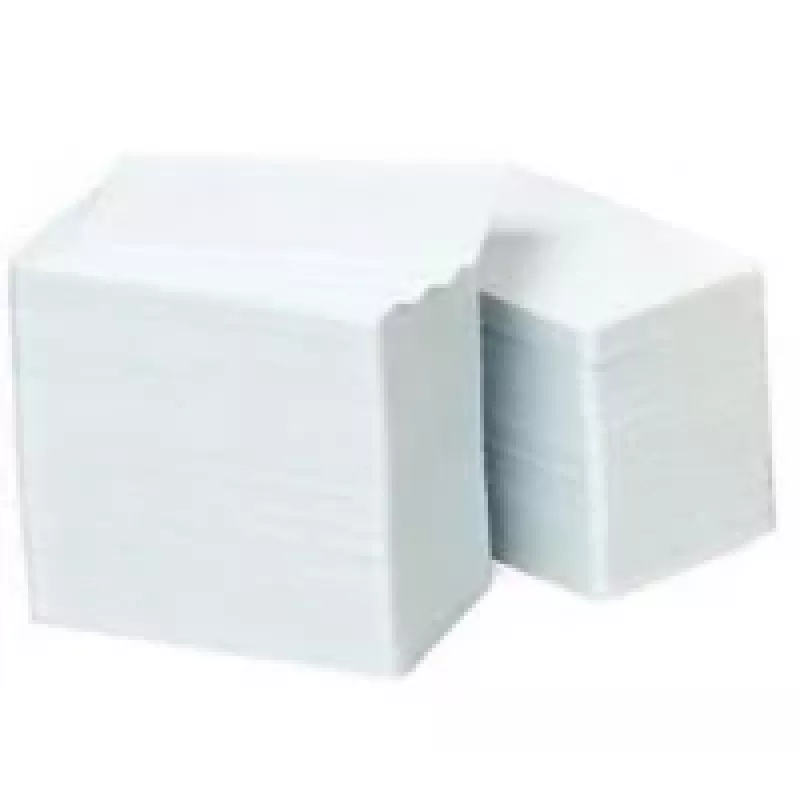
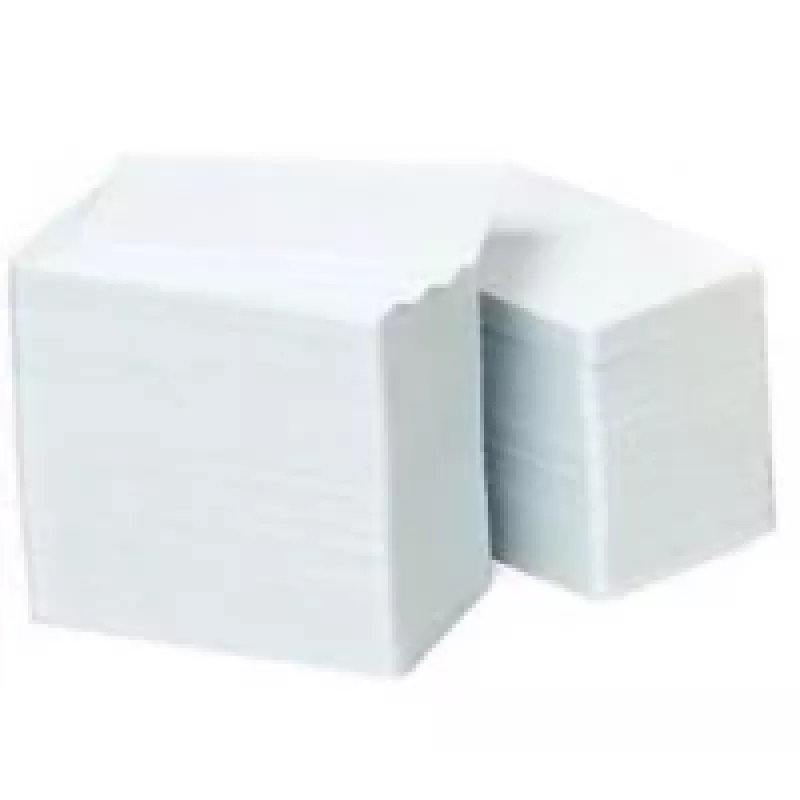
Tarjeta de plástico sin imprimir Zebra 800050-167

Tarjeta de plástico sin imprimir Zebra 800050-167
101,82 €
The Zebra 800050-167 blank plastic card is a white PVC card made for direct printing with compatible Zebra card printers. Its smooth, printable surface and consistent thickness provide reliable feeding through thermal transfer and dye-sublimation ID card printers. The card is unprinted and single-si... Leer más
Stock 31 Código 1223494 Marca ZEBRA Modelo 800050-167 Garantía 2 años

Envíos y devoluciones

Entrega estimada Viernes, Octubre 16
Te mantendremos informado a través de nuestro sistema de seguimiento detallado
Opciones de pago
Tarjeta bancariaVisaMastercardPayPalApple PayGoogle PayTransferencia bancaria

The Zebra 800050-167 blank plastic card is a white PVC card made for direct printing with compatible Zebra card printers. Its smooth, printable surface and consistent thickness provide reliable feeding through thermal transfer and dye-sublimation ID card printers. The card is unprinted and single-sided, allowing full customization for ID badges, access cards, membership cards, event passes and loyalty cards where a professional, durable finish is required.

Advantages

The card’s PVC construction delivers good durability and resistance to everyday wear while remaining thin enough for standard Zebra printer mechanisms. A uniform white surface yields accurate color reproduction and crisp text when used with standard card printing ribbons. Because the card is blank and compatible with Zebra printers, it supports on-demand personalization and variable data printing for small and large runs.

Suitable for

  • ID badges and employee access cards
  • Membership and loyalty cards
  • Event passes and visitor badges
  • Student and library cards
  • Short-run or on-demand personalized cards

Key specifications

  • Material: PVC
  • Colour: White
  • Surface: Smooth, printable
  • Compatibility: Designed for use with Zebra card printers
  • Printable sides: Single-sided blank
  • Form factor: ISO CR80 card dimensions (standard credit-card size)

How to use

Load the cards into the Zebra printer’s card hopper according to the printer’s user manual, ensuring the printable side is oriented correctly. Select the appropriate card stock settings and ribbon type in the printer driver or card design software to match PVC media. Design the card layout with desired graphics, text and variable fields, then send the job to the printer. After printing, allow ink or dye to cure as recommended and inspect cards for print quality before issuing.

Recommendations

Store cards flat in a cool, dry place away from direct sunlight and heat sources to prevent warping or discoloration. Use media and ribbons recommended by Zebra for best color fidelity and durability. For cards that require magnetic stripes, smart chips or lamination, verify compatibility with your specific Zebra printer model and add encoding or lamination steps as needed.

Aspectos destacados
  • ID badges and employee access cards
  • Membership and loyalty cards
  • Event passes and visitor badges
  • Student and library cards
  • Short-run or on-demand personalized cards
  • Material: PVC
  • Colour: White
  • Surface: Smooth, printable
  • Compatibility: Designed for use with Zebra card printers
  • Printable sides: Single-sided blank
  • Form factor: ISO CR80 card dimensions (standard credit-card size)
Especificaciones
Código del Sistema Armonizado (HS)
85235200
Color del producto
White
Hojas por paquete
500 sheets
Material
PVC

Folleto

Abrir documento
Historial de precios de los últimos 6 meses
Tarjeta de plástico sin imprimir Zebra 800050-167
Actual
101,82 €
Mínimo
98,72 €
Máximo
141,27 €
Variación 24 h
+1,76 €   +2%
Semana
-6,91 €   -6%
Mes
+2,35 €   +2%
Hola, soy el asistente de IA de DistriNode. Puedo ayudarte a encontrar productos, comparar opciones, crear presupuestos en PDF o abrir solicitudes de soporte.