
Cuenta Contacto
Tu carrito
Envío con DPD y FedEx
¿Dudas? Pregunte a la IA

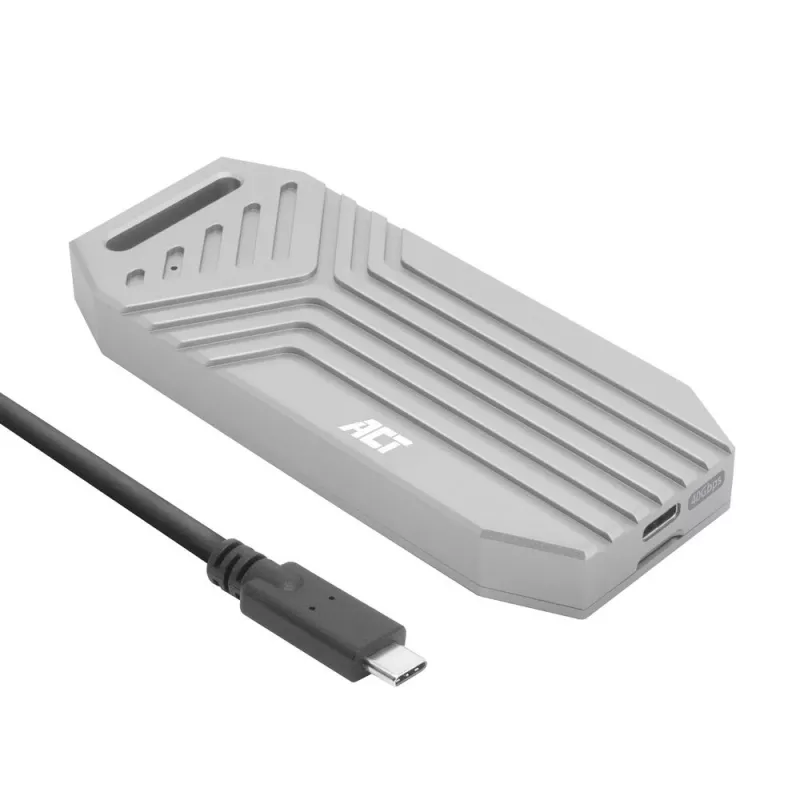
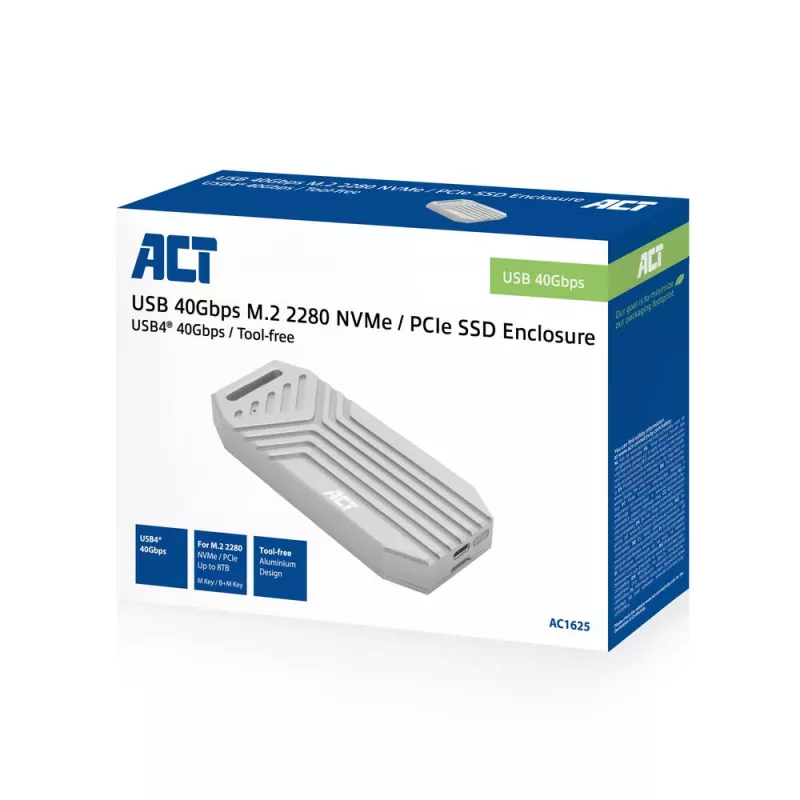
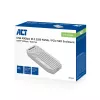
ACT Carcasa SSD USB 40 Gbit/s M.2 2280 NVMe / PCIe, sin herramientas

ACT Carcasa SSD USB 40 Gbit/s M.2 2280 NVMe / PCIe, sin herramientas
113,93 €
The ACT AC1625 M.2 NVMe SSD enclosure is a compact external housing that converts a compatible M.2 NVMe drive into a portable high-speed USB storage device. The enclosure supports tool-free installation, enabling quick insertion and removal of an NVMe module without tools. It connects to host system... Leer más
Stock 333 Código 2219447 Marca ACT Modelo AC1625 Garantía 2 años

Envíos y devoluciones

Entrega estimada Martes, Octubre 27
Te mantendremos informado a través de nuestro sistema de seguimiento detallado
Opciones de pago
Tarjeta bancariaVisaMastercardPayPalApple PayGoogle PayTransferencia bancaria

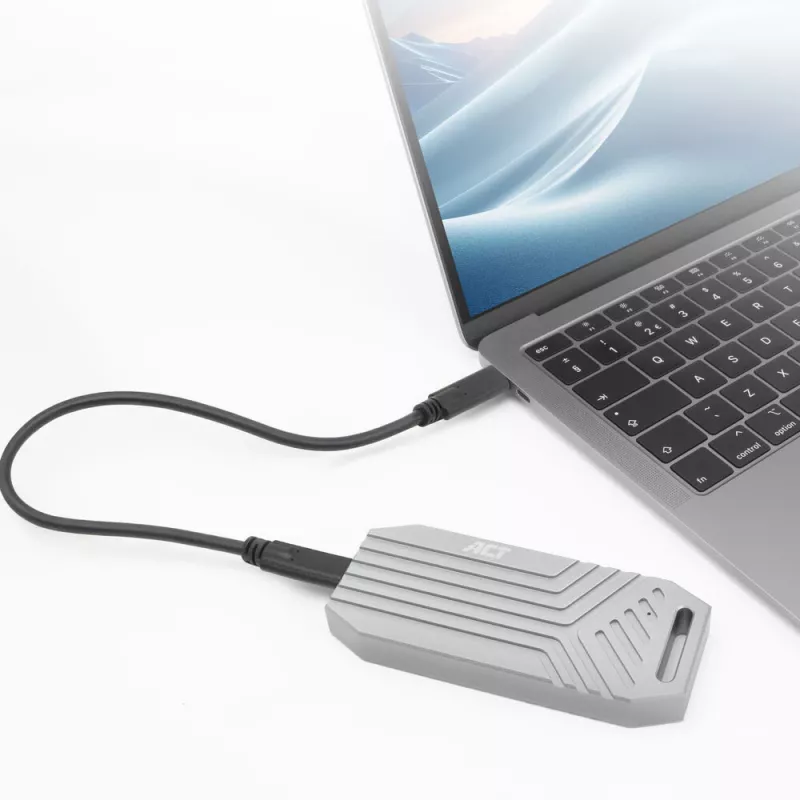
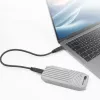
The ACT AC1625 M.2 NVMe SSD enclosure is a compact external housing that converts a compatible M.2 NVMe drive into a portable high-speed USB storage device. The enclosure supports tool-free installation, enabling quick insertion and removal of an NVMe module without tools. It connects to host systems via USB 3.1 Gen 2, providing a direct interface for file transfer, backups and mobile access to NVMe performance without opening a computer case.

Advantages

The tool-free design reduces setup time and makes swapping M.2 NVMe SSDs straightforward for technicians and end users. USB 3.1 Gen 2 connectivity offers improved bandwidth compared with earlier USB generations, allowing faster transfers when used with compatible hosts. The enclosure provides a convenient way to reuse internal drives as external media for data migration, off-site backups and portable access.

Suitable for

  • Quickly converting an internal M.2 NVMe SSD into an external drive for data transfer
  • Performing backups and creating portable storage for large files
  • Technicians and users who swap NVMe modules frequently
  • Accessing drive contents from multiple systems without internal installation

Key specifications

  • Form factor support: M.2 NVMe SSD (M-key)
  • Interface to host: USB 3.1 Gen 2
  • Installation: tool-free module insertion and retention mechanism
  • Usage: external enclosure for NVMe M.2 drives, portable operation

How to use

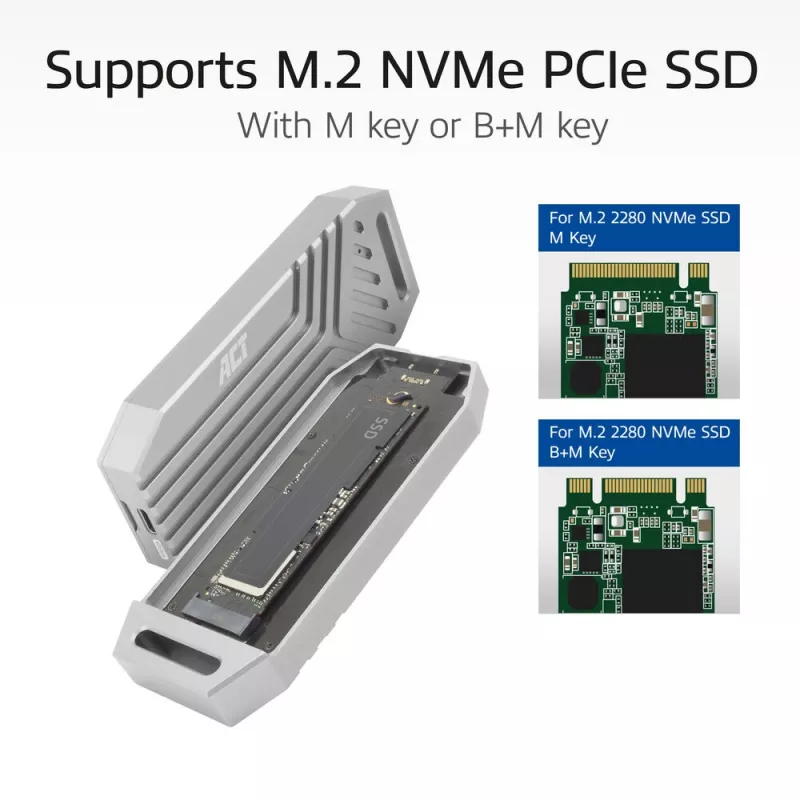
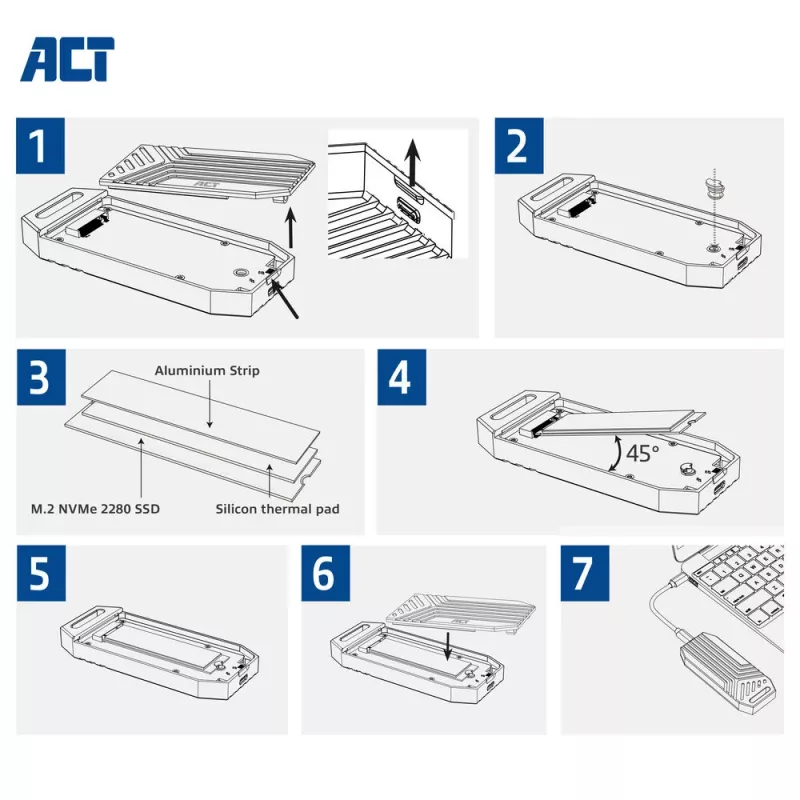
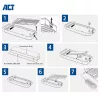
Open the enclosure according to the built-in tool-free mechanism, insert a compatible M.2 NVMe SSD into the M.2 slot ensuring correct alignment with the connector, then secure the drive with the enclosure's retention method. Close the enclosure and connect it to a host system using a USB 3.1 Gen 2 compatible cable and port. The host system should detect the NVMe drive as an external storage device; format the drive if required by the operating system before first use.

Recommendations

Use a USB 3.1 Gen 2 port on the host system to achieve maximum transfer speeds. Ensure the M.2 NVMe SSD is compatible with M-key NVMe interfaces and handle the drive and enclosure on an anti-static surface during installation. For sustained high-performance transfers, allow adequate ventilation and avoid prolonged enclosure contact with heat-conductive surfaces.

Aspectos destacados
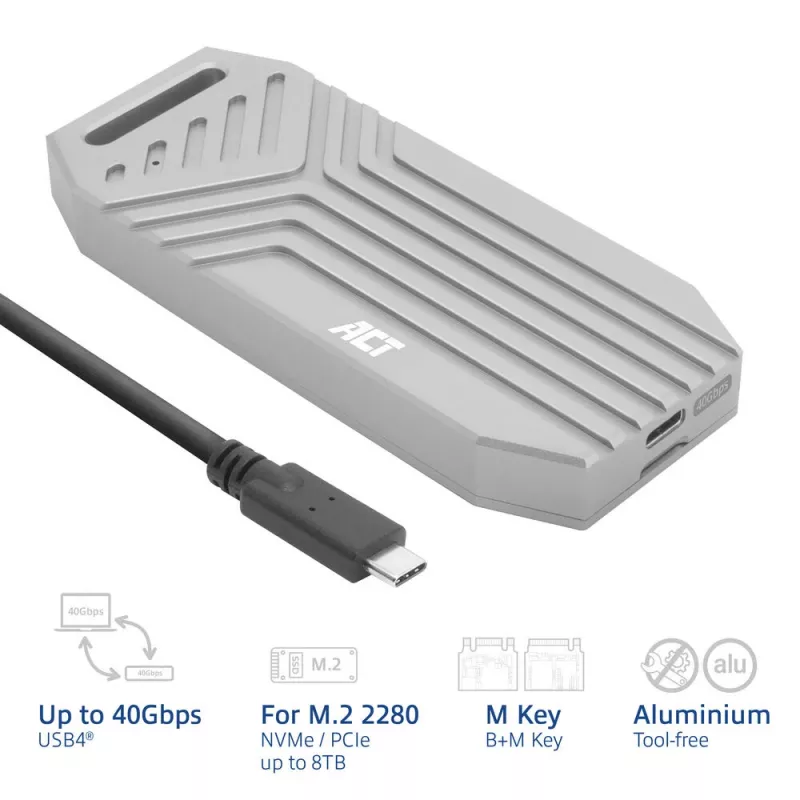
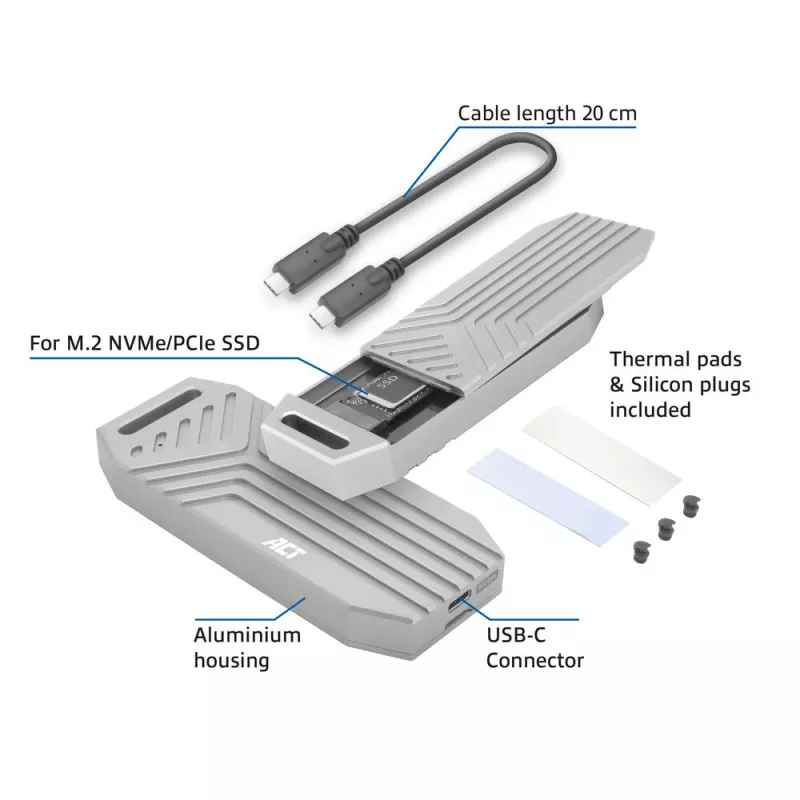
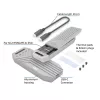
  • Tool-free aluminium USB4® 40Gbps enclosure for an M.2 2280 NVMe/PCIe SSD with M key or B+M key
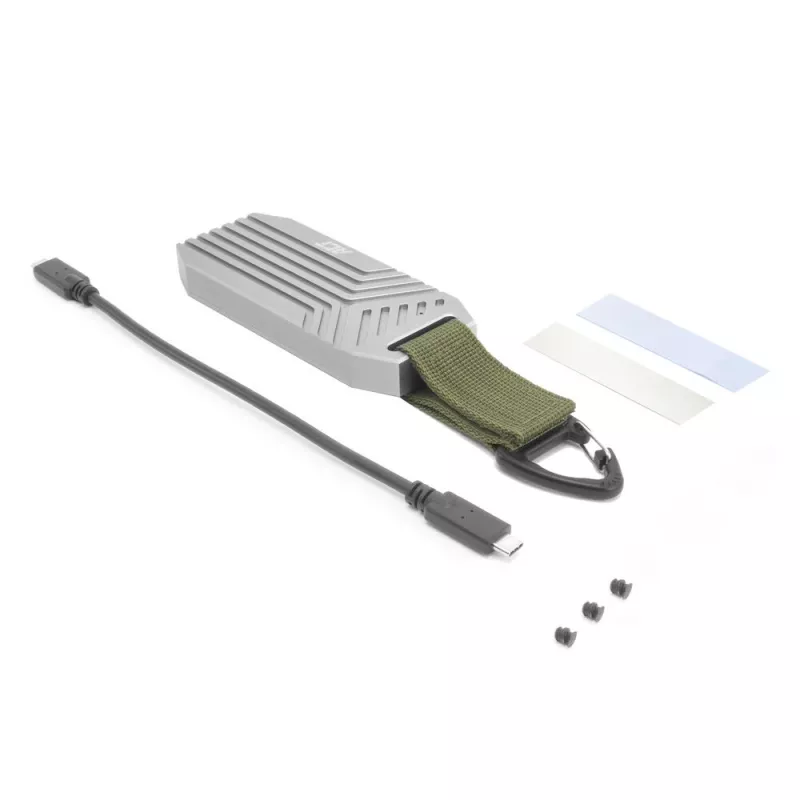
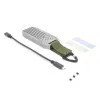
  • Including a USB4® USB Type-C® cable
  • Aluminium design with cooling fins, thermal pad and aluminium strip for better heat dissipation
  • Backwards compatible with USB 3.2, 3.1, 3.0 and USB 2.0
  • USB powered; LED status indicator
  • Comes with a travel clip
  • SSD enclosure M.2, PCI Express M.2
  • Number of storage drives supported: 1
  • NVMe
  • USB connectivity
  • TRIM support UASP support
  • 40 Gbit/s
  • Power source type: USB
  • Grey
Especificaciones
Altura
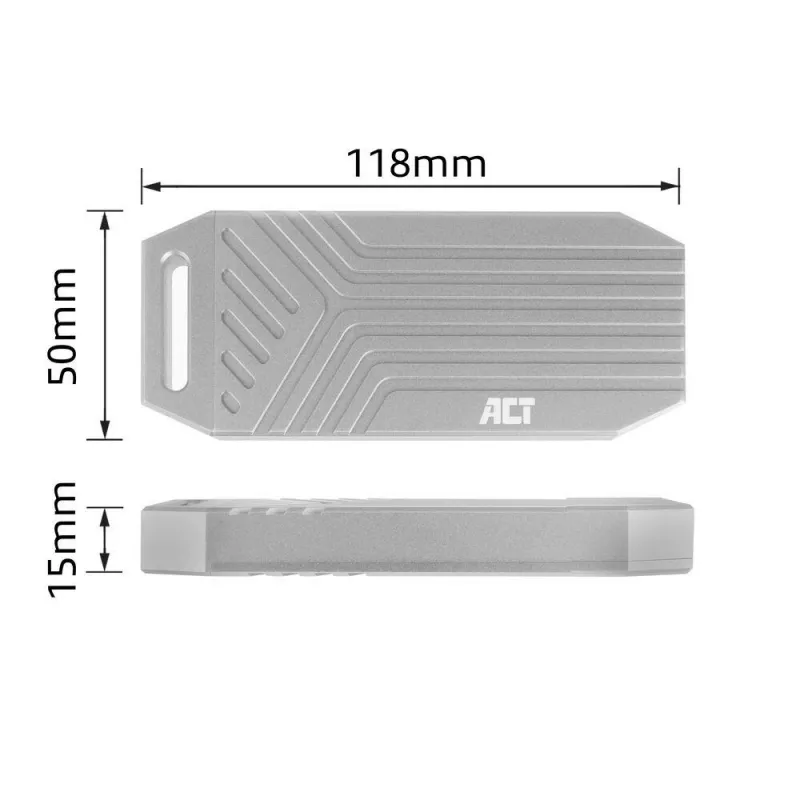
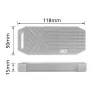
15 mm
Altura del embalaje
133 mm
Ancho
118 mm
Ancho del embalaje
183 mm
Cables incluidos
USB Type-C to USB Type-C
Color del producto
Grey
Compatibilidad con TRIM
Yes
Compatibilidad con UASP
Yes
Conectividad USB
Yes
Formato de la unidad de almacenamiento
M.2
Género del conector USB
Female
Interfaces de unidades de almacenamiento compatibles
M.2, PCI Express
Longitudes de unidad de almacenamiento compatibles
80 mm
Material
Aluminium
Número de puertos USB
1
Número de unidades de almacenamiento compatibles
1
NVMe
Yes
Peso del embalaje
269 g
Profundidad
50 mm
Profundidad del embalaje
50 mm
Tipo de conector USB
USB Type-C
Tipo de fuente de alimentación
USB
Tipo de producto
SSD enclosure
Velocidad de transferencia de datos
40 Gbit/s
Versión de USB
USB4 Gen 3x2

Documento

Abrir documento

Documento

Abrir documento

Folleto

Abrir documento
Historial de precios de los últimos 6 meses
ACT Carcasa SSD USB 40 Gbit/s M.2 2280 NVMe / PCIe, sin herramientas
Actual
113,93 €
Mínimo
105,69 €
Máximo
114,28 €
Variación 24 h
+0,44 €   +0%
Semana
+0,20 €   +0%
Mes
—   

Productos populares en esta categoría

Hola, soy el asistente de IA de DistriNode. Puedo ayudarte a encontrar productos, comparar opciones, crear presupuestos en PDF o abrir solicitudes de soporte.