
Cuenta Contacto
Tu carrito
Envío con DPD y FedEx
¿Dudas? Pregunte a la IA

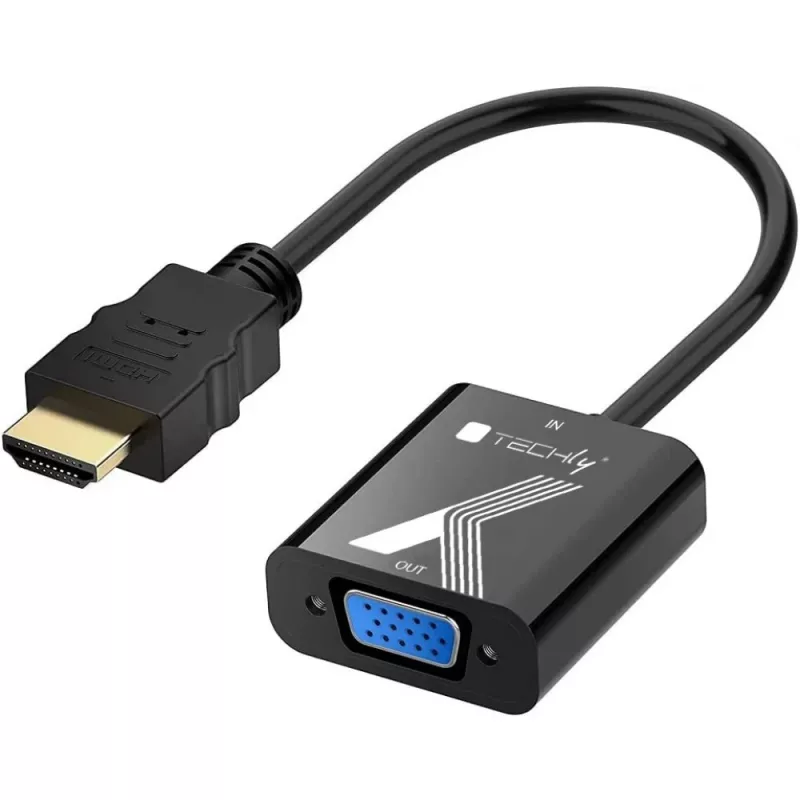
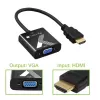
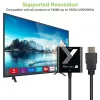
Adaptador de cable convertidor Techly HDMI a VGA negro 0,1 m 1920x1200 60 Hz

Adaptador de cable convertidor Techly HDMI a VGA negro 0,1 m 1920x1200 60 Hz
20,91 €
The Techly Cable Adapter Converter HDMI to VGA Black 0.1m 1920x1200 60Hz converts an HDMI signal into a standard analogue VGA signal, enabling connection of HDMI sources to VGA monitors or projectors. The compact 0.1 m adapter supports multiple common video modes and resolutions, making it suitable ... Leer más
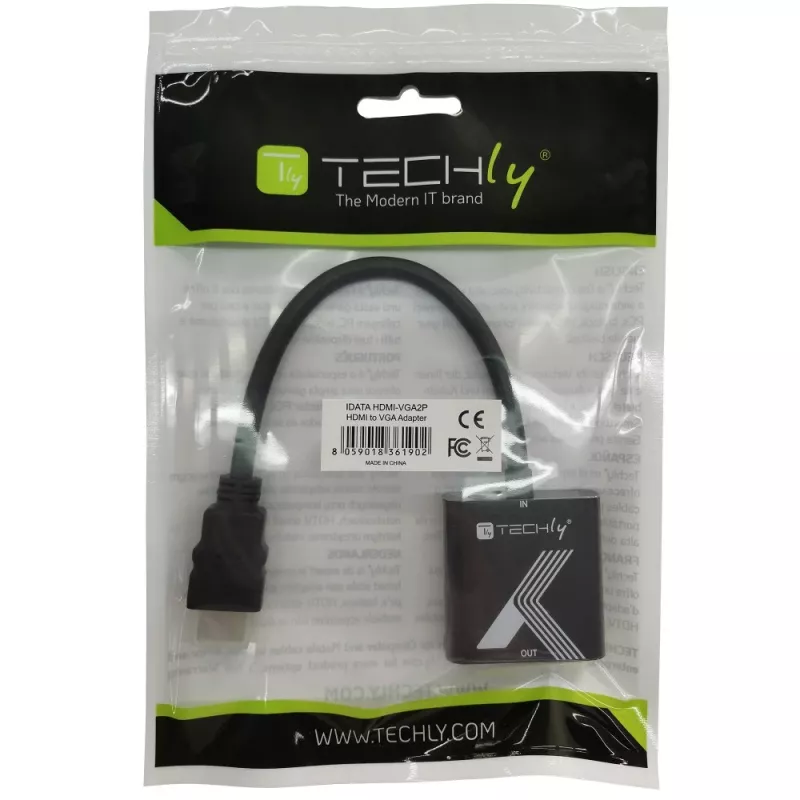
Stock 5 Código 1448188 Marca TECHLY Modelo IDATA HDMI-VGA2P Garantía 2 años

Envíos y devoluciones

Entrega estimada Viernes, Octubre 30
Te mantendremos informado a través de nuestro sistema de seguimiento detallado
Opciones de pago
Tarjeta bancariaVisaMastercardPayPalApple PayGoogle PayTransferencia bancaria

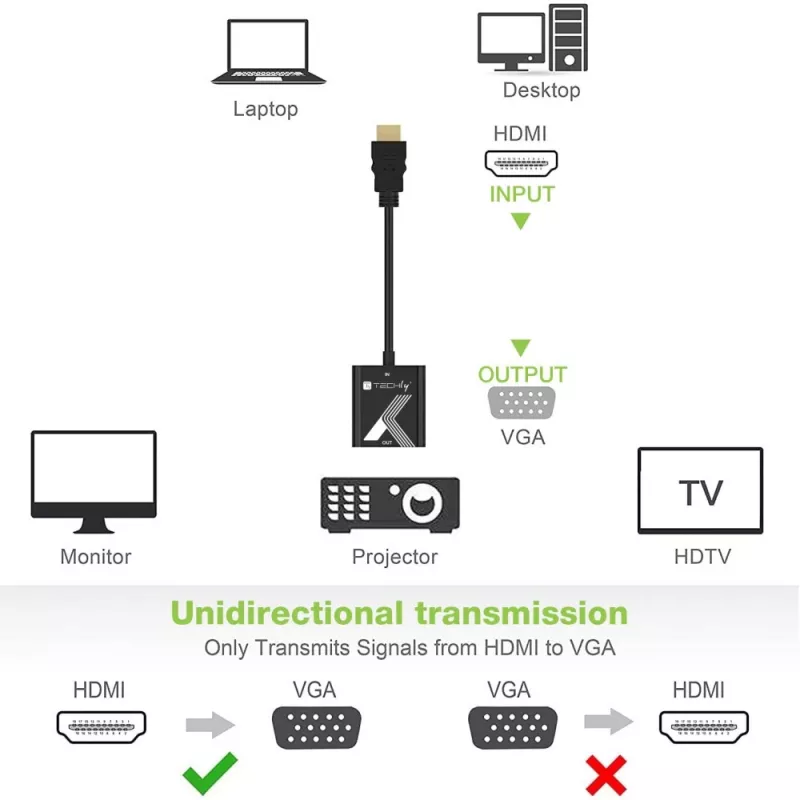
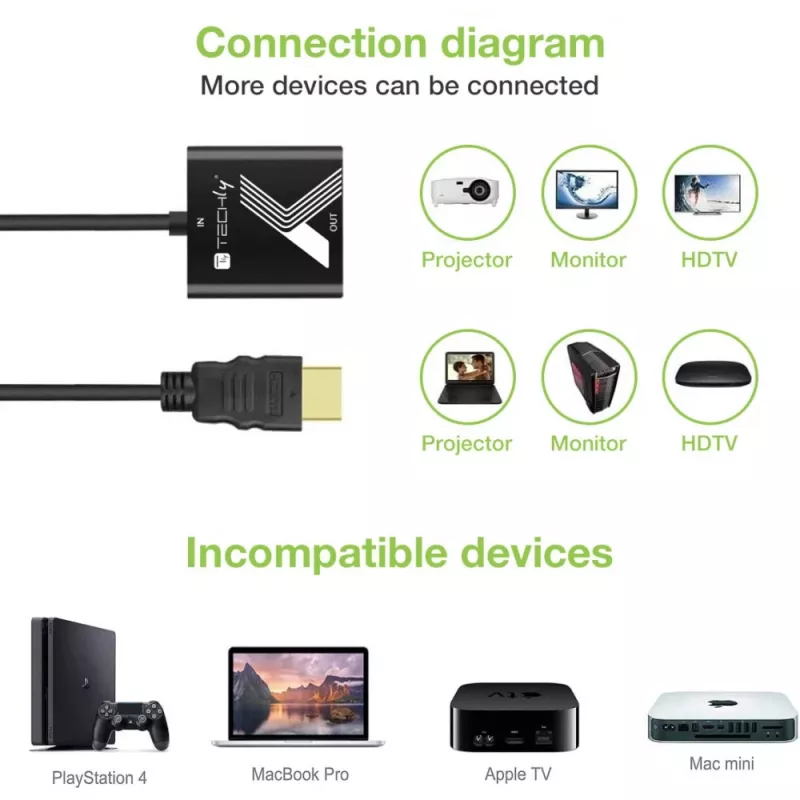
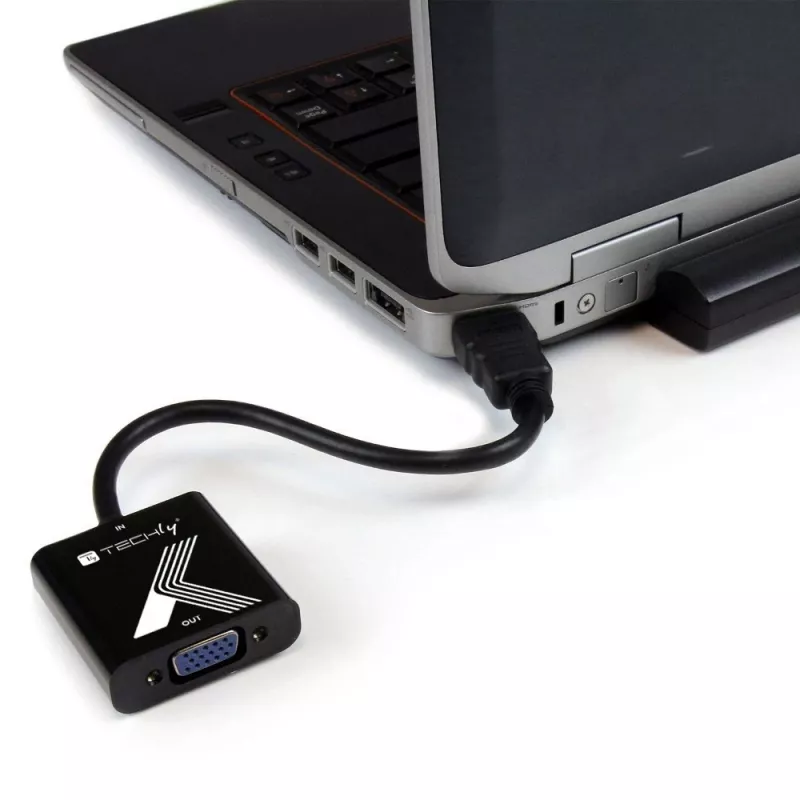
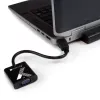
The Techly Cable Adapter Converter HDMI to VGA Black 0.1m 1920x1200 60Hz converts an HDMI signal into a standard analogue VGA signal, enabling connection of HDMI sources to VGA monitors or projectors. The compact 0.1 m adapter supports multiple common video modes and resolutions, making it suitable for use with laptops, PCs and other HDMI-equipped devices when a VGA display is required.

Advantages

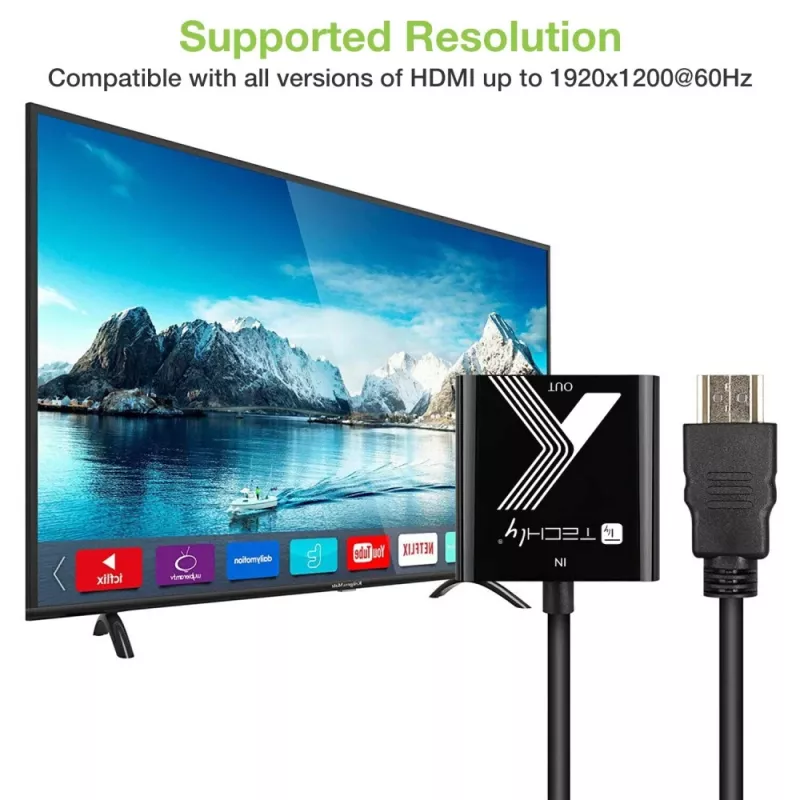
This adapter supports resolutions up to 1920x1200 at 60 Hz and is compatible with 480p, 576p, 720p and 1080p modes, providing broad compatibility with legacy VGA displays. Its small, black 0.1 m form factor makes it convenient for desktop setups and portable use. No external power supply is required for most devices, and the adapter offers a straightforward plug-and-play connection between HDMI output and VGA input.

Suitable for

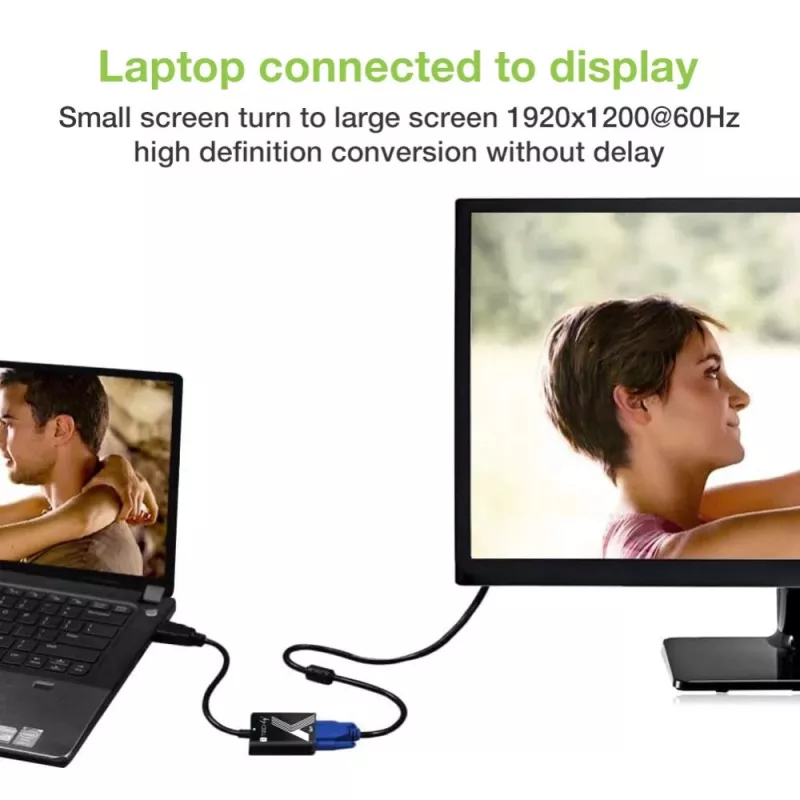
  • Connecting modern laptops or media players with HDMI output to VGA monitors
  • Using HDMI-equipped PCs with older projectors in classrooms or meeting rooms
  • Temporary setups where VGA displays are still in use during presentations or events

Key specifications

  • Brand: TECHLY
  • Model / MPN: 361902
  • EAN: 8059018361902
  • Type: HDMI to VGA adapter
  • Color: Black
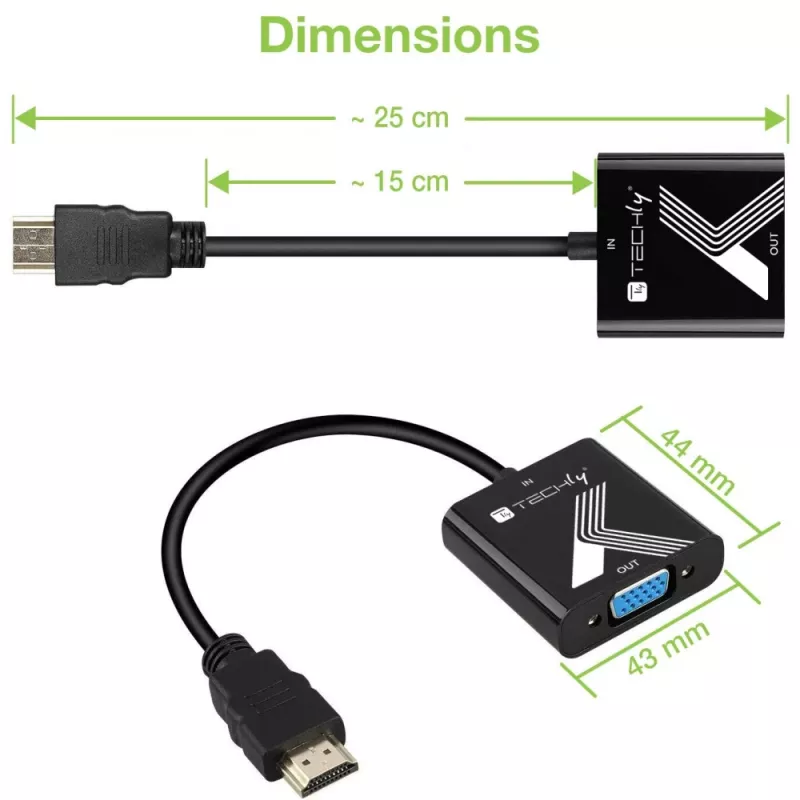
  • Length: 0.1 m
  • Maximum resolution: 1920 x 1200 @ 60 Hz
  • Supported video modes: 480p, 576p, 720p, 1080p

How to use

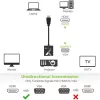
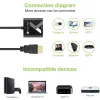
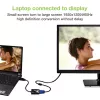
Connect the HDMI end of the Techly adapter to the HDMI output of your source device (for example, a laptop or media player) and plug the VGA connector into the VGA input of your monitor or projector. Select the correct input on the display device. Configure display resolution on the source device to match a supported mode (up to 1920x1200 @ 60 Hz). If the display does not receive a signal, check cable seating and device output settings; some sources may require enabling external display output in system settings.

Recommendations

For best results, use with devices that output a compatible resolution and avoid long VGA cable runs to minimize signal degradation. If the source device provides no image, verify HDMI output settings and try lower supported resolutions such as 1080p or 720p.
Aspectos destacados
  • Convert HDMI video signal to VGA with max resolution 1920 x 1200 - 60 Hz
  • Easy to use: install in seconds, no need of configurations
  • Supports triple 8-bit DAC
  • HDCP 1.4 compliant
  • Convert HDMI1.4b to VGA
  • Support hot plug detection
  • Chipset AG6200
  • 1920 x 1200 pixels Maximum refresh rate: 60 Hz
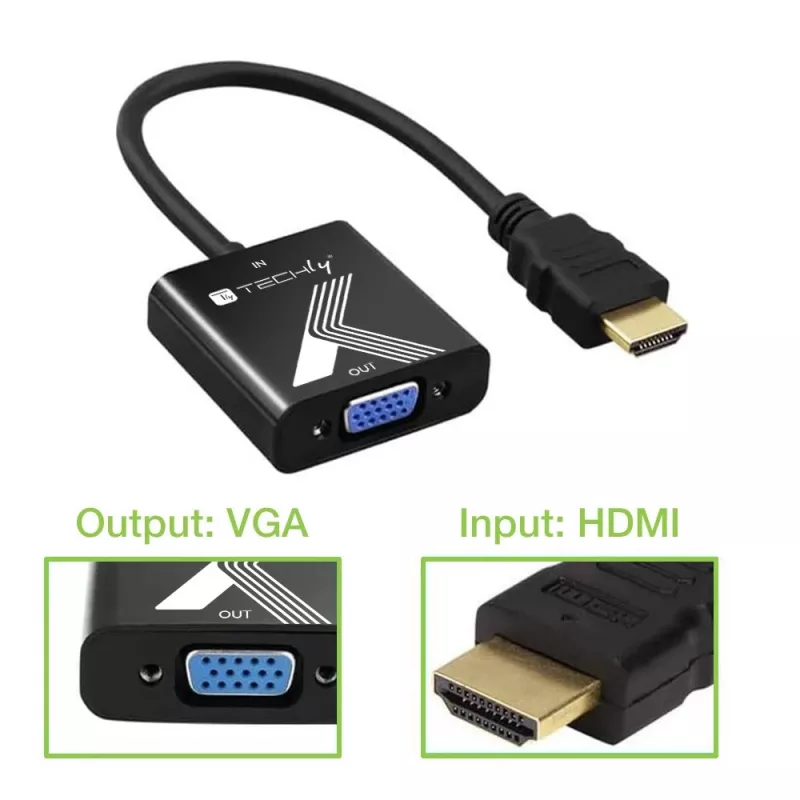
  • Host interface: HDMI Output interface: VGA
  • 2 W
  • Black
Especificaciones
Altura
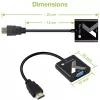
15 mm
Ancho
43 mm
Certificados de conformidad
CE, RoHS
Chipset
AG6200
Color del producto
Black
Compatibilidad de audio
No
Conformidad de sostenibilidad
Yes
Consumo de energía (típico)
2 W
Frecuencia de muestreo de audio
48 kHz
Frecuencia de refresco máxima
60 Hz
HDCP
Yes
Humedad relativa de almacenamiento (H-H)
5 - 95%
Humedad relativa de funcionamiento (H-H)
10 - 85%
Interfaz de host
HDMI
Interfaz de salida
VGA
Interno
No
Longitud del cable
0.1 m
Manual
Yes
Modos de vídeo compatibles
480p, 576p, 720p, 1080p
Peso
68 g
Profundidad
44 mm
Resolución máxima de vídeo
1920 x 1200 pixels
Temperatura de almacenamiento (T-T)
-10 - 80 °C
Temperatura de funcionamiento (T-T)
0 - 70 °C

Folleto

Abrir documento
Historial de precios de los últimos 6 meses
Adaptador de cable convertidor Techly HDMI a VGA negro 0,1 m 1920x1200 60 Hz
Actual
20,91 €
Mínimo
20,36 €
Máximo
36,76 €
Variación 24 h
+0,51 €   +2%
Semana
+0,41 €   +2%
Mes
+0,16 €   +1%

Productos populares en esta categoría

Vendedor: UAB KUR LT · Laisvės pr. 125A, LT-06118 Vilna, Lituania · Código de empresa 303192950 · NIF-IVA UE LT100008198612 · Envío desde la UE (Lituania)
Hola, soy el asistente de IA de DistriNode. Puedo ayudarte a encontrar productos, comparar opciones, crear presupuestos en PDF o abrir solicitudes de soporte.