
Cuenta Contacto
Tu carrito
Envío con DPD y FedEx
¿Dudas? Pregunte a la IA

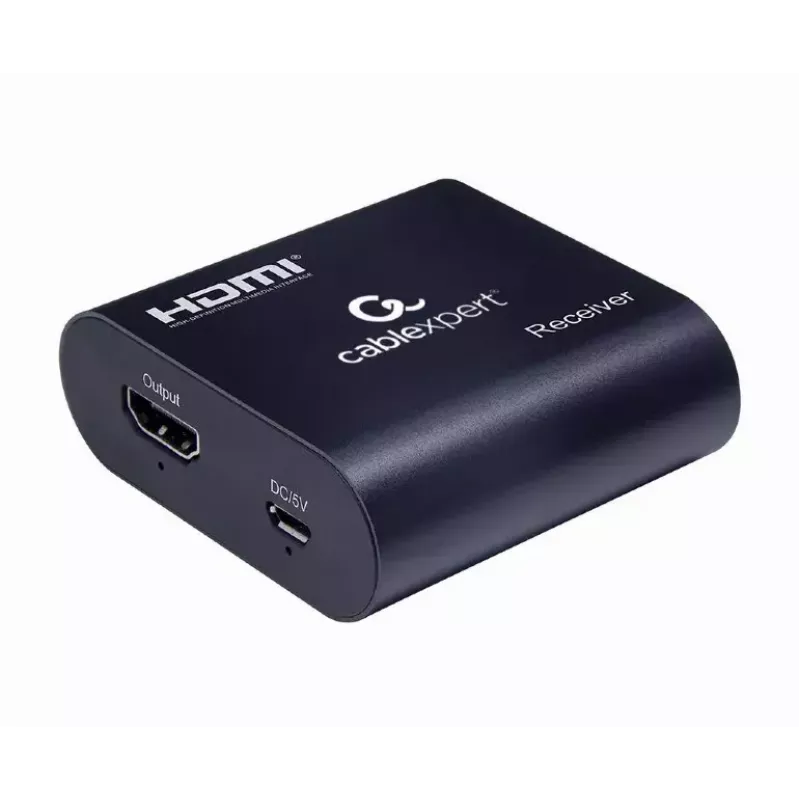
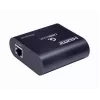
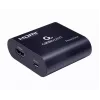
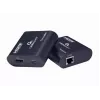
Extensor AV Gembird DEX-HDMI-03

Extensor AV Gembird DEX-HDMI-03
27,68 €
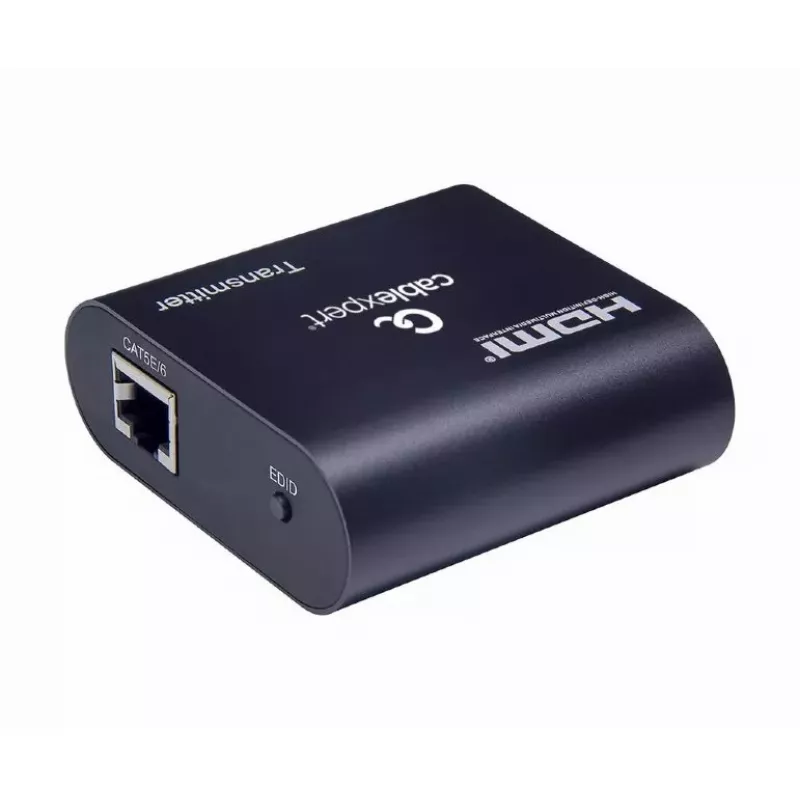
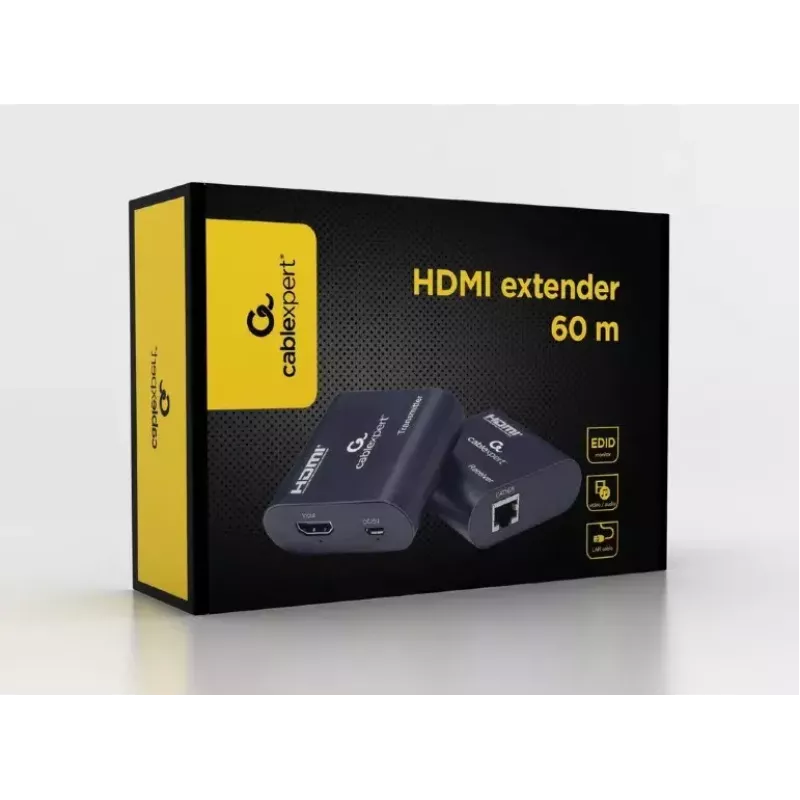
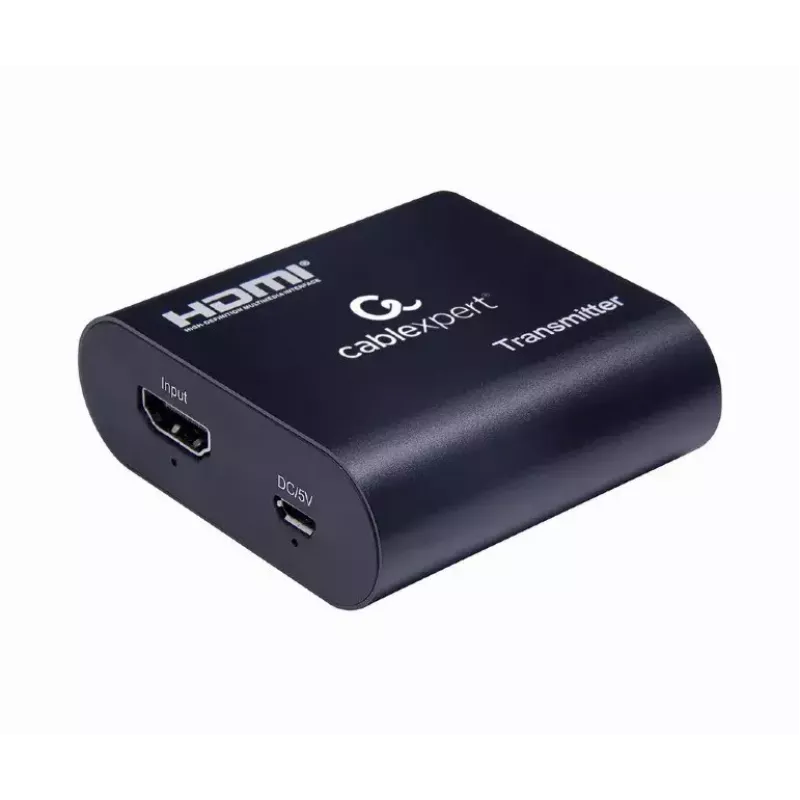
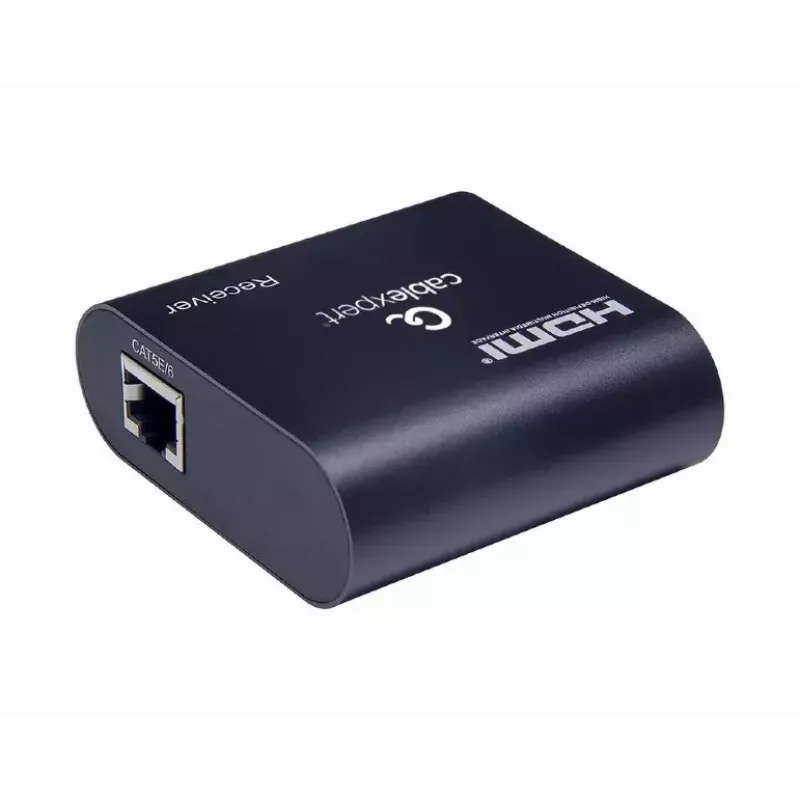
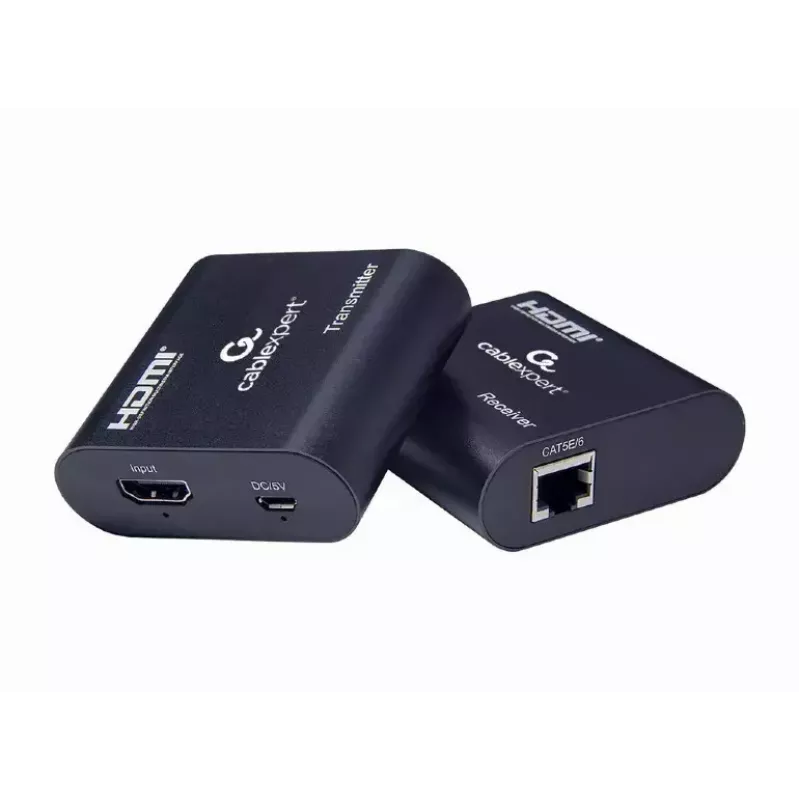
The Gembird DEX-HDMI-03 AV extender extends an HDMI signal over a single Cat6 cable up to 60 m, supporting a maximum resolution of 1920 × 1080. The unit includes a digital amplifier to improve signal quality and carries EDID monitor information between source and display. Compact and low-power (3 W)... Leer más
Stock 5 Código 2378681 Marca GEMBIRD Modelo DEX-HDMI-03 Garantía 2 años

Envíos y devoluciones

Entrega estimada Miércoles, Octubre 7
Te mantendremos informado a través de nuestro sistema de seguimiento detallado
Opciones de pago
Tarjeta bancariaVisaMastercardPayPalApple PayGoogle PayTransferencia bancaria

The Gembird DEX-HDMI-03 AV extender extends an HDMI signal over a single Cat6 cable up to 60 m, supporting a maximum resolution of 1920 × 1080. The unit includes a digital amplifier to improve signal quality and carries EDID monitor information between source and display. Compact and low-power (3 W), it is intended for wired connections in home or office AV setups.

Advantages

The device increases HDMI transmission distance while preserving image quality using digital amplification. It transmits EDID information to ensure compatible signal parameters between source and display. Compact dimensions and low power consumption simplify installation and reduce space and energy requirements.

Suitable for

Key specifications

How to use

Connect the HDMI source to the extender's HDMI input, then connect the remote unit using a single Cat6 cable up to 60 m. Ensure the display and source are powered and that EDID communication is enabled on both devices so the extender can pass monitor information. Place the extender in a ventilated location and route the Cat6 cable avoiding strong electromagnetic interference sources for best results.

Recommendations

Use a high-quality Cat6 cable and keep cable runs within the specified 60 m limit. For optimal picture quality, verify source and display resolution settings match 1920 × 1080 or lower. If you experience signal issues, check connectors, replace the cable, and confirm EDID exchange between devices.
Aspectos destacados
  • Extending HDMI from a PC, set-top box or media player to a remote display
  • Home theater and multimedia rooms where a single Cat6 run is available
  • Office meeting rooms and presentation setups
  • Digital signage installations with short-to-medium cable runs (up to 60 m)
  • Model: Gembird DEX-HDMI-03
  • Connector type: HDMI input (1)
  • Maximum resolution: 1920 × 1080
  • Maximum transfer distance: 60 m over Cat6 cable
  • Cable types supported: Cat6 (single cable)
  • Power consumption: 3 W
  • Colour: Black
  • Dimensions: 43 × 81 × 23 mm
  • Weight: 0.25 kg
Especificaciones
Alimentación
3 W
Altura
23 mm
Altura del embalaje
65 mm
Ancho
43 mm
Ancho del embalaje
145 mm
Cantidad por paquete
1 pc(s)
Color del producto
Black
Consumo de energía (típico)
3 W
Datos de identificación extendida de pantalla (EDID)
Yes
Distancia máxima de transmisión
60 m
Entrada HDMI
1
Frecuencia de refresco máxima
60 Hz
Peso
0.25 kg
Profundidad
81 mm
Profundidad del embalaje
204 mm
Resolución máxima
1920 x 1080
Tecnología de conectividad
Wired
Tipo de embalaje
Box
Tipos de cable compatibles
Cat6
Versión de HDMI
1.3

Folleto

Abrir documento
Historial de precios de los últimos 6 meses
Extensor AV Gembird DEX-HDMI-03
Actual
27,68 €
Mínimo
25,97 €
Máximo
38,13 €
Variación 24 h
+0,85 €   +3%
Semana
+1,27 €   +5%
Mes
+1,59 €   +6%

Productos populares en esta categoría

Hola, soy el asistente de IA de DistriNode. Puedo ayudarte a encontrar productos, comparar opciones, crear presupuestos en PDF o abrir solicitudes de soporte.