
Cuenta Contacto
Tu carrito
Envío con DPD y FedEx
¿Dudas? Pregunte a la IA

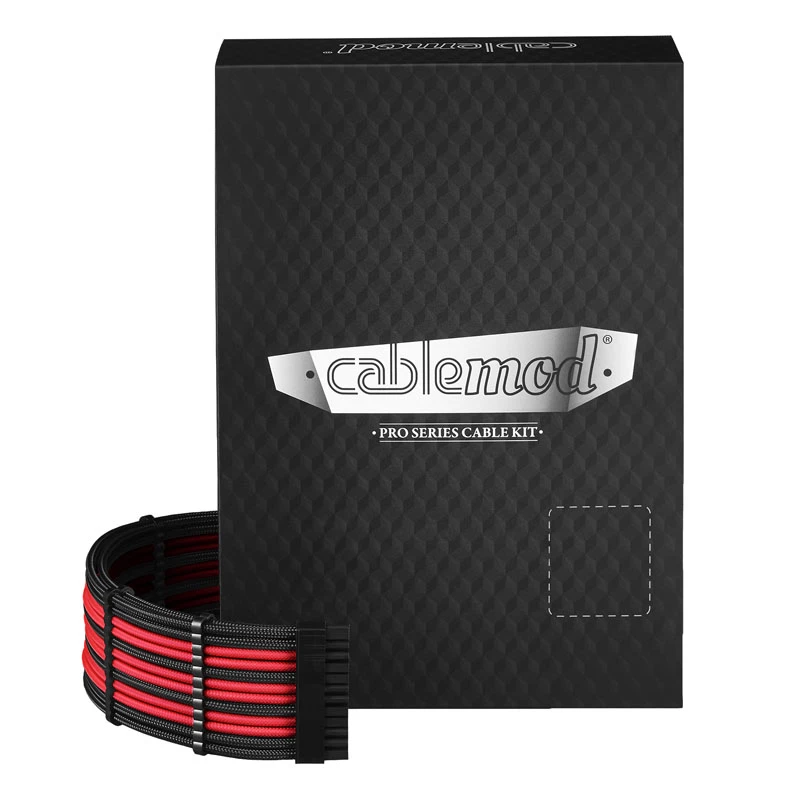
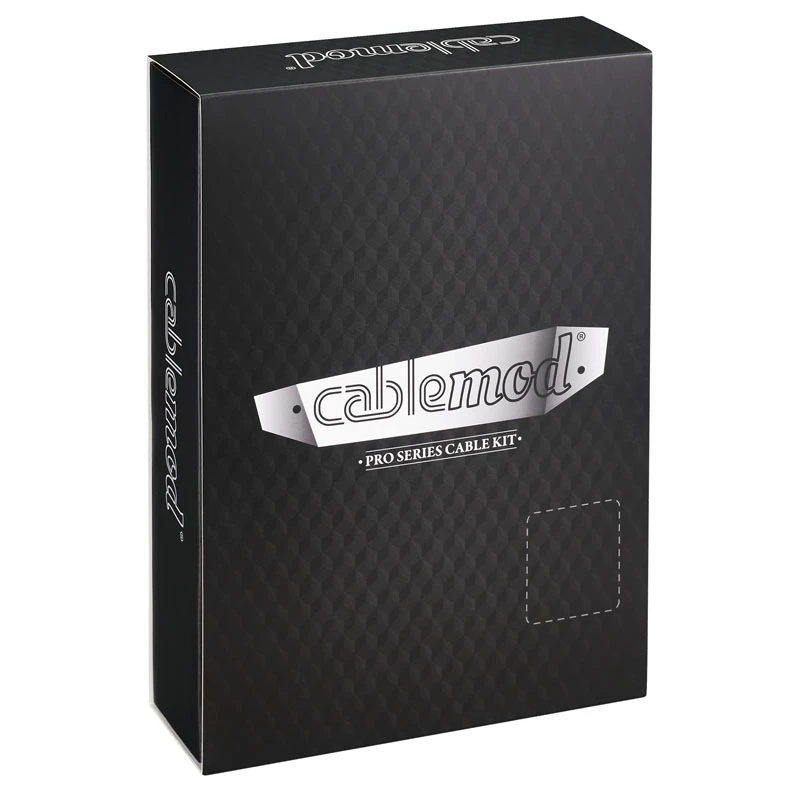
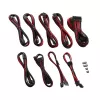
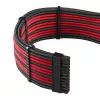
Kit de cables de alimentación CableMod PRO Series ModMesh C-Series para Corsair RMi/RMx — cables enfundados negro/rojo

Kit de cables de alimentación CableMod PRO Series ModMesh C-Series para Corsair RMi/RMx — cables enfundados negro/rojo
103,22 €
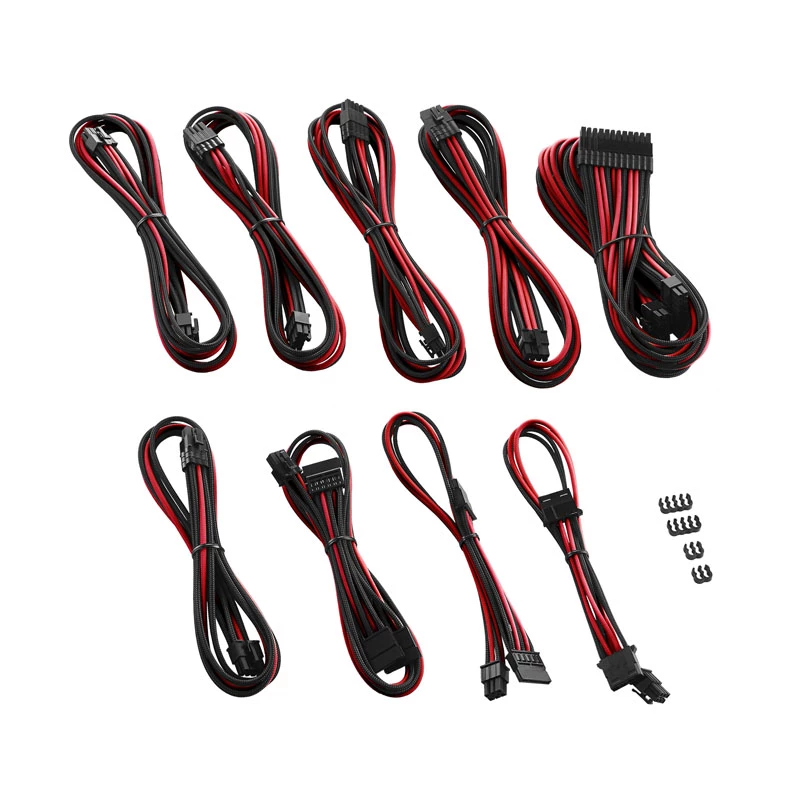
The CableMod PRO Series ModMesh C-Series power cable kit for Corsair RMi and RMx power supplies provides a set of fully sleeved Black/Red cables designed to replace stock wiring in desktop PC builds. This kit includes the main 24‑pin ATX cable, CPU EPS power cable(s), and PCIe/GPU power cables in Mo... Leer más
Stock 6 Código 308110 Marca CABLEMOD Modelo CM-PCSR-FKIT-NKKR-R Garantía 3 años
CategoríaCables de alimentación internos

Envíos y devoluciones

Entrega estimada jueves, 29 de octubre
Te mantendremos informado a través de nuestro sistema de seguimiento detallado
Opciones de pago
Tarjeta bancariaVisaMastercardPayPalApple PayGoogle PayTransferencia bancaria

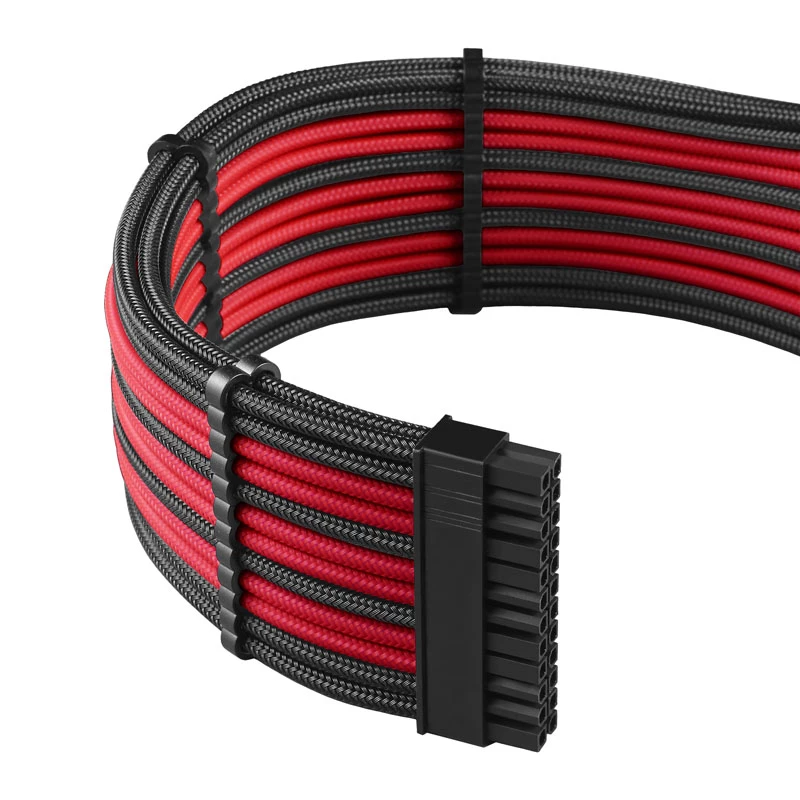
The CableMod PRO Series ModMesh C-Series power cable kit for Corsair RMi and RMx power supplies provides a set of fully sleeved Black/Red cables designed to replace stock wiring in desktop PC builds. This kit includes the main 24‑pin ATX cable, CPU EPS power cable(s), and PCIe/GPU power cables in ModMesh sleeving that combine flexible routing with a striking two‑tone appearance. The cables are sized and pinned to match Corsair RMi/RMx connectors and aim to improve cable management, airflow, and the visual coherence of custom builds.

Advantages

The sleeved ModMesh design offers enhanced durability and abrasion resistance compared with unsleeved stock cables while maintaining flexibility for tight routing. Black and red color accents provide a coordinated look for themed builds and easier identification of power runs. The kit is manufactured to preserve the correct pinout and secure connections with Corsair RMi/RMx PSUs, reducing the risk of loose contacts and simplifying installation in mid-tower and full-tower cases.

Suitable for

  • Custom desktop PC builds using Corsair RMi or RMx power supplies
  • Systems where improved cable routing and airflow are desired
  • Modded or themed builds requiring black and red accent cables
  • Upgrading from factory sleeved or stock power supply cables

Key specifications

  • Compatible connectors: 24‑pin ATX main, 4+4 CPU EPS, 6+2 PCIe GPU (as required for Corsair RMi/RMx)
  • Sleeving type: ModMesh fully sleeved cables
  • Color scheme: Black outer with red accent sleeving
  • Construction: Individually sleeved wires with reinforced connector ends for strain relief
  • Cable lengths: tailored for standard ATX case routing (lengths vary per cable type to suit typical builds)

How to use

Power off and unplug the system before replacing any cables. Remove the side panel and access the power supply area. Unplug the stock Corsair RMi/RMx cables from the PSU and motherboard or devices, noting connector positions. Plug the CableMod 24‑pin ATX cable into the motherboard main power socket and the matching 24‑pin connector on the PSU. Connect the 4+4 CPU EPS cable to the CPU power socket(s) on the motherboard and to the corresponding PSU connector. Attach 6+2 PCIe cables to GPU(s) as required. Ensure each connector is fully seated and latched. Route cables behind the motherboard tray or through case grommets to optimize airflow and tidy appearance, then reassemble the case and reconnect mains power.

Recommendations

Check connector compatibility with your exact Corsair RMi/RMx model and plan cable routing before installation. Avoid sharp bends near connector ends and use cable ties or Velcro straps to secure runs and improve airflow. For high‑power multi‑GPU systems, use separate PCIe connectors as supplied rather than daisy‑chaining where recommended by your power supply documentation.

Aspectos destacados
  • Custom desktop PC builds using Corsair RMi or RMx power supplies
  • Systems where improved cable routing and airflow are desired
  • Modded or themed builds requiring black and red accent cables
  • Upgrading from factory sleeved or stock power supply cables
  • Compatible connectors: 24‑pin ATX main, 4+4 CPU EPS, 6+2 PCIe GPU (as required for Corsair RMi/RMx)
  • Sleeving type: ModMesh fully sleeved cables
  • Color scheme: Black outer with red accent sleeving
  • Construction: Individually sleeved wires with reinforced connector ends for strain relief
  • Cable lengths: tailored for standard ATX case routing (lengths vary per cable type to suit typical builds)
Historial de precios de los últimos 6 meses
Kit de cables de alimentación CableMod PRO Series ModMesh C-Series para Corsair RMi/RMx — cables enfundados negro/rojo
Actual
103,22 €
Mínimo
101,99 €
Máximo
110,09 €
Variación 24 h
+0,65 €   +1%
Semana
+0,64 €   +1%
Mes
+1,23 €   +1%

Escribir una opinión

Valoración *
Tu nombre se mostrará públicamente: puedes usar un apodo. Invitamos a los compradores a escribir opiniones; las revisamos antes de publicarlas y publicamos también las críticas.

Productos populares en esta categoría

Vendedor: UAB KUR LT · Laisvės pr. 125A, LT-06118 Vilna, Lituania · Código de empresa 303192950 · NIF-IVA UE LT100008198612 · Envío desde la UE (Lituania)
Hola, soy el asistente de IA de DistriNode. Puedo ayudarte a encontrar productos, comparar opciones, crear presupuestos en PDF o abrir solicitudes de soporte.
Todas las categorías