



Cuenta Contacto
Tu carrito
Envío con DPD y FedEx
¿Dudas? Pregunte a la IA

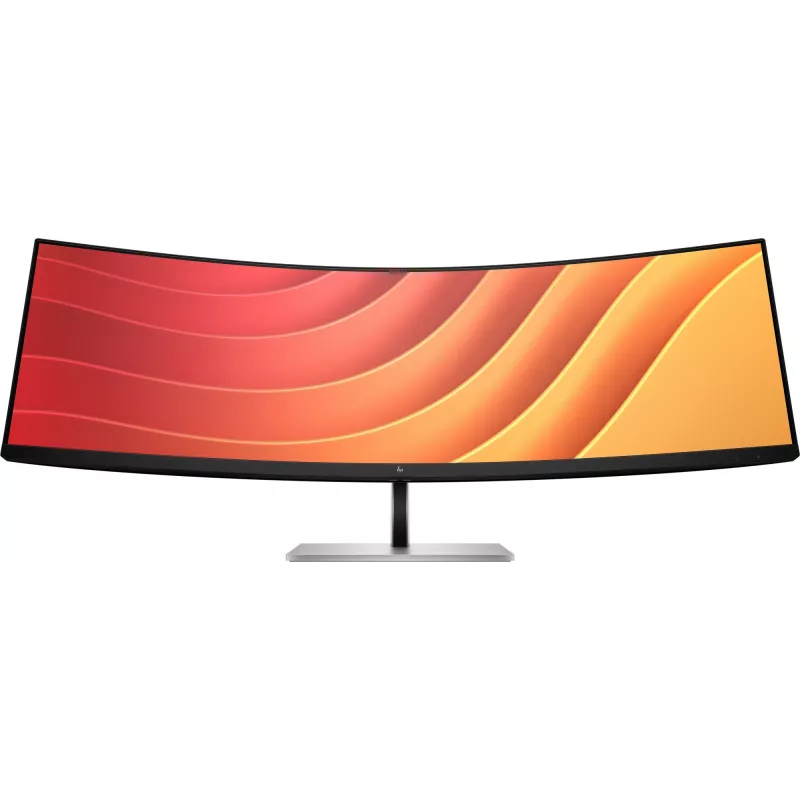
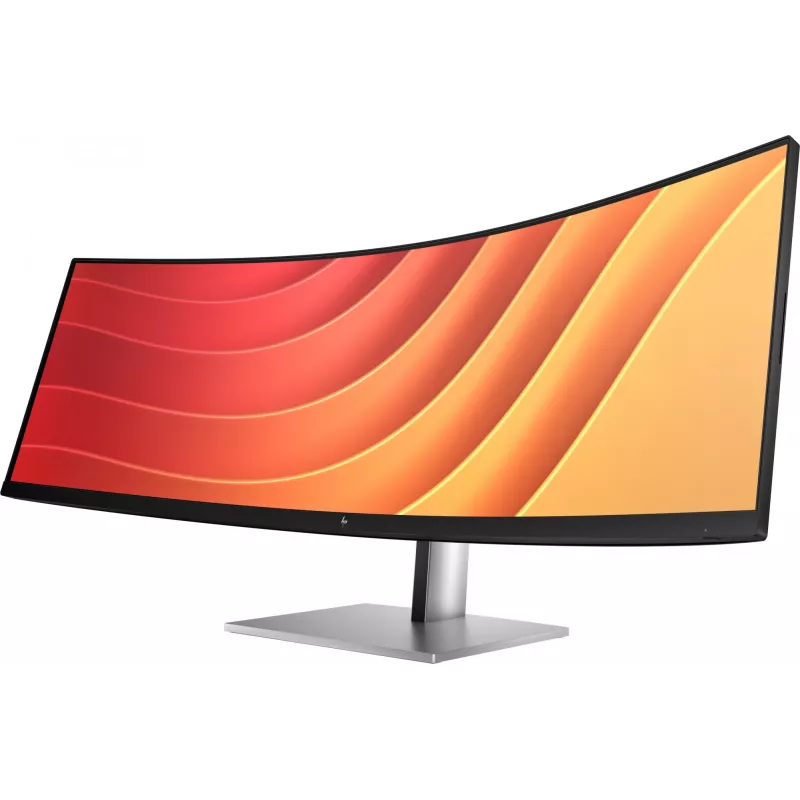
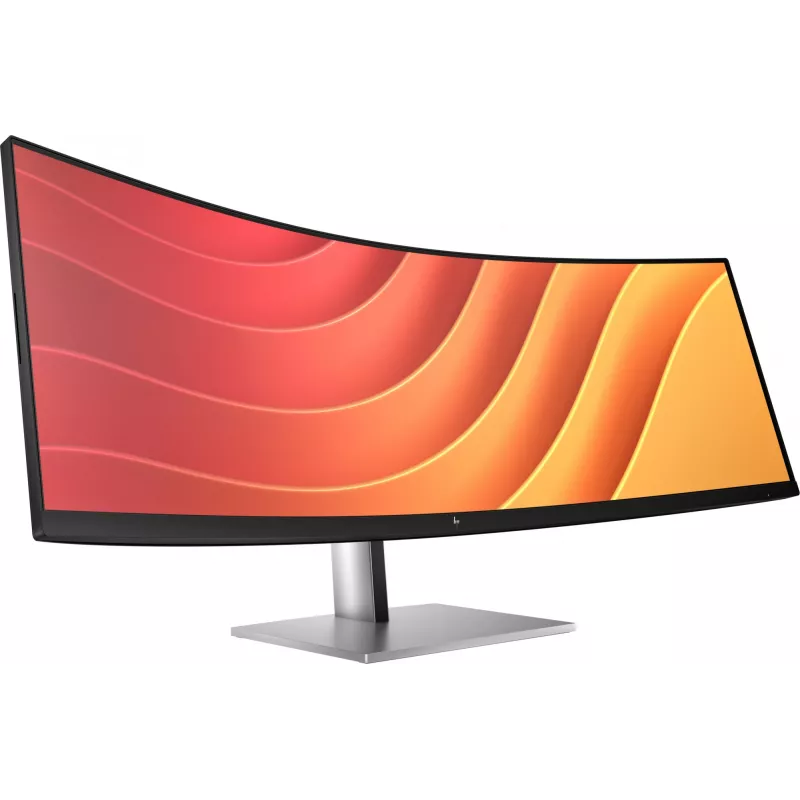
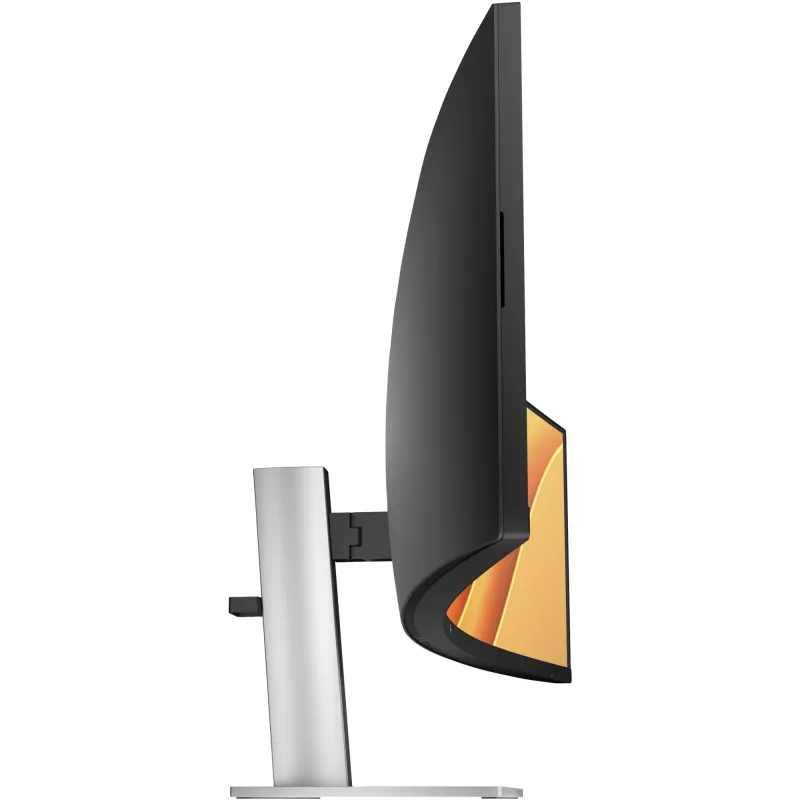
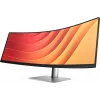
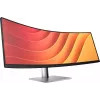
Monitor HP E45c G5 44,5" curvo Dual QHD 5120 x 1440

Monitor HP E45c G5 44,5
Monitor HP E45c G5 44,5" curvo Dual QHD 5120 x 1440
1.794,59 €
Crafted to CaptivateUniquely designed to deliver incredible immersion and expansive flexibility, the HP E45c G5 DQHD Curved Monitor augments what’s possible, so there's nothing between you and your best. Stylishly crafted with your comfort and the planet in mind, this ultrawide display is a powerhou... Leer más
Stock 5 Código 2406919 Marca HP Modelo 6N4C1AT Garantía 2 años

Envíos y devoluciones

Entrega estimada Jueves, Octubre 22
Te mantendremos informado a través de nuestro sistema de seguimiento detallado
Opciones de pago
Tarjeta bancariaVisaMastercardPayPalApple PayGoogle PayTransferencia bancaria
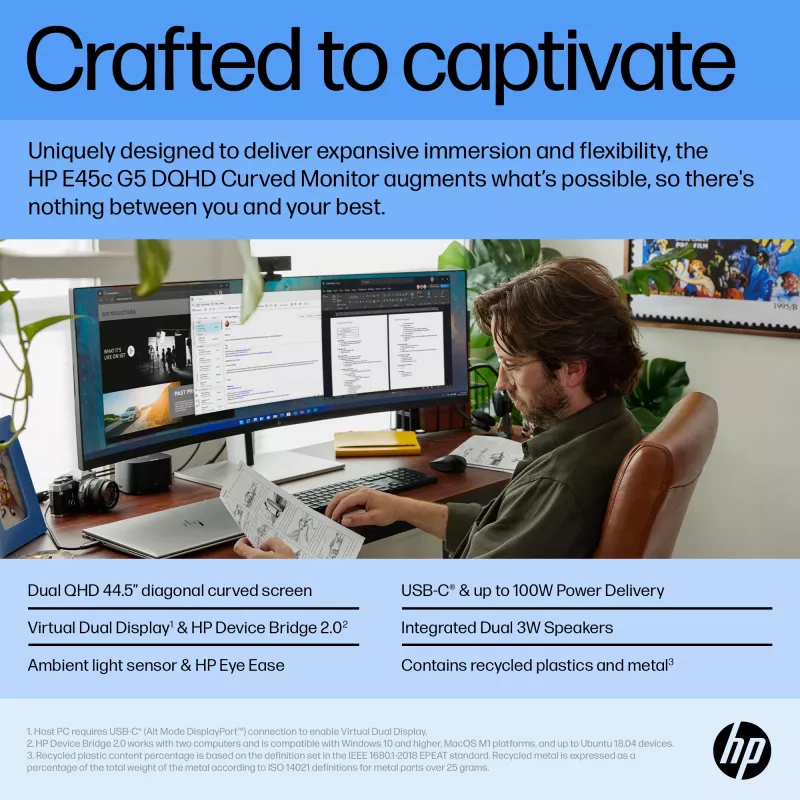
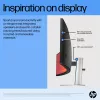
Crafted to Captivate
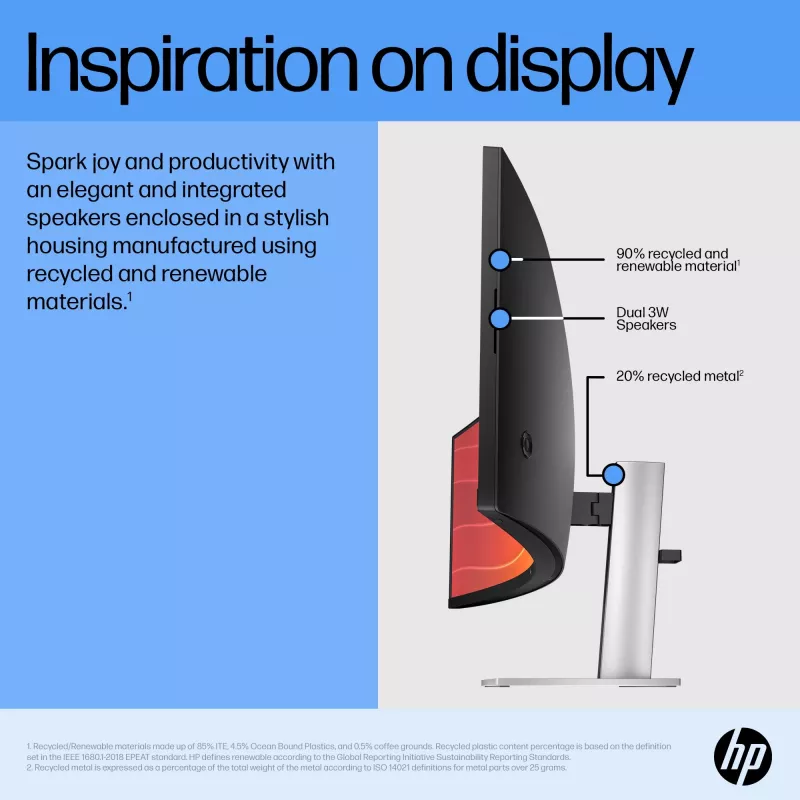
Uniquely designed to deliver incredible immersion and expansive flexibility, the HP E45c G5 DQHD Curved Monitor augments what’s possible, so there's nothing between you and your best. Stylishly crafted with your comfort and the planet in mind, this ultrawide display is a powerhouse of productivity.

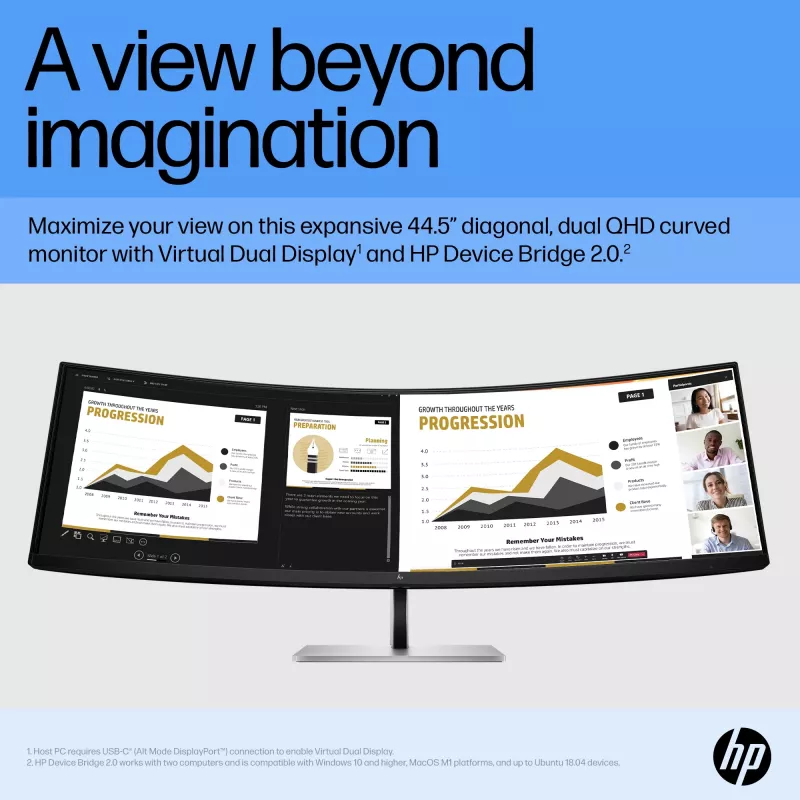
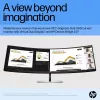
A View Beyond Imagination

Replace two QHD monitors with this one massive, 44.5" diagonal, dual QHD curved monitor, but keep the benefits of two distinct displays. With Virtual Dual Display, split the monitor into two, so you can screen share a presentation that everyone can see on one screen and interact with your audience or content on the other[1]. Plus, you can connect 2 different computers and simultaneously view and work between them with HP Device Bridge 2.0[2].

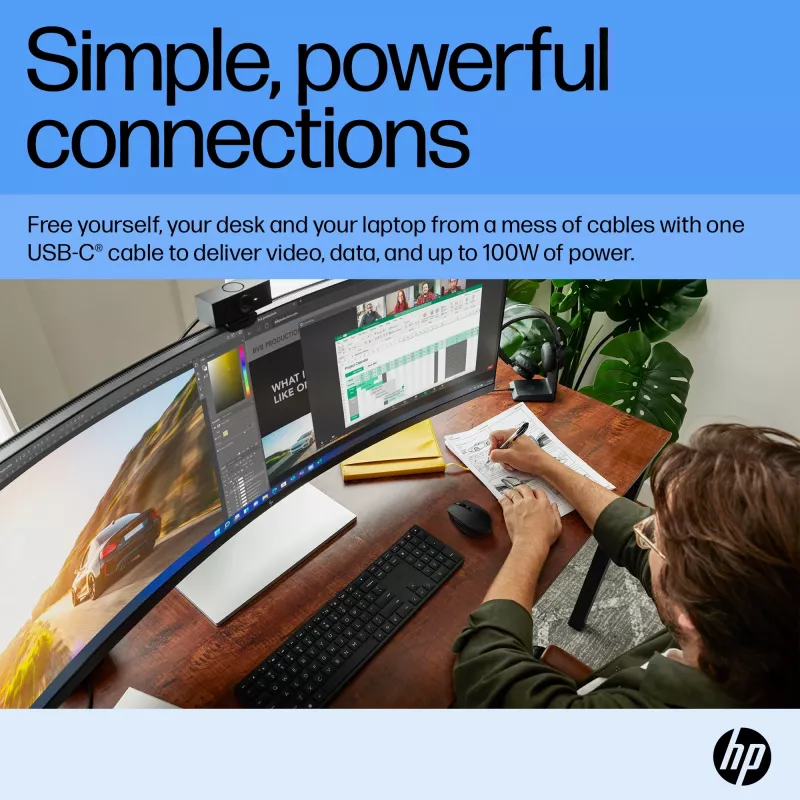
Simple, Powerful Connections

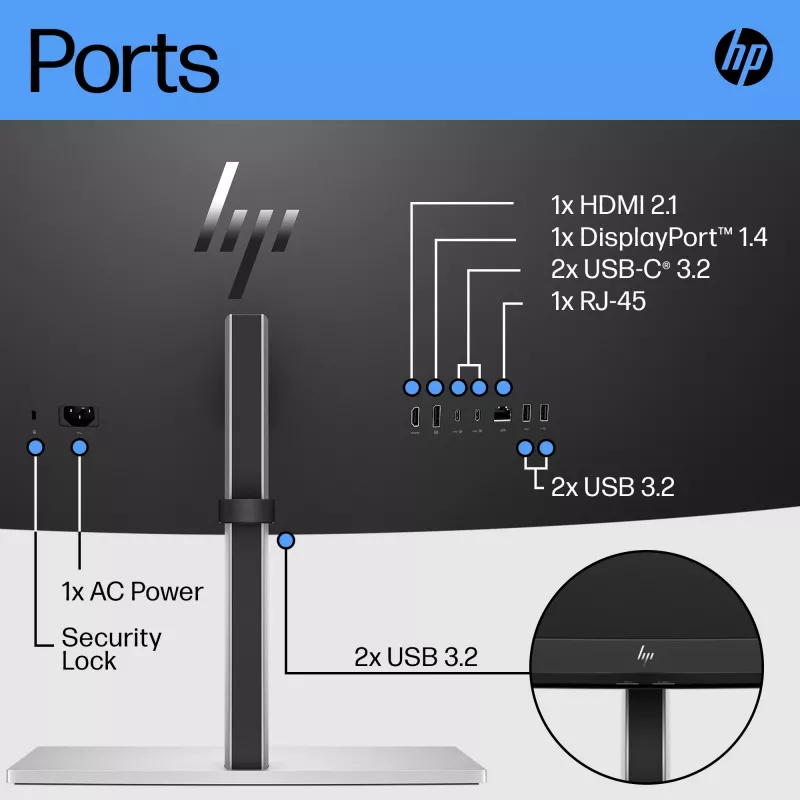
When you’re working from home one day and the office the next, free yourself, your desk and your laptop from a mess of cables by simply connecting one USB-C® cable that connects your display and all your accessories—from webcam to keyboard—all while charging your laptop up to 100W. When you need to connect two devices, the two USB-C® ports distribute power with one port up to 65W power to each PC or 100W power to one PC and 30W power to a tablet or phone.

Comfort that Works for You

When doing your best relies on feeling your best, physical and viewing comfort is key. Easily find all-day comfort with 3-way adjustability optimized by the step-by-step Ergonomic Setup Guide[3]. See comfortably from day to night with the ambient light sensor that automatically adapts display brightness to fit your surroundings, and enjoy added comfort with HP Eye Ease, enhanced with a 165Hz refresh rate[4].

Ambient Light Sensor

Automatically adjusts your screen's brightness to the lighting of your environment for comfortable viewing.

Dual QHD Resolution

Get lost in the pixel density of two QHD screens for stunning definition.

Ultrawide, Ultra Productivity

Boost your productivity with this super ultrawide, 44.5-inch diagonal display with a 32:9 aspect ratio.

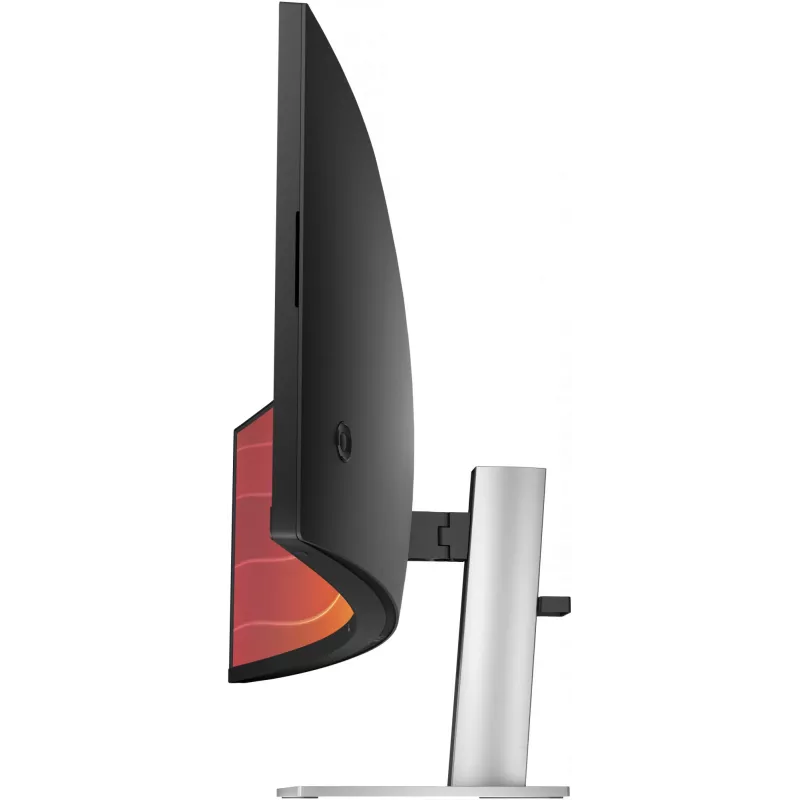
3-way Adjustability

3-way adjustability for the perfect viewing angle.

Picture By Picture

Display two computers on one monitor with Picture By Picture (PBP).

USB-C® Connectivity

Simply connect your entire setup via one USB-C® cable and charge one computer up to 100W.

HP Display Center

Customize your display with easy, intuitive HP Display Center software.

Single Power On

Instantly turn on your display and laptop.

Effortless Joypad OSD Button

It's never been easier to configure your displays settings right from the monitor. Simply navigate the on-screen menu with the joypad OSD button to adjust brightness, contrast, and color.

Ergonomic Setup Guide

Achieve all-day comfort when you apply the best practices from the Ergonomic Setup Guide. [3]

Enhanced Viewing featuring HP Eye Ease

Experience enhanced viewing with comfort and screen performance. HP Eye Ease, an always-on, low-blue light filter, helps keep your eyes comfortable throughout the day by reducing blue light without impacting color--now enhanced with a 165Hz refresh rate. [4]

Virtual Dual Display

Create two virtual unique workspaces that act like two distinct displays. [1]

HP Device Bridge 2.0

Control two devices: copy, paste, drag and drop files or data between them. [2]

99% sRGB Color Space

Ideal color reproduction with minimal effort. [4]

KVM Switch

Through just your display, boost your productivity when multi-tasking between two different computers with just your keyboard and mouse via the seamless KVM switch. [10]

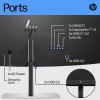
More Ports. More Flexibility.

More ports means more capabilities. With an HDMI, DisplayPort™ 1.4, two USB-C® ports plus 4 additional USB-A ports, you can connect or charge multiple devices like a headset and webcam. [11]

Dependable Internet Connectivity

High speed internet connection and remote IT manageability. [12]

HP Display Manager

HP Display Manager makes remote management of the monitor easy. Simplify deployment, asset tracking, and remotely control your monitor settings, like turning the power off. [12]

How to use

Place the monitor on a stable desk or mount it using a VESA-compatible arm or bracket. Connect video input and peripherals via the available ports and use the built-in USB hub for keyboard, mouse or other accessories. Adjust the screen height to a comfortable eye level and position the curved display so that the center aligns with your natural viewing angle to maximize immersion and reduce eye strain. Use on-screen menus to configure color, brightness and input settings as required.

Recommendations

For prolonged work sessions, set the monitor height so the top third of the screen is at eye level and take regular breaks. Use appropriate cable management and ensure adequate desk depth to benefit from the curved 44.5" screen. Calibrate display settings when color-critical tasks are required.

Aspectos destacados
  • Multitasking and office productivity with large spreadsheets and multiple windows
  • Content creation, video editing and timeline work requiring wide horizontal space
  • Software development and debugging with side-by-side code and documentation
  • Financial trading and data analysis dashboards
  • General multimedia consumption and immersive desktop workflows
  • Display diagonal: 44.5"
  • Resolution: 5120 x 1440 (Dual QHD)
  • Panel type: VA
  • Aspect ratio: 32:9
  • Pixel pitch: 0.21 x 0.21 mm
  • Response time: 3 ms
  • Brightness (typical): 400 cd/m²
  • Viewing angles: 178° horizontal / 178° vertical
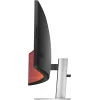
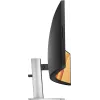
  • Screen shape: Curved
  • Built-in USB hub: Yes
  • VESA mounting: Yes
  • Energy efficiency class (HDR): G
  • Weight: 14.6 kg
Especificaciones
Ajuste de altura
Yes
Ajuste de inclinación
Yes
Altura
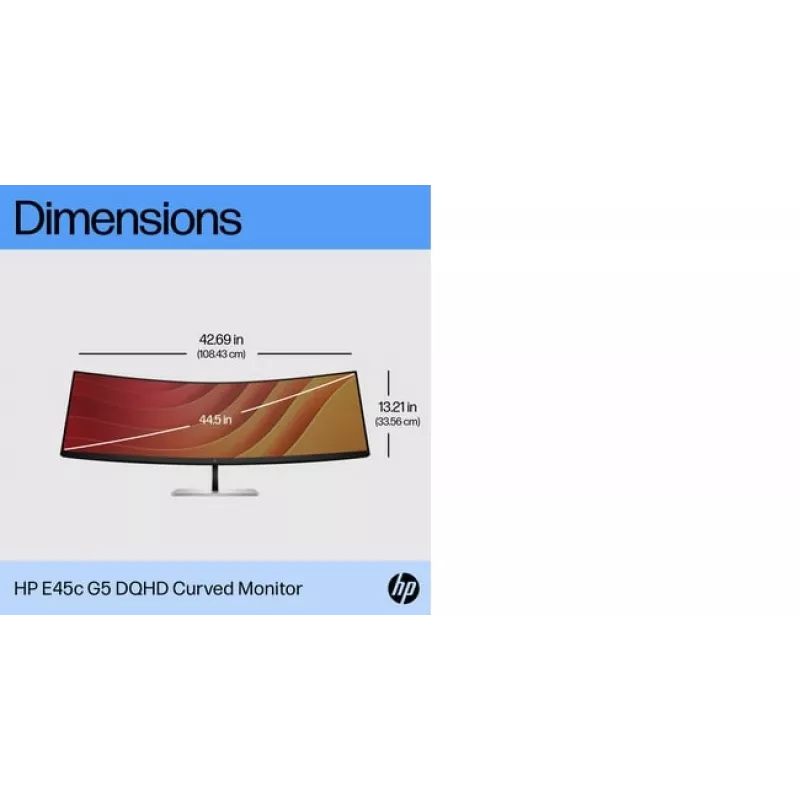
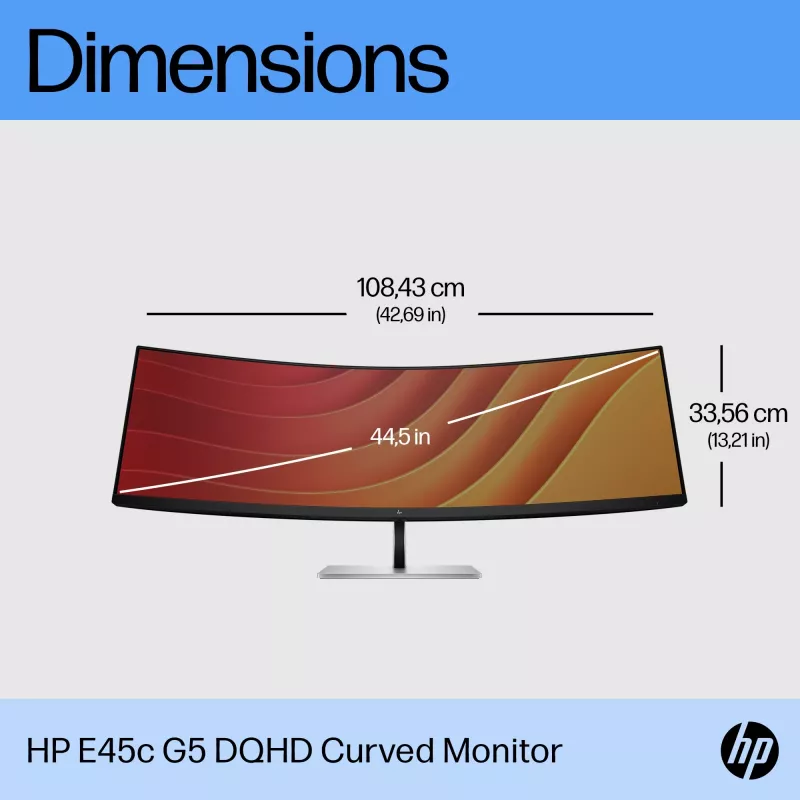
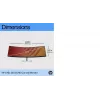
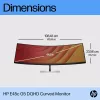
335.6 mm
Altura (con soporte)
521.8 mm
Altura (sin soporte)
335.6 mm
Altura del embalaje
485 mm
Ancho
1084.3 mm
Ancho (con soporte)
1084.3 mm
Ancho (sin soporte)
1084.3 mm
Ancho del embalaje
1267 mm
Ángulo de visión horizontal
178 °
Ángulo de visión vertical
178 °
Brillo de la pantalla (típico)
400 cd/m²
Cámara integrada
No
Certificación
BIS; BSMI; CB; CCC; CE; CECP; CEL; cTUVus; EAC; ENERGY STAR®; FCC; ISO 9241-307; KC/KCC; Korea MEPS (E-standby); Microsoft WHQL Certification; NOM; PSB; TCO Certified; TCO Certified Edge; TUV-S; UL/CSA; VCCI; WEEE; ISC; ICE; UAE; TGM; Ukraine certificates; NRCS; PSE
Clase de eficiencia energética (HDR)
G
Cobertura sRGB (típica)
99 %
Código EPREL
1399249
Concentrador USB integrado
Yes
Control remoto
Yes
Densidad de píxeles
120 ppi
Diagonal de pantalla
44.5 "
Diagonal de pantalla (métrica)
113 cm
Distancia entre píxeles
0.21 x 0.21
Dureza de la superficie
3H
Estándar de gama de color
sRGB
Forma de la pantalla
Curved
Frecuencia de refresco máxima
165 Hz
Gama de color
99 %
Guía de inicio rápido
Yes
HDCP
Yes
HDMI
Yes
HP GTIN (EAN/UPC)
196786294075, 196786294082
HP GTIN (EAN/UPC) con opciones
(ABB) 196786294075; (ABU) 196786294082
Humedad relativa de almacenamiento (H-H)
20 - 80
Humedad relativa de funcionamiento (H-H)
5 - 95
Menú en pantalla (OSD)
Yes
Montaje VESA
Yes
Número de altavoces
2
Número de colores de la pantalla
16.7 million colours
País de origen
China
Pantalla antirreflejo
Yes
Peso
14.6 kg
Peso (con soporte)
14600 g
Peso del embalaje
22470 g
Pivotante
Yes
Profundidad
148.1 mm
Profundidad (con soporte)
307 mm
Profundidad (sin soporte)
148.1 mm
Profundidad de color
8 bit
Profundidad del embalaje
280 mm
Ranura para cable de seguridad
Yes
Relación de aspecto nativa
32:9
Resolución de pantalla
5120 x 1440
Software incluido
HP Display Center; HP Display Manager
Soporte desmontable
Yes
Soporte incluido
Yes
Tamaño visible, horizontal
1087.5 mm
Tamaño visible, vertical
305.9 mm
Tecnología Low Blue Light
Yes
Tecnología sin parpadeo
Yes
Tecnologías y materiales sostenibles
Outside box and corrugated cushions are 100% sustainably sourced and recyclable; Contains ocean-bound recycled plastic; 80% ITE-derived closed loop plastic; At least 15% recycled metal
Temperatura de funcionamiento (T-T)
5 - 35
Tiempo de respuesta
3 ms
Tipo de embalaje
Box
Tipo de fuente de alimentación
Internal
Tipo de HD
Dual QHD
Tipo de panel
VA
Historial de precios de los últimos 6 meses
Monitor HP E45c G5 44,5" curvo Dual QHD 5120 x 1440
Actual
1.794,59 €
Mínimo
1.405,07 €
Máximo
2.794,91 €
Variación 24 h
+35,19 €   +2%
Semana
+17,47 €   +1%
Mes
+17,47 €   +1%

Análisis independientes de medios tecnológicos

pcmag.comRead
9/10

Veredicto: ...

Pros
  • Bright
  • Full sRGB color coverage
  • Two USB-C ports provide up to 100W USB power delivery
  • USB-A hub
  • 165Hz refresh rate
  • Unique software, including KVM functionality
  • Intuitive mini joystick controller
Contras
  • No webcam
Lee el análisis completo en pcmag.com →
monitornerds.comPaolo

Veredicto: The HP E45c G5 is a unique and desirable choice for users who want something effective for productivity and gaming. It is designed like a true premium product and comes with a host of must-have features like USB-C and HDMI 2.1. It also gives you serious b...

Pros
  • Plenty of Viewing Space
  • Great for Gaming and Productivity
  • Plenty of Features
Contras
  • Expensive
  • VA Limitations
Lee el análisis completo en monitornerds.com →

Productos populares en esta categoría

Hola, soy el asistente de IA de DistriNode. Puedo ayudarte a encontrar productos, comparar opciones, crear presupuestos en PDF o abrir solicitudes de soporte.