
Cuenta Contacto
Tu carrito
Envío con DPD y FedEx
¿Dudas? Pregunte a la IA

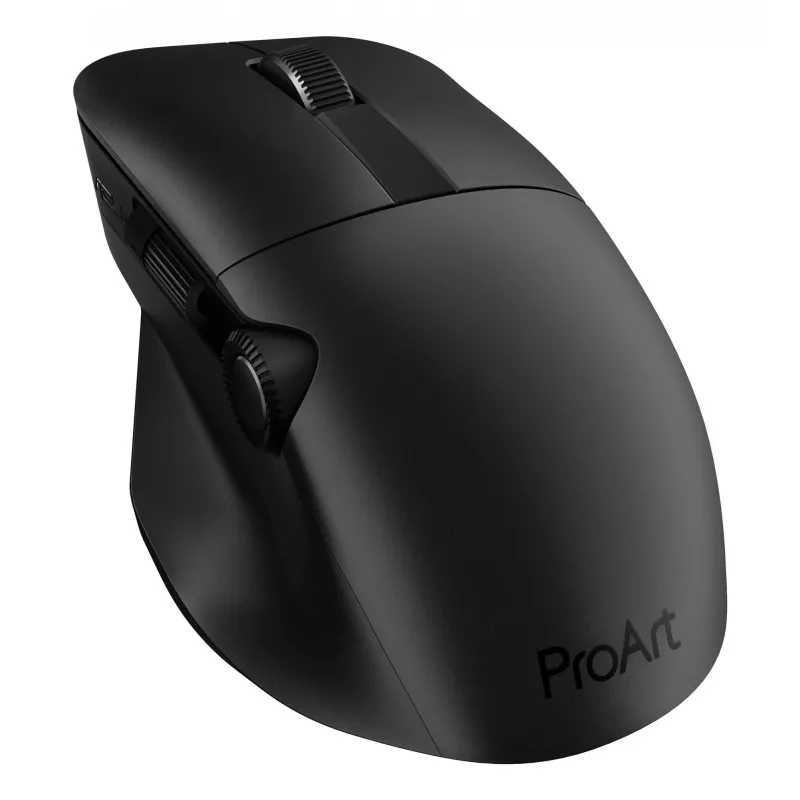
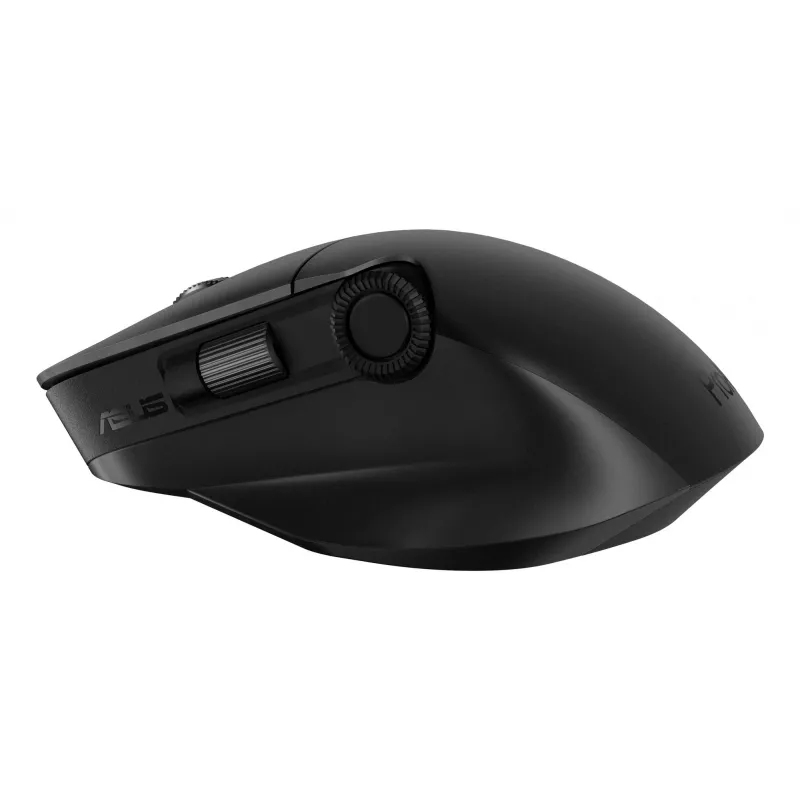
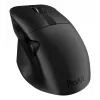
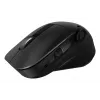
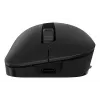
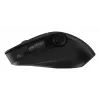
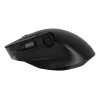
ASUS ProArt MD300 Ratón Office Diestro RF Wireless + Bluetooth Óptico 4200 DPI

ASUS ProArt MD300 Ratón Office Diestro RF Wireless + Bluetooth Óptico 4200 DPI
124,65 €
ProArt MouseCreativity, dialed upASUS ProArt Mouse MD300 is the first mouse that works with ASUS Dial, allowing creators to make quick and precise settings adjustments. This premium mouse also features a side scroll wheel and three buttons with professional-grade switches that provide tactile mouse ... Leer más
Stock 13 Código 116417 Marca ASUS Modelo 90XB04F0-BMU000 Garantía 2 años

Envíos y devoluciones

Entrega estimada Martes, Octubre 27
Te mantendremos informado a través de nuestro sistema de seguimiento detallado
Opciones de pago
Tarjeta bancariaVisaMastercardPayPalApple PayGoogle PayTransferencia bancaria
ProArt Mouse
Creativity, dialed up
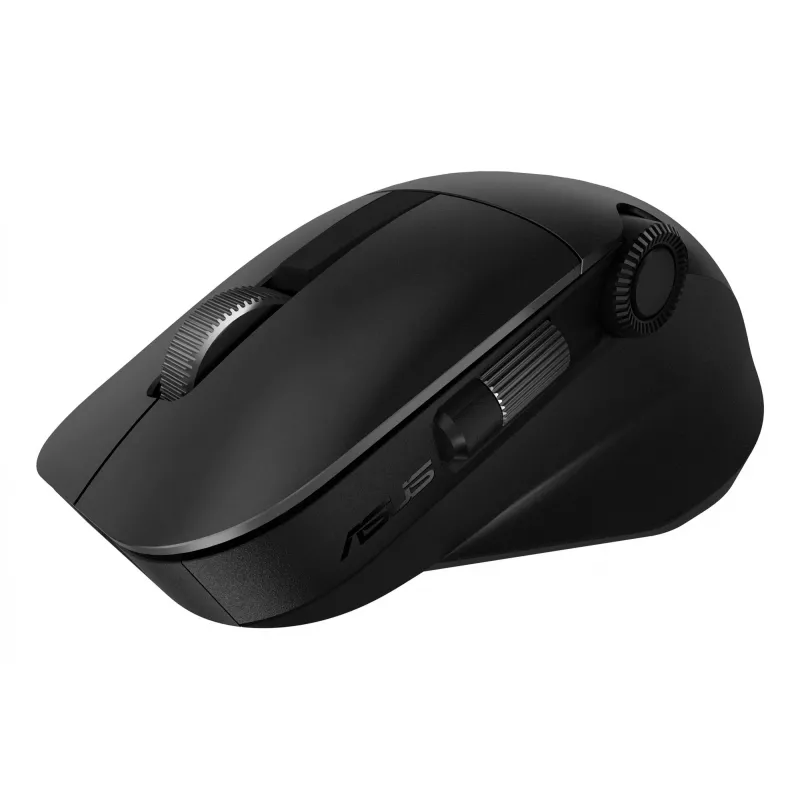
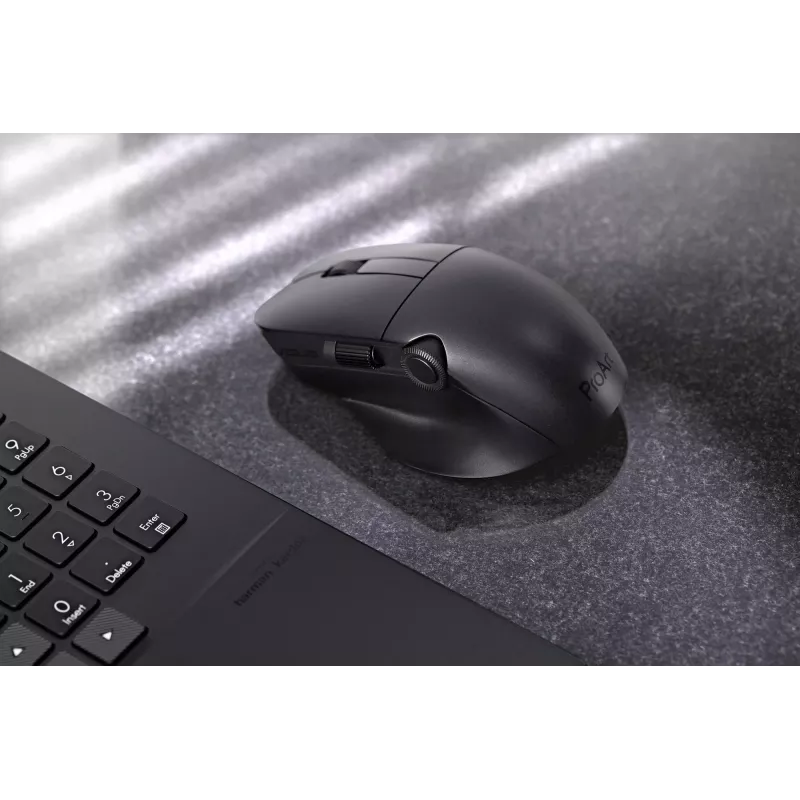
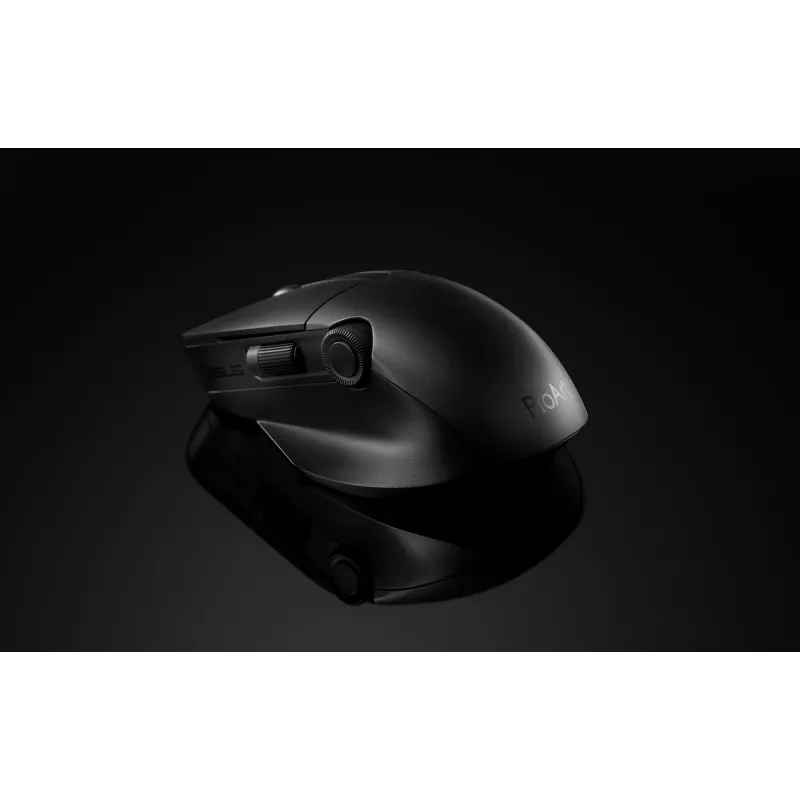
ASUS ProArt Mouse MD300 is the first mouse that works with ASUS Dial, allowing creators to make quick and precise settings adjustments. This premium mouse also features a side scroll wheel and three buttons with professional-grade switches that provide tactile mouse clicks. ProArt Mouse MD300 has a high-performance laser sensor that tracks at up to 4200 dpi for unmatched precision, even when used on a glass surface.
Creativity, dialed up

Creativity, dialed up

ASUS ProArt Mouse MD300 is the first mouse that works with ASUS Dial, allowing creators to make quick and precise settings adjustments. This premium mouse also features a side scroll wheel and three buttons with professional-grade switches that provide tactile mouse clicks. ProArt Mouse MD300 has a high-performance laser sensor that tracks at up to 4200 dpi for unmatched precision, even when used on a glass surface.

Level up with ASUS Dial

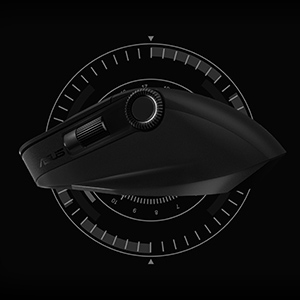
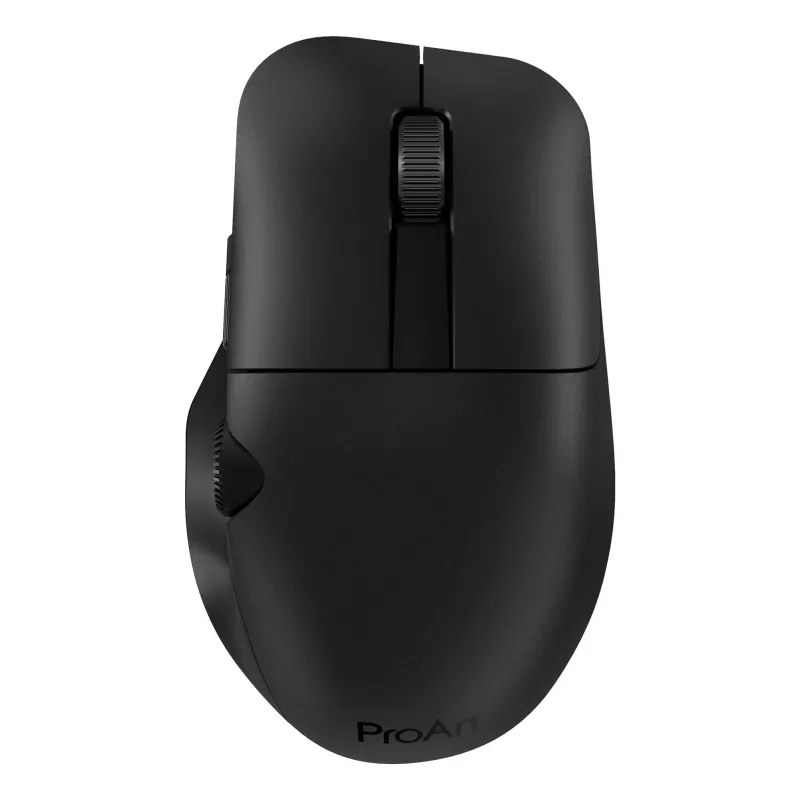
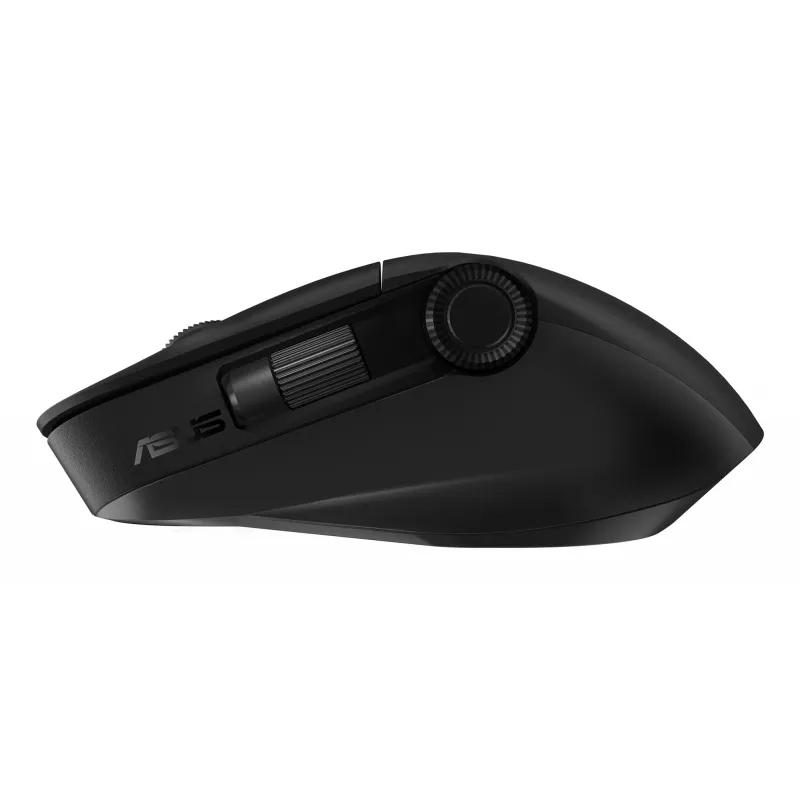
The new ASUS Dial feature makes working with creative apps as natural and intuitive as possible. The built-in side scroll wheel offers precise, seamless control with ASUS Dial, simply rotate and click to change brush size, saturation, and adjust layer opacity. It can also be used to rapidly undo previous actions for a smoother workflow. ASUS Dial scrolls through 100 lines per revolution and lasts 5X longer than traditional mouse scrolls.
Level up with ASUS Dial
Designed to last

Designed to last

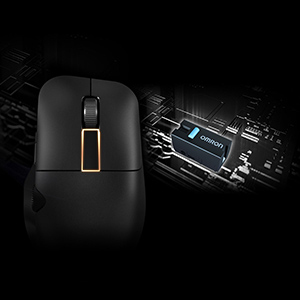
Aside from the left and right mouse buttons, a large middle button independent of the middle scroll wheel helps improve the creative workflow. Use it to control CAD software precisely or program it for other functions through the creator app. All three mouse buttons utilise pro-grade switches that are rated for up to a 50-million-click lifespan and provide satisfyingly tactile feedback with each click.

Power up in the blink of an eye

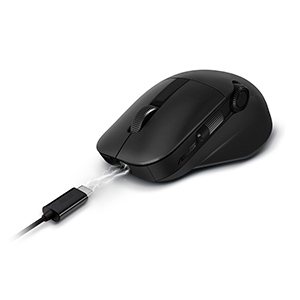
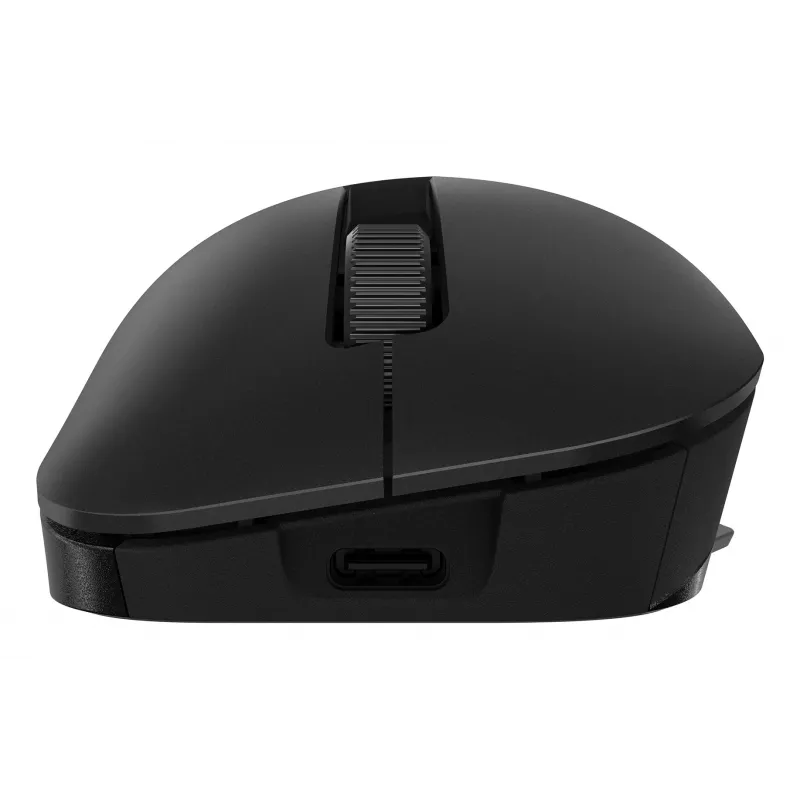
ProArt Mouse MD300 stays powered for up to 150 days on a full charge — and gets 3 hours heavy use or up to 8 hours of light use from a one-minute quick charge. Use the included USB-C® charging cable to top up the power.
Power up in the blink of an eye
Fast and accurate tracking on almost any surface

Fast and accurate tracking on almost any surface

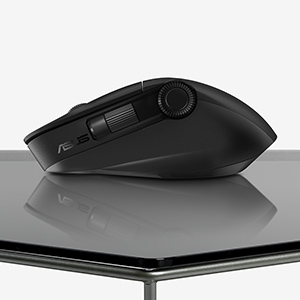
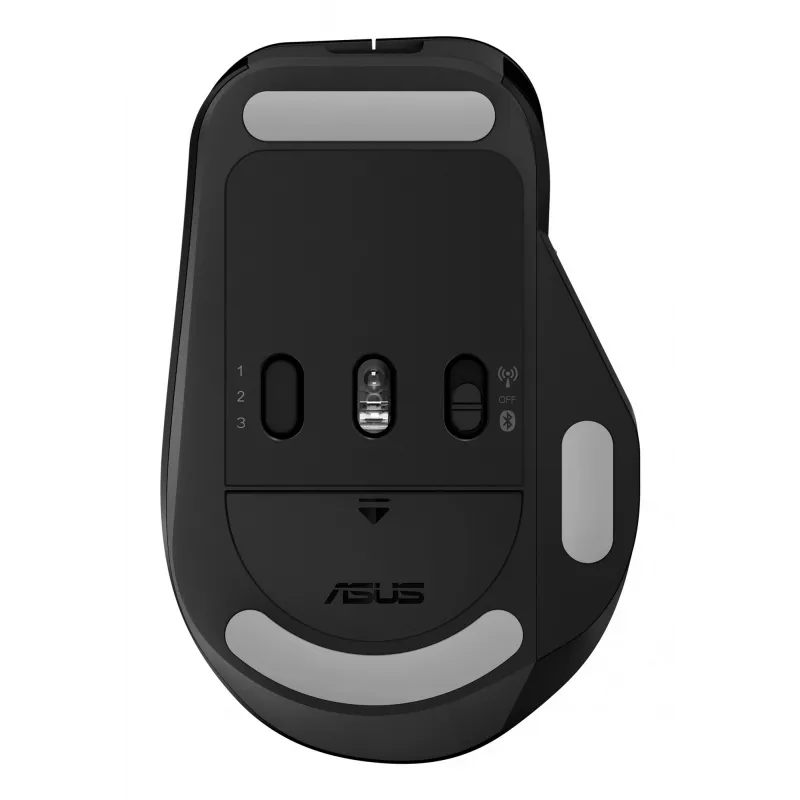
A high-end laser sensor tracks at up to 4200 dpi and works on a wide range of surfaces, including glass3 — delivering the accuracy and precision you need. With a polling rate of up to 1000 Hz, lag is kept to a minimum for smooth, accurate control. The pivoted buttons mechanism leaves no gap between the button and switch, so click response is instantaneous and consistent. In addition, low-friction PTFE mouse feet provide a smooth glide.

Perfect for creativity apps

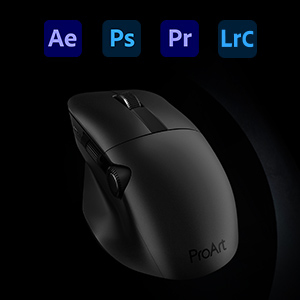
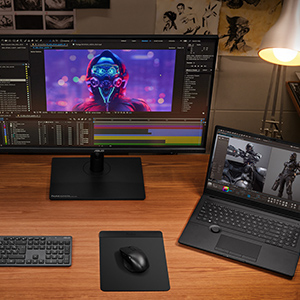
ProArt Mouse MD300 is perfect for creativity apps like Adobe After Effects, Photoshop, Premiere Pro, Lightroom Classic and more.
Perfect for creativity apps
Dual-mode connectivity

Dual-mode connectivity

The RF 2.4 GHz wireless connection provides high data throughput to ensure accurate, lag-free input for a seamless creative workflow. You can also connect up to three devices via Bluetooth fast pairing technology and switch between them by pressing the pair button.

How to use

Connect the mouse via the included USB‑C cable for charging or use the RF USB receiver for low-latency operation; alternatively pair via Bluetooth with up to three devices and switch between them using the pair button. Install the ASUS creator software to customize ASUS Dial actions, program buttons and adjust performance settings such as dpi and polling rate. Use the large middle button and side scroll wheel for precise control in compatible creative apps.

Recommendations

For optimal tracking, use the ProArt Mouse MD300 on flat, stable surfaces; the high-end sensor also supports glass surfaces. Keep the firmware and ASUS creator app updated to access the latest customization options and compatibility improvements.

Aspectos destacados
  • Smart dial and side scroll
  • Independent middle button
  • Up to 4200 dpi, and the ability to track on glass*
  • Quick charge function
  • Minimum 4 mm glass thickness
  • Office Optical 4200 DPI Black
  • Right-hand RF Wireless + Bluetooth 10 m
  • Scroll type: Wheel Buttons quantity: 6
  • Power source: Batteries
  • Built-in battery Rechargeable Lithium-Ion (Li-Ion) 800 mAh
Especificaciones
Adaptador de corriente incluido
No
Alcance inalámbrico
10 m
Altura
42 mm
Ancho
118 mm
Botones programables del ratón
Yes
Cantidad por paquete
1 pc(s)
Capacidad de la batería
800 mAh
Color de la superficie
Monochromatic
Color del producto
Black
Formato
Right-hand
Frecuencia de sondeo
1000 Hz
Fuente de alimentación
Batteries
Guía del usuario
Yes
Interfaz del dispositivo
RF Wireless + Bluetooth
Número de botones
6
Número de botones programables
6
Peso
109 g
Pilas incluidas
Yes
Profundidad
72 mm
Puerto de carga USB tipo C
Yes
Recargable
Yes
Receptor incluido
Yes
Resolución de movimiento
4200 DPI
Resolución de movimiento personalizable
Yes
Sistemas operativos Windows compatibles
Windows 10, Windows 11
Tarjeta de garantía
Yes
Tecnología de conectividad
Wireless
Tecnología de detección de movimiento
Optical
Tecnología de la batería
Lithium-Ion (Li-Ion)
Tipo de batería
Built-in battery
Tipo de botones
Pressed buttons
Tipo de desplazamiento
Wheel
Uso
Office
Historial de precios de los últimos 6 meses
ASUS ProArt MD300 Ratón Office Diestro RF Wireless + Bluetooth Óptico 4200 DPI
Actual
124,65 €
Mínimo
115,47 €
Máximo
127,32 €
Variación 24 h
+1,25 €   +1%
Semana
-0,46 €   0%
Mes
+1,41 €   +1%

Análisis independientes de medios tecnológicos

pcmag.comNathaniel
7/10

“Many companies are happy to adorn their high-end mice with more buttons than you might think possible. Asus takes a different tack with the creativity-focused ProArt Mouse MD300, equipping it with two scroll wheels—one on top and one on the side—as well…”

Lee el análisis completo en pcmag.com →
hitechcentury.com
7.2/10

“When it comes to mouse design, most manufacturers in the market churn out a slew of offerings oriented towards gamers or desk jockeys but this latest offering from Asus is arguably the first time that anyone has created a mouse specifically oriented…”

Pros
  • Ergonomic design with comfy thumb rest
  • Highly customisable buttons
  • Offers ASUS Dial interactivity with non-ASUS ProArt laptops
Contras
  • Not compatible with many content creator apps
Lee el análisis completo en hitechcentury.com →

Productos populares en esta categoría

Hola, soy el asistente de IA de DistriNode. Puedo ayudarte a encontrar productos, comparar opciones, crear presupuestos en PDF o abrir solicitudes de soporte.