
Cuenta Contacto
Tu carrito
Envío con DPD y FedEx
¿Dudas? Pregunte a la IA

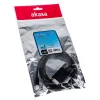
Cable adaptador USB Type-C VGA Akasa AK-CBCA17-18BK

Cable adaptador USB Type-C VGA Akasa AK-CBCA17-18BK
19,72 €
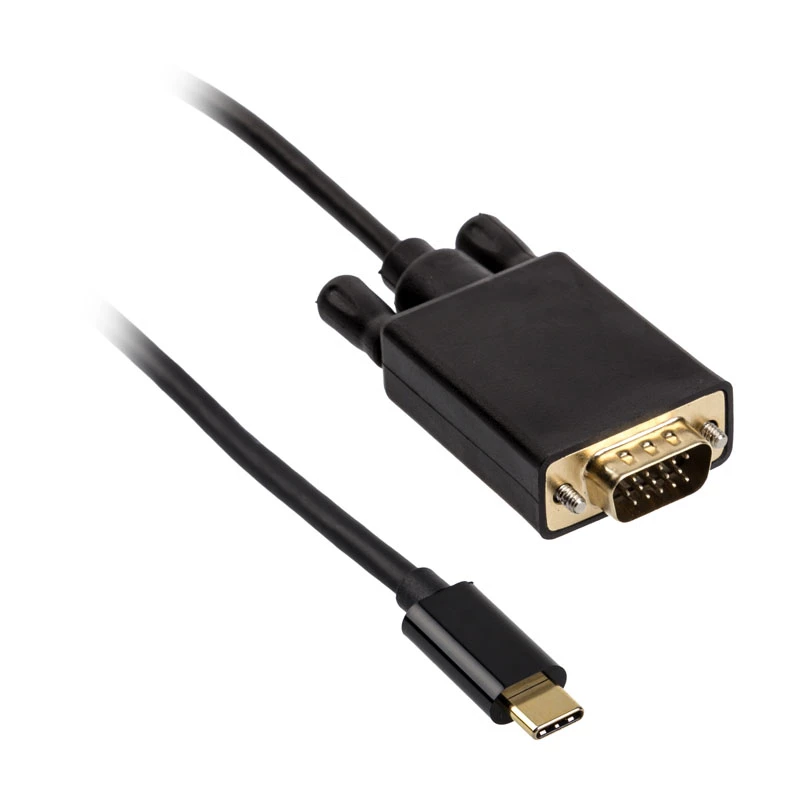
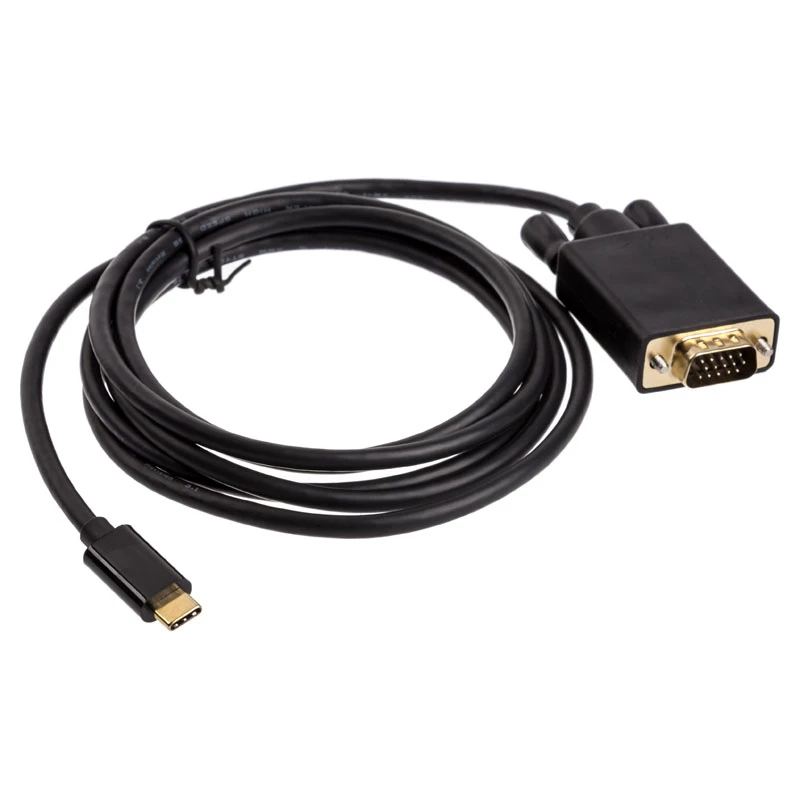
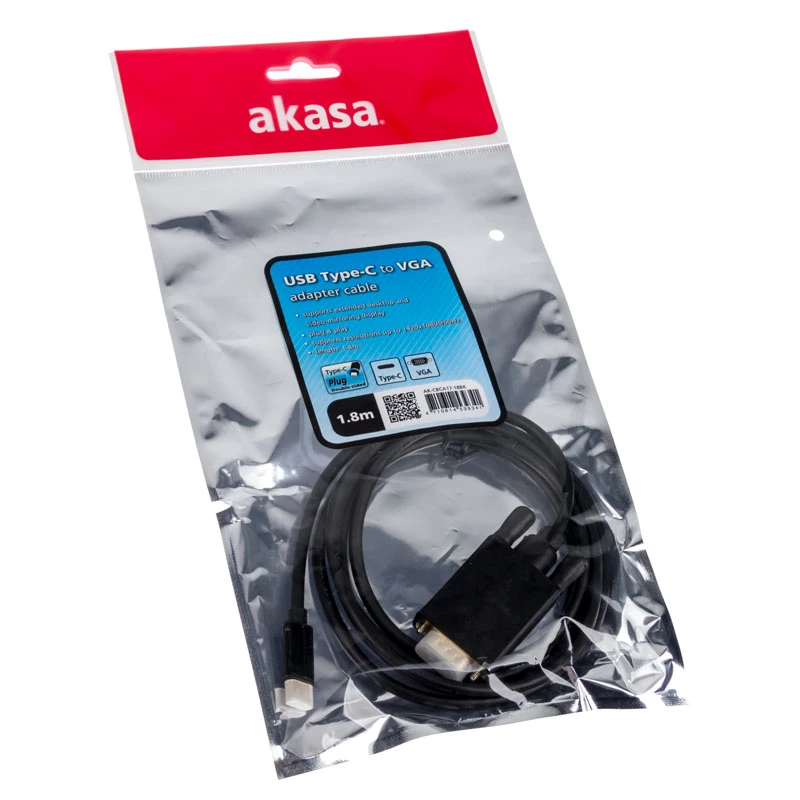
The Akasa AK-CBCA17-18BK is a 1.8 m cable gender changer that converts a USB Type-C output to a VGA input, enabling a direct connection between modern laptops, tablets or smartphones with USB-C ports and displays, projectors or monitors that use VGA. The cable features a black finish and a compact d... Leer más
Stock 2 Código 309975 Marca AKASA Modelo AK-CBCA17-18BK Garantía 2 años

Envíos y devoluciones

Entrega estimada Jueves, Octubre 15
Te mantendremos informado a través de nuestro sistema de seguimiento detallado
Opciones de pago
Tarjeta bancariaVisaMastercardPayPalApple PayGoogle PayTransferencia bancaria

The Akasa AK-CBCA17-18BK is a 1.8 m cable gender changer that converts a USB Type-C output to a VGA input, enabling a direct connection between modern laptops, tablets or smartphones with USB-C ports and displays, projectors or monitors that use VGA. The cable features a black finish and a compact design intended to provide a simple wired solution for video output when an adapter or legacy display is required.

Advantages

This USB Type-C to VGA gender changer offers plug-and-play functionality without the need for external power or additional software on most compatible devices. The 1.8 m length provides flexibility in device placement and display positioning. The black colour and durable construction are designed for regular use in office, classroom and meeting-room environments.

Suitable for

  • Connecting a USB Type-C laptop to a VGA monitor for extended desktop or mirroring
  • Connecting a tablet or smartphone with USB-C to a VGA projector for presentations
  • Using legacy VGA displays with modern USB-C equipped devices in classrooms and meeting rooms

Key specifications

  • Connector 1: USB Type-C
  • Connector 2: VGA
  • Cable length: 1.8 m
  • Product colour: Black

How to use

Connect the USB Type-C end of the cable to the device with a compatible USB-C video output. Connect the VGA end to the VGA input of the display or projector. Select the appropriate input on the display and configure video output settings on the source device if necessary (display mirroring, extended desktop, resolution). Verify that the source device supports video output over USB-C; if required, enable the alternate mode or display output in the device settings.

Recommendations

For best results, use the cable with devices that explicitly support USB Type-C video output (DisplayPort Alternate Mode or equivalent). Keep the cable routed to avoid sharp bends and avoid excessive tension on connectors. When using with projectors or older monitors, select a compatible resolution in the source device settings to ensure a stable image.

Aspectos destacados
  • Connecting a USB Type-C laptop to a VGA monitor for extended desktop or mirroring
  • Connecting a tablet or smartphone with USB-C to a VGA projector for presentations
  • Using legacy VGA displays with modern USB-C equipped devices in classrooms and meeting rooms
  • Connector 1: USB Type-C
  • Connector 2: VGA
  • Cable length: 1.8 m
  • Product colour: Black
Especificaciones
Cantidad por paquete
1 pc(s)
Color del producto
Black
Conector 1
USB Type-C
Conector 2
VGA
Formato del conector 1
Straight
Formato del conector 2
Straight
Género del conector 1
Male
Género del conector 2
Male
Longitud del cable
1.8 m
Resolución máxima
1920 x 1080
Historial de precios de los últimos 6 meses
Cable adaptador USB Type-C VGA Akasa AK-CBCA17-18BK
Actual
19,72 €
Mínimo
18,47 €
Máximo
56,28 €
Variación 24 h
+0,38 €   +2%
Semana
+0,52 €   +3%
Mes
-35,56 €   -64%

Productos populares en esta categoría

Hola, soy el asistente de IA de DistriNode. Puedo ayudarte a encontrar productos, comparar opciones, crear presupuestos en PDF o abrir solicitudes de soporte.