
Cuenta Contacto
Tu carrito
Envío con DPD y FedEx
¿Dudas? Pregunte a la IA

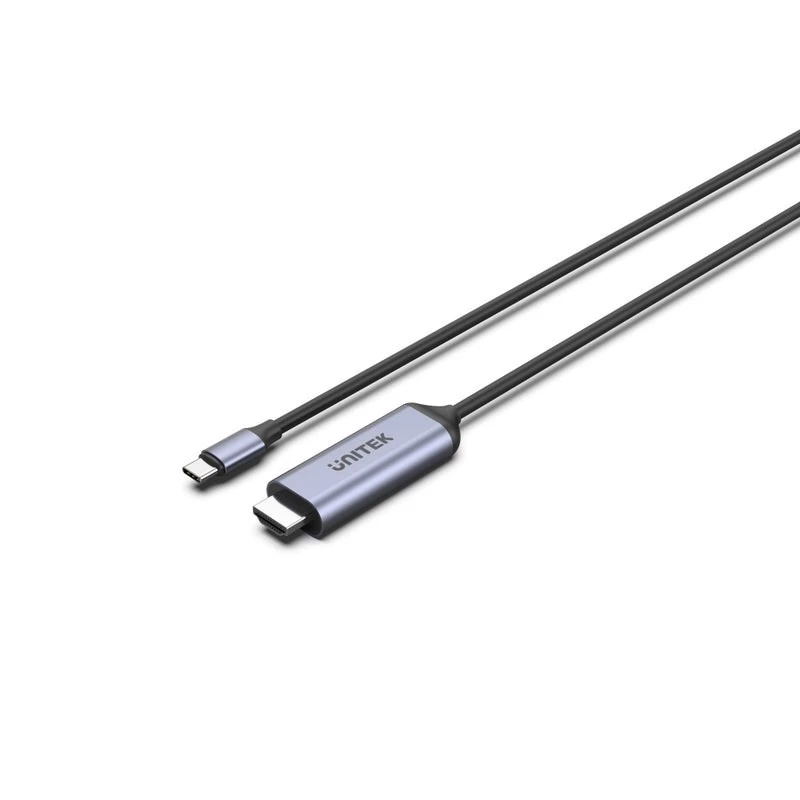
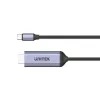
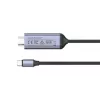
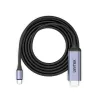
Cable Unitek USB-C a HDMI 8K, USB4, HDR10+, 1,8 m

Cable Unitek USB-C a HDMI 8K, USB4, HDR10+, 1,8 m
31,83 €
The Unitek USB-C to HDMI Cable 8K, USB4, HDR10+, 1.8 m provides a single-cable connection from a USB-C or USB4 host to an HDMI display, delivering high-resolution video and multichannel audio. Designed for direct transmission to monitors, TVs and projectors, the cable supports up to 8K video and HDR... Leer más
Stock 1 Código 2261876 Marca UNITEK Modelo V1423BGY01 Garantía 2 años

Envíos y devoluciones

Entrega estimada Martes, Octubre 20
Te mantendremos informado a través de nuestro sistema de seguimiento detallado
Opciones de pago
Tarjeta bancariaVisaMastercardPayPalApple PayGoogle PayTransferencia bancaria

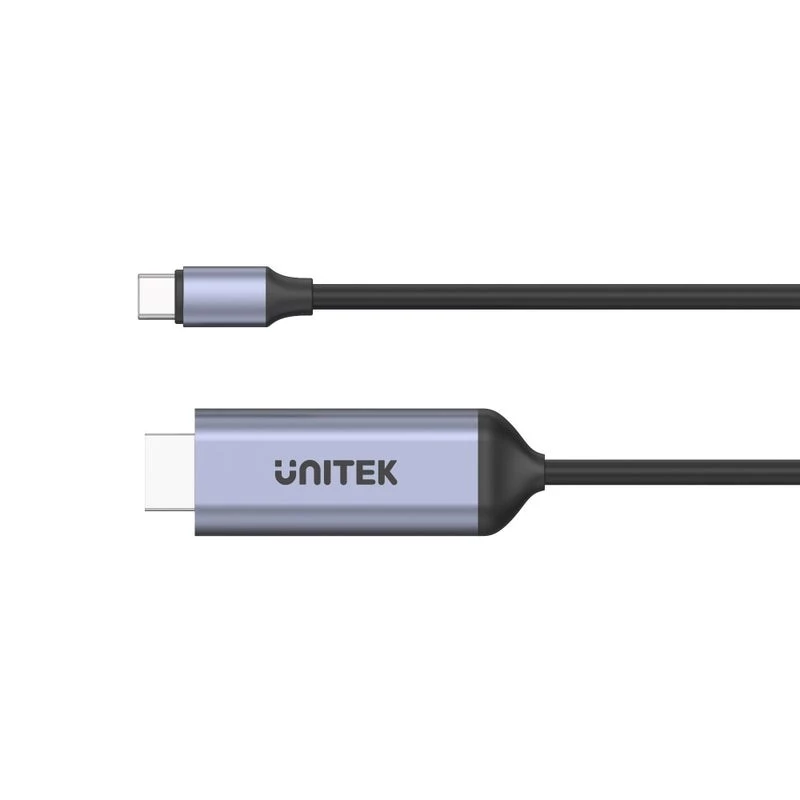
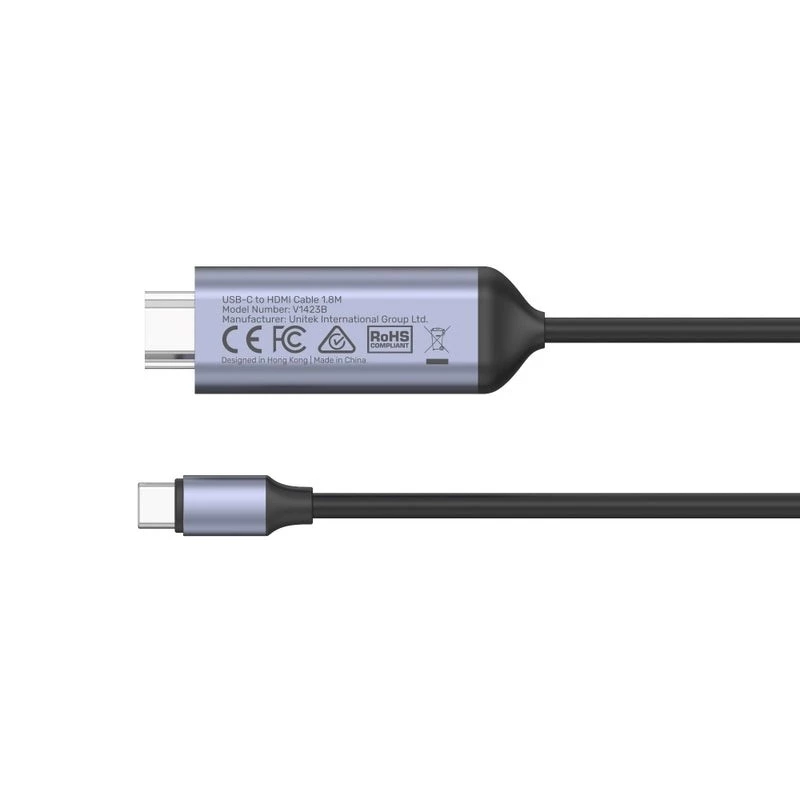
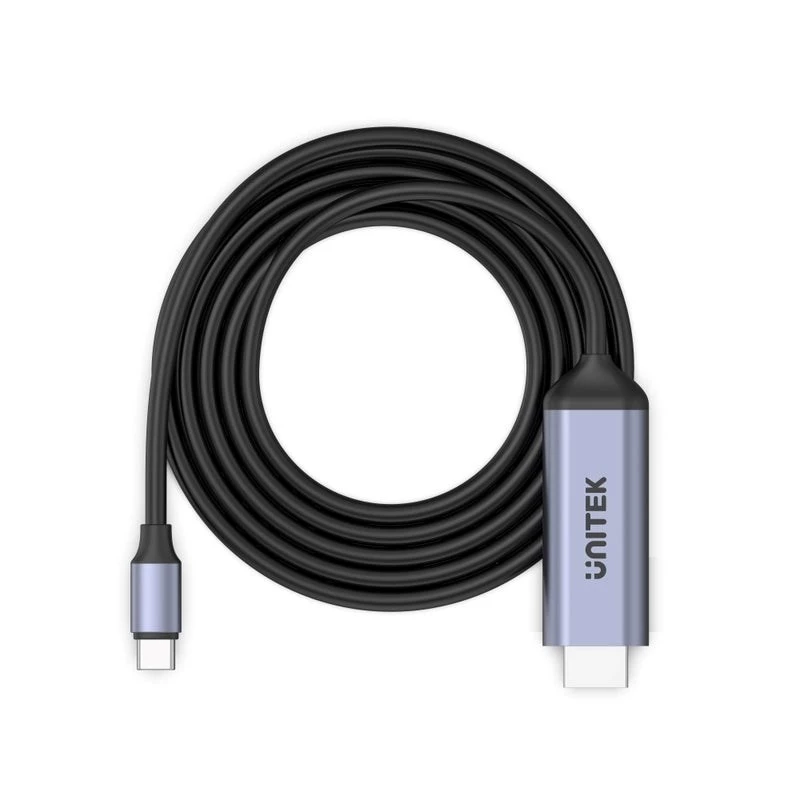
The Unitek USB-C to HDMI Cable 8K, USB4, HDR10+, 1.8 m provides a single-cable connection from a USB-C or USB4 host to an HDMI display, delivering high-resolution video and multichannel audio. Designed for direct transmission to monitors, TVs and projectors, the cable supports up to 8K video and HDR10+ imaging where both source and display are compatible. With a 1.8 metre length and plug-and-play operation, it is intended for desktop workstations, meeting rooms and home entertainment setups that require a reliable wired connection.

Advantages

This cable supports ultra-high-definition output up to 8K and HDR10+ dynamic metadata for improved contrast and colour fidelity. It utilises the bandwidth available via USB4/USB-C video alt mode to deliver stable video and audio signals without additional adapters. The 1.8 m length offers flexibility for typical desk and living-room layouts while keeping signal integrity for video transmission. No driver installation is required for compatible devices, enabling immediate use after connection.

Suitable for

Key specifications

How to use

Connect the USB-C end of the cable to a compatible USB-C or USB4 port on your laptop, tablet or desktop. Plug the HDMI end into the HDMI input of your monitor, TV or projector. Select the corresponding HDMI input on the display. The host device should automatically detect the external display and configure resolution and audio output; adjust display settings on the host if needed. Ensure both source and display support the intended resolution and HDR10+ for full feature functionality.

Recommendations

For best results, use with devices and displays that explicitly support USB4 or USB-C video alt mode and HDMI connections capable of 8K/HDR10+. Avoid running the cable near high-power electrical equipment to minimise potential interference. When aiming for maximum resolution and HDR performance, confirm that display settings and host graphics drivers are up to date.

Aspectos destacados
  • Connecting laptops or desktops with USB-C/USB4 to 4K or 8K monitors and TVs
  • Presentations and conference-room displays
  • Home theatre setups and streaming media players
  • Professional workstations requiring high-resolution external displays
  • Connector types: USB-C (host) to HDMI (display)
  • Maximum supported resolution: up to 8K (dependent on host and display capabilities)
  • HDR support: HDR10+ compatible
  • Audio: supports multi-channel audio via HDMI
  • Cable length: 1.8 metres
  • Video standard: compatible with USB4 / USB-C alternate mode for display output
Historial de precios de los últimos 6 meses
Cable Unitek USB-C a HDMI 8K, USB4, HDR10+, 1,8 m
Actual
31,83 €
Mínimo
31,21 €
Máximo
37,47 €
Variación 24 h
+0,50 €   +2%
Semana
+0,36 €   +1%
Mes
+0,10 €   +0%

Productos populares en esta categoría

Hola, soy el asistente de IA de DistriNode. Puedo ayudarte a encontrar productos, comparar opciones, crear presupuestos en PDF o abrir solicitudes de soporte.