
Cuenta Contacto
Tu carrito
Envío con DPD y FedEx
¿Dudas? Pregunte a la IA

ITEC i-tec USB-C KVM Dock PRO para tres hosts, Dual-Video, 2x Power Delivery (máx. 92W), USB 3.2, 10 Gbit/s, Gigabit-Ethernet

ITEC i-tec USB-C KVM Dock PRO para tres hosts, Dual-Video, 2x Power Delivery (máx. 92W), USB 3.2, 10 Gbit/s, Gigabit-Ethernet
226,81 €
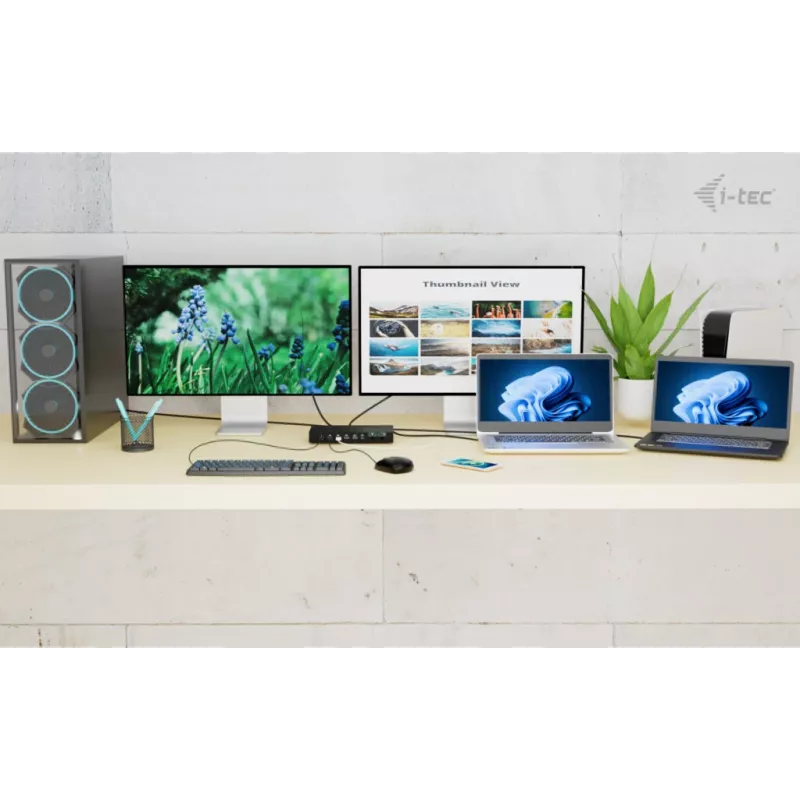
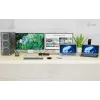
The ITEC i-tec USB-C KVM Dock PRO is a high-performance docking station that connects up to three host devices — one PC or game console plus two notebooks or tablets — and provides dual external video outputs. It supports laptops and devices with USB-C, USB4, or Thunderbolt 3/4/5 ports and allows a ... Leer más
Stock 4 Código 108245 Marca I-TEC Modelo C31KVMDOCKPDPRO Garantía 2 años

Envíos y devoluciones

Entrega estimada Miércoles, Octubre 21
Te mantendremos informado a través de nuestro sistema de seguimiento detallado
Opciones de pago
Tarjeta bancariaVisaMastercardPayPalApple PayGoogle PayTransferencia bancaria

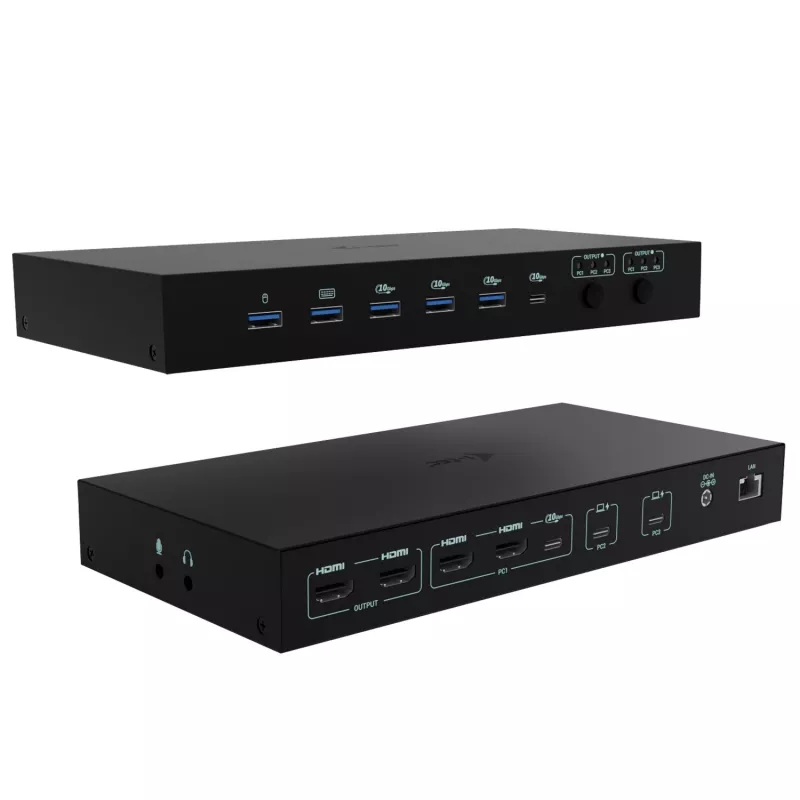
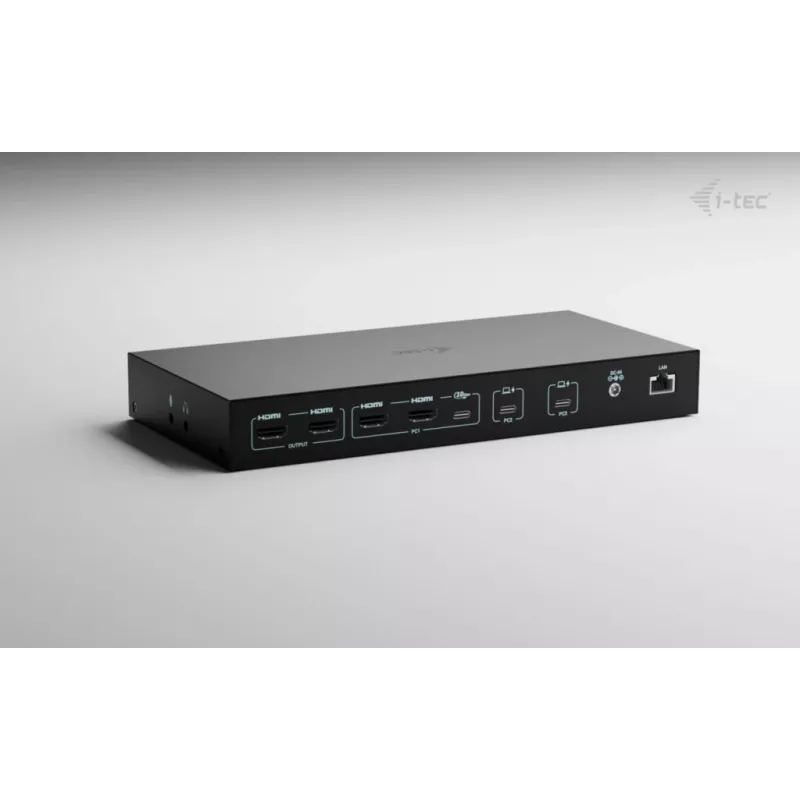
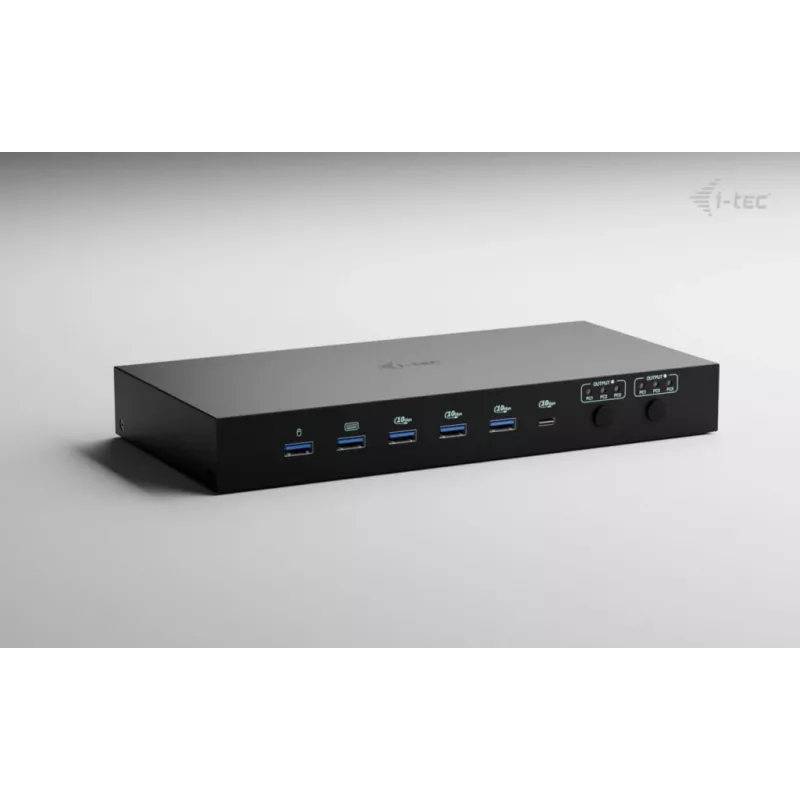
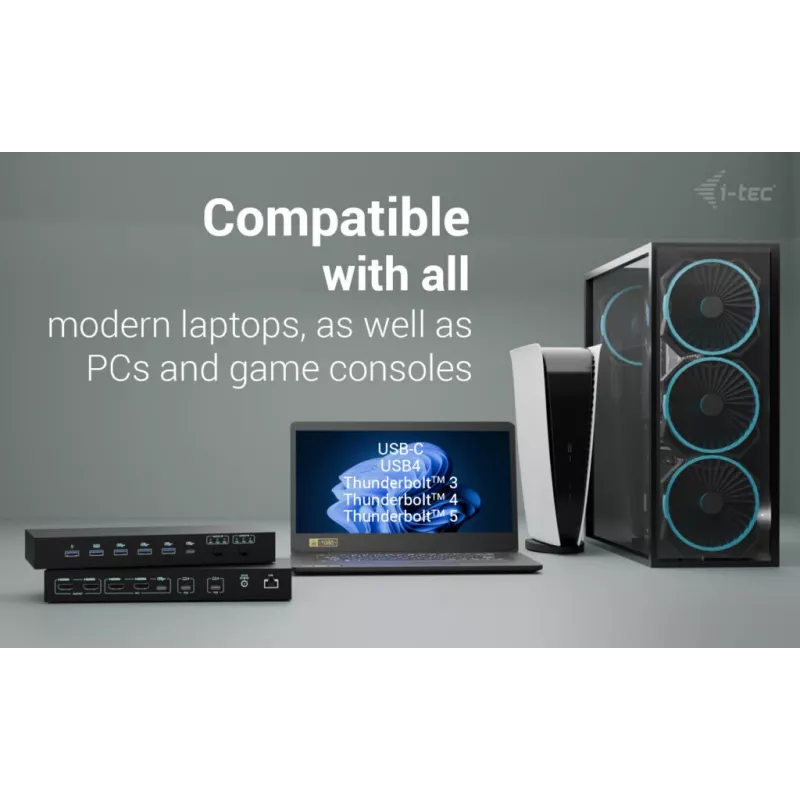
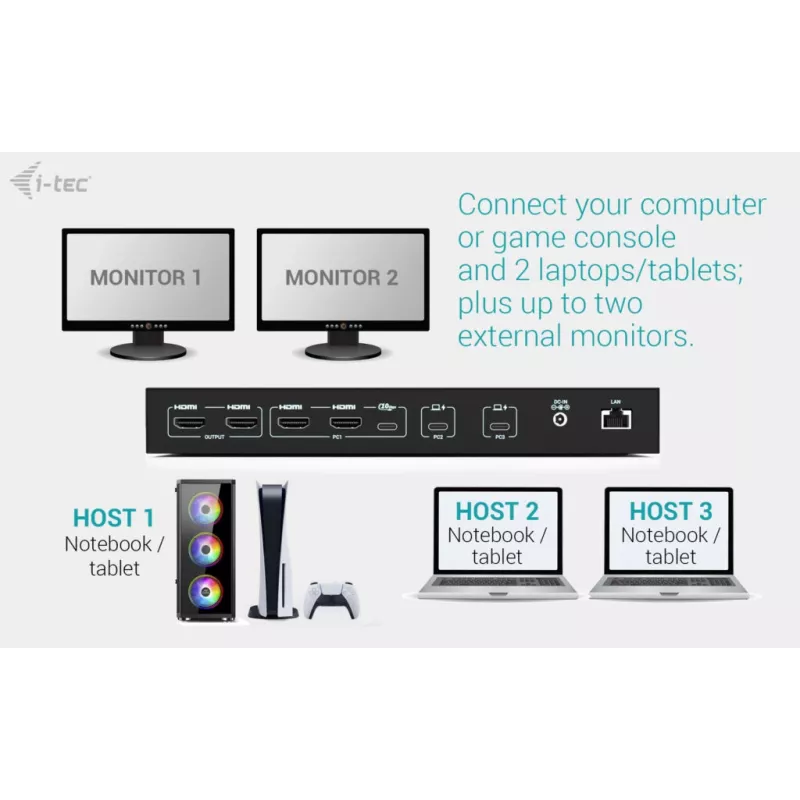
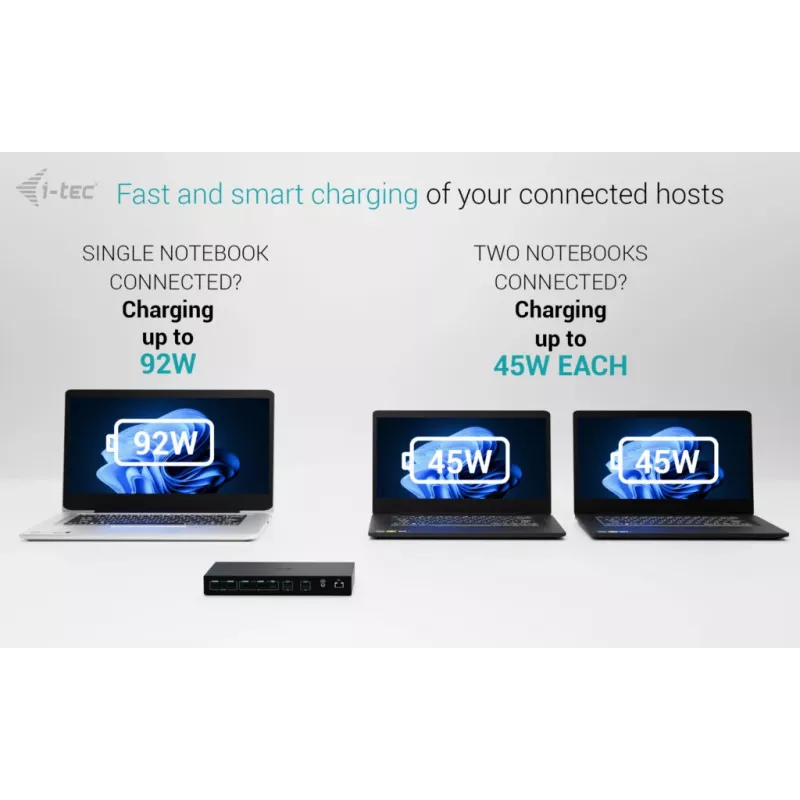
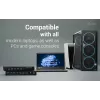
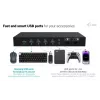
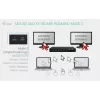
The ITEC i-tec USB-C KVM Dock PRO is a high-performance docking station that connects up to three host devices — one PC or game console plus two notebooks or tablets — and provides dual external video outputs. It supports laptops and devices with USB-C, USB4, or Thunderbolt 3/4/5 ports and allows a PC or console to be connected via HDMI and USB. The dock includes Gigabit Ethernet, audio and microphone jacks, four high-speed USB ports (10 Gbps) for peripherals, and two smart USB roaming ports to share a keyboard and mouse between hosts. Intelligent Power Delivery supplies up to 92 W to a single laptop or 45 W to each of two devices when both are charged simultaneously. The unit supports independent or mirrored displays and is suitable for multi-computer workflows and desktop productivity.

Advantages

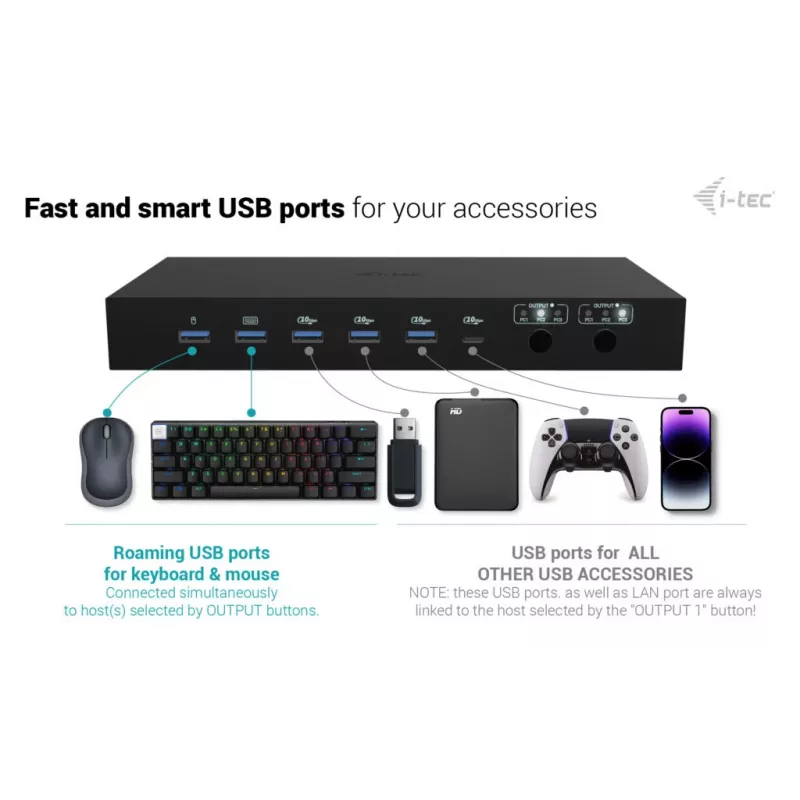
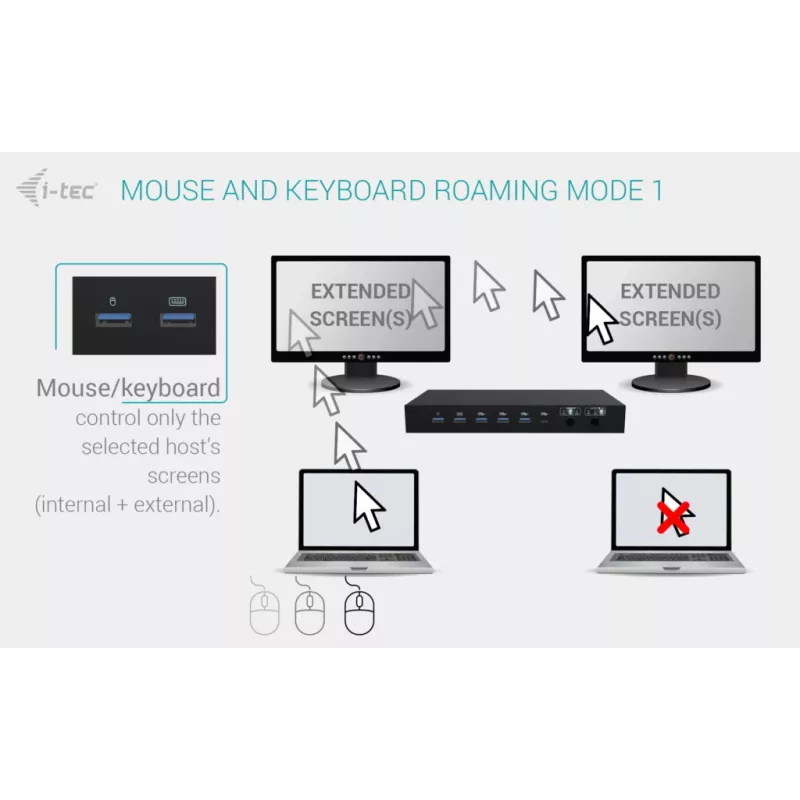
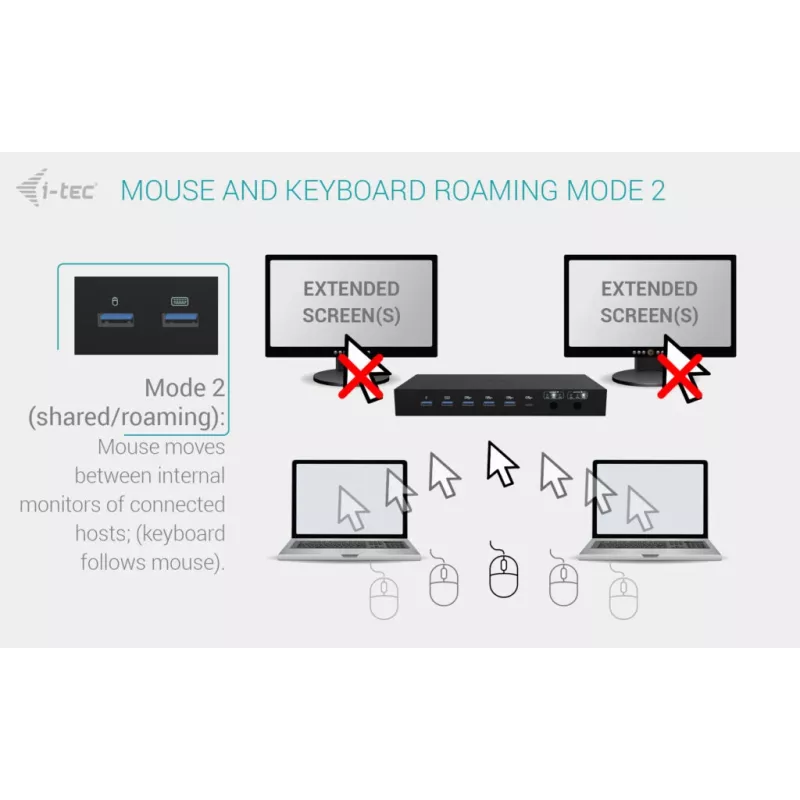
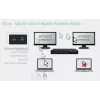
The docking station supports simultaneous connection of up to three hosts and offers flexible dual-monitor arrangements, including mirrored or independent outputs. Two USB roaming ports let you share one keyboard and mouse across two hosts for seamless switching, while four 10 Gbps USB ports provide fast connectivity for external drives and peripherals. Integrated Gigabit Ethernet and dedicated audio/microphone jacks complete the connectivity package. Power Delivery manages charging intelligently, providing high wattage to one device or balanced power to two.

Suitable for

  • Users who need to connect and switch between multiple computers or game consoles
  • Multitasking professionals who use two external monitors for parallel workflows
  • Home office or hybrid work setups requiring Ethernet, audio, and multiple USB peripherals
  • Environments where keyboard and mouse must be shared between two hosts

When it may not be suitable

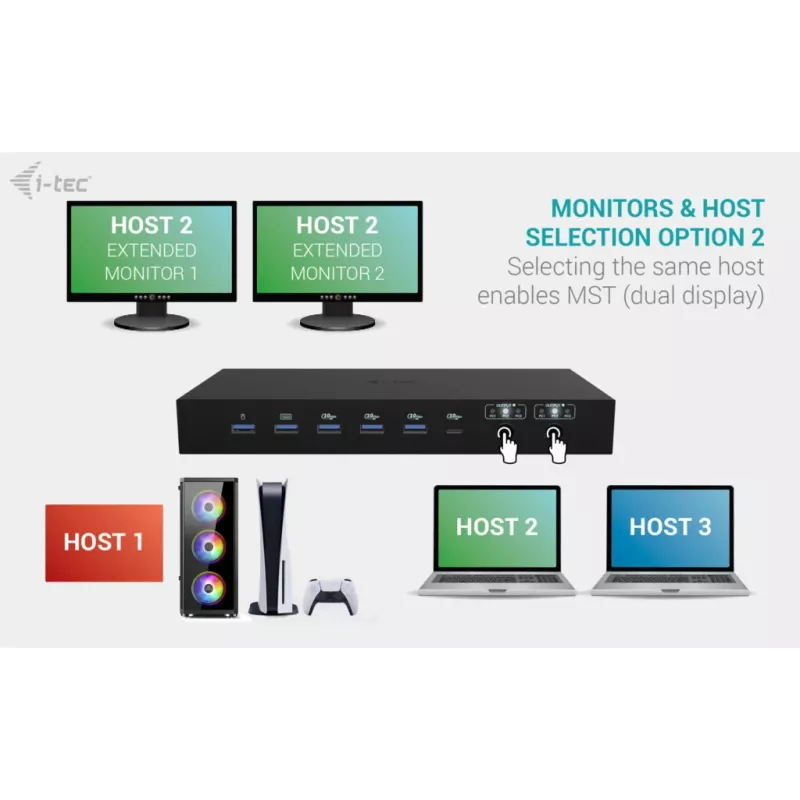
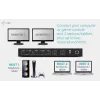
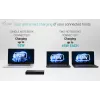
macOS does not support Multi-Stream Transport (MST) for multi-display video output, so on macOS both connected monitors will show the same mirrored image rather than independent displays. If you require independent multi-monitor output from a single macOS host, this dock will be limited by the operating system behavior.

Key specifications

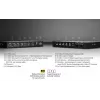
  • Host compatibility: devices with USB-C, USB4, or Thunderbolt 3/4/5 ports; PC/console via HDMI+USB
  • Number of hosts supported: up to 3 (2 laptops/tablets + 1 PC/console)
  • External displays: up to 2 monitors, up to 4K/60 Hz (dependent on host capabilities)
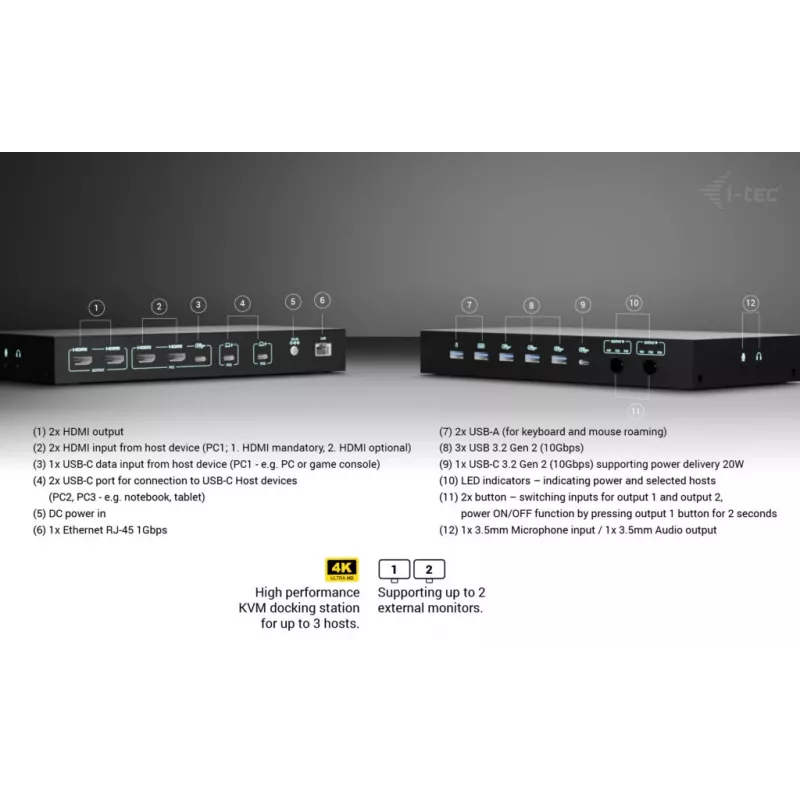
  • USB data ports: 4× high-speed USB (10 Gbps) for peripherals; additional 2 smart USB roaming ports for keyboard/mouse
  • Host interface: USB 3.2 Gen 1 Type-C
  • Power Delivery: up to 92 W for single device or 45 W each for two devices
  • Ethernet: Gigabit LAN (10/100/1000 Mbps)
  • Audio: 2× 3.5 mm ports (audio out and microphone)
  • Physical: weight approx. 0.797 kg; colour: black

How to use

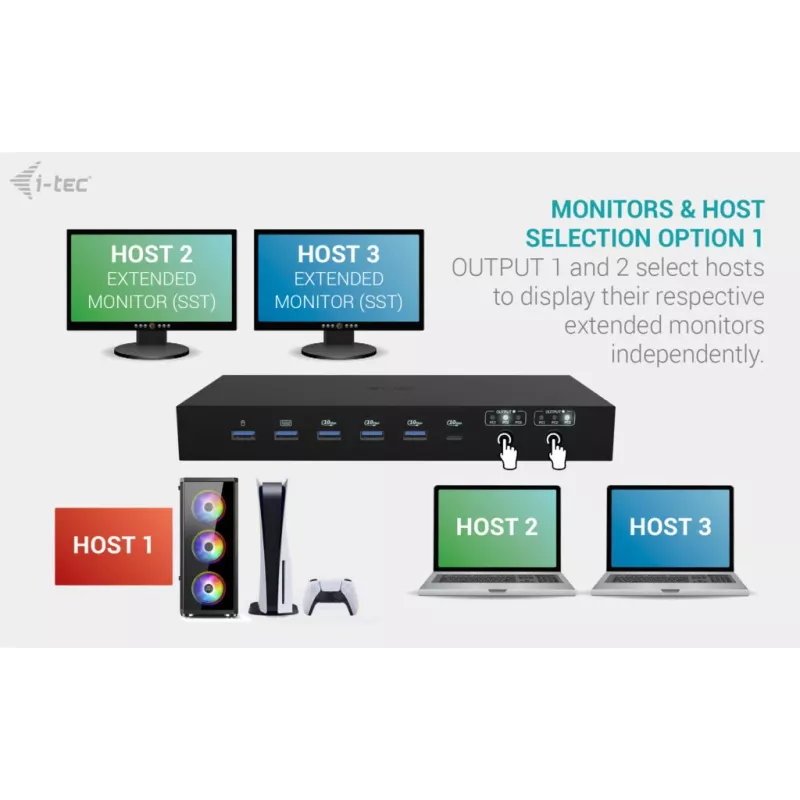
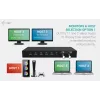
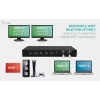
Connect the docking station to each host using the appropriate USB-C / Thunderbolt or HDMI+USB connections. Attach your external monitors to the dock’s video outputs and select the desired output mode with the two OUTPUT buttons — choose mirrored displays from one host or independent operation across two hosts. Plug peripherals into the 10 Gbps USB ports and use the two roaming USB ports to connect a keyboard and mouse that can be shared between two hosts. Connect Ethernet and audio devices as needed. When charging laptops, the dock will provide up to 92 W to a single machine or distribute 45 W to each of two devices simultaneously.

What to consider before purchase

  • macOS limitation: macOS does not support MST, so dual monitors will be mirrored on Mac hosts
  • Check host ports: ensure your laptops or tablets support video and data over their USB-C/Thunderbolt or provide HDMI on the PC/console
  • Power needs: confirm whether 92 W (single) or 45 W (each when two devices) meets your device charging requirements
  • Monitor capabilities: verify your monitors and host GPUs support the desired resolution and refresh rate (e.g., 4K/60 Hz or higher)

Recommendations

For stable dual-host workflows, connect one host per OUTPUT and use the roaming USB ports to share a single keyboard and mouse between the two most frequently switched systems; ensure macOS hosts are used only for mirrored displays or plan for an external GPU/adapter if independent multi-monitor output is required.
Aspectos destacados
  • Users who need to connect and switch between multiple computers or game consoles
  • Multitasking professionals who use two external monitors for parallel workflows
  • Home office or hybrid work setups requiring Ethernet, audio, and multiple USB peripherals
  • Environments where keyboard and mouse must be shared between two hosts
  • Host compatibility: devices with USB-C, USB4, or Thunderbolt 3/4/5 ports; PC/console via HDMI+USB
  • Number of hosts supported: up to 3 (2 laptops/tablets + 1 PC/console)
  • External displays: up to 2 monitors, up to 4K/60 Hz (dependent on host capabilities)
  • USB data ports: 4× high-speed USB (10 Gbps) for peripherals; additional 2 smart USB roaming ports for keyboard/mouse
  • Host interface: USB 3.2 Gen 1 Type-C
  • Power Delivery: up to 92 W for single device or 45 W each for two devices
  • Ethernet: Gigabit LAN (10/100/1000 Mbps)
  • Audio: 2× 3.5 mm ports (audio out and microphone)
  • Physical: weight approx. 0.797 kg; colour: black
  • macOS limitation: macOS does not support MST, so dual monitors will be mirrored on Mac hosts
  • Check host ports: ensure your laptops or tablets support video and data over their USB-C/Thunderbolt or provide HDMI on the PC/console
  • Power needs: confirm whether 92 W (single) or 45 W (each when two devices) meets your device charging requirements
  • Monitor capabilities: verify your monitors and host GPUs support the desired resolution and refresh rate (e.g., 4K/60 Hz or higher)
Especificaciones
Adaptador de corriente incluido
Yes
Altura
30 mm
Ancho
240 mm
Cables incluidos
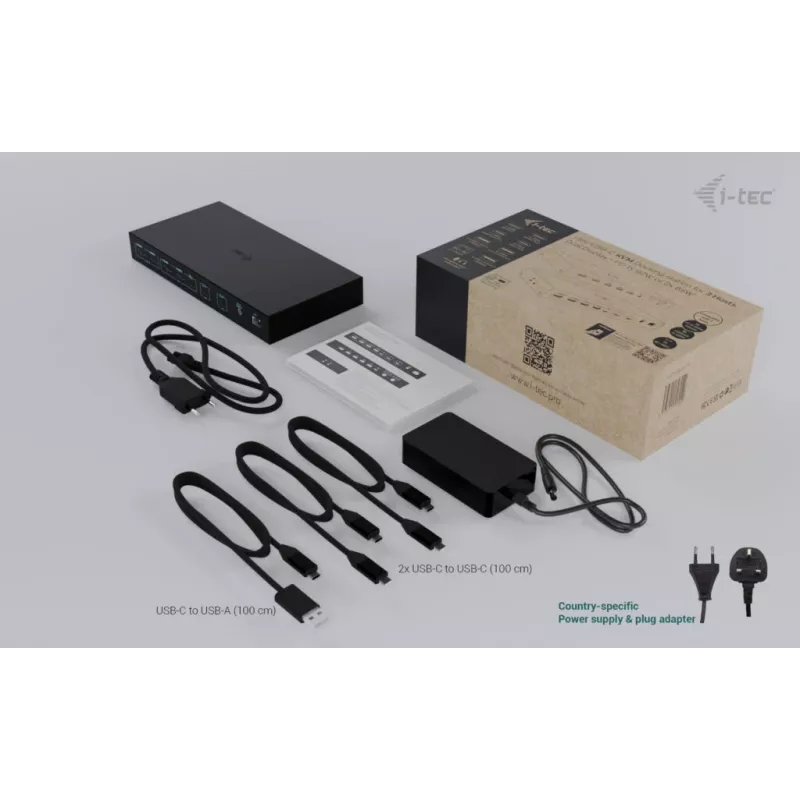
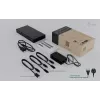
Power, USB Type-C to USB Type-A, USB Type-C to USB Type-C
Color del producto
Black
Conectividad de auriculares
3.5 mm
Conector de entrada de CC
Yes
Corriente de salida
9 A
Entrada de micrófono
Yes
Ethernet LAN
Yes
Frecuencia de refresco máxima
144 Hz
Fuente de alimentación
180 W
Indicadores LED
Yes
Interfaz de host
USB 3.2 Gen 1 (3.1 Gen 1) Type-C
Interruptor de encendido/apagado
Yes
Lector de tarjetas integrado
No
Longitud del cable USB
1 m
Manual
Yes
Modo alternativo DisplayPort por USB tipo C
Yes
Número de pantallas compatibles
2
Número de puertos HDMI
4
Número de puertos USB 2.0
0
Número de puertos USB 3.2 Gen 1 (3.1 Gen 1) tipo A
2
Número de puertos USB 3.2 Gen 1 (3.1 Gen 1) tipo C
2
Número de puertos USB 3.2 Gen 2 (3.1 Gen 2) tipo A
3
Número de puertos USB 3.2 Gen 2 (3.1 Gen 2) tipo C
1
Otros sistemas operativos compatibles
ChromeOS
Peso
797 g
Profundidad
115 mm
Puertos Ethernet LAN (RJ-45)
1
Salidas de auriculares
1
Sistemas operativos Linux compatibles
Yes
Sistemas operativos Mac compatibles
Yes
Sistemas operativos móviles compatibles
Android, iOS
Sistemas operativos Windows compatibles
Yes
Tecnología de conectividad
Wired
Tensión de salida
20 V
Tipo de fuente de alimentación
AC
Tipos de enchufe compatibles
EU
USB Power Delivery (USB PD)
Yes
USB Power Delivery hasta
92 W
Velocidad de transferencia de datos
10 Gbit/s
Velocidades de datos de Ethernet LAN
10,100,1000 Mbit/s
Versión de HDMI
2.0

Folleto

Abrir documento
Historial de precios de los últimos 6 meses
ITEC i-tec USB-C KVM Dock PRO para tres hosts, Dual-Video, 2x Power Delivery (máx. 92W), USB 3.2, 10 Gbit/s, Gigabit-Ethernet
Actual
226,81 €
Mínimo
213,45 €
Máximo
239,11 €
Variación 24 h
+1,56 €   +1%
Semana
+12,15 €   +6%
Mes
+8,31 €   +4%

Productos populares en esta categoría

Vendedor: UAB KUR LT · Laisvės pr. 125A, LT-06118 Vilna, Lituania · Código de empresa 303192950 · NIF-IVA UE LT100008198612 · Envío desde la UE (Lituania)
Messenger
Hola, soy el asistente de IA de DistriNode. Puedo ayudarte a encontrar productos, comparar opciones, crear presupuestos en PDF o abrir solicitudes de soporte.