
Cuenta Contacto
Tu carrito
Envío con DPD y FedEx
¿Dudas? Pregunte a la IA

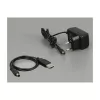
Splitter de vídeo HDMI DeLOCK 18684

Splitter de vídeo HDMI DeLOCK 18684
75,04 €
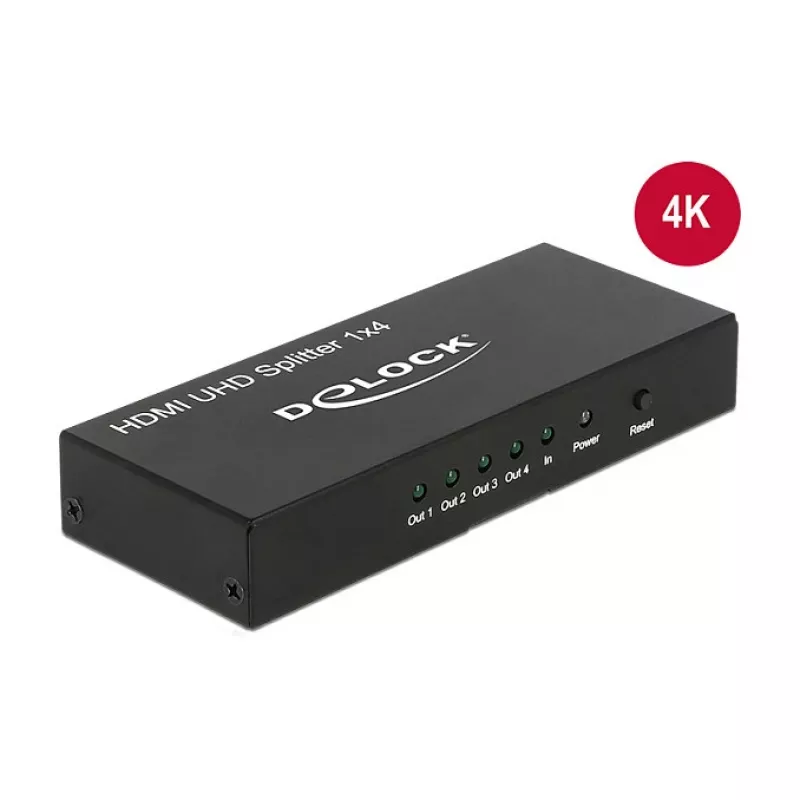
The DeLOCK 18684 HDMI video splitter receives a single HDMI signal from a PC or laptop and duplicates it to up to four HDMI displays. It supports a maximum resolution of 3840 x 2160 pixels and comes in a compact metal housing with dimensions of 123 x 51 x 20 mm. The unit accepts AC input voltage 100... Leer más
Stock 100 Código 1394066 Marca DELOCK Modelo 18684 Garantía 2 años

Envíos y devoluciones

Entrega estimada Martes, Octubre 20
Te mantendremos informado a través de nuestro sistema de seguimiento detallado
Opciones de pago
Tarjeta bancariaVisaMastercardPayPalApple PayGoogle PayTransferencia bancaria

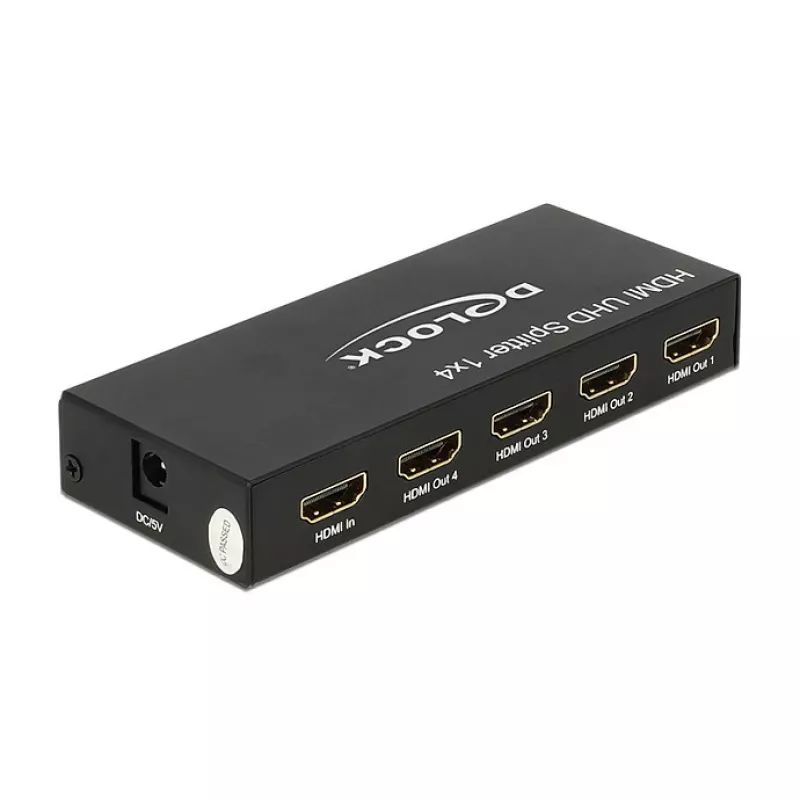
The DeLOCK 18684 HDMI video splitter receives a single HDMI signal from a PC or laptop and duplicates it to up to four HDMI displays. It supports a maximum resolution of 3840 x 2160 pixels and comes in a compact metal housing with dimensions of 123 x 51 x 20 mm. The unit accepts AC input voltage 100–240 V at 50–60 Hz and is finished in black.

Advantages

The splitter provides four identical HDMI outputs from a single source without requiring software configuration. Its metal enclosure offers mechanical durability and helps with heat dissipation. Compact size and standard AC input make it suitable for various setups where multiple HDMI monitors are needed.

Suitable for

  • Digital signage and information displays
  • Presentations in meeting rooms or classrooms
  • Multi-monitor display walls showing identical content
  • Retail and exhibition installations

Key specifications

  • Model: DeLOCK 18684
  • Video port type: HDMI
  • Number of outputs: 4
  • Maximum resolution: 3840 x 2160 pixels
  • Input voltage: AC 100–240 V, 50–60 Hz
  • Housing: metal, colour: black
  • Dimensions: 123 x 51 x 20 mm

How to use

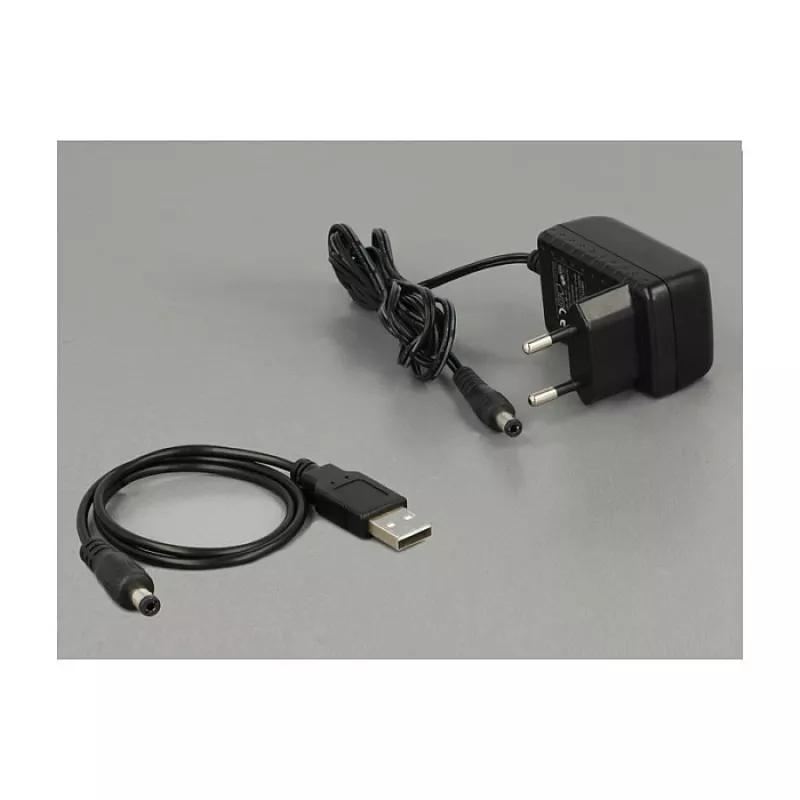
Connect an HDMI source (PC, laptop or other HDMI output) to the splitter's input. Use HDMI cables to connect up to four displays to the splitter outputs. Plug the AC adapter into a suitable mains outlet (100–240 V, 50–60 Hz). Power on the source and displays; the splitter will duplicate the source image to all connected monitors at the supported resolution.

Recommendations

Use high-quality HDMI cables and ensure all displays support the intended resolution. For long cable runs or higher refresh rates, check cable specifications to maintain signal integrity.
Aspectos destacados
  • Digital signage and information displays
  • Presentations in meeting rooms or classrooms
  • Multi-monitor display walls showing identical content
  • Retail and exhibition installations
  • Model: DeLOCK 18684
  • Video port type: HDMI
  • Number of outputs: 4
  • Maximum resolution: 3840 x 2160 pixels
  • Input voltage: AC 100–240 V, 50–60 Hz
  • Housing: metal, colour: black
  • Dimensions: 123 x 51 x 20 mm
Especificaciones
3D
Yes
Ancho de cinta
600 MHz
Código del Sistema Armonizado (HS)
85176990
Color del producto
Black
Conector de entrada de CC
Yes
Consumo de energía (típico)
2.4 W
Corriente de entrada
0.3
Corriente de salida
1 A
Dimensiones (An x Al x P)
123 x 51 x 20
Frecuencia de entrada de CA
50 - 60
Full HD
Yes
HD-Ready
Yes
HDCP
Yes
Indicadores LED
Y
Manual
Yes
Material de la carcasa
Metal
Modos de vídeo compatibles
2160p
Número de puertos de vídeo
4
Resolución máxima
3840 x 2160
Resoluciones gráficas compatibles
3840 x 2160
Salida de vídeo
4x HDMI
Tensión de entrada de CA
100-240
Tensión de salida
5
Tipo de embalaje
Box
Tipo de puerto de vídeo
HDMI

Folleto

Abrir documento
Historial de precios de los últimos 6 meses
Splitter de vídeo HDMI DeLOCK 18684
Actual
75,04 €
Mínimo
73,16 €
Máximo
82,37 €
Variación 24 h
+1,39 €   +2%
Semana
+1,88 €   +3%
Mes
-3,53 €   -4%

Productos populares en esta categoría

Hola, soy el asistente de IA de DistriNode. Puedo ayudarte a encontrar productos, comparar opciones, crear presupuestos en PDF o abrir solicitudes de soporte.