
Cuenta Contacto
Tu carrito
Envío con DPD y FedEx
¿Dudas? Pregunte a la IA

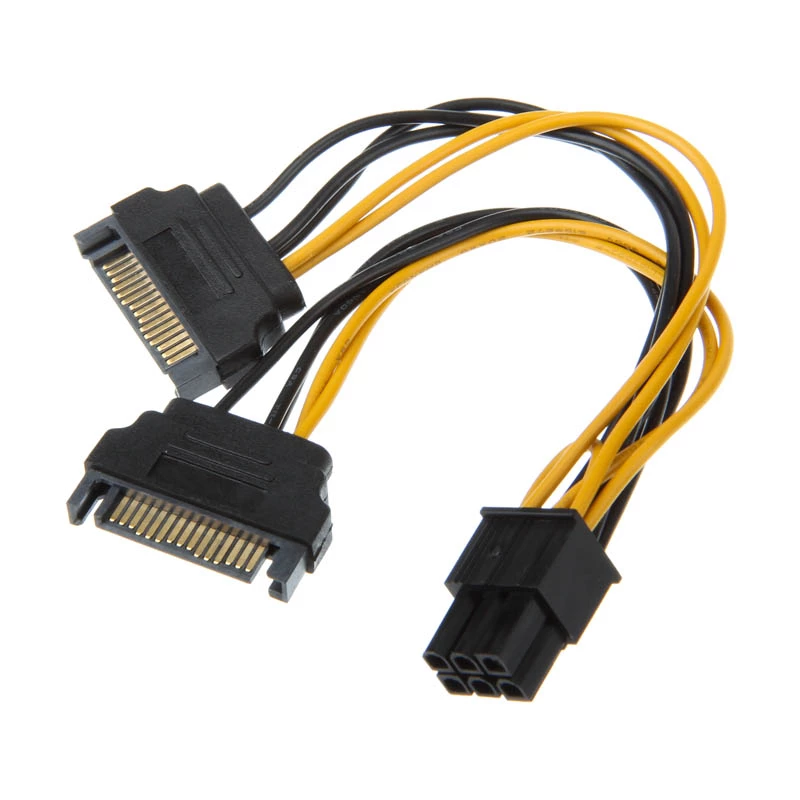
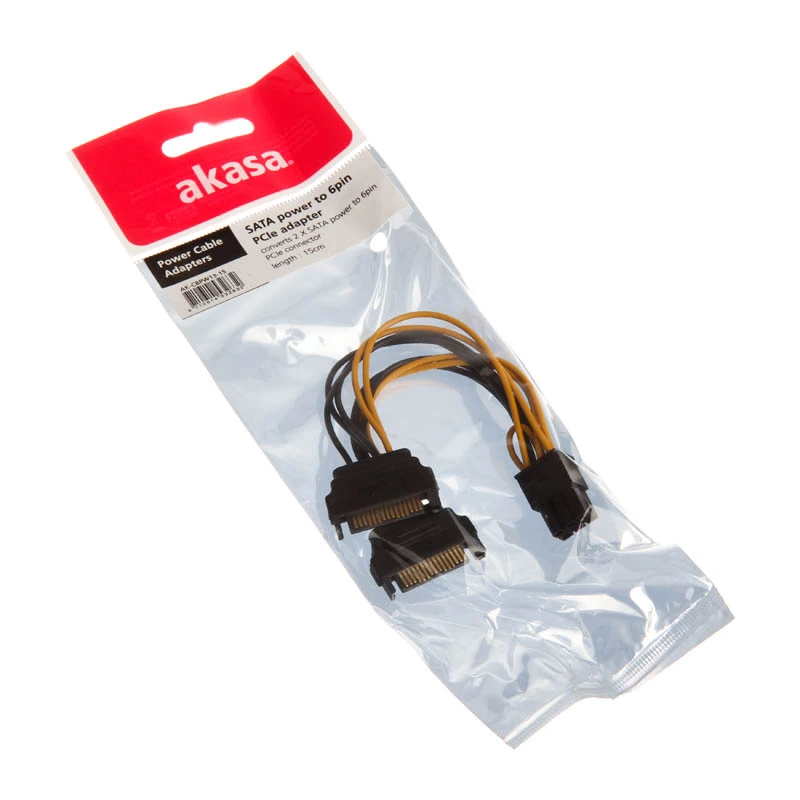
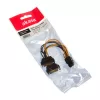
Cable de alimentación interno Akasa AK-CBPW13-15 0,15 m

Cable de alimentación interno Akasa AK-CBPW13-15 0,15 m
7,75 €
The Akasa AK-CBPW13-15 is a 0.15m internal power cable that converts two SATA power connectors into a single 6-pin PCIe connector. It provides PSU support for PCIe VGA cards by adapting available SATA power lines into the PCIe 6-pin plug, offering a compact solution for installations with limited ca... Leer más
Stock 4 Código 1176570 Marca AKASA Modelo AK-CBPW13-15 Garantía 2 años

Envíos y devoluciones

Entrega estimada Viernes, Octubre 16
Te mantendremos informado a través de nuestro sistema de seguimiento detallado
Opciones de pago
Tarjeta bancariaVisaMastercardPayPalApple PayGoogle PayTransferencia bancaria

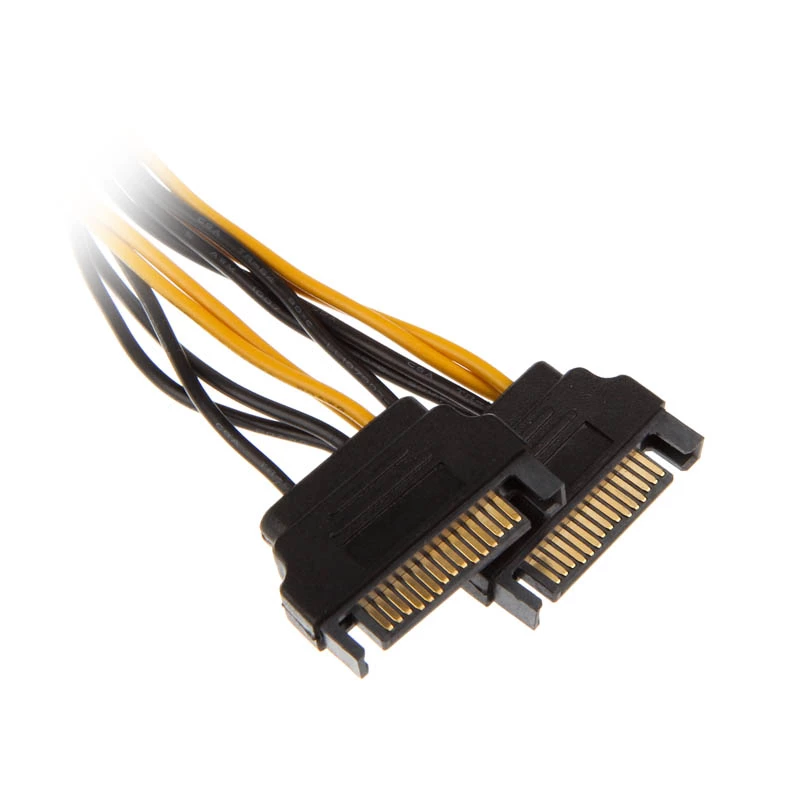
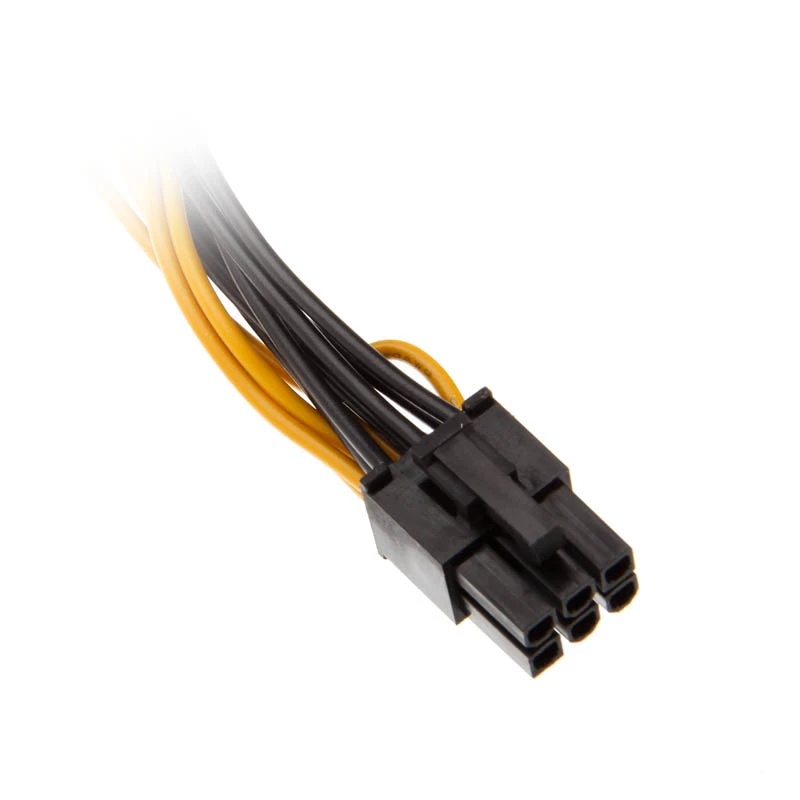
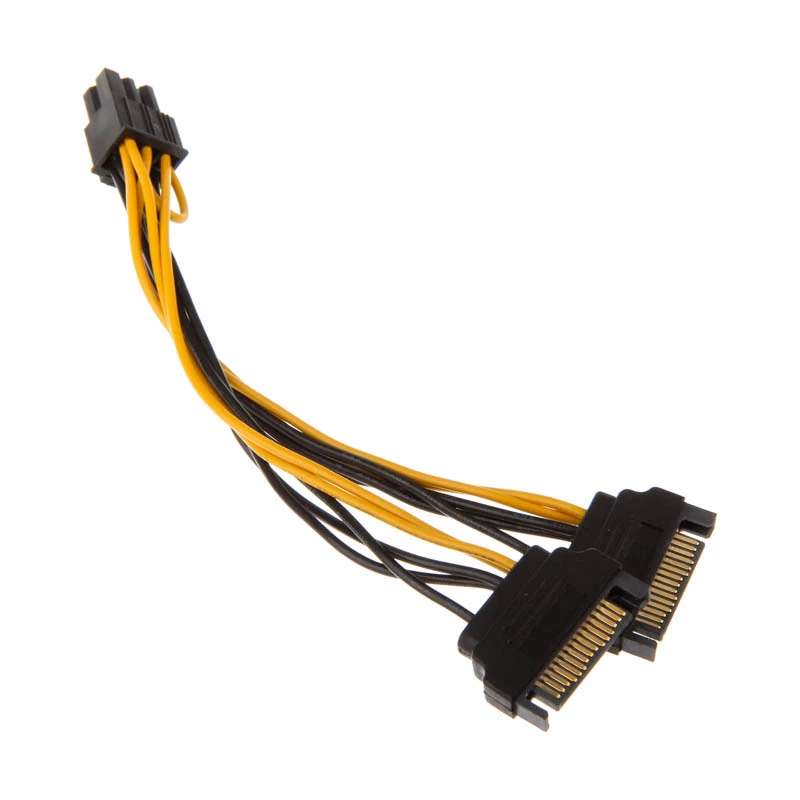
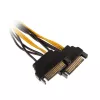
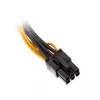
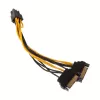
The Akasa AK-CBPW13-15 is a 0.15m internal power cable that converts two SATA power connectors into a single 6-pin PCIe connector. It provides PSU support for PCIe VGA cards by adapting available SATA power lines into the PCIe 6-pin plug, offering a compact solution for installations with limited cable length and tight internal space.

Advantages

This adapter cable updates PSU compatibility for PCIe VGA cards without requiring a new power supply. Its short 15 cm length helps reduce cable clutter inside the case and improves cable routing in compact builds. The cable is finished in black to blend with typical PC internals and supports straightforward connection between SATA power outputs and a PCIe 6-pin graphics connector.

Suitable for

  • Installing a PCIe graphics card when the PSU lacks free PCIe power connectors
  • Small form-factor or compact PC builds with limited cable space
  • Temporary or maintenance power connections for SATA-equipped PSUs

Key specifications

  • Cable length: 0.15 m
  • Connector 1: 2 x SATA 15-pin
  • Connector 2: PCI-E 6-pin
  • Colour: Black
  • Manufacturer: Akasa, MPN AK-CBPW13-15, EAN 4710614532632

How to use

Power off the PC and unplug it from mains before installing the cable. Connect the two SATA power plugs to available SATA power outputs from the PSU, then attach the 6-pin PCIe connector to the graphics card’s PCIe power socket. Ensure all connectors are fully seated and check for secure routing to avoid contact with fans or moving parts before powering the system back on.

Recommendations

Use this cable only with PSUs that provide sufficient amperage on SATA rails for the target graphics card; consult the graphics card and PSU specifications to confirm power requirements. Avoid using adapters as a permanent substitute for required native PCIe power connectors if the card’s power draw exceeds the PSU’s supported output.
Aspectos destacados
  • Installing a PCIe graphics card when the PSU lacks free PCIe power connectors
  • Small form-factor or compact PC builds with limited cable space
  • Temporary or maintenance power connections for SATA-equipped PSUs
  • Cable length: 0.15 m
  • Connector 1: 2 x SATA 15-pin
  • Connector 2: PCI-E 6-pin
  • Colour: Black
  • Manufacturer: Akasa, MPN AK-CBPW13-15, EAN 4710614532632
Especificaciones
Color del producto
Black
Conector 1
2 x SATA 15-pin
Conector 2
PCI-E (6-pin)
Longitud del cable
0.15 m
Historial de precios de los últimos 6 meses
Cable de alimentación interno Akasa AK-CBPW13-15 0,15 m
Actual
7,75 €
Mínimo
6,48 €
Máximo
47,88 €
Variación 24 h
+0,53 €   +7%
Semana
+0,54 €   +8%
Mes
+0,55 €   +8%

Productos populares en esta categoría

Hola, soy el asistente de IA de DistriNode. Puedo ayudarte a encontrar productos, comparar opciones, crear presupuestos en PDF o abrir solicitudes de soporte.